
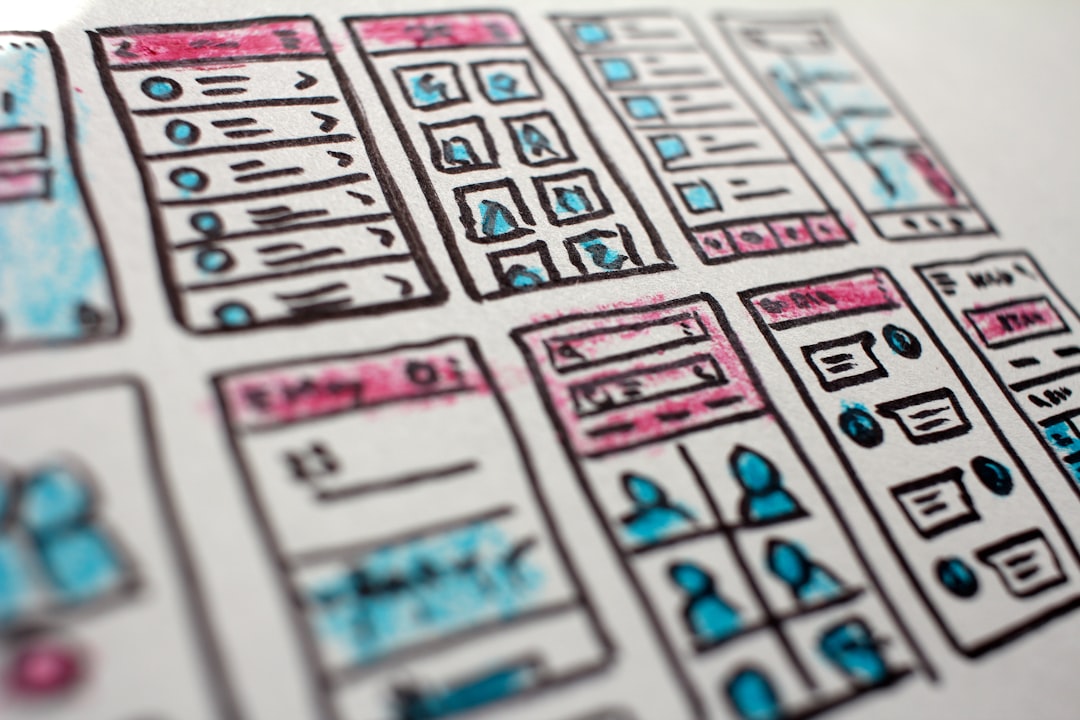
Big web apps can feel like giant pizzas. Tons of toppings. Hard to slice. Harder to share. That is where micro-frontends come in. They break a big frontend into small, independent pieces. Each team owns a slice. Each slice can be built, tested, and deployed alone. Clean. Fast. Flexible.
TLDR: Micro-frontends split large frontend apps into smaller, independent parts. This makes development faster and easier for big teams. There are many tools that help manage, bundle, and connect these pieces. Below are 8 of the best micro-frontend tools and how they work.
Before we jump in, imagine this:
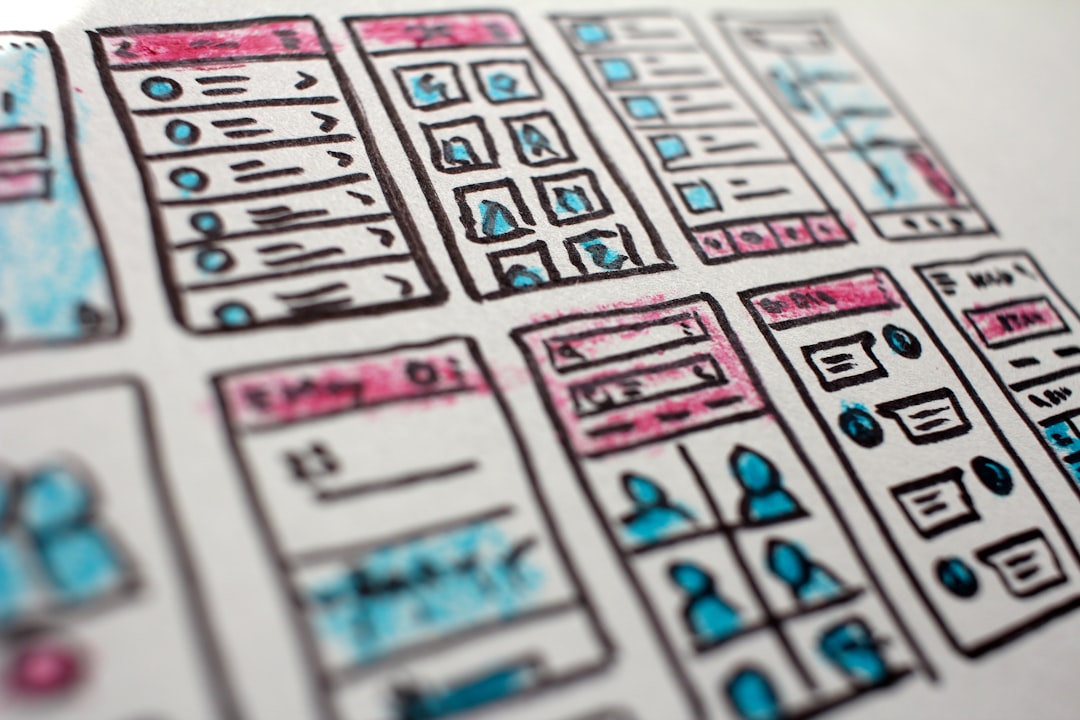
Each box on the screen? A mini app. Built by a different team. Deployed at different times. Yet they all look like one seamless product.
Let’s explore the tools that make this magic happen.
1. Single-SPA
Single-SPA is one of the pioneers of micro-frontends. It helps you combine multiple JavaScript frameworks in one app.
Yes. You read that right.
You can use React in one part. Angular in another. Vue somewhere else.
Why it is cool:
- Framework agnostic
- Lets teams deploy independently
- Strong community support
Best for: Teams migrating from one framework to another. Or large apps with mixed technologies.
Keep in mind. It requires some setup. But once configured, it becomes very powerful.
2. Module Federation (Webpack 5)
Module Federation changed the game.
It is built into Webpack 5. It allows different apps to share code at runtime.
No more giant bundles.
Instead of shipping everything upfront, apps can load parts from other apps when needed.
Why developers love it:
- Dynamic runtime sharing
- Reduces duplication
- Native Webpack support
Best for: Teams already using Webpack.

Imagine one app borrowing a navigation bar from another app. Live. That is Module Federation.
3. Bit
Bit focuses on reusable components. It lets you create, share, and manage UI components across projects.
Think of it as a component hub.
Each component is independent. Versioned. Shareable.
What makes it special:
- Component-driven development
- Easy sharing across teams
- Works with React, Vue, Angular
Best for: Design systems and UI libraries.
This tool shines when consistency matters.
4. Piral
Piral is a full framework for micro-frontends. It provides a base app and lets you attach mini apps called pilets.
Yes, pilets. Fun name.
Main benefits:
- Strong plugin system
- Built-in state management
- Good documentation
Best for: Enterprises building modular portals.
Piral reduces boilerplate. It guides your architecture. That helps teams avoid chaos.
5. Open Components
Open Components serves UI components on demand.
Instead of bundling everything, components are fetched from a server when needed.
It is simple and lightweight.
Top features:
- Server-side rendering friendly
- Language agnostic backend
- Focus on performance
Best for: Teams that want independent component deployment.
This tool is less flashy. But it is practical and solid.
6. Luigi
Luigi is an open-source micro-frontend framework created by SAP.
It focuses on enterprise needs.
It helps manage routing, authentication, and communication between micro apps.
Why consider Luigi:
- Built-in navigation system
- Role-based access control
- Designed for large business apps
Best for: Complex enterprise dashboards.
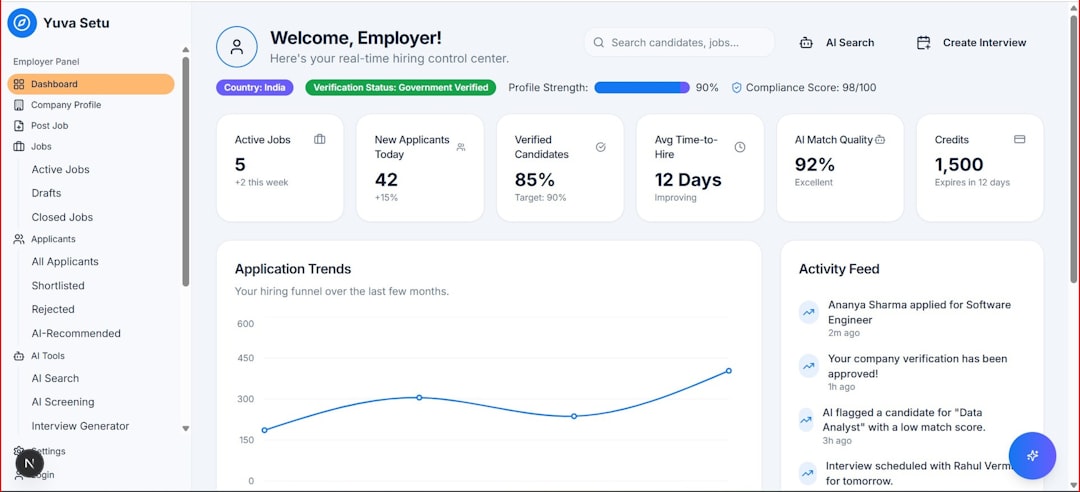
If your app has multiple secure sections. Luigi might be your friend.
7. Qiankun
Qiankun is based on Single-SPA. But it adds extra capabilities.
It is popular in Asia. Especially in large-scale platforms.
Key strengths:
- Sandbox environment for isolation
- Supports multiple frameworks
- Strong micro app lifecycle control
Best for: Apps that need strict isolation between modules.
It helps prevent global CSS and JavaScript conflicts. That is a big win.
8. Tailor
Tailor takes a server-side approach.
It composes fragments on the server before sending the final page to the browser.
This improves performance and SEO.
Main perks:
- Improved page load speed
- Edge-side rendering support
- Works well with server-side rendered apps
Best for: Content-heavy platforms.
Tailor is less about client magic. More about smart composition behind the scenes.
Micro-Frontend Tools Comparison Chart
| Tool | Framework Support | Best For | Learning Curve |
|---|---|---|---|
| Single-SPA | Any | Mixed framework apps | Medium |
| Module Federation | Webpack based | Runtime code sharing | Medium |
| Bit | React Vue Angular | Reusable components | Low to Medium |
| Piral | Any major JS | Enterprise portals | Medium |
| Open Components | Flexible | On demand components | Low |
| Luigi | Any | Enterprise dashboards | Medium |
| Qiankun | Multiple JS frameworks | Strong isolation needs | Medium |
| Tailor | Server focused | SEO and performance | Medium |
How to Choose the Right Tool
Feeling overwhelmed? That is normal.
Ask yourself:
- Do we use multiple frameworks?
- Do we need runtime sharing?
- Is SEO critical?
- How big is the team?
- Do we deploy independently?
If you want maximum flexibility. Try Single-SPA or Qiankun.
If you love Webpack. Go with Module Federation.
If you focus on components. Pick Bit.
If you build enterprise platforms. Look at Piral or Luigi.
If performance and server-side rendering matter most. Consider Tailor or Open Components.
Final Thoughts
Micro-frontends are not just a trend. They are a response to growing complexity.
Big teams build big apps. Big apps need structure.
By splitting your frontend into small, manageable pieces, you:
- Speed up development
- Reduce merge conflicts
- Deploy faster
- Scale teams safely
But remember. Architecture is about balance.
Too much fragmentation can create confusion. Too little modularity can create bottlenecks.
The sweet spot? Clear boundaries. Strong communication. And the right tool.
Start small. Experiment. Learn. Then scale.
Because in modern web development, building smart beats building big.