
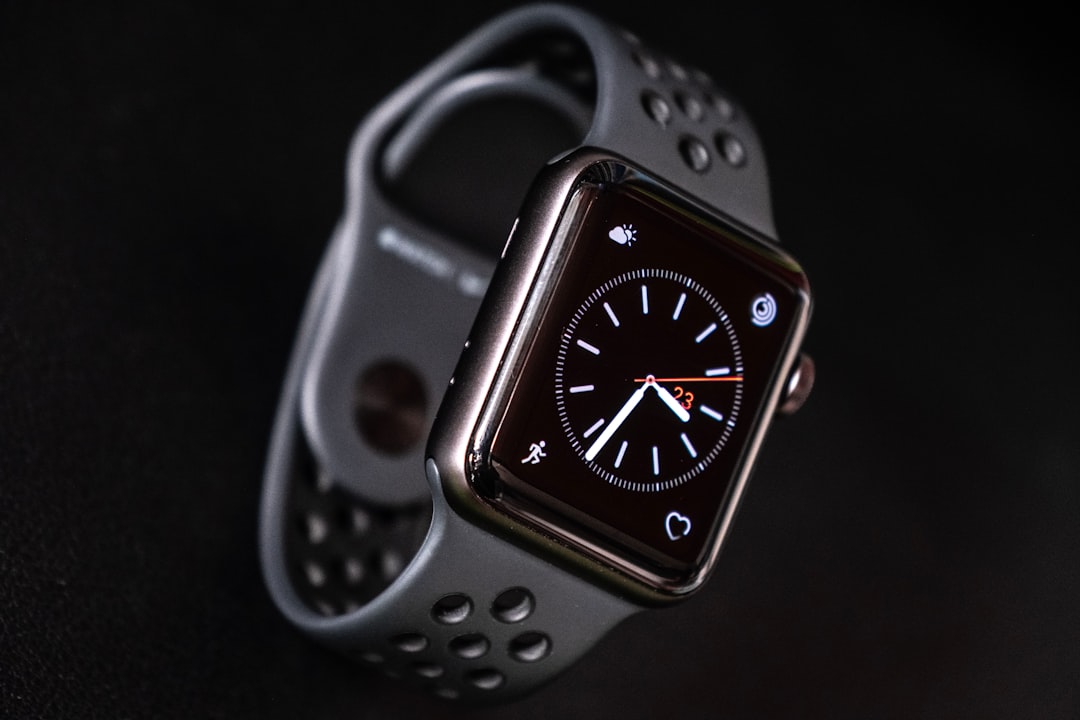
The Apple Watch has evolved from a stylish wearable into one of the most useful everyday fitness companions you can own. Whether you are trying to walk more, train for a race, improve your sleep, monitor your heart health, or simply understand your body better, its built-in health features can turn daily activity into clear, motivating data. The key is knowing which tools to use, how to customize them, and how to turn the numbers on your wrist into practical habits.
TLDR: The Apple Watch helps you track fitness through Activity Rings, workout modes, heart rate monitoring, sleep tracking, cardio fitness estimates, and health trends. To get the most from it, set realistic goals, wear it consistently, and review your data in the Fitness and Health apps. Use the watch not just to count steps or calories, but to understand patterns in your movement, recovery, and overall wellness. Small daily improvements, guided by accurate tracking, can add up to meaningful fitness progress.
Start with the Activity Rings
For many users, the most recognizable Apple Watch fitness feature is the set of three colorful Activity Rings: Move, Exercise, and Stand. These rings are simple, visual, and surprisingly motivating. Instead of overwhelming you with dozens of numbers, they answer three basic questions: Did you move enough? Did you exercise? Did you avoid sitting too long?
- Move Ring: Tracks active calories burned through movement, workouts, and daily activity.
- Exercise Ring: Tracks minutes of brisk activity that raise your heart rate.
- Stand Ring: Encourages you to stand and move for at least one minute during 12 different hours of the day.
To make these rings work for you, adjust your goals based on your current fitness level. If your Move goal is too high, it may become discouraging. If it is too low, it may not push you enough. Open the Activity app on your Apple Watch, scroll down, and choose Change Goals to customize them.
A good strategy is to set a goal you can meet on a normal day, then gradually increase it as your fitness improves. The best fitness tracker is not the one that demands perfection; it is the one that helps you build consistency.
Use Workout Modes for More Accurate Tracking
The Apple Watch can automatically detect some workouts, but starting a workout manually gives you more accurate data. Open the Workout app and choose from options such as Outdoor Walk, Indoor Run, Cycling, HIIT, Yoga, Strength Training, Swimming, Rowing, Hiking, Pilates, and more.
Each workout mode tracks slightly different metrics. For example, an outdoor run may show pace, distance, route, heart rate, cadence, and elevation. A strength training session focuses more on heart rate, calories, and duration. Swimming workouts can track laps, distance, and stroke type, depending on your watch model.
During a workout, you can raise your wrist to see real-time stats. Depending on the activity, these might include:
- Elapsed time
- Current heart rate
- Average pace
- Distance traveled
- Active calories burned
- Heart rate zones
Heart rate zones are especially useful if you are training with a specific goal. Lower zones are helpful for endurance and recovery, while higher zones improve speed, intensity, and cardiovascular capacity. Instead of guessing how hard you are working, the Apple Watch lets you see it in real time.
Customize Workout Views
One of the most underrated Apple Watch fitness features is the ability to customize workout screens. If you care about pace more than calories, or heart rate more than distance, you can set up your display to show the numbers that matter most.
On your iPhone, open the Watch app, go to Workout, and explore workout view settings. You can choose different metrics for different workout types. A runner might prioritize pace, heart rate, cadence, and distance, while someone doing indoor cycling might prefer heart rate, calories, and elapsed time.
This customization makes your Apple Watch feel less like a generic tracker and more like a personal coach. When the right metrics are visible at a glance, you can adjust your effort before you overtrain, slow down, or miss a goal.
Monitor Heart Rate and Recovery
The Apple Watch measures your heart rate throughout the day and during workouts. Over time, this data can reveal important patterns. You can view your resting heart rate, walking heart rate average, workout heart rate, and recovery heart rate in the Health app on your iPhone.
Resting heart rate is particularly helpful because it often reflects your general cardiovascular fitness and recovery. A lower resting heart rate can be a sign of improved fitness, although individual numbers vary. If your resting heart rate is unusually high for several days, it may suggest stress, poor sleep, dehydration, illness, or overtraining.
Heart rate recovery is another valuable metric. It measures how quickly your heart rate drops after exercise. Faster recovery generally indicates better cardiovascular conditioning. After a workout, check how your heart rate changes in the minutes following your session. This can help you understand whether your endurance is improving.
The Apple Watch can also notify you of unusually high or low heart rates when you appear to be inactive. While this is not a substitute for medical care, it can encourage you to pay attention to changes that might otherwise go unnoticed.
Track Cardio Fitness with VO2 Max Estimates
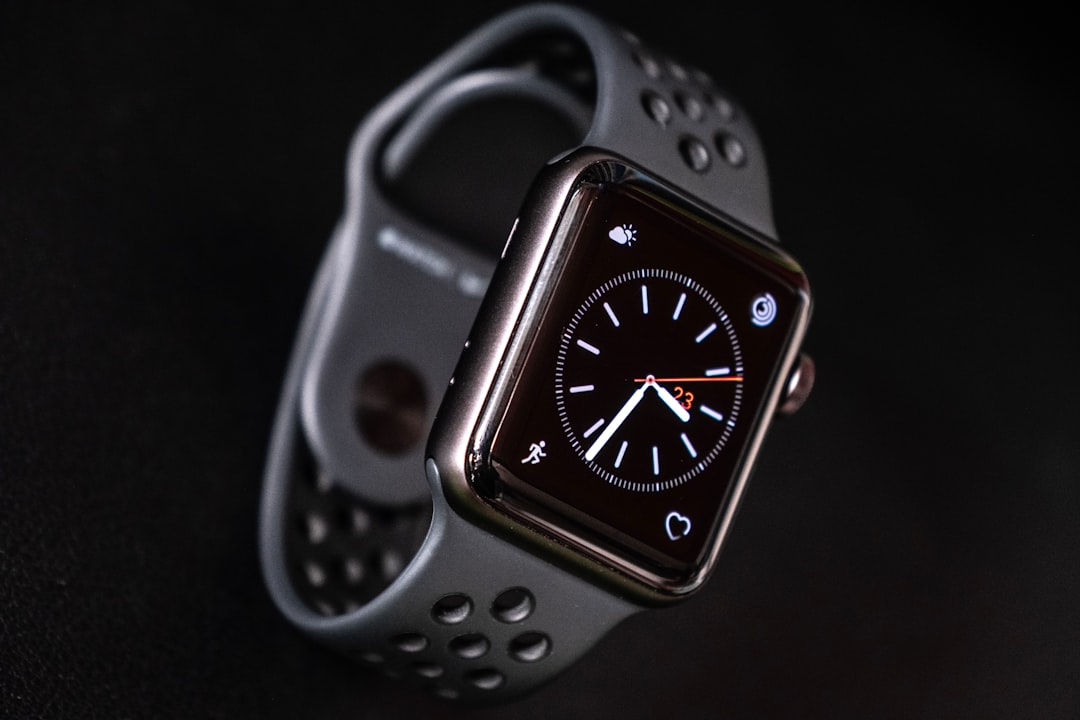
Cardio fitness is one of the most meaningful indicators of overall fitness, and the Apple Watch estimates it using a metric related to VO2 max. VO2 max refers to how efficiently your body uses oxygen during exercise. Higher cardio fitness is associated with better endurance and long-term health.
You can find this information in the Health app under Cardio Fitness. The watch estimates your level during outdoor walks, runs, and hikes when it has enough heart rate and motion data. It then categorizes your cardio fitness as low, below average, above average, or high based on your age and sex.
If your cardio fitness is lower than you would like, do not panic. Use it as a starting point. You can improve it with regular aerobic exercise, such as brisk walking, running, cycling, swimming, or interval training. Even adding a few moderate sessions per week can make a difference over time.
Make Sleep Part of Your Fitness Plan
Fitness is not only about workouts. Recovery matters, and sleep is one of the most important recovery tools you have. The Apple Watch can track sleep duration, sleep stages, respiratory rate, and sleep consistency when worn overnight.
To set it up, open the Health app on your iPhone, go to Sleep, and create a sleep schedule. You can set a bedtime, wake-up time, and wind-down routine. When Sleep Focus is enabled, your watch reduces distractions and helps you prepare for rest.
Sleep tracking is most useful when you look for patterns. For example, you may notice that late caffeine, evening screen time, or intense workouts too close to bedtime affect your sleep quality. You might also see that better sleep leads to stronger workouts and lower resting heart rate.
Do not treat sleep data as a nightly score to obsess over. Instead, use it as feedback. The goal is to build habits that help you wake up more refreshed and ready to move.
Use Trends to See Long-Term Progress
Daily numbers can be motivating, but long-term trends are where the Apple Watch becomes especially powerful. In the Fitness app on your iPhone, the Trends section compares your recent activity with your longer-term averages. It can show whether your Move calories, Exercise minutes, Stand hours, walking pace, running pace, cardio fitness, and other metrics are improving or declining.
This is helpful because fitness progress is rarely linear. You may have a bad day, a missed workout, or a low-energy week. Trends help you zoom out and ask, Am I moving in the right direction overall?
If a trend is going down, Apple often provides coaching suggestions. For example, it may recommend adding a few more minutes of exercise per day or increasing your walking pace. These small nudges can keep you accountable without requiring a complicated fitness plan.
Set Goals and Challenges for Motivation
The Apple Watch uses awards, streaks, and monthly challenges to make fitness feel more engaging. You can earn badges for closing your rings, completing special event workouts, hitting personal records, or meeting monthly targets.
Some people find these digital awards surprisingly motivating. They turn exercise into a game and encourage consistency. Monthly challenges are especially useful because they are based on your recent activity. One month might ask you to burn a certain number of calories, while another might challenge you to walk or run a specific distance.
You can also share activity with friends and family. This adds a social element to fitness tracking. Friendly competition, encouragement, and accountability can help you stay active, especially on days when motivation is low.
Pay Attention to Walking and Mobility Metrics
Beyond workouts, the Apple Watch and iPhone can track mobility metrics such as walking speed, step length, double support time, and walking asymmetry. These measurements may sound technical, but they can be useful for understanding movement quality and overall mobility.
For older adults, people recovering from injury, or anyone working to improve balance and gait, these metrics can offer valuable insight. A sudden change may indicate fatigue, discomfort, or a need to adjust training. You can find these measurements in the Health app under Mobility.
Even if you are not focused on rehabilitation, walking metrics can help you become more aware of everyday movement. Fitness is not only what happens during a 30-minute workout; it is also how your body moves throughout the day.
Use Mindfulness and Breathing Features
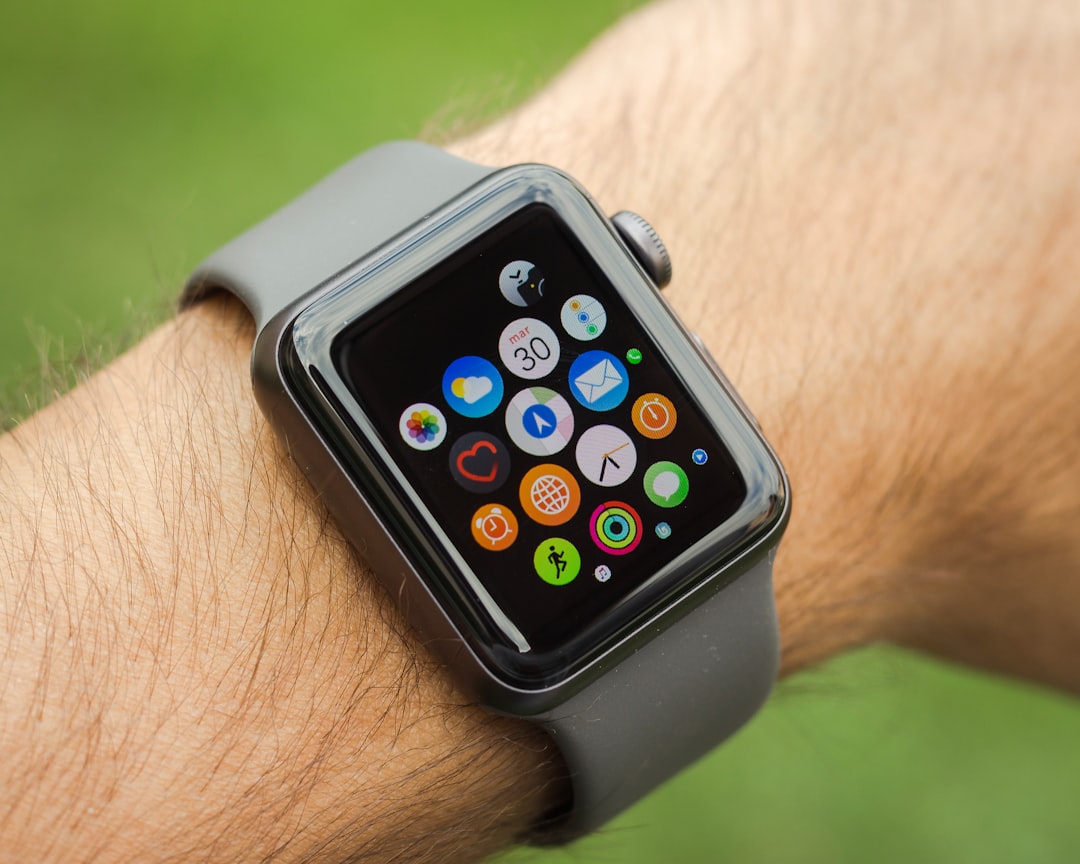
Stress affects fitness more than many people realize. High stress can influence sleep, recovery, heart rate, motivation, and even food choices. The Apple Watch includes a Mindfulness app with breathing sessions and reflection prompts designed to help you pause during the day.
A one-minute breathing session will not replace a full recovery plan, but it can help lower tension and bring awareness to your body. If you notice elevated heart rate, poor sleep, or low workout readiness, adding short mindfulness breaks may support your overall routine.
Review Your Data in the Health App
The Apple Watch collects data, but the iPhone’s Health app is where you can explore it in detail. The app organizes information into categories such as Activity, Heart, Sleep, Respiratory, Body Measurements, and Mobility.
You can favorite the metrics you care about most so they appear on your Summary screen. For fitness tracking, useful favorites might include:
- Active Energy
- Exercise Minutes
- Resting Heart Rate
- Cardio Fitness
- Sleep Duration
- Heart Rate Variability
- Walking and Running Distance
Reviewing these numbers once or twice a week can help you make smarter decisions. If your workouts feel harder than usual and your sleep has dropped, you may need recovery. If your resting heart rate is improving and your cardio fitness is rising, your training is likely working.
Tips for Getting Better Fitness Data
To make Apple Watch health features more accurate, wear the watch properly and keep your personal information updated. The sensors work best when the watch fits snugly on the top of your wrist without being too tight.
- Update your height, weight, age, and sex in the Health app for better calorie and fitness estimates.
- Wear the watch consistently so it can identify meaningful trends.
- Start workouts manually when possible for more precise tracking.
- Keep the sensors clean and make sure the watch sits securely during exercise.
- Calibrate your Apple Watch with outdoor walks or runs in areas with good GPS reception.
Turn Data into Action
The most important part of fitness tracking is not collecting data; it is using that data to make better choices. If your Exercise Ring is usually incomplete, schedule short workouts earlier in the day. If your Stand Ring is often low, set reminders to walk during breaks. If sleep is poor, adjust your bedtime routine before increasing workout intensity.
Think of the Apple Watch as a feedback tool. It will not do the work for you, but it can show you where your habits are helping and where they need attention. Over time, these small insights can lead to better endurance, improved strength, healthier recovery, and a more active lifestyle.
Final Thoughts
The Apple Watch is powerful because it makes fitness visible. It turns movement, heart rate, sleep, and recovery into information you can understand at a glance. By using Activity Rings, workout tracking, heart metrics, sleep data, trends, and personalized goals, you can build a fitness routine that is both realistic and motivating.
Start simple: close your rings, track your workouts, review your weekly trends, and listen to what your body is telling you. With consistent use, the Apple Watch becomes more than a device on your wrist. It becomes a daily reminder that fitness is built one choice, one walk, one workout, and one healthy habit at a time.