

Use WP 301 Redirects to send expired apartment listings to the best live page before visitors hit a dead end. A 301 redirect tells browsers and search engines that a page moved for good, and Google treats it as a permanent move [source: Google Search Central]. For a real estate WordPress site, that means your rented Unit 4B page should not become a sad 404 page. It should point to a live listing, a building page, or a “similar apartments” page.
TLDR: When an apartment listing expires, redirect it with the WP 301 Redirects plugin. Example: if /apartments/unit-4b-river-view/ is rented, send it to /apartments/river-view-building/ or a similar live unit. If 200 people visit that expired page each month, and 30% click away after seeing a 404, that is 60 lost renters. A clean 301 can keep that traffic moving.
Why expired apartment listings are a problem
Apartment listings expire all the time.
Someone rents the unit. The owner pulls it. The price changes. The photos get old. Fine. That is normal.
But the old URL may still be out there.
- Google may still show it.
- Someone may have shared it on Facebook.
- A renter may have saved it last week.
- Your email campaign may still link to it.
If that link opens a 404 page, the visitor gets stuck. They leave. They may call another agent. Annoying, right?
A 301 redirect fixes that. It says, “This apartment is gone, but here is the next best page.”

What WP 301 Redirects does
WP 301 Redirects is a WordPress plugin for managing redirects without touching code. That is the point. You do not need to open server files. You do not need to mess with .htaccess. You do not need to call a developer for every rented studio.
You add the old URL. You add the new URL. Save it. Done.
The plugin is useful for real estate sites because listings change fast. Very fast. Honestly, it feels like the second you add “available now,” someone signs a lease. Then your nice page becomes stale.
If you want a deeper tool breakdown, this WP 301 Redirects review is a handy read.
Where should expired listings redirect?
Do not redirect every expired page to the homepage. That is lazy. It also feels weird to users.
Send people to the most helpful page possible.
- Same building page: Best choice if the unit is gone but the building has other rentals.
- Similar live listing: Great if you have another unit with the same price, area, or size.
- Neighborhood page: Good if there are no close matches.
- Search results page: Useful for active listings in the same city or district.
- Contact page: Fine if inventory is thin and you want leads.
Example:
- Old URL: /apartments/2-bedroom-downtown-park-view/
- New URL: /apartments/downtown/2-bedroom/
That makes sense. It keeps the renter close to what they wanted.
How to set up a 301 redirect in WP 301 Redirects
The steps are simple.
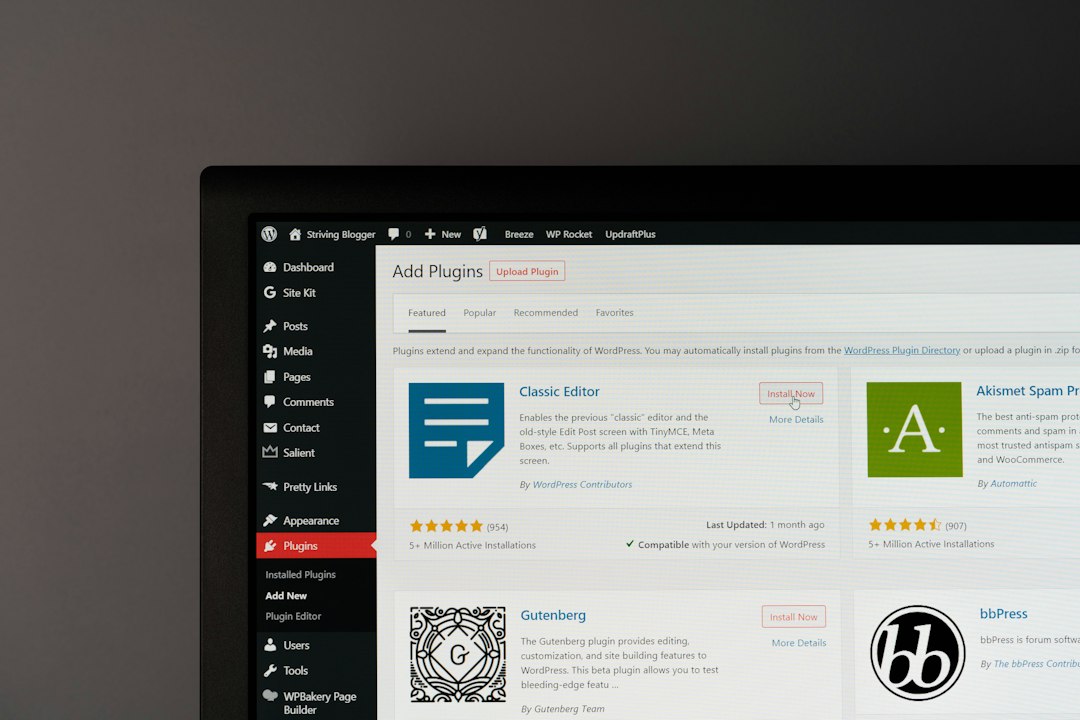
- Install WP 301 Redirects from your WordPress dashboard.
- Activate the plugin.
- Open the plugin settings.
- Add the expired listing URL in the old URL field.
- Add the new destination URL.
- Choose 301 as the redirect type.
- Save.
- Test the old link in a private browser window.
That last step matters. It drives me crazy when a redirect looks saved but points to the wrong page because of one tiny typo. Testing takes 10 seconds. Fixing bad traffic data later takes much longer.
Good redirect habits for apartment sites
Keep your redirect plan clean. A messy redirect list can turn into digital spaghetti.
- Use clear notes. Add the reason, like “Unit rented May 2026.”
- Avoid redirect chains. Old page should go straight to the final page.
- Review monthly. Remove bad targets and update old ones.
- Do not redirect to sold or rented pages. That just moves the frustration.
- Match search intent. A studio should not redirect to a luxury penthouse.
Think like a renter. If they clicked a $1,600 one-bedroom, do not send them to a $5,000 townhouse. That feels like a bait and switch.
When not to use a 301 redirect
A 301 is for a permanent move. Use it when the listing is truly gone.
If the apartment will come back next week, keep the page live. Change the text instead. Say “currently unavailable” and show related listings.
If the page was created by mistake and has no traffic, you may not need a redirect. But check first. WP 301 Redirects can help you spot 404 hits, which is very useful for catching pages people still visit.
A simple workflow for busy agents
Here is a quick weekly routine.
- Pull a list of rented or expired units.
- Find the closest live page for each one.
- Add 301 redirects in WP 301 Redirects.
- Test five to ten old URLs.
- Check 404 logs for new problems.
This can take 20 minutes a week for a small site. Maybe less. It is much better than losing leads from dead pages.

The simple rule
Every expired apartment listing should have a next step. That is the whole game.
Use WP 301 Redirects to guide visitors from old listings to useful live pages. Keep the path short. Keep the target relevant. Keep renters moving.
A rented apartment is not a failure. A dead link is.