

When a device joins a Wi Fi network, it often asks for a password, a key, or a security key. These terms sound similar, and in everyday conversation they are often used as if they mean the same thing. However, “network key” and “network security key” can carry slightly different meanings depending on context, device type, and security standard.
TLDR: A network key is a general term for a credential that allows access to a network. A network security key usually refers specifically to the Wi Fi password or encryption key used to protect a wireless network. In most home Wi Fi situations, the two terms mean the same thing. The main difference is that “network security key” emphasizes encryption and protection, while “network key” is broader and less precise.
What Is a Network Key?
A network key is any key, code, password, or credential used to connect to or authenticate with a network. In many consumer devices, the phrase appears when a laptop, phone, printer, or smart TV asks for the password to join a Wi Fi connection.
In a broader technical sense, a network key may refer to several types of access credentials, including:
- Wi Fi passwords used by home routers and hotspots
- Pre shared keys used in WPA, WPA2, or WPA3 networks
- Encryption keys used to protect data traveling across a network
- Authentication tokens used in enterprise or managed networks
Because the term is broad, it is not always highly specific. A device that asks for a “network key” may simply be asking for the Wi Fi password printed on a router label. In another environment, such as a business network, it may refer to a more advanced authentication or encryption credential.
What Is a Network Security Key?
A network security key is more specific. It is the password or encryption key that protects a wireless network from unauthorized access. It is called a “security” key because it helps ensure that only approved users and devices can connect.
For most home users, the network security key is the same as the Wi Fi password. It may appear on a router sticker under labels such as:
- Wi Fi Password
- Wireless Key
- WPA Key
- WPA2 Password
- Network Security Key
The network security key also helps encrypt the data sent between a device and the router. Without encryption, information could be easier for attackers to intercept. Modern wireless security standards, especially WPA2 and WPA3, rely on strong keys to keep connections private.
The Main Difference Between the Two
The biggest difference is scope. A network key is a general access credential, while a network security key specifically refers to a key used for network protection and encryption.
In practical terms, the difference can be summarized like this:
- Network key: A broad term for a key or password that grants network access.
- Network security key: A specific term for the password or encryption key that secures a network.
In a typical home Wi Fi setup, there is usually no functional difference. If a Windows computer asks for a network security key, and a router label says “network key,” the user should usually enter that value. The wording differs, but the required information is often identical.
Why the Terms Are Often Confused
The confusion comes from inconsistent naming across devices, operating systems, and router brands. One router may call the credential a “wireless password,” while another may call it a “WPA key.” A phone may ask for a Wi Fi password, while a Windows laptop may ask for a network security key.
This variation does not always indicate a technical difference. In many cases, manufacturers use different labels for the same thing because they want the wording to seem clearer to their target audience. Unfortunately, the result can be more confusing, especially for people setting up a network for the first time.

Where to Find the Network Security Key
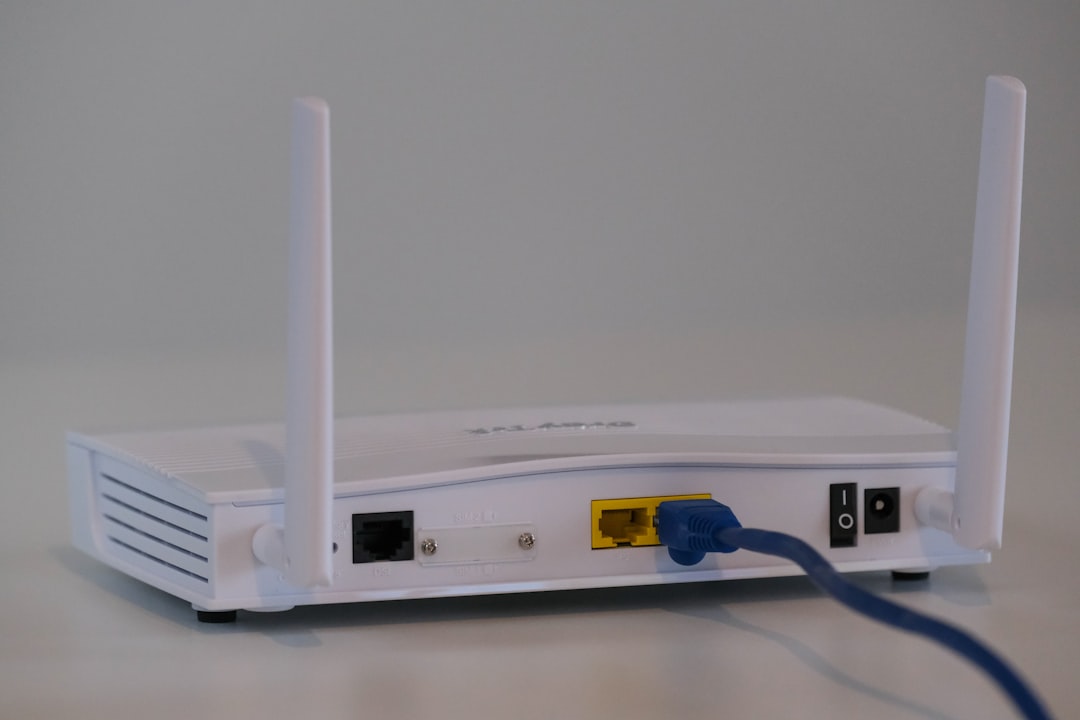
The network security key can usually be found in one of several places. The most common location is the router itself. Many routers have a sticker on the back, bottom, or side that lists the default Wi Fi name and password.
Other possible places include:
- Router admin page: The key may appear in the wireless settings section.
- Internet provider app: Some providers display the Wi Fi password in a mobile app.
- Saved device settings: A computer or phone that is already connected may store the password.
- Network administrator: In offices, schools, or hotels, an administrator usually provides the correct key.
If the default key has been changed and forgotten, the router settings may need to be accessed through the admin interface. As a last resort, a factory reset can restore the default key, although this also removes custom settings.
Types of Network Security Keys
Network security keys are closely tied to Wi Fi security protocols. The most common types include WEP, WPA, WPA2, and WPA3.
- WEP: An older and insecure standard. It should be avoided whenever possible.
- WPA: An improvement over WEP, but now considered outdated.
- WPA2: A widely used standard that provides strong security when paired with a strong password.
- WPA3: The newest common standard, offering stronger protection and better resistance to password guessing attacks.
A strong network security key should be long, unique, and difficult to guess. It should not contain obvious information such as a family name, address, pet name, or simple sequence like “12345678.”
How to Create a Strong Network Security Key
A strong key helps prevent unauthorized users from joining the network. It also reduces the chance of bandwidth theft, privacy risks, and access to connected devices.
Good practices include:
- Using at least 12 to 16 characters
- Combining uppercase letters, lowercase letters, numbers, and symbols
- Avoiding dictionary words and common phrases
- Not reusing passwords from email, banking, or social accounts
- Changing the default router password after installation
For example, a phrase-based password can be easier to remember and harder to crack if it is long and unusual. A password manager can also store the key securely, especially in households or businesses with many devices.

Common Error: “Network Security Key Mismatch”
A “network security key mismatch” message means the entered key does not match the one saved on the router. This can happen because of a simple typing mistake, changed router settings, an outdated saved password, or confusion between the router admin password and the Wi Fi password.
The router admin password is used to log in to the router’s settings page. The Wi Fi password, or network security key, is used to connect devices to the wireless network. These two passwords may be different, and mixing them up is a common mistake.
Which Term Should Be Used?
For everyday communication, Wi Fi password is usually the clearest term. For technical documentation, network security key is more precise when discussing wireless encryption and secure access. Network key remains useful as a broad term, but it may require clarification.
In short, the meaning depends on context. In a home setting, network key and network security key usually point to the same password. In professional networking, the distinction may matter more because keys can be used for several different authentication and encryption purposes.
FAQ
Is a network key the same as a Wi Fi password?
In most home networks, yes. A network key usually means the password required to connect to the Wi Fi network.
Is a network security key the same thing?
Usually, yes. A network security key is commonly the Wi Fi password, but the term emphasizes that the key helps secure and encrypt the connection.
Where is the network security key located?
It is often printed on the router label, shown in the router’s wireless settings, or available through an internet provider’s app.
Why does a device say the network security key is incorrect?
The key may have been typed incorrectly, changed in the router settings, or confused with the router admin password.
Should the network security key be changed?
Yes, changing the default key is recommended. A strong, unique password improves network privacy and reduces the risk of unauthorized access.