
A well-designed gaming room is no longer just a place to stash a console and a chair—it is a carefully curated environment where performance meets personality. Today’s gamers want spaces that enhance reaction times, reduce fatigue, and immerse them in their favorite virtual worlds, all while reflecting their own sense of style. The key lies in blending ergonomic function with aesthetic creativity, creating a room that feels as good as it looks.
TLDR: A great gaming room balances comfort, performance, and visual appeal. Smart lighting, ergonomic furniture, acoustic treatment, and thoughtful décor choices enhance both gameplay and atmosphere. Organized cable management and personalized themes elevate the space without sacrificing functionality. With the right approach, any room can become a stylish and performance-driven gaming haven.
Start With a Strong Foundation: The Layout
Before choosing LED lights or decorative collectibles, thoughtful layout planning is essential. The position of the gaming desk or console hub determines how efficiently the space functions.
Proper layout considerations include:
- Minimal glare: Avoid placing screens directly opposite windows.
- Accessible power outlets: Reduce extension cord clutter.
- Ventilation: Ensure gaming PCs and consoles have airflow space.
- Movement clearance: Allow room for VR setups or comfortable chair mobility.
A performance-focused layout ensures comfort during long sessions while preventing overheating and visual strain.
Ergonomic Furniture That Elevates Style
Comfort is directly tied to performance. An ergonomic chair with lumbar support promotes better posture and longer, pain-free gaming sessions. Adjustable armrests and reclining features provide customized comfort, while breathable materials improve airflow.
But ergonomic doesn’t have to mean sterile. Modern gaming chairs come in sleek leather finishes, minimalist monochrome designs, or bold racing-inspired colors. Pairing the chair with a height-adjustable desk adds both sophistication and practical adaptability.
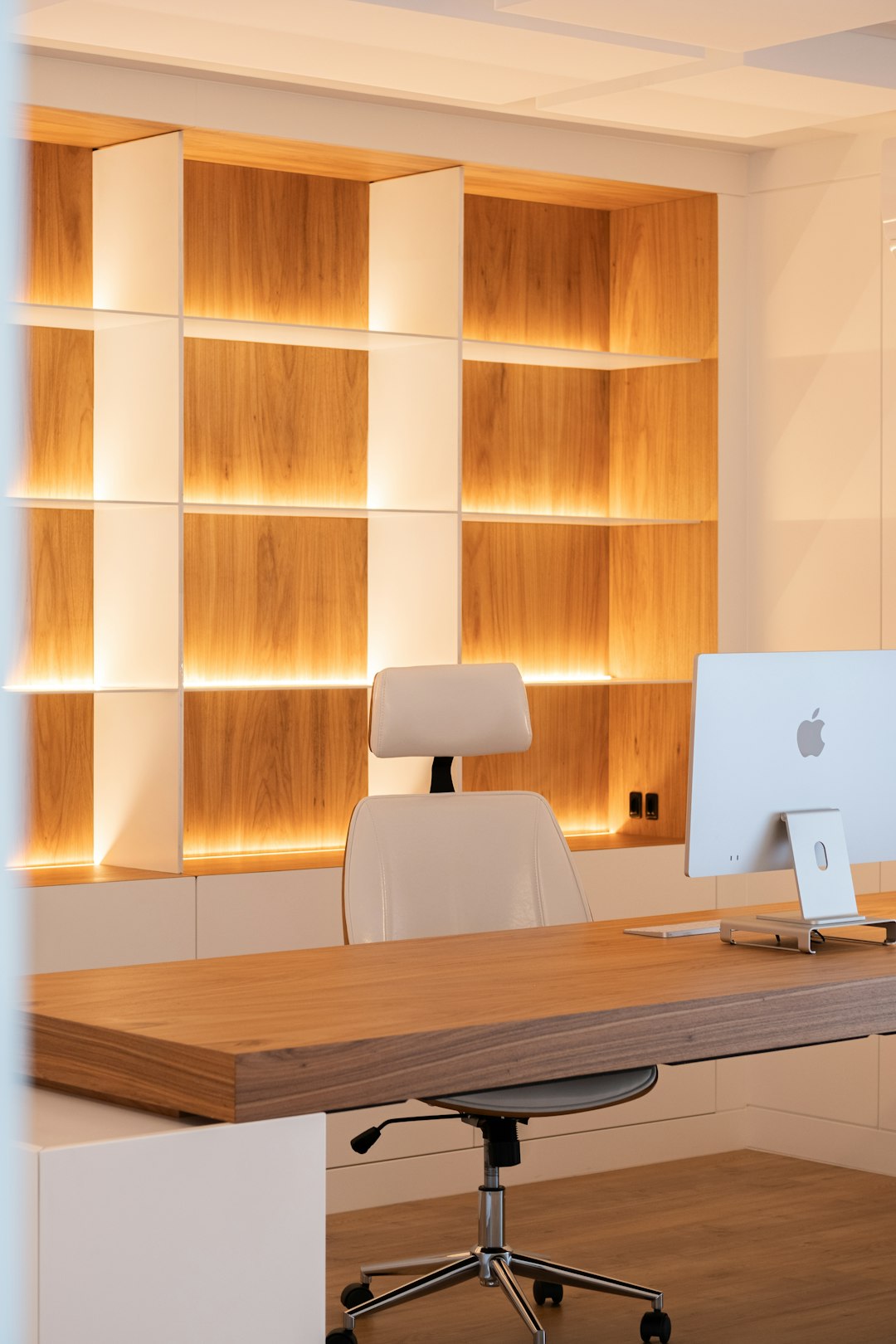
Standing desks are especially popular among competitive players who balance long practice hours with health-conscious habits. This fusion of well-being and design creates a balanced and stylish gaming environment.
Lighting: The Ultimate Atmosphere Enhancer
Lighting might be the single most transformative element of gaming décor. It enhances immersion, reduces eye strain, and defines the room’s personality.
Popular lighting options include:
- RGB LED strips behind monitors or desks
- Smart bulbs synchronized with gameplay
- Neon wall signs for custom statements
- Bias lighting to reduce contrast strain
Layered lighting works best. Combining ceiling lights, accent LEDs, and desk lamps creates depth and prevents harsh brightness. Players often coordinate colors with their favorite game themes for an extra immersive effect.
Acoustic Optimization With Style
Many gamers underestimate sound quality. Audio clarity can affect reaction time and communication in multiplayer gaming. Acoustic panels help absorb echo and improve room acoustics, especially in minimalist or hardwood-floored rooms.
Thankfully, modern acoustic panels are available in geometric shapes, custom prints, and decorative designs. Rather than appearing purely technical, they can double as wall art.

Thick curtains, plush rugs, and upholstered furniture can also subtly improve sound quality while enhancing visual warmth.
Cable Management for a Clean Look
No matter how stunning the lighting or furniture, tangled cables can instantly ruin a gaming room’s aesthetic. Efficient cable management boosts both safety and visual clarity.
Solutions include:
- Under-desk cable trays
- Velcro cable wraps
- Wall-mounted raceways
- Wireless peripherals
A clutter-free setup not only looks more professional but also makes maintenance easier. Clean lines contribute significantly to a modern, performance-driven aesthetic.
Display and Storage With Personality
Gaming gear, collectibles, and merchandise add personal flair to a room. Floating shelves provide space to showcase figurines, trophies, or retro consoles while keeping the floor area open.
For a refined appearance:
- Use matching storage bins
- Keep color palettes consistent
- Avoid overcrowding shelves
- Install subtle accent lighting beneath displays
Glass-front cabinets with soft interior lighting give high-value collectibles museum-style presentation while protecting them from dust.
Wall Art and Thematic Design
Thematic cohesion transforms a generic setup into a memorable gaming sanctuary. Some players favor futuristic cyberpunk aesthetics, while others prefer cozy fantasy-inspired décor.
Wall décor ideas include:
- Framed game posters
- Canvas prints of in-game landscapes
- Minimalist blueprint art of consoles
- Custom gamer tags in LED signage
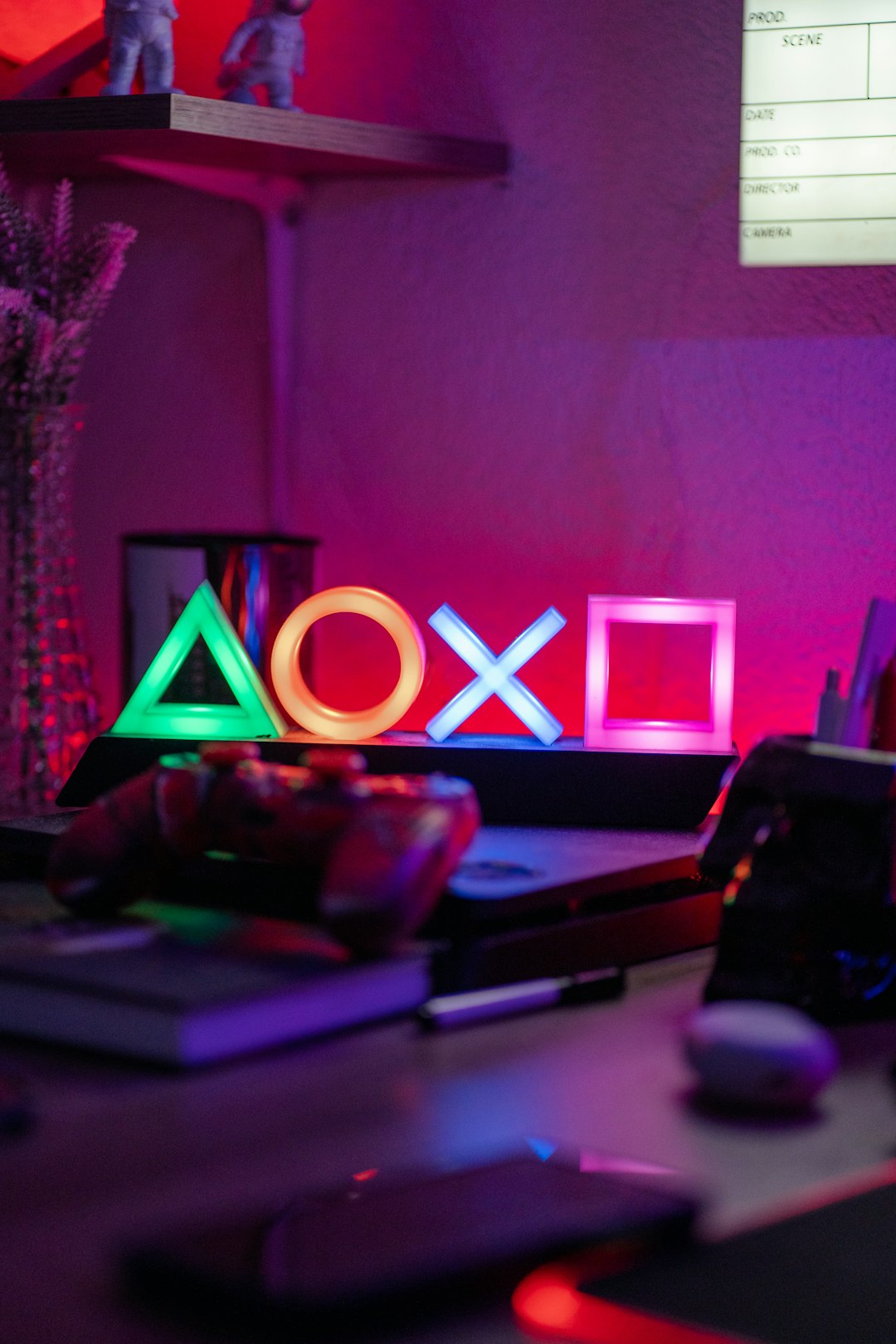
A consistent color scheme ties everything together. For example, a black-and-blue theme with metallic accents delivers a sleek esports vibe, while earthy tones and warm lighting create a relaxed console lounge.
Multi-Purpose Integration
Not all gamers have dedicated rooms. Many must integrate gaming setups into bedrooms or office spaces. The secret lies in subtlety and smart zoning.
Design tricks include:
- Using room dividers or shelving units to separate work and play
- Choosing neutral furniture that blends with home décor
- Concealed storage for controllers and accessories
- Monitor mounts that save desk space
This flexibility allows the gaming station to remain cohesive with the broader room design while still delivering maximum performance.
Performance-Driven Tech Upgrades
Style alone cannot make a gaming room exceptional. Performance upgrades ensure fluid gameplay and lasting equipment reliability.
Essential performance-focused additions include:
- High refresh rate monitors
- Mechanical keyboards
- Precision gaming mice
- Cooling solutions for PCs
Fortunately, modern tech gear is often designed with aesthetics in mind. Transparent PC cases with RGB fan lighting can act as décor centerpieces while improving airflow and internal temperature monitoring.
Comfort Enhancements for Long Sessions
Marathon gaming sessions demand thoughtful comfort additions. Small design choices can dramatically improve endurance and focus.
Consider incorporating:
- Footrests
- Wrist rests for keyboards and mice
- Blue light filtering screen protectors
- Temperature-regulating fans or air purifiers
Area rugs not only absorb sound but also provide underfoot softness. Beverage stations or compact mini-fridges keep hydration within reach without interrupting immersion.
Balancing Minimalism and Expression
The most successful gaming rooms strike a balance between minimalism and personality. Too many decorations can feel chaotic, while overly sparse rooms may feel uninspiring.
Designers often follow a simple rule: highlight focal points and keep functional areas clean. Let a glowing PC tower or curated display shelf draw attention while the rest of the workspace remains streamlined.
Future-Proofing the Space
Gaming technology evolves rapidly. A flexible design prevents frequent redesign costs. Modular desks, adjustable mounts, and expandable storage make upgrades easier.
Planning cable layouts and power supply access ahead of time ensures new consoles or components can be installed without major modifications. A future-proof room maintains its style while adapting effortlessly to technological growth.
Conclusion
A gaming room that blends performance with style is more than a decorative showcase—it is a strategic environment crafted for comfort, immersion, and self-expression. With thoughtful layout planning, ergonomic furniture, optimized lighting, clean cable management, and cohesive design choices, gamers can create spaces that enhance their skills while reflecting personal taste. Whether minimalist or boldly themed, the ideal gaming room feels powerful, polished, and uniquely personal.
Frequently Asked Questions (FAQ)
- What is the most important element in a gaming room setup?
Ergonomics is often the top priority. A supportive chair and properly positioned monitor significantly affect comfort and performance during long sessions. - How can someone improve gaming room aesthetics on a budget?
Affordable upgrades include LED light strips, wall posters, cable management kits, and repositioning furniture for better layout efficiency. - Do acoustic panels really make a difference?
Yes. They reduce echo and improve audio clarity, especially in rooms with hard surfaces. They also double as decorative wall features. - What color schemes work best for gaming rooms?
Dark bases like black, navy, or charcoal are popular because they minimize glare. Accent colors such as neon blue, red, or purple add energy and immersion. - Is RGB lighting necessary?
Not at all. While popular, some gamers prefer warm white or soft ambient lighting for a calmer, more sophisticated atmosphere. - How can small spaces be optimized for gaming?
Wall-mounted monitors, floating shelves, compact desks, and concealed storage help maximize limited square footage without sacrificing style or function.