
Videography is the craft of planning, shooting, recording sound, and editing video to tell a clear story. It can be used for weddings, product demos, YouTube videos, social clips, training lessons, events, real estate tours, interviews, and brand content. Video is not a niche skill anymore: 91% of businesses used video as a marketing tool in 2024, according to Wyzowl [source: Wyzowl]. That makes basic videography useful for creators, small business owners, students, and anyone who wants footage that looks better than a shaky phone clip.
TLDR: Videography means capturing video with purpose, good lighting, clean sound, steady framing, and a clear edit. A beginner can start with a phone, a tripod, a small microphone, and free editing software. For example, a local café could film three 20-second clips of a latte pour, a pastry display, and a smiling customer, then turn them into a 60-second Instagram Reel. If that Reel gets 2,000 views and a 5% profile click rate, that is 100 potential customers taking the next step.
What Is Videography?
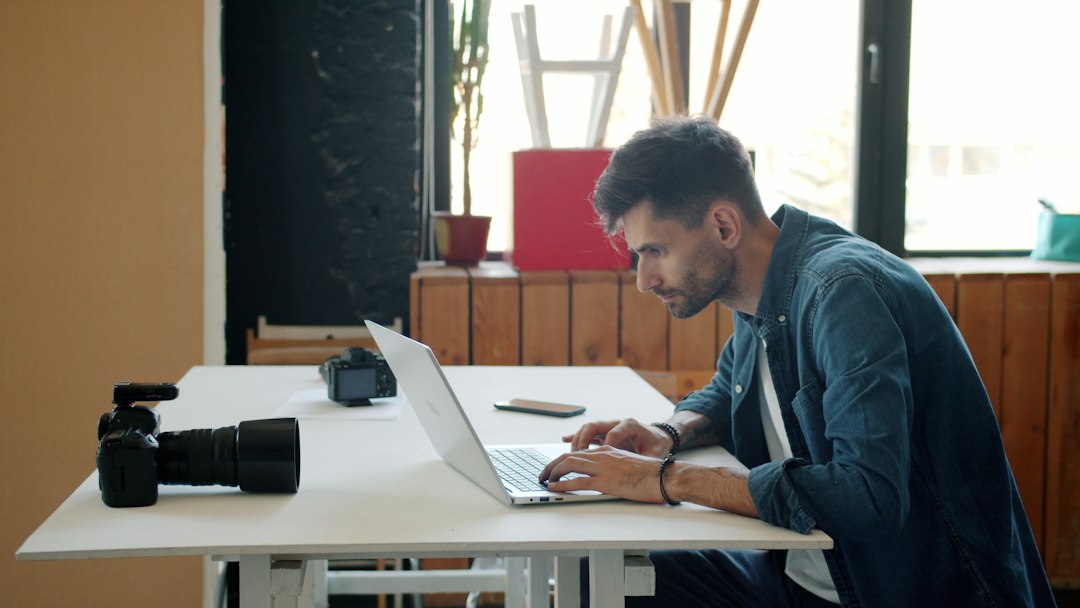
Videography is often confused with filmmaking, but the two are not quite the same. Filmmaking usually points to scripted productions, crews, actors, sets, and a full production pipeline. Videography is broader and often more practical. It may involve one person filming an event, editing a product demo, or creating a short promotional video for a business.
A videographer is responsible for more than pressing record. They think about the story, the subject, the light, the sound, the camera angle, the motion, and the final edit. The job is part technician and part storyteller. Good videography makes the viewer feel guided, not confused.
Why Videography Matters
People remember video because it combines movement, voice, music, text, and emotion. A photo can show a product. A video can show how it works, how it feels, and why someone should care.
For beginners, this is both exciting and annoying. You can make a strong video with cheap tools, but you can also ruin it with bad audio or careless lighting. Honestly, it feels like audio gets ignored until the edit, and then everyone wonders why the clip feels amateur. A sharp image with noisy sound still feels bad.
Videography matters because it helps you:
- Explain ideas faster than text alone.
- Build trust by showing real people, places, and processes.
- Capture emotion at events, launches, and interviews.
- Improve online content for websites, social media, and ads.
- Tell stories with structure, rhythm, and mood.
Essential Videography Techniques for Beginners
1. Start With a Simple Story
Before you touch the camera, ask one question: What should the viewer understand or feel? That answer controls everything. A recipe video needs clear steps. A fitness video needs energy and form. A wedding video needs emotion and key moments.
Use a basic structure:
- Beginning: introduce the subject or problem.
- Middle: show action, detail, or progress.
- End: give a result, reaction, or call to action.
2. Learn Composition
Composition is how you arrange the frame. The easiest rule is the rule of thirds. Imagine the screen split into nine equal boxes. Place the subject on one of the vertical lines instead of dead center. This often feels more natural.
Also watch the background. A tree growing out of someone’s head looks silly. A messy counter can distract from a product. Move your subject or change your angle. Small fixes can save a shot.
3. Use Light With Intention
Light shapes the mood. Soft window light is great for interviews and product shots. Harsh midday sun creates strong shadows and squinting faces. If you are indoors, place your subject near a window and turn off ugly overhead lights when possible.
A basic lighting setup can include:
- Key light: the main light on the subject.
- Fill light: a softer light that reduces shadows.
- Back light: a light behind the subject that adds separation.

4. Record Clean Audio
Bad audio kills good video. Viewers may forgive a slightly soft image, but they will leave if they cannot hear the speaker. Use an external microphone when possible. A small lavalier mic clipped to a shirt can be a huge upgrade over the camera’s built-in mic.
Record in quiet rooms. Turn off fans. Close windows. Check for buzzing lights, traffic, and refrigerators. Expect to waste time here if you skip a test recording. Ten seconds of listening can prevent an hour of regret.
5. Keep the Camera Stable
Shaky footage can work for action scenes, but most beginner videos need stability. Use a tripod for interviews, tutorials, and product shots. Use a gimbal for walking shots if you have one. If not, hold the camera with two hands, tuck your elbows in, and move slowly.
Stability makes footage feel more polished. It also makes editing easier because the viewer can focus on the subject instead of the camera shake.
6. Understand Frame Rate and Shutter Speed
Frame rate is how many images your camera records each second. Common choices are 24 fps, 30 fps, and 60 fps. Use 24 fps for a more cinematic feel. Use 30 fps for social media, tutorials, and general content. Use 60 fps when you want smoother motion or slow motion.
Shutter speed controls motion blur. A common video rule is to set shutter speed to about double your frame rate. For 24 fps, use around 1/50. For 30 fps, use around 1/60. This creates motion that feels natural.
7. Set White Balance
White balance controls color temperature. If it is wrong, skin can look orange, blue, or green. Auto white balance can shift during a shot, which looks messy. Set it manually if your camera allows it. Match it to the light source, such as daylight, tungsten, or fluorescent.
8. Shoot More Than You Think You Need
Beginners often film only the main subject. That makes edits feel flat. Shoot extra clips, also called B-roll. For a bakery video, film hands kneading dough, flour on the counter, the oven door opening, close-ups of pastries, and a customer taking a bite.
B-roll hides cuts, adds rhythm, and gives your story texture without needing more talking.
Beginner Videography Tools
You do not need a huge kit to start. You need tools that solve real problems.
- Camera or smartphone: Modern phones can shoot excellent footage. A mirrorless camera gives more control, but it is not required.
- Tripod: The most useful low-cost upgrade. It makes any shot look cleaner.
- Microphone: A lavalier mic or shotgun mic improves voice clarity fast.
- Light: A small LED panel or softbox helps when natural light is weak.
- Memory cards and storage: Video files get large quickly. Keep backups.
- Editing software: DaVinci Resolve, iMovie, CapCut, and Adobe Premiere Pro are common options.
The catch is that editing apps often hide simple tools in strange places. In some mobile editors, changing export quality can take four taps when it should take one. That sounds minor until you export the same clip five times and wonder why it looks soft.
Basic Editing Tips
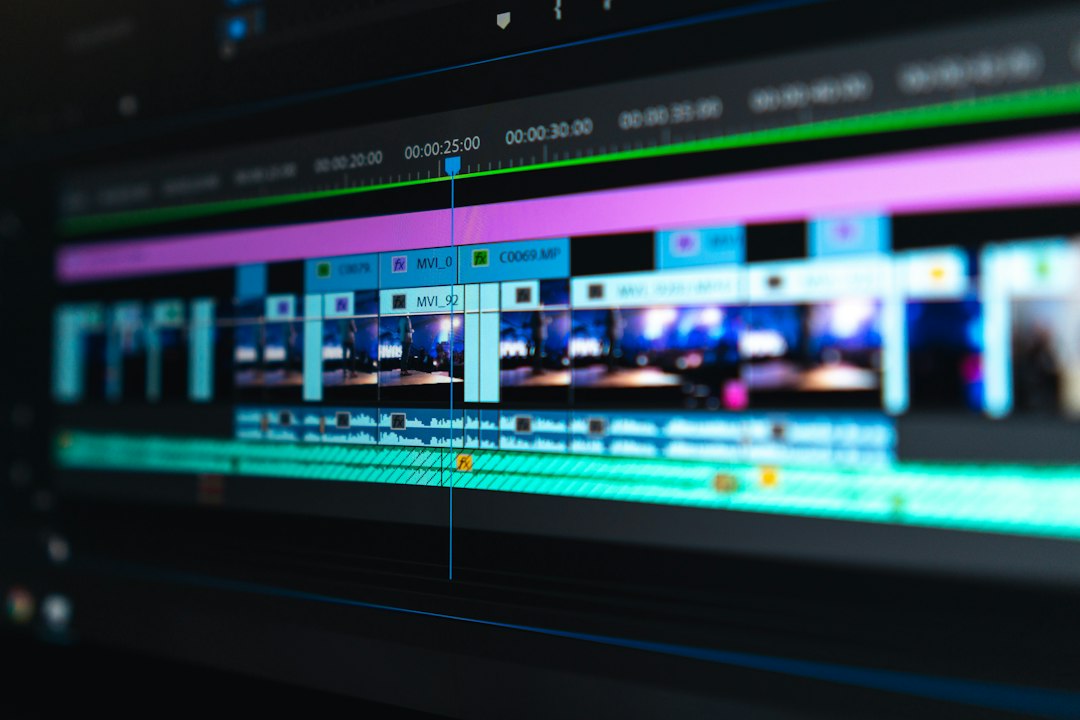
Editing is where raw clips become a finished video. Start by cutting anything that does not serve the point. Keep the pace tight. Remove long pauses, repeated lines, and shaky clips unless they add value.
Use music carefully. It should support the mood, not fight the voice. Add text only where it helps. Captions are useful because many people watch videos without sound.
A simple edit workflow looks like this:
- Import footage and organize clips.
- Choose the best takes.
- Build the main sequence.
- Add B-roll over weak cuts.
- Clean up audio levels.
- Adjust color and brightness.
- Add titles, captions, and music.
- Export in the right format for the platform.
Common Beginner Mistakes
- Filming without a plan: This creates random footage and weak edits.
- Ignoring sound: Clear audio matters more than many beginners expect.
- Overusing zooms and effects: Simple cuts often look better.
- Shooting in mixed light: Different light colors can make footage look odd.
- Forgetting the viewer: Every shot should help the audience understand the story.
How to Practice Videography
Pick one small project each week. Film a 30-second coffee-making video. Record a short interview with a friend. Create a product video using one lamp and a phone. Then review what worked and what failed.
Focus on one skill at a time. One week, practice framing. Next week, practice clean audio. After that, practice lighting. Progress comes from repetition, not from buying every new gadget.
Videography is not just about gear. It is about control, attention, and taste. Start with steady shots, clean sound, good light, and a clear story. Those basics will carry you further than flashy effects ever will.