
Do not install a ViduO AI Video Generator Mod APK if your accounts, phone, or videos matter. AI video tools can be useful, fun, and shockingly fast, but modified APKs sit in a risky gray zone where “free premium” can cost you your privacy, files, and login access.
TLDR: ViduO AI-style video generator apps can turn prompts, images, and scripts into short videos, but a Mod APK may contain malware, stolen code, broken features, or hidden tracking. For example, if 1,000 users install a fake “premium unlocked” APK and only 6% get credential theft attempts, that is still 60 compromised people. A safer path is to use the official app, a web version, trial credits, or trusted AI video platforms with clear privacy controls.
What Is an AI Video Generator App?
An AI video generator creates video from text prompts, images, audio, templates, or scripts. You might type “a cozy coffee shop in rainy Tokyo” and get a short clip. Some apps add voiceovers, subtitles, avatars, music, transitions, and social media formats.
Apps like ViduO AI are often searched by users who want quick content for TikTok, YouTube Shorts, Instagram Reels, ads, school projects, product demos, or memes. The appeal is obvious. You skip filming, editing, lighting, voice recording, and stock footage hunts. Honestly, it feels like magic when a 20-second clip appears from one sentence.
Still, these apps are not perfect. Expect weird hands, odd faces, text that melts into nonsense, stiff movement, and clips that look similar after a few tries. It drives me crazy that some tools take 40 seconds to generate a preview, then ask for credits just to fix a tiny subtitle error. That is annoying, but it is still safer than installing a random modified APK from a file-sharing site.
Why People Search for “ViduO AI Mod APK”
A Mod APK is a modified Android installation file. Someone changes the original app package, often to unlock paid tools, remove ads, bypass usage limits, or fake a premium subscription.
People look for these files because AI video tools can be expensive. Credit limits run out fast. Watermarks can ruin videos. Export quality may sit behind a paywall. Some users only need one project and do not want a monthly plan.
That frustration is real. But the risk is also real. A modified APK is not just “the app, but free.” It is software touched by an unknown person. You do not know what was added, removed, or broken.
The Main Risks of Installing a Modified APK
- Malware: A fake APK can install spyware, adware, remote access tools, or banking trojans.
- Credential theft: It may capture email logins, social media tokens, clipboard content, or one-time codes.
- Hidden subscriptions: Some malicious apps push users toward scam payment pages.
- Account bans: If the real service detects tampered access, your account may be suspended.
- No trusted updates: You miss security patches and may keep using an exposed version for months.
- Broken exports: Modified apps often crash, fail to render, or generate unusable files.
The worst part is that the app may work at first. That false comfort is dangerous. A malicious APK can generate a video while also scraping your device details, reading storage, or sending data to unknown servers.
Account Security: What Can Go Wrong?
AI video apps often connect to email, Google, Apple, TikTok, Instagram, or cloud storage. That makes account security a big concern. If a modified APK asks you to sign in, you may be handing credentials to a fake login screen.
Even if you use a real login portal, the APK can still interfere. It may steal session cookies or access tokens after login. That means an attacker may not need your password. They can act as you until the token expires or gets revoked.
Here are smart steps if you already installed one:
- Uninstall it now. Do not keep testing it “just once more.”
- Change your passwords from a clean device, not the same phone.
- Enable two-factor authentication using an authenticator app where possible.
- Check active sessions on Google, Apple, Meta, TikTok, and email accounts.
- Revoke app permissions for anything you do not recognize.
- Scan your phone with a reputable mobile security app.

Privacy Problems With AI Video Apps
Privacy is not only about hackers. Even official AI tools collect data. They may process your prompts, uploaded photos, voice samples, faces, usage patterns, device details, and payment information. That can be acceptable if the policy is clear and controls are fair.
With a Mod APK, you lose that basic trust. There may be no real privacy policy. Your uploads could be copied. Your face could be used in fake content. Your client’s product images could leak. A family video could end up on a server you never agreed to use.
Be extra careful with:
- Children’s images or school footage.
- Faces and voice recordings used for avatars or narration.
- Business files such as unreleased products or ad concepts.
- IDs, addresses, receipts, and documents that may appear in uploaded images.
If an AI app offers private generation, data deletion, or “do not train on my content” settings, read the terms before trusting it. Some services keep generated assets for quality checks. Others may use public prompts to improve models.
How to Spot a Suspicious APK Page
Many Mod APK pages use the same tricks. They promise unlimited credits, premium unlocked, no watermark, and latest pro version. Then they bury the download button under popups, fake antivirus alerts, and redirect pages.
Red flags include:
- No official developer name.
- No valid app signature information.
- Comments that look copied or robotic.
- Requests to disable Play Protect.
- Claims that sound too good to be true.
- Permission requests unrelated to video creation, such as SMS access.
If a video generator needs camera, microphone, storage, and internet access, that may be normal. If it wants contacts, call logs, notification access, or accessibility permissions, stop. Those rights can expose far more than your videos.
Safer Alternatives to Mod APKs
You do not need to gamble with your phone to make AI videos. Try safer routes first.
- Use the official app store version: Google Play and the developer’s site are safer than random APK mirrors.
- Try free credits: Many AI video tools give daily or starter credits.
- Use web apps: A browser-based tool reduces the need to install unknown files.
- Pick lower-cost plans: Some platforms offer weekly bundles or pay-as-you-go credits.
- Use open-source tools carefully: Local generation can protect privacy if you understand setup and model licenses.
- Mix tools: Generate images with one tool, animate with another, and edit with a trusted video editor.
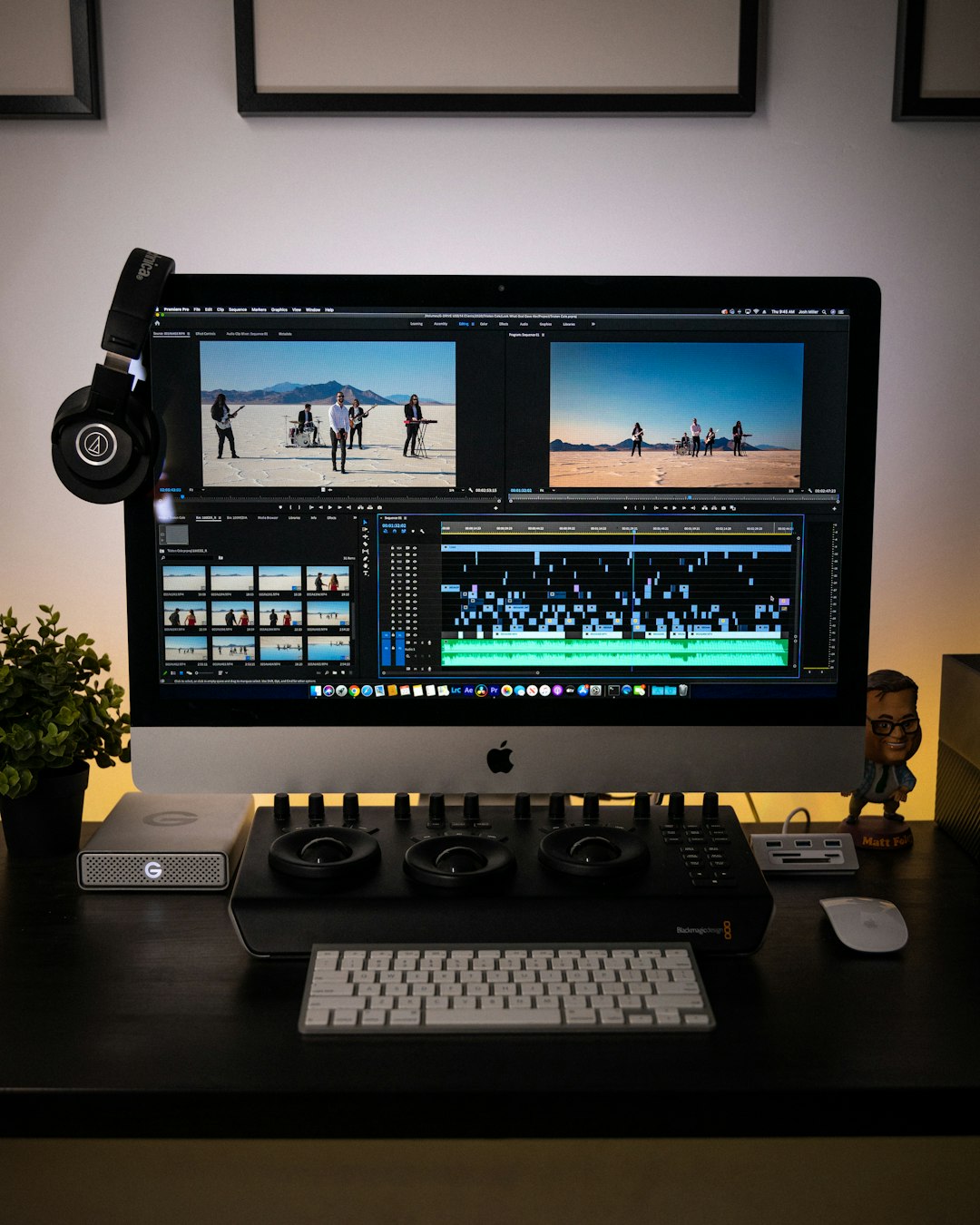
For creators on a budget, a practical workflow is simple. Write a short script. Generate one or two clips with free credits. Add captions in a trusted editor. Use royalty-free music. Export in 720p if 1080p costs too much. That may not feel glamorous, but it keeps your accounts safe.
Best Practices Before Using Any AI Video Generator
- Read permissions before installing. Do not tap “allow” out of habit.
- Use a separate creator email. Keep it away from banking and work accounts.
- Avoid uploading sensitive faces or documents.
- Watermark drafts yourself when sharing previews with clients.
- Check commercial rights before using AI clips in ads or paid work.
- Keep backups of prompts, scripts, and source files.
AI video generation is useful, but a ViduO AI Video Generator Mod APK is a bad shortcut. The safer choice is boring on purpose: official downloads, limited permissions, strong logins, and clear privacy settings. You might spend a few dollars or accept a watermark, but that beats losing an account, exposing private media, or cleaning malware off your phone.