
Choosing a point of sale system is a financial decision as much as an operational one. For small retailers, cafes, quick service shops, and service businesses, NCR Silver has historically been positioned as a cloud based POS option that combines checkout, reporting, inventory tools, and payment support. Pricing, however, is not always as simple as a monthly subscription fee, because hardware, payment processing, add ons, and support needs can materially affect the total cost.
TLDR: NCR Silver pricing has commonly been marketed through subscription plans, with costs varying by business type, number of devices, hardware needs, and payment processing setup. Public pricing has changed over time, so businesses should treat older advertised figures as estimates and request a current quote before committing. The main cost categories are software, hardware, payments, implementation, and optional features. For value, NCR Silver is strongest when its inventory, reporting, and operational tools are actively used rather than treated as a basic cash register replacement.
What Is NCR Silver?
NCR Silver is a POS platform associated with NCR, a long established provider of retail, restaurant, and banking technology. The Silver product line was designed mainly for smaller businesses that wanted a modern POS system without the complexity of enterprise software. It typically runs on tablet based hardware and connects sales, customer data, inventory, and reporting through the cloud.
It is important to note that NCR’s product portfolio has evolved over time, and availability can depend on region, industry, and sales channel. Some businesses may encounter NCR Silver as a legacy product, while others may be directed toward newer NCR offerings. For that reason, any pricing discussion should be treated as a practical guide rather than a substitute for a formal vendor quote.
How NCR Silver Pricing Is Usually Structured
NCR Silver pricing has traditionally followed a monthly subscription model. In many market references, the standard retail oriented plan was often listed at approximately $79 per month for a core POS setup, while a more restaurant focused option, commonly referred to as NCR Silver Pro Restaurant, was often listed around $149 per month. These figures are useful as historical benchmarks, but actual pricing can differ based on current availability, contract terms, and bundled services.
Businesses should expect the total price to include several possible components:
- Software subscription: The recurring fee for access to POS features, reporting, cloud data, and account management tools.
- Additional devices or terminals: Extra registers, tablets, or checkout stations may increase the monthly cost.
- Hardware: Card readers, receipt printers, cash drawers, barcode scanners, kitchen printers, and stands may be purchased separately or bundled.
- Payment processing fees: Card transactions usually carry separate per transaction and percentage based processing costs.
- Implementation and training: Some businesses may pay for onboarding, menu setup, inventory import, or staff training.
- Optional services: Loyalty, marketing, advanced reporting, or restaurant specific tools may affect final pricing.
Core Plan Features
The standard NCR Silver POS plan is generally aimed at retailers and small businesses that need reliable checkout and operational control. While exact features can vary, the platform has commonly included:
- Sales processing: Ring up items, apply discounts, process returns, and accept multiple payment types.
- Cloud based reporting: View sales trends, employee activity, product performance, and daily summaries.
- Inventory management: Track stock levels, create item catalogs, and monitor product movement.
- Customer management: Store customer profiles and purchase history for service and marketing purposes.
- Employee permissions: Set role based access so staff can perform only approved actions.
- Mobile access: Review business performance remotely through supported devices or web access.
For a small shop with a limited catalog, these features may be enough. For a business with complex inventory, multiple locations, or industry specific needs, the base plan may require add ons or a different NCR product.
Restaurant Plan Features
The restaurant focused version of NCR Silver has generally carried a higher monthly cost because it supports workflows that are more complex than standard retail checkout. These may include table service, kitchen coordination, modifiers, tipping, and order management.
Typical restaurant related features may include:
- Menu management: Create categories, modifiers, and item variations for food and drinks.
- Table and floor management: Assign orders to tables and monitor service status.
- Kitchen printing: Send orders directly to kitchen or bar printers.
- Tip handling: Support gratuities and close out transactions accurately.
- Employee time tracking: Monitor shifts, permissions, and sales by staff member.
For restaurants, the cost of hardware is often more significant than the software subscription alone. A practical setup may require kitchen printers, cash drawers, customer facing displays, handheld devices, and reliable networking equipment.
Hardware Costs to Consider
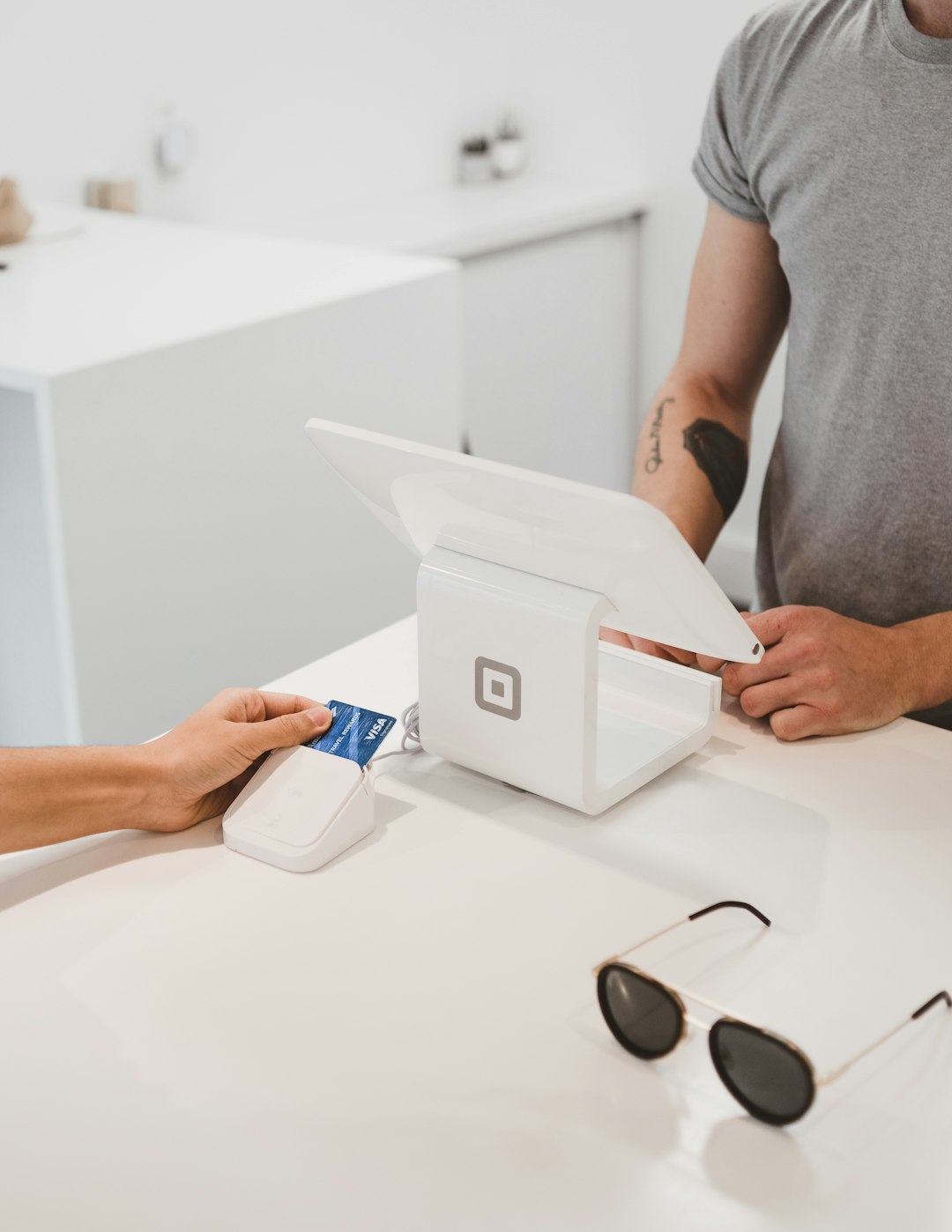
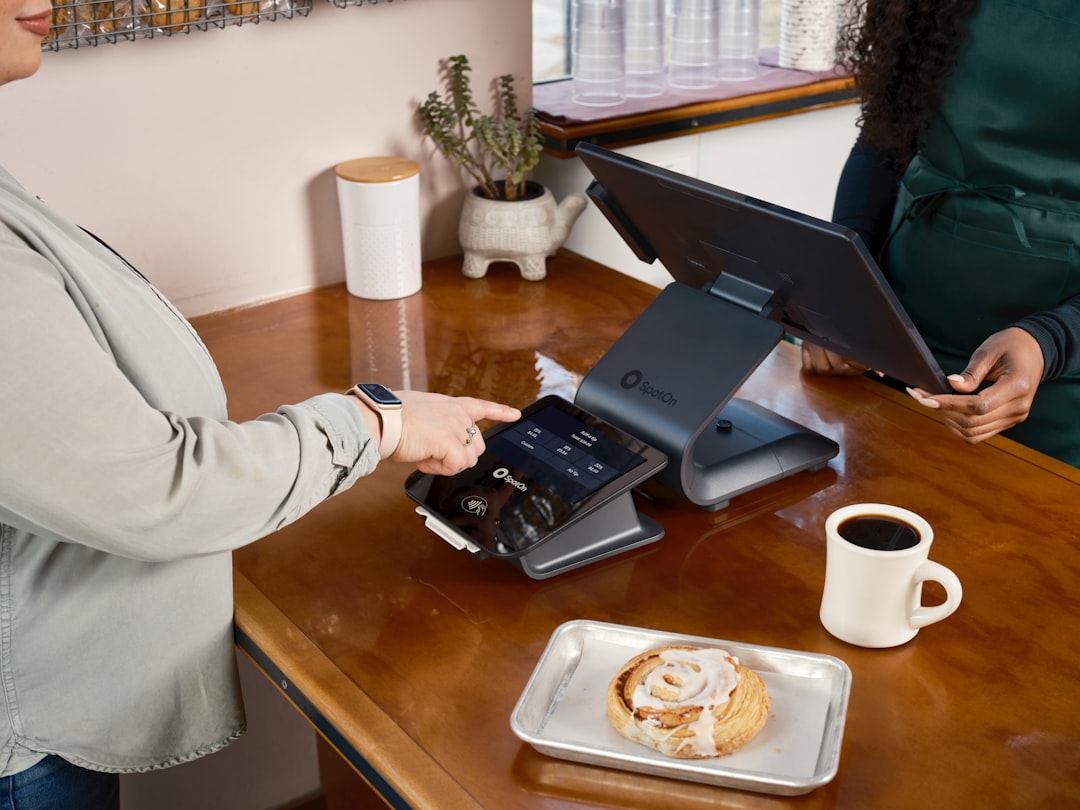
Hardware is one of the most common reasons the real cost of NCR Silver can exceed the advertised monthly fee. A basic setup may include a tablet, stand, card reader, receipt printer, and cash drawer. A more complete retail configuration might add a barcode scanner, label printer, or additional checkout station.
Because hardware pricing changes frequently, businesses should request an itemized quote. As a general planning range, a single station setup can often cost several hundred dollars to more than $1,000, depending on whether the business already owns compatible devices. Restaurants and multi terminal retailers should budget more, particularly if they need kitchen printing or multiple payment terminals.
Payment Processing Costs
Payment processing is separate from POS software in most cases. The processor charges fees for credit card, debit card, and mobile wallet transactions. These fees may include a percentage of each sale, a fixed per transaction charge, monthly account fees, compliance fees, or chargeback fees.
When evaluating NCR Silver pricing, ask whether you are required to use a specific processor or whether you can choose among approved providers. Also ask for the effective processing rate, not just the headline percentage. The effective rate includes all fees and gives a more accurate view of what your business will pay.
Other Potential Costs
Beyond software, hardware, and processing, businesses should also evaluate secondary costs that can affect long term value:
- Setup fees: Initial configuration, account activation, or data migration may involve charges.
- Support levels: Basic support may be included, while premium support could cost more.
- Contract terms: Month to month pricing may differ from annual agreements.
- Cancellation rules: Early termination fees or hardware lease obligations can increase risk.
- Upgrades: New devices, accessories, or feature packages may be needed as the business grows.
Is NCR Silver Worth the Cost?
NCR Silver can be a sensible investment for businesses that need more than a simple payment app. Its value is strongest when the business uses its reporting, inventory, customer tracking, and employee controls consistently. A retailer that monitors stock levels and best selling items, for example, may recover the monthly cost through better purchasing decisions and fewer stockouts.
However, businesses looking only for basic card acceptance may find the subscription cost higher than necessary. Similarly, growing companies with advanced ecommerce, multi location, or complex accounting requirements should compare NCR Silver with broader POS systems before deciding.

Questions to Ask Before Buying
Before signing a contract, request a written proposal and ask direct questions. A reliable quote should clearly separate software, hardware, payment processing, support, and any one time fees.
- What is the current monthly subscription price?
- How many registers or devices are included?
- What hardware is required, and is it purchased, leased, or financed?
- Which payment processors are supported?
- Are there setup, training, cancellation, or support fees?
- Can data be exported if the business changes systems later?
Bottom Line
NCR Silver pricing is best understood as a total cost of ownership, not just a monthly POS fee. Historical plan prices of around $79 per month for standard POS use and around $149 per month for restaurant focused tools provide a useful reference point, but current costs should be confirmed directly. Hardware and payment processing can significantly change the final monthly and upfront expense.
For serious buyers, the right approach is to compare NCR Silver against business requirements rather than price alone. If its features reduce manual work, improve inventory accuracy, and provide reliable sales visibility, the system may justify its cost. If those tools will not be used, a simpler and less expensive option may be more appropriate.