
Have you ever found yourself needing to convert kilometers to miles, ounces to grams, or Celsius to Fahrenheit? Maybe you’re cooking, traveling, or working on a DIY project. Whatever the reason, a good unit converter app can save the day!
While old-school charts and formulas are fine, there’s something super handy about having an app that does it all in a few taps. Let’s dive into some of the best mobile apps for unit conversion. We’ll explore their features, see how accurate they are, and check out how user-friendly they can be.
1. Unit Converter by Smart Tools
This is one of the most popular unit converters out there. It’s especially loved by Android users.
- Features: Converts over 15 categories including currency, weight, time, and pressure.
- Offline Use: Most features work without the internet — super handy!
- User Experience: Simple interface makes it easy to find what you need fast.
Accuracy? Spot on. We compared it to Google and scientific calculators, and it matched every time.

The layout is nothing flashy, but that’s a good thing. Clear buttons and well-labeled categories help you get to your result fast.
2. Convert Units – Imperial & Metric
This app is a favorite for iOS users who love to switch between imperial and metric systems.
- Features: Covers everything from cooking measurements to scientific conversions.
- Customization: You can pin favorite conversions for super quick access.
- User Experience: Sleek design and easy navigation.
Accuracy is solid. It pulls updated conversion rates for currency and keeps things current.
Bonus: There’s a dark mode for night owls!
3. Unit Converter Ultimate
If you’re looking for a no-nonsense solution, this one’s for you.
- Features: Includes basic measurement units like area, temperature, and volume.
- Ad-Free: It’s completely free and has no ads. Seriously!
- User Experience: Lightweight and very fast.
This app may look plain, but it functions flawlessly. It doesn’t try to impress with colors and animations — it delivers results, fast and right.
4. All-in-One Calculator
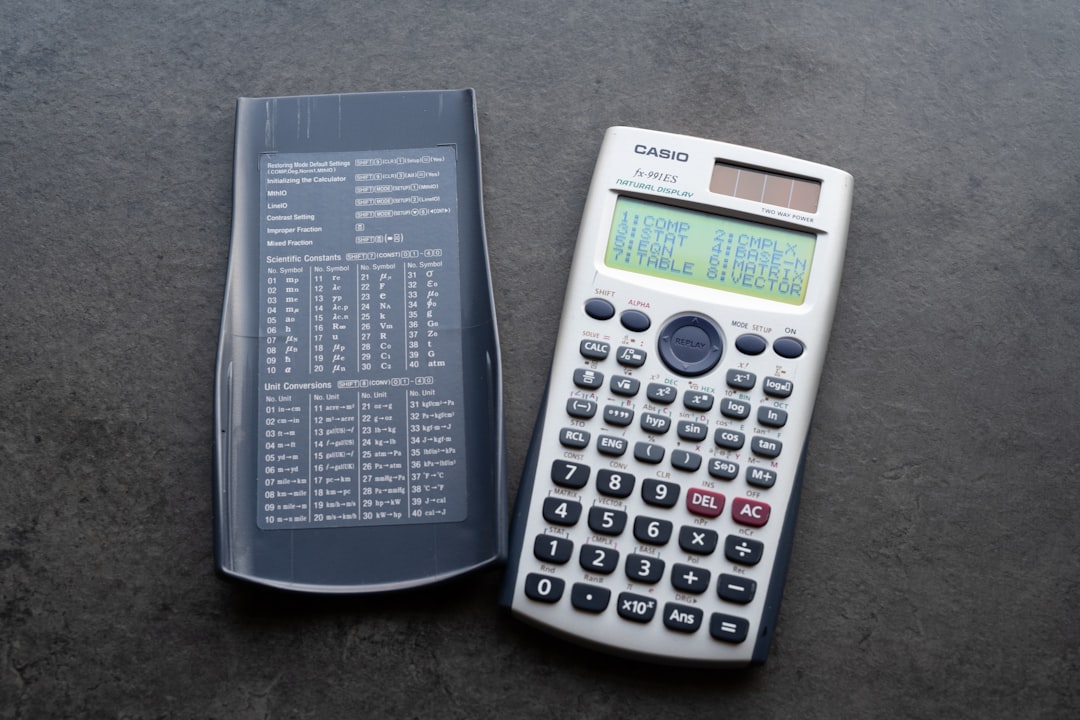
This app is more than just a calculator. It includes a powerful unit converter, too!
- Features: Over 75 calculators and converters. From BMI and loans to electric units.
- Combos: Perfect for students and professionals alike.
- User Experience: Might feel overwhelming at first but extremely powerful once you get used to it.
Accuracy is exceptional. It includes up-to-date data for everything and even checks for mistakes as you type.
One downfall? A few features might need a subscription. But for unit conversion, most things are free!
5. ConvertPad
Here’s a very detailed app that’s perfect for advanced users.
- Features: Converts practically everything — including power, radiation, and angles.
- Languages: Supports over 20 languages and multiple currencies.
- User Experience: Looks a bit outdated, but it’s efficient.
Great for engineers and those who need very specific units. The data library is massive!
6. Units Plus Converter
Simplicity and beauty blend together in this iOS app.
- Features: Converts 12 core unit categories including speed, fuel mileage, and torque.
- Currency Updates: It syncs currency rates live.
- User Experience: Modern design with large buttons and smooth animations.
It’s more limited than others in terms of units, but for everyday use, it’s more than enough.
Quick Comparison Table
| App | Best For | Offline Support | Design |
|---|---|---|---|
| Smart Tools Converter | General use | Yes | Simple & functional |
| Convert Units | iOS & dual system users | Yes | Smooth |
| Ultimate Converter | Minimalists & speed | Yes | Very basic |
| All-in-One Calculator | Multi-tools | Some | Modern, but packed |
| ConvertPad | Advanced users | Yes | Outdated but detailed |
| Units Plus | Everyday conversions | Yes | Modern and clean |
What Makes a Great Unit Converter App?
The best app depends on what you need, but here are a few things to look for:
- Accuracy: Always match results against known values to be sure.
- Ease of Use: You want to convert fast, not dig through menus.
- Customizability: Favorites, dark mode, or language support? Yes, please.
- Offline Access: Super important when you’re off-grid or traveling.
Final Thoughts
Whether you need a quick temperature check, a cooking measurement tweak, or a complex physics unit converted, there’s an app for that. Some are basic, while others are powerhouses. It all comes down to your style and what you need it for.
Try a few, play around with the settings, and stick with the one that works best for you. Happy converting!