
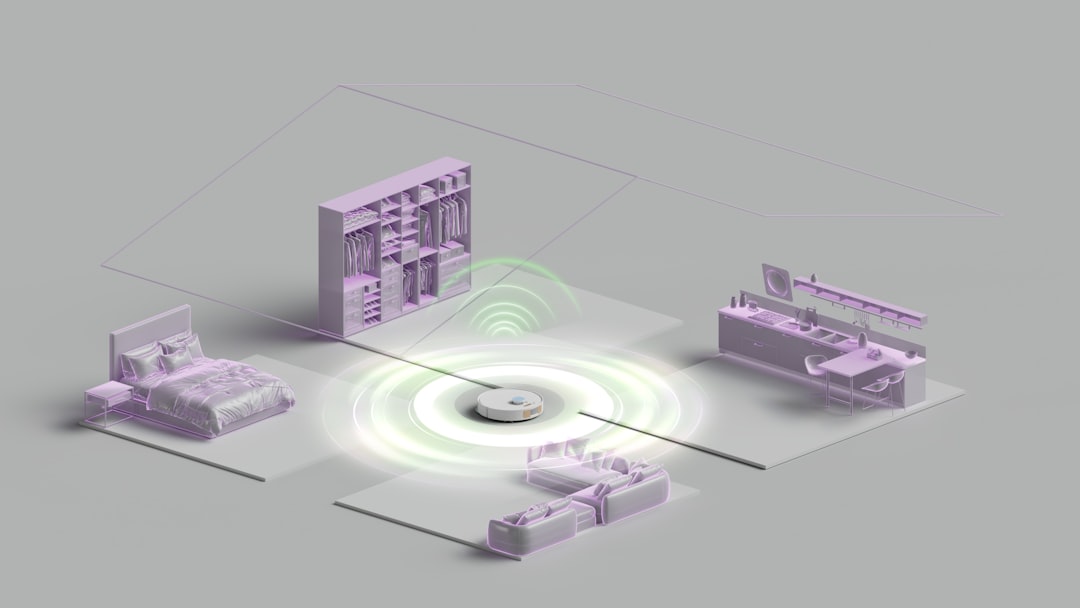
Any-time interrogation lets one device ask another device, “Hey, are you okay?” whenever it needs an answer. That is the core idea. A router, switch, server, sensor, printer, or phone can request status data across a network at almost any moment. No drama. Just a quick check-in.
TLDR: Any-time interrogation is how networked devices ask for live status information on demand. For example, a monitoring tool may ask 500 office printers every 60 seconds, “How much toner is left?” If 12 printers report less than 10% toner, the system can alert support before people start yelling near the copy room. This helps teams fix small problems before they become loud, expensive ones.

What does “any-time interrogation” mean?
The phrase sounds intense. Like a router is under a hot lamp. It is not.
In networking, interrogation just means asking for information. Any-time means the request can happen when needed. Not only during setup. Not only once per day. Not only when the device feels like sharing.
A device or management system sends a request. Another device answers with status data. That data might include:
- Is the device online?
- How much memory is being used?
- Is the link up or down?
- How hot is the device?
- How many errors are on the port?
- Is the battery low?
- Has the device restarted?
Think of it like texting a friend: “You alive?” They reply: “Yes. Tired. Coffee needed.” That is basically network monitoring, but with fewer emojis.
Why networks need this
Networks are full of moving parts. Cables fail. Ports get overloaded. Devices overheat. Configs change. Someone unplugs the “wrong” cable because it looked “messy.” It drives me crazy that one tiny cable can ruin a whole morning.
Any-time interrogation helps teams spot trouble early. Instead of waiting for users to complain, the system asks devices for updates on a schedule or on demand.
For example:
- A monitoring server asks a switch for port status every 30 seconds.
- A cloud system checks if a home router is reachable.
- A hospital system asks medical sensors for battery levels.
- A warehouse app checks scanners to see which ones are offline.
This is not just for big companies. Even a smart home uses this idea. Your phone may ask a smart thermostat for the current temperature. Your app may ask a camera if it is recording. Same basic concept.
How the request and reply work
The flow is simple.
- A requester sends a question. This could be a monitoring tool, controller, app, or another device.
- The target device receives it. It checks the requested value.
- The target sends a reply. The reply may be a number, status code, log entry, or report.
- The requester stores or acts on it. It may show a green icon, raise an alert, or start another task.
Here is a tiny example:
- Question: “Switch 12, is port 7 up?”
- Answer: “Yes. Speed is 1 Gbps. Errors are 0.”
Nice and clean. Until port 7 says, “Nope.” Then the fun begins.
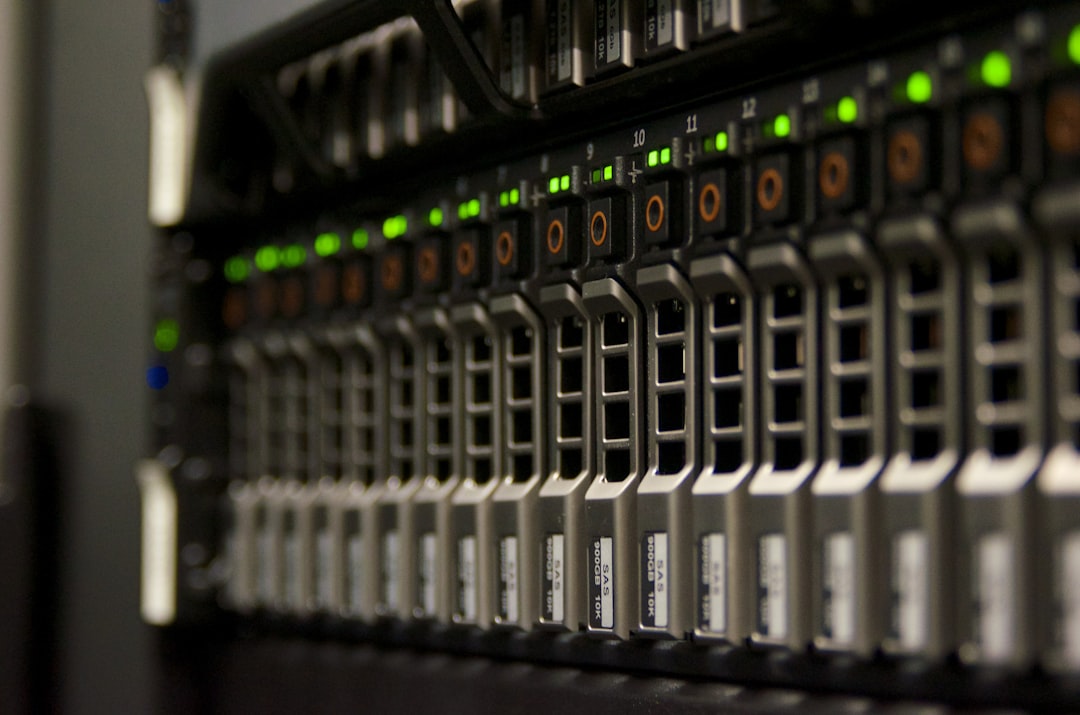
Common methods devices use
Different systems ask questions in different ways. The idea is the same, but the tools vary.
- Ping: A simple “are you there?” check. Fast. Basic. Great for reachability.
- SNMP: Short for Simple Network Management Protocol. It asks devices for values like CPU use, traffic counts, and error rates.
- APIs: Many modern devices offer web-style interfaces. Apps can ask for data using HTTP requests.
- NETCONF and RESTCONF: These are used for structured network management. They are more formal and precise.
- Telemetry: Devices stream data out, but systems can still request details when needed.
- Logs: A system may ask for events, errors, or audit records.
Ping is like knocking on a door. SNMP is like asking, “How many snacks are in your cabinet?” APIs are like filling out a neat form and getting a neat answer back.
Polling versus asking on demand
There are two common patterns.
Polling means asking again and again on a schedule. Every 10 seconds. Every minute. Every hour. It depends on the need.
On demand means asking only when someone or something needs an update. Maybe an admin clicks a button. Maybe an alert triggers a deeper check.
Both are useful.
- Polling is steady. It builds trends over time.
- On demand is focused. It gets fresh data right now.
The annoying part? Poll too often and you create extra traffic. Poll too slowly and you miss a short outage. A link can fail for 20 seconds, come back, and leave everyone arguing about whether it “really happened.” Spoiler: it did.
A simple user case scenario
Imagine a company with 220 employees, 48 switches, 160 wireless access points, and 25 security cameras. The IT team has only three people. They cannot manually check every device all day. No one has that kind of patience.
So they use monitoring software. It asks each access point for health data every 60 seconds. It checks signal strength, connected users, error counts, and uptime.
One Monday, the system spots a pattern. Access points on the third floor show a 35% jump in retry rates. That means wireless devices are having to send the same data again and again. Users have not complained yet. But video calls are about to get crunchy.
The team checks the area. A new microwave oven in the break room is blasting interference during lunch. Yes, really. The fix is simple. Move one access point and change the channel plan. Complaints drop by 70% that week.
That is the value. Ask early. Fix early. Avoid the angry ticket storm.
What kind of status data matters most?
Not all data is useful. Some numbers are just noise. Good interrogation focuses on signals that help people act.
Useful status fields include:
- Availability: Is the device reachable?
- Latency: How long does a reply take?
- Packet loss: Are messages disappearing?
- CPU usage: Is the device working too hard?
- Memory usage: Is it close to running out?
- Interface errors: Are ports seeing bad traffic?
- Temperature: Is hardware getting too hot?
- Power state: Is the device plugged in, charging, or failing?
The goal is not to collect everything. The goal is to collect what helps you decide.

Security matters too
Asking devices for status sounds harmless. But it still needs protection. Status data can reveal a lot. Device names, software versions, open ports, and uptime can help attackers plan.
Use strong controls:
- Authenticate requests. Devices should know who is asking.
- Encrypt traffic. Do not send sensitive data in plain text.
- Limit access. Not every user needs network health data.
- Log requests. Keep records of who asked what and when.
- Rate limit checks. Too many requests can slow devices down.
SNMPv3, HTTPS APIs, and role based access are common choices. Older methods may still work, but they can be risky if left open.
Why this makes networks feel smarter
Any-time interrogation turns a network from a silent maze into a chatty team. Devices report how they feel. Controllers ask smart questions. Dashboards show what changed.
This supports automation too. If a router reports high CPU, a system can gather logs. If a sensor reports low battery, it can create a work order. If a link drops, traffic can shift to a backup path.
It is not magic. It is just good questions at the right time.
Final thought
Any-time interrogation is the habit of checking status before trouble gets loud. It keeps routers, switches, servers, apps, and smart devices talking. It helps teams move faster. It saves users from mystery outages. And yes, it can even save the office from a printer toner crisis.