
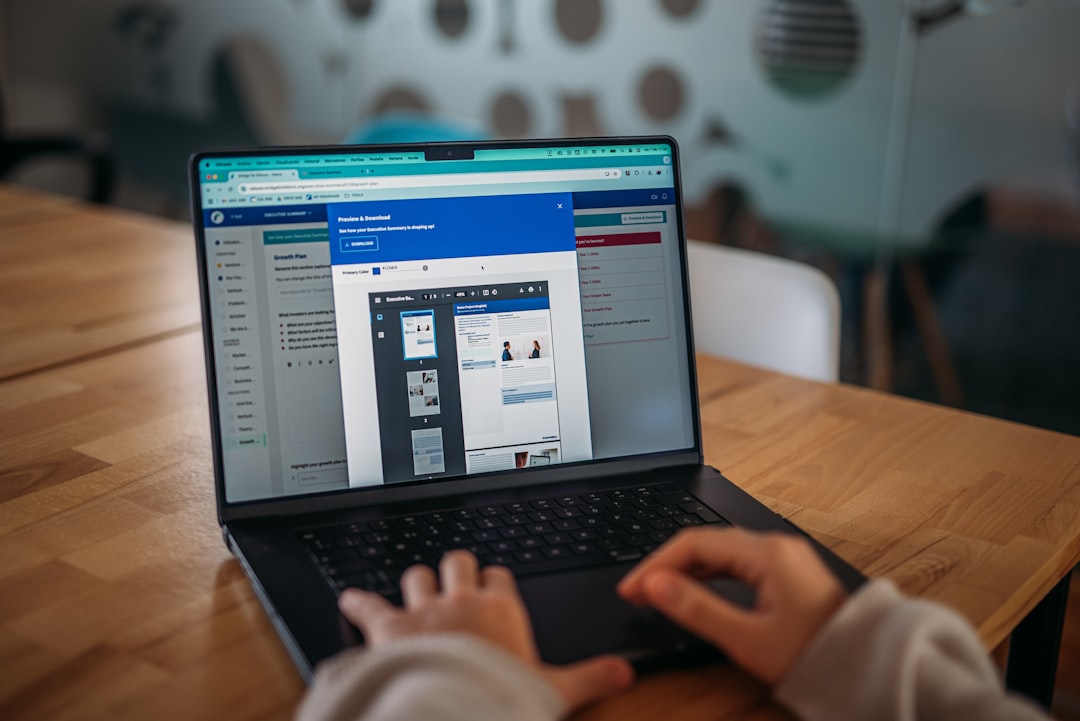
Online learners expect more than a sequence of videos and quizzes. They want a learning journey that feels clear, relevant, interactive, and personal. WP Courseware customization gives course creators the ability to shape that journey inside WordPress, turning a standard course structure into an engaging experience that reflects your brand, teaching style, and students’ needs.
TLDR: WP Courseware can be customized to create more personalized, branded, and effective online learning experiences. You can tailor course layouts, lesson flow, quizzes, certificates, emails, memberships, and student progress features. The best results come from balancing design, usability, automation, and learner motivation. With thoughtful customization, WP Courseware becomes more than a course plugin; it becomes a flexible learning environment.
Why Customization Matters in Online Learning
A successful online course is not only about content quality. It is also about how that content is presented, accessed, and experienced. If students struggle to find lessons, understand progress, or stay motivated, even excellent material can feel frustrating.
Customization helps you solve these issues by adapting WP Courseware to your audience. A professional certification program may need structured modules, strict quiz rules, and formal completion certificates. A creative workshop may benefit from a relaxed visual style, community links, and flexible lesson access. A corporate training portal might require private enrollment, reporting tools, and automated reminders.
The goal is simple: make the course feel like it was designed specifically for the learner, not just uploaded into a generic template.
Start with Your Learning Structure
Before changing colors, buttons, or certificates, begin with the foundation: your course structure. WP Courseware organizes content into courses, modules, units, and quizzes. This hierarchy is one of its strongest features, but it works best when planned carefully.
Ask yourself:
- What should learners know before they begin?
- Which lessons naturally belong together?
- Where should quizzes, assignments, or checkpoints appear?
- Should students move freely or follow a required sequence?
- How will learners know they are making progress?
For example, if you are teaching digital marketing, you might create modules such as Strategy, Content Creation, Email Marketing, and Analytics. Each module can contain focused units, while quizzes reinforce key concepts at the end of each section.
Customizing the flow helps prevent information overload. Instead of presenting everything at once, you can create a guided path that builds confidence lesson by lesson.
Customize the Look and Feel
Your course should visually belong to your website. WP Courseware works within WordPress, which means much of the appearance depends on your theme, page builder, and custom styling. However, there are still many ways to refine the user experience.
Consider customizing:
- Course landing pages with persuasive descriptions, learning outcomes, and enrollment calls to action.
- Module and unit pages so they are easy to scan and distraction free.
- Progress indicators to make completion status visible and motivating.
- Buttons and navigation so students always know what to do next.
- Typography and spacing for comfortable reading on desktop and mobile devices.
Small design choices can have a large effect. A clear “Mark as Complete” button, consistent lesson headings, and strong visual separation between content sections can reduce confusion and increase completion rates.
If your WordPress theme allows custom CSS, you can further personalize course elements such as lesson tables, quiz buttons, and certificate styling. Keep accessibility in mind: use readable font sizes, strong color contrast, and enough spacing for touch screens.
Personalize Course Access and Enrollment
Different training models require different access rules. WP Courseware can be paired with membership, ecommerce, or payment tools to control who can enroll and when. This is especially useful if you sell premium courses, offer employee training, or run cohort based programs.
You might customize access by:
- Offering free preview lessons to encourage signups.
- Creating private courses for companies or internal teams.
- Bundling courses into learning paths or membership tiers.
- Scheduling access so learners join during specific enrollment windows.
- Providing lifetime or limited access depending on your business model.
This flexibility allows you to match the learning experience to your revenue strategy. For example, a beginner course might be available as a low cost entry product, while advanced coaching modules are reserved for premium members.
Use Drip Content to Guide Learners
Not every course should be unlocked all at once. WP Courseware supports drip content, allowing lessons to become available over time. This is useful when you want students to absorb material gradually or follow a structured schedule.
Drip scheduling can help reduce overwhelm, improve accountability, and create anticipation. In a four week writing course, for instance, you might release one module per week. Students complete exercises, reflect on feedback, and return ready for the next stage.
However, drip content should be used thoughtfully. If your audience expects immediate access, strict scheduling can feel restrictive. The best approach depends on the course promise. A self paced resource library may work better with open access, while a transformation based program often benefits from pacing.
Make Quizzes More Meaningful
Quizzes are more than assessment tools. They can reinforce learning, boost engagement, and help students identify knowledge gaps. WP Courseware lets you create quizzes with different question types and grading settings, but customization determines how useful they become.
Think beyond basic pass or fail testing. You can use quizzes as:
- Knowledge checks after short lessons.
- Module assessments before students move forward.
- Self reflection exercises where there may not be a single correct answer.
- Certification requirements for professional training.
- Practice tests that prepare learners for a final exam.
Customize instructions so students understand the purpose of each quiz. If a quiz is meant for practice, say so. If it affects certification, make the expectations clear. You can also adjust passing scores, retake permissions, and answer feedback to match the seriousness of the assessment.
Helpful feedback is one of the most underrated quiz customizations. Instead of simply telling students they are wrong, explain why the correct answer matters. This turns assessment into another learning moment.
Design Certificates That Feel Valuable
Completion certificates can be powerful motivators, especially in professional education, compliance training, and skill based programs. WP Courseware allows certificates to be awarded when learners finish a course or meet specific requirements.
To customize certificates effectively, include:
- The student’s name for personalization.
- The course title and completion date.
- Your organization or instructor name for credibility.
- A clean visual layout that feels polished and shareable.
- Clear wording describing what the learner achieved.
A certificate does not need to be overly decorative. In many cases, a simple professional design feels more trustworthy. If your learners may share certificates on social media or include them in portfolios, make sure the design represents your brand well.
Customize Emails for Better Communication
Automated emails are an important part of the learner experience. They can welcome students, confirm enrollment, remind them to continue, congratulate them on progress, and deliver completion details.
Generic messages often feel cold. Customized emails feel supportive and intentional. A strong welcome email might include a short greeting, course access instructions, estimated completion time, and a suggestion for the first action to take.
Useful email customizations include:
- Welcome messages that set expectations.
- Progress reminders for inactive students.
- Quiz result emails with next steps.
- Completion emails that celebrate achievement.
- Support links for students who need help.
Keep the tone aligned with your teaching style. A formal business training course may use concise professional language, while a wellness program may sound warmer and more encouraging.
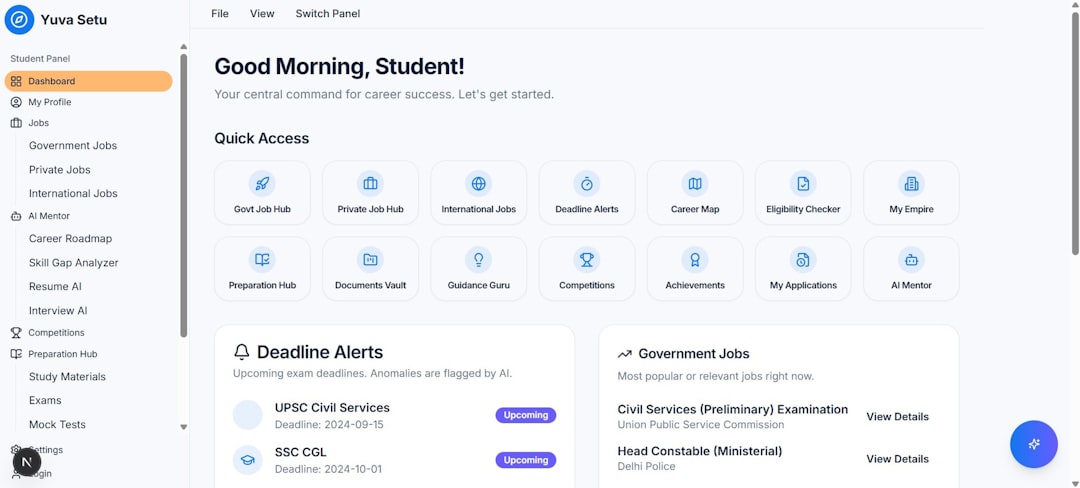
Improve Navigation and Student Dashboards
One of the most important customizations is how students move through the course. Confusing navigation causes frustration and drop offs. Learners should always understand where they are, what they have completed, and what comes next.
A well customized student dashboard can include:
- Enrolled courses with clear titles and thumbnails.
- Progress percentages for each course.
- Next lesson links for quick continuation.
- Completed certificates or achievements.
- Support or community links for easy access.
If you use a page builder, you can create a dedicated student hub that combines WP Courseware shortcodes or course links with helpful resources. This keeps the learning experience organized instead of forcing students to search through menus.

Add Community and Interaction
Many online courses fail because learners feel isolated. While WP Courseware handles course delivery, you can enhance the experience by integrating discussion areas, forums, private groups, live sessions, or assignment feedback workflows.
Interaction can be customized based on course type. A leadership program might include weekly discussion prompts. A photography course might invite students to share images for critique. A coding course might provide troubleshooting threads for each module.
Community features do not need to be complicated. Even a simple comment area below lessons can encourage questions and make students feel supported. The key is to define how interaction should happen and to communicate expectations clearly.
Use Branding Without Overwhelming the Learning
Branding helps create trust and consistency, but it should never distract from the course material. Use your colors, logo, imagery, and tone strategically. A branded course experience feels professional; an overdesigned one can feel cluttered.
Focus on brand elements that support recognition and clarity:
- Consistent colors for buttons, highlights, and progress elements.
- A recognizable voice in lesson introductions and emails.
- Branded certificates and downloadable resources.
- Visual consistency across videos, slides, worksheets, and course pages.
Students should feel they are inside a cohesive learning environment. When every lesson page, email, quiz, and download feels connected, the course appears more polished and valuable.
Track Results and Keep Improving
Customization is not a one time project. After students begin using your course, pay attention to behavior and feedback. Where do learners stop progressing? Which quizzes have unusually low scores? Which lessons generate the most questions?
Use these insights to refine the experience. You may need to rewrite lesson instructions, add examples, simplify navigation, adjust quiz settings, or break long units into shorter segments. Sometimes the most effective customization is removing friction rather than adding features.
Student surveys can also provide valuable direction. Ask learners what felt clear, what felt confusing, and what would have helped them succeed faster. Their answers can reveal practical improvements you might not notice as the course creator.
Best Practices for WP Courseware Customization
To get the most from WP Courseware, customize with both strategy and restraint. Every change should improve learning, navigation, motivation, or business performance.
- Plan the learning journey first. Do not begin with design before understanding the course path.
- Keep pages clean. Avoid unnecessary widgets, ads, or clutter inside lessons.
- Use clear calls to action. Students should always know whether to watch, read, download, complete, or continue.
- Make progress visible. Completion indicators encourage momentum.
- Test as a student. Enroll in your own course and experience every step.
- Optimize for mobile. Many learners will access lessons from phones or tablets.
- Automate communication. Emails and reminders can reduce support requests.
- Review regularly. Update content, links, quizzes, and certificates as your course evolves.
Final Thoughts
WP Courseware customization is about more than changing how a course looks. It is about shaping how learners feel, move, practice, and succeed. When you customize structure, design, access, quizzes, certificates, communication, and dashboards, you create a learning experience that feels intentional from start to finish.
The best online courses are easy to navigate, motivating to complete, and memorable after the final lesson. With the right customizations, WP Courseware can help you deliver exactly that: a learning environment that supports your students while strengthening your brand and business.