

Running a hotel website should feel exciting. Not overwhelming. If you use WordPress and want to accept bookings online, you are in the right place. Even better, if you already use WooCommerce to sell products or services, you can connect everything together. That means rooms, payments, taxes, coupons, and reports. All in one place.
TLDR: WordPress hotel booking plugins that work with WooCommerce let you manage rooms like products. Guests can check availability, book dates, and pay online. WooCommerce handles payments, taxes, and checkout. The result? A simple system for you and a smooth experience for your guests.
Let’s break it down in a simple way. No tech jargon. No confusion. Just clear guidance.
Why Use WooCommerce for Hotel Bookings?
WooCommerce is powerful. But also flexible. It was made for selling products. However, with the right plugin, you can sell room nights instead of t-shirts.
Here is why that matters:
- Secure payments with trusted gateways
- Automatic tax calculations
- Coupon codes for promotions
- Detailed reports for revenue tracking
- Email notifications for guests
You probably already know WooCommerce. So why learn something brand new? Just extend what you have.
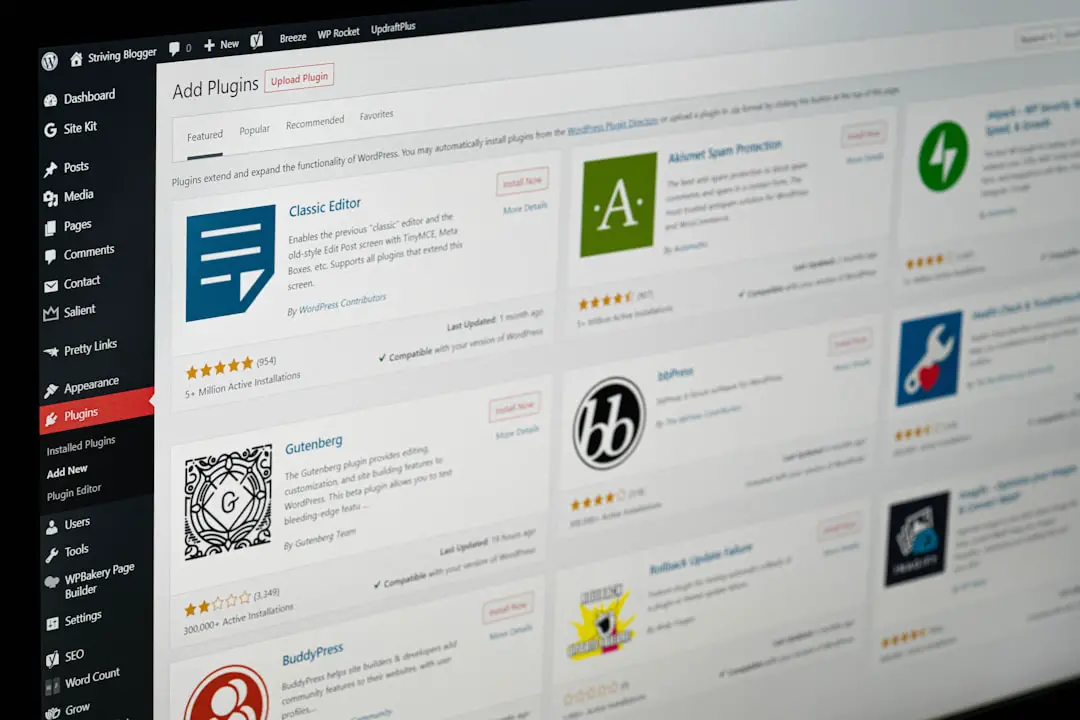
How Hotel Booking Plugins Work with WooCommerce
Think of each room as a product. But instead of choosing size or color, your guest selects:
- Check-in date
- Check-out date
- Number of guests
- Extra services
The plugin handles availability. WooCommerce handles checkout. Simple teamwork.
When someone books:
- The calendar checks if the room is free.
- The price updates based on dates.
- The guest pays through WooCommerce.
- You receive a notification.
No double bookings. No messy spreadsheets. No stress.
Top WordPress Hotel Booking Plugins Compatible With WooCommerce
Let’s look at some popular options. Each works well with WooCommerce.
1. WooCommerce Bookings
This is the official extension from WooCommerce. It is reliable. And well supported.
What it does well:
- Flexible date-based bookings
- Automatic availability management
- Dynamic pricing rules
- Buffer times between stays
You can set different pricing for weekends. Or holidays. Or peak seasons. Very helpful for hotels.
It may require a bit of setup. But once configured, it is powerful.
2. Accommodation Booking by MotoPress
This plugin is built specifically for hotels and vacation rentals. It integrates smoothly with WooCommerce through an add-on.
Standout features:
- Real-time availability calendars
- Seasonal pricing
- Multiple properties support
- Online and offline payments
It is user friendly. Even beginners feel comfortable using it.
3. WP Hotel Booking
A lightweight option. Simple interface. Good for small hotels.
It has WooCommerce integration via add-ons. So you can use WooCommerce payment gateways.
Best for:
- Small boutique hotels
- Bed and breakfasts
- Guest houses
It keeps things clean and straightforward.
4. HBook
Designed for hospitality businesses. Works well alongside WooCommerce for handling payments.
Highlights include:
- Customizable booking forms
- Discount management
- Synchronizing with external calendars
- Translation ready
If you expect international guests, language support is a big plus.

Must-Have Features in a Hotel Booking Plugin
Not all plugins are equal. Some look nice. But lack essential tools.
Here is what you really need:
1. Real-Time Availability
This prevents double bookings. Critical for your reputation.
2. Seasonal Pricing
Charge more during peak travel months. Automatically.
3. Flexible Payment Options
Credit cards. PayPal. Stripe. Maybe even bank transfers.
4. Extra Services
Offer breakfast. Airport pickup. Spa access. Increase revenue easily.
5. Mobile Friendly Design
Most guests book from phones. Your system must work perfectly on small screens.
Benefits of Combining WooCommerce with Hotel Booking Plugins
This combination is powerful. Here’s why.
- One checkout system. Easy to manage.
- One dashboard. Less confusion.
- Scalability. Add products or services anytime.
- Marketing tools. Use WooCommerce coupons and email integrations.
Want to sell travel guides? Souvenirs? Event tickets? You can. Alongside rooms.
Everything connects seamlessly.
Setting It Up the Simple Way
Feeling nervous about installation? Don’t be.
Here is the simplified roadmap:
- Install WordPress.
- Install WooCommerce.
- Choose a compatible hotel booking plugin.
- Connect the booking plugin to WooCommerce.
- Add your rooms as bookable products.
- Configure pricing and availability.
- Test the booking process.
Always test before going live. Pretend you are a guest. Book a room. Complete checkout. Check confirmation emails.
This step saves headaches later.

Tips to Increase Direct Bookings
Having a booking system is great. But you also want more direct reservations. That means fewer commissions paid to online travel agencies.
Try these ideas:
- Offer exclusive discounts for booking on your website.
- Add clear call-to-action buttons.
- Display trust signals like reviews and secure payment badges.
- Use high-quality photos.
- Simplify the checkout process.
The easier it feels, the more bookings you get.
Common Mistakes to Avoid
Even good systems can fail. Usually because of small mistakes.
Ignoring Mobile Optimization
If forms are hard to use on phones, people leave.
Overcomplicating Pricing
Too many rules confuse guests. Keep it clear.
Not Updating Availability
If you take manual bookings too, sync everything properly.
Poor Quality Images
Blurry photos reduce trust instantly.
Is It Right for Small Hotels?
Absolutely.
You do not need a giant property. Even a five-room guest house benefits. In fact, small places often gain the most:
- Lower operational costs
- No expensive third-party booking systems
- Full control over branding
- Direct customer relationships
It gives small businesses a professional edge.
What About Large Hotels?
Larger properties may need advanced systems. But many still use WooCommerce-based setups successfully.
The key is choosing a plugin that supports:
- Multiple room types
- Bulk pricing edits
- Advanced availability rules
- External channel synchronization
If your needs are complex, test carefully. Sometimes a custom configuration is necessary.
Final Thoughts
WordPress and WooCommerce are not just for online shops. They are flexible tools. When combined with the right hotel booking plugin, they become a complete reservation system.
The magic lies in simplicity.
Your guests choose dates. They pay securely. They receive confirmation. You manage everything from one dashboard.
No messy paperwork. No chasing payments. No confusion.
If you already use WordPress, this is a natural next step. If you don’t, it might be the perfect time to start.
Easy setup. Smooth experience. More direct bookings.
That sounds like a win.