
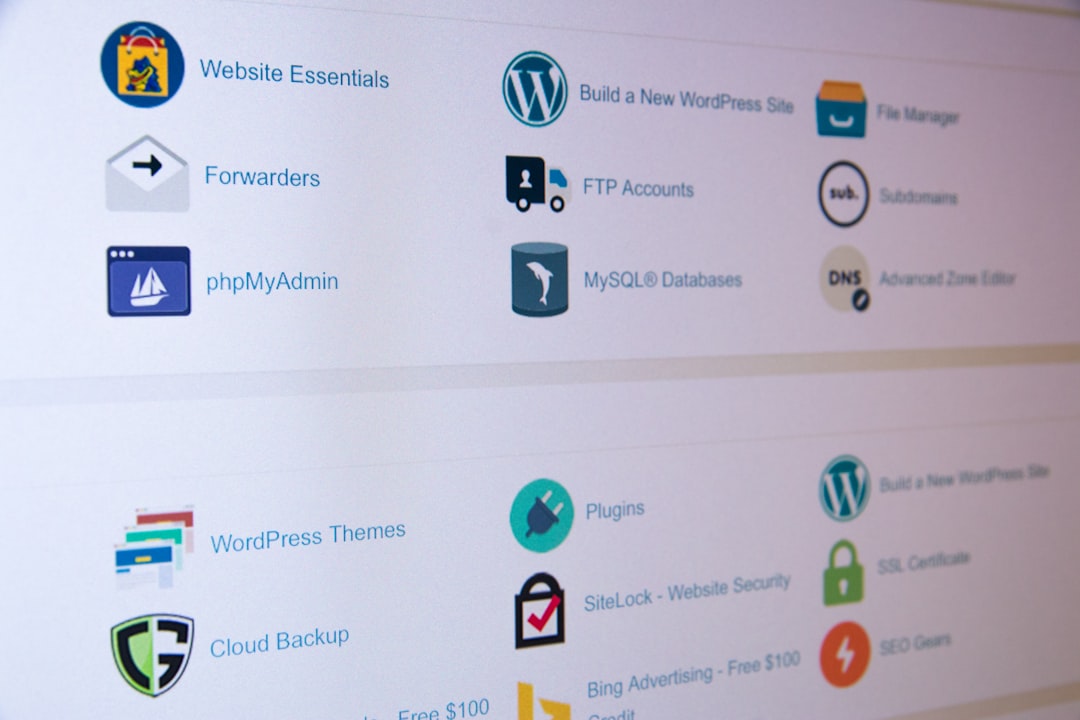
Screen scraping is the practice of collecting data from what appears on a screen, usually from a rendered web page, app, or document, instead of pulling it from a formal data source. It is often used when no API exists, when data is locked inside old software, or when the visible result matters more than the underlying code.
TLDR: Screen scraping reads visible content, while DOM extraction reads page structure, APIs return approved machine data, and structured data extraction pulls from formats such as JSON, XML, tables, or schema markup. For example, a pricing team might monitor 500 competitor products each day and detect a 14% average price drop across one category before changing its own prices. Screen scraping can work when other options fail, but it is usually more fragile. The best method depends on access, data quality, speed, and how often the target changes.
What Screen Scraping Means
Screen scraping turns visual output into usable data. A scraper may read text displayed in a browser, extract numbers from a PDF viewer, or pull values from an old desktop system. In many cases, it behaves like a person looking at a screen and copying information into a spreadsheet.
This method is different from normal web scraping. Web scraping often reads HTML, scripts, network responses, or embedded data. Screen scraping focuses on what is shown. That can include labels, buttons, table cells, popups, charts, and text rendered after scripts run.
Honestly, it feels like the fallback option no one wants to use until every cleaner method has failed. It can be slower, harder to maintain, and annoying when a small visual change breaks the process. Still, it solves real problems when data is trapped behind old interfaces or private systems.
How Screen Scraping Works
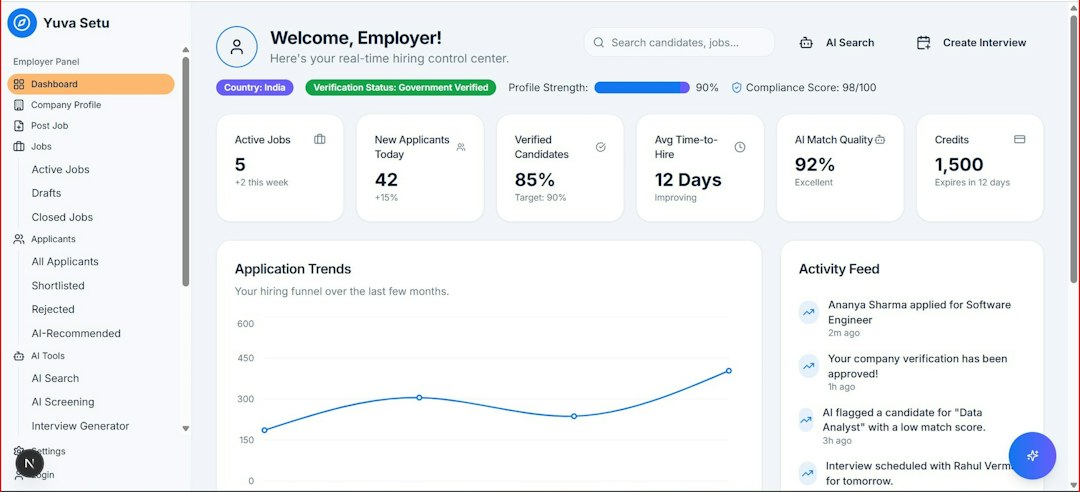
A screen scraping tool usually follows a few steps:
- Open the target: It loads a web page, app, report, terminal screen, or virtual desktop.
- Render the view: It waits for the interface to display the right content.
- Locate elements: It finds text, tables, numbers, or coordinates on the screen.
- Capture data: It copies values using OCR, browser automation, image recognition, or layout rules.
- Clean the output: It converts messy text into fields such as price, name, date, count, or status.
Some tools work through browsers. Others use optical character recognition, known as OCR. Some use robotic process automation, or RPA, to click through legacy systems and copy values from screens. In older enterprise systems, this may be the only practical route.
Screen Scraping vs DOM Extraction
DOM extraction reads the Document Object Model of a web page. The DOM is the structured version of the page built by the browser. It contains elements such as headings, images, links, form fields, and tables.
DOM extraction is usually better for modern websites because it can target fields by tags, classes, IDs, or paths. For example, a scraper can collect all product titles from h2 elements or all prices from elements with a specific class name.
Screen scraping does not need clean HTML. It only needs the content to appear. That helps when the DOM is messy, obfuscated, or hidden inside a remote session. The catch is that a font change, shifted button, modal popup, or lazy loading delay can ruin the result. Expect to waste time on fixes after small interface changes that add three seconds to a page load or move a value a few pixels lower.
Screen Scraping vs API Extraction
API extraction is usually the cleanest option. An API sends data in a structured format, often JSON or XML. It is built for software-to-software access, so it tends to be faster and more stable than scraping a screen.
An API can return product details, account records, weather data, order status, or analytics in neat fields. It may also include pagination, authentication, rate limits, and official documentation.
Screen scraping is used when an API is missing, too limited, too expensive, or blocked from returning needed fields. For instance, a public product page may show delivery estimates, stock messages, and local pricing that the official API does not provide.
The downside is clear. APIs are built to be consumed. Screens are built to be viewed. That single difference creates most of the maintenance pain.
Screen Scraping vs Structured Data Extraction
Structured data extraction collects information already arranged in a predictable format. Common sources include:
- JSON: Often found in app responses or embedded page scripts.
- XML: Common in feeds, sitemaps, and older systems.
- CSV files: Used for exports, reports, and bulk records.
- HTML tables: Useful when rows and columns are clearly marked.
- Schema markup: Often used for products, reviews, events, and recipes.
This approach is more reliable than screen scraping because the data already has shape. A price field is a price field. A date field is a date field. It does not require guessing whether “$49.99” is a price, a discount, or part of a banner.
Screen scraping may still be needed when structured fields are missing or incomplete. A chart image, scanned report, embedded dashboard, or remote desktop app may show valuable information without exposing it as structured data.
Quick Comparison
| Method | Best For | Main Weakness |
|---|---|---|
| Screen scraping | Visible data in apps, pages, PDFs, and legacy systems | Fragile when layouts change |
| DOM extraction | Web pages with readable HTML structure | Breaks when selectors change |
| API extraction | Official, fast, machine-ready data access | May not expose every field |
| Structured data extraction | JSON, XML, CSV, tables, feeds, and schema | Only works when structured data exists |
Common Use Cases
Screen scraping appears in industries where key data is visible but not easy to export.
- Retail: Tracking competitor prices, availability, delivery dates, and discounts.
- Finance: Reading values from reports, portals, terminals, or dashboards.
- Healthcare administration: Copying status updates from old scheduling or billing systems.
- Travel: Checking fares, seat availability, hotel rates, and booking rules.
- Operations: Pulling data from desktop software that has no modern export feature.
A typical case may involve a logistics company that needs shipment statuses from three vendor portals. One portal offers an API. One exposes clean HTML tables. The third only shows results after a user logs in, searches, and views a rendered status page. The company may use API extraction for the first, DOM extraction for the second, and screen scraping for the third.
Benefits and Risks
The main benefit of screen scraping is access. It can collect data from systems that were never designed for integration. It can also capture exactly what a human user sees, including warnings, labels, and calculated values.
The risks are just as real. Screen scraping may be slow. It may produce errors when the screen resolution changes. OCR may misread characters, such as “0” and “O” or “1” and “l”. Login flows, popups, cookie banners, and anti-bot checks can also interfere.
There are legal and ethical concerns as well. Teams should respect terms of service, privacy rules, copyright, rate limits, and data protection laws. Internal systems need controls too, especially when scraped screens contain personal or financial data.
Which Method Should a Team Choose?
The usual order is simple:
- Use an API first if it provides the needed data at acceptable cost and speed.
- Use structured data when reliable JSON, XML, CSV, tables, or schema are available.
- Use DOM extraction for web pages with stable and readable structure.
- Use screen scraping last when the visible interface is the only source.
This order reduces breakage. It also keeps maintenance lower. Screen scraping can be valuable, but it should not be the first choice when cleaner data paths exist.
FAQ
What is screen scraping in simple terms?
Screen scraping is copying data from what appears on a screen and turning it into usable text or records. It can read websites, apps, PDFs, dashboards, and older systems.
Is screen scraping the same as web scraping?
No. Web scraping often reads HTML, APIs, scripts, or structured files. Screen scraping focuses on visible output after the content has been rendered.
Is DOM extraction better than screen scraping?
Often, yes. DOM extraction is usually faster and more precise for web pages. Screen scraping is better when the DOM is hidden, useless, or unavailable.
Why use an API instead of screen scraping?
An API returns clean machine-readable data. It is usually faster, more stable, and easier to maintain than reading content from a screen.
When is screen scraping the right choice?
It is useful when data appears only in a user interface and no API, export, or structured source exists. It is also common with legacy software.
Can screen scraping be inaccurate?
Yes. Layout changes, OCR mistakes, slow loading, popups, and resolution differences can cause errors. Regular testing and validation are needed.
Is screen scraping legal?
It depends on the source, the data, the location, and the rules that apply. Teams should review terms of service, privacy laws, and internal compliance policies before scraping.