
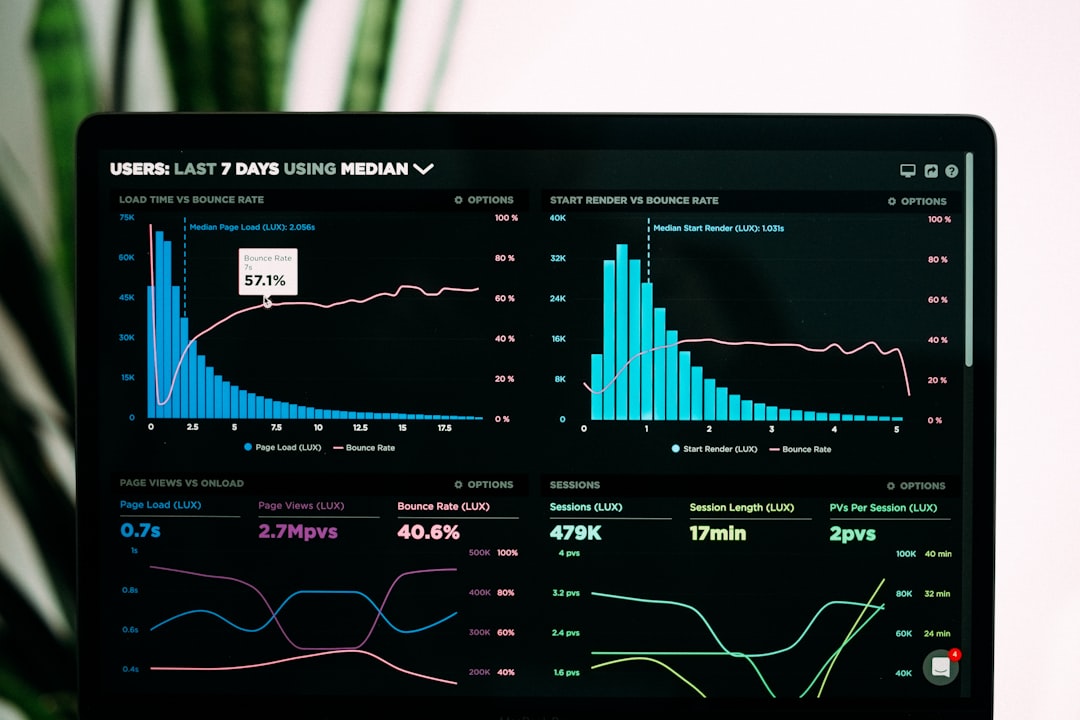
Phishing is one of the most common and damaging forms of cybercrime because it targets people, not just technology. Instead of breaking directly into a system, attackers try to trick someone into handing over passwords, payment details, personal information, or access to an account. These scams can affect anyone: individuals, families, small businesses, large companies, charities, and public institutions. Understanding how phishing works is one of the most practical steps you can take to protect yourself online.
TLDR: Phishing is a scam where criminals impersonate trusted organizations or people to steal information, money, or account access. You can often spot phishing by checking the sender, looking for urgent or threatening language, avoiding suspicious links, and questioning unexpected requests. Never enter sensitive information through a link you did not expect, and use security tools such as multi-factor authentication. If you think you have been phished, act quickly by changing passwords, contacting your bank, and reporting the scam.
What Is Phishing?
Phishing is a type of cyberattack that uses deception to persuade victims to take an unsafe action. The attacker may send an email, text message, social media message, phone call, or fake website that appears to come from a trusted source, such as a bank, delivery company, employer, government agency, online store, or software provider.
The goal is usually to make you do one of the following:
- Reveal login credentials, such as usernames, passwords, or security answers.
- Provide financial information, including credit card numbers or banking details.
- Download malware hidden in an attachment or fake software update.
- Send money through wire transfer, gift cards, cryptocurrency, or payment apps.
- Approve access to an account, device, cloud service, or company system.
Phishing works because it often creates pressure. A message may claim your account will be closed, a payment has failed, a package cannot be delivered, or suspicious activity has been detected. The attacker wants you to react quickly before you think carefully.
Why Phishing Is So Effective
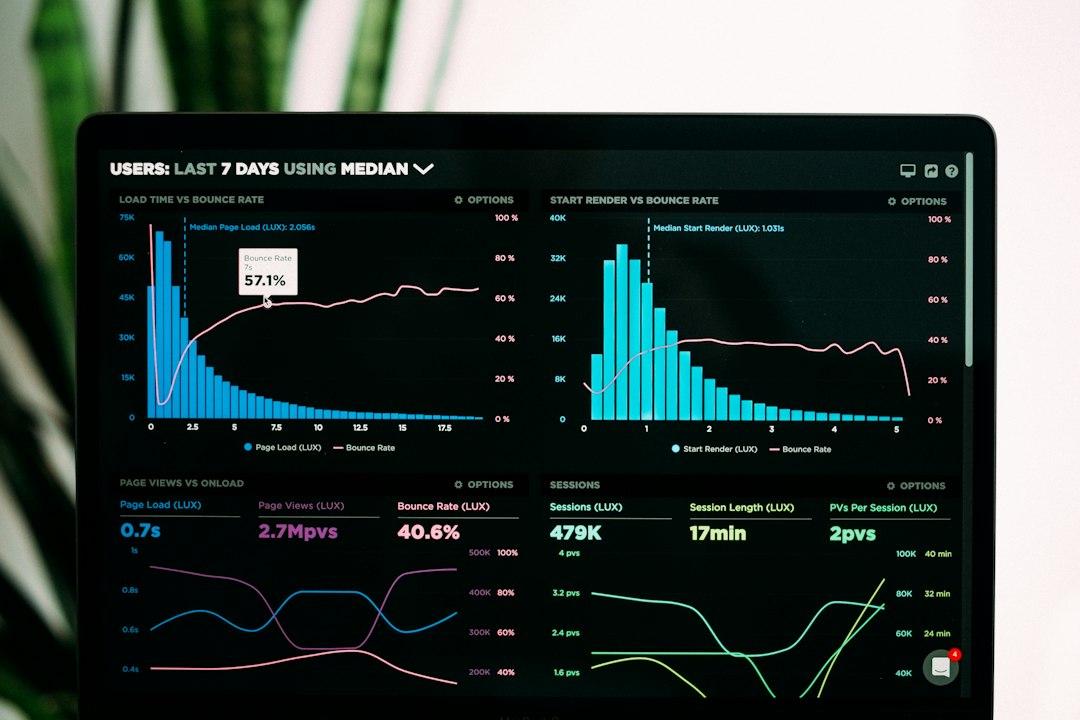
Phishing does not always look obvious. In the past, many scams contained poor spelling, strange graphics, and unrealistic claims. Today, many phishing attempts are polished and convincing. Criminals can copy logos, imitate writing styles, spoof phone numbers, and create websites that look nearly identical to legitimate login pages.
Attackers also use information gathered from data breaches, social media, business websites, and public records. This allows them to personalize messages with your name, job title, company, recent purchases, or local information. This technique makes the scam feel more credible.
The most dangerous phishing messages are not always the most dramatic. Sometimes they look routine. A fake invoice, shared document, password reset notice, calendar invitation, or delivery update can be enough to trick a busy person into clicking.
Common Types of Phishing
Phishing can appear in several forms. Knowing the main types makes it easier to recognize suspicious activity.
- Email phishing: The most common form. Attackers send fake emails that appear to come from trusted brands, employers, or services.
- Smishing: Phishing by text message. These messages often include links about deliveries, bank alerts, toll payments, or account verification.
- Vishing: Phishing by phone call or voicemail. Scammers may pretend to be from a bank, technical support, law enforcement, or a government office.
- Spear phishing: A targeted attack aimed at a specific person or organization. These messages are often carefully researched.
- Business email compromise: A scam where attackers impersonate executives, vendors, or partners to request payments or sensitive information.
- Clone phishing: A legitimate message is copied and resent with a malicious link or attachment.
- Social media phishing: Fake messages, posts, or login pages are used to steal credentials or spread scams.
How to Spot a Phishing Scam
There is no single sign that proves a message is phishing, but several warning signs should make you pause. If two or more of these signs appear together, treat the message as suspicious.
1. The Sender Looks Slightly Wrong
Attackers often use addresses that resemble real ones. For example, they may replace letters with similar characters, add extra words, or use an unrelated domain. A message that appears to be from your bank may actually come from a free email account or a strange web address.
Always examine the full sender address, not just the display name. A display name can say “Customer Support” or “Payroll Department” while the actual address is unrelated.
2. The Message Creates Urgency or Fear
Phishing often relies on emotional pressure. Common phrases include “your account will be suspended,” “immediate action required,” “unauthorized login detected,” “final notice,” or “payment overdue.” These warnings may be fake, but they are designed to make you click before verifying.
3. The Link Does Not Match the Official Website
Before clicking a link, hover over it on a computer or press and hold it carefully on a mobile device to preview the destination. If the link points to a strange domain, shortened URL, misspelled company name, or unfamiliar address, do not open it.
A safer habit is to avoid links in unexpected messages altogether. Instead, type the official website address directly into your browser or use a trusted app you already have installed.
4. The Message Asks for Sensitive Information
Legitimate organizations rarely ask you to send passwords, one-time codes, full card numbers, or identity documents by email or text. Be especially cautious if the message asks for:
- Passwords or security answers
- Verification codes or multi-factor authentication codes
- Credit card or bank account details
- Social Security numbers or national identity numbers
- Copies of passports, licenses, or tax documents
5. Attachments Are Unexpected
Malicious attachments may be disguised as invoices, receipts, forms, resumes, shipping labels, or legal notices. They may contain malware or direct you to a fake login page. Be careful with files ending in formats such as .exe, .zip, .scr, or documents that ask you to enable macros.
6. The Tone or Request Feels Unusual
If a message from a colleague, friend, or supervisor sounds unusual, it may be a scam or a compromised account. Be suspicious of sudden secrecy, unusual payment requests, changes to bank details, or instructions to bypass normal procedures.
How to Avoid Phishing Scams
Phishing prevention depends on a combination of caution, verification, and good security habits. The following practices can greatly reduce your risk.
- Do not click unexpected links. Go directly to the official website or app instead.
- Verify requests through a separate channel. If someone asks for money or sensitive data, call a known phone number or speak in person.
- Use strong, unique passwords. Do not reuse the same password across multiple accounts.
- Enable multi-factor authentication. This adds protection even if your password is stolen.
- Use a password manager. It can help identify fake websites because it will not autofill credentials on the wrong domain.
- Keep software updated. Updates fix security weaknesses that criminals may exploit.
- Review account activity regularly. Look for unfamiliar logins, transactions, forwarding rules, or profile changes.
- Be careful on public Wi-Fi. Avoid accessing sensitive accounts unless you are using a secure connection.
What to Do If You Clicked a Phishing Link
If you clicked a suspicious link, do not panic, but act quickly. The right response depends on what happened next.
- If you entered a password: Change it immediately from the real website or app. If you reused that password elsewhere, change it on those accounts too.
- If you entered financial information: Contact your bank or card provider right away and monitor transactions closely.
- If you downloaded a file: Disconnect from the internet if you suspect malware, run a trusted security scan, and seek professional help if needed.
- If you shared a verification code: Check the account for unauthorized changes and reset your security settings.
- If it happened at work: Report it to your IT or security team immediately. Fast reporting can prevent wider damage.
You should also report phishing attempts when possible. Many email services allow you to mark a message as phishing. Banks, online platforms, and government cybercrime agencies often provide reporting channels. Reporting helps organizations block scams and warn other users.
Phishing in the Workplace
Businesses face serious phishing risks because one successful attack can lead to data theft, ransomware, financial fraud, or customer harm. Employees should be trained to recognize suspicious messages, but organizations must also create processes that reduce risk.
Important workplace protections include payment approval procedures, email filtering, access controls, security awareness training, incident reporting channels, and regular backups. Companies should also encourage employees to report suspicious messages without fear of blame. A culture of fast reporting is far more effective than one that punishes honest mistakes.

Final Thoughts
Phishing is successful because it exploits trust, urgency, and routine behavior. The best defense is to slow down, verify before acting, and treat unexpected requests for information or money with healthy skepticism. Even experienced internet users can be fooled by a well-designed scam, so caution should be a normal part of everyday digital life.
When in doubt, do not click, do not reply, and do not provide sensitive information. Contact the organization directly using a trusted website, app, or phone number. A few extra minutes of verification can prevent financial loss, identity theft, and serious disruption.