
Ever wonder what happens when you visit a website? You click a link, and boom—it’s there. Magic, right? Well, there’s a lot going on behind the scenes. Sometimes, a little helper called a proxy server gets involved. Let’s make it fun and simple to understand what a proxy server does and how it works!
What Is a Proxy Server?
Think of a proxy server like a middleman. It sits between you and the internet. When you want to visit a website, your request goes to the proxy first. Then, the proxy asks the website for the data and sends it back to you.
Imagine you’re in disguise, sending someone else to get your pizza for you. That’s kind of what a proxy does—it hides you.
Why Use a Proxy Server?
Good question! There are some pretty cool reasons why you might use one. Here are a few:
- Privacy: Keeps websites from seeing your real IP address.
- Security: Can block access to bad websites and keep data safe.
- Access Control: Helps schools or companies manage internet use.
- Faster Browsing: Some proxies store copies of websites (called caching).
- Bypass Restrictions: Let you visit content blocked in your region.
Pretty handy, right?
How Does It Work?
Imagine this: You want to visit a website. You type the web address into your browser. Now instead of going straight to the website, your request first takes a detour to the proxy server.
The proxy server then looks at your request. It might:
- Check if it already has the page saved (cached).
- Decide if you’re allowed to visit the site.
- Send your request to the actual website but under a new identity.
Then it collects the website’s response and sends it back to you. All of this happens in just a blink!
Types of Proxy Servers
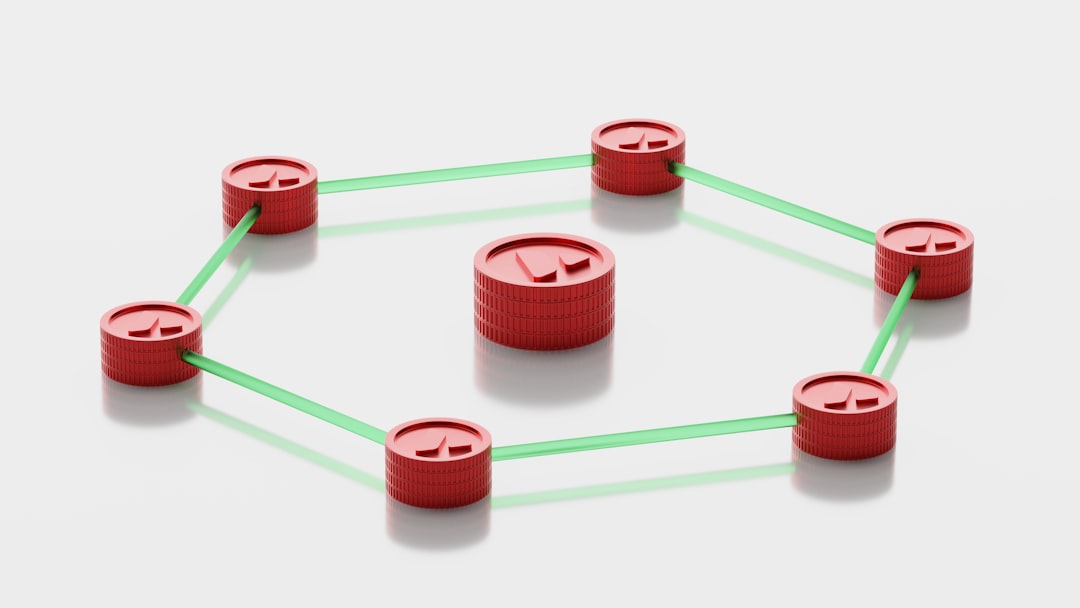
There are several types of proxies. Let’s break it down:
- Forward Proxy: The standard one. It controls what users can access.
- Reverse Proxy: This works for websites. It protects and speeds up servers.
- Transparent Proxy: Users might not even know it’s there!
- Anonymous Proxy: Hides your IP address for privacy.
- High Anonymity Proxy: Keeps your ID a super secret.
Each one has its own job. Kind of like superheroes with different powers!
Real-Life Example
Let’s say you’re at school, and the school blocks social media sites. Ugh, right? But then you hear about a proxy website. You go to that proxy site and type in the social media site you want to visit. The proxy fetches the page for you!
The school thinks you’re just visiting a harmless site. The proxy keeps the secret. Sneaky, huh?
Are Proxy Servers Perfect?
Not quite. They’re great helpers, but they have limitations. For example:
- Some websites can detect proxies and block them.
- Free proxies? Be careful—they might not be secure!
- They can be slower if overloaded with users.
- They don’t encrypt data unless combined with other tools (like a VPN).
Always choose a trusted proxy server, especially if you’re dealing with sensitive info.
Proxy vs. VPN – What’s the Difference?
People often mix them up. A VPN (Virtual Private Network) also hides your IP address, but it encrypts all your data. It’s like a supercharged version of a proxy.
If you want better privacy and security, go with a VPN. If you just want to access a blocked site quickly, a proxy might be enough.
In a Nutshell
Here’s what to remember:
- A proxy server is a digital middleman between you and the internet.
- It can help keep you safe, private, and sometimes even faster online.
- There are many types, each with a different job.
- It’s a cool tool—but use it wisely!
Next time someone says “proxy server,” you can smile and say, “I know what that is!”
And hey—you didn’t even need magic, just a little tech knowledge!