

A parser is a tool that turns messy data into neat fields your software can use. It reads text, files, web pages, emails, logs, or code. Then it pulls out the useful bits. Think of it as a tiny office goblin that finds names, dates, totals, prices, IDs, and addresses without sighing at the spreadsheet.
TLDR: Parsers extract meaning from messy input and turn it into structured data. For example, a sales team might parse 2,000 emailed purchase orders per month and cut manual typing by 85%. ETL tools move and reshape large data sets, scraping collects data from websites, and APIs give data through an official door. Use a parser when the data exists, but it is trapped in ugly text, PDFs, emails, or HTML.
So, what is a parser?
A parser reads data and breaks it into parts. It looks for structure. Sometimes that structure is clear. Sometimes it is hiding like a raccoon in a filing cabinet.
Here is a simple example:
Invoice #8841, Total: $349.20, Due: March 12, Customer: Luna Bakery
A parser can turn that line into this:
- Invoice number: 8841
- Total: 349.20
- Due date: March 12
- Customer: Luna Bakery
That is the whole magic trick. Messy in. Clean out.
Parsers show up everywhere. Your browser parses HTML. Your code editor parses programming languages. Finance tools parse bank statements. Support tools parse emails. Security tools parse server logs. Even your phone parses contact details from a message when it guesses that “Call Sam at 555-0102” contains a phone number.

What do data parsers actually parse?
Data parsers can work with many formats. Some are polite. Some are little gremlins.
- Emails: orders, support requests, leads, shipping notices.
- PDFs: invoices, contracts, reports, receipts.
- HTML: product pages, listings, tables, public pages.
- CSV and Excel files: rows, columns, totals, categories.
- JSON and XML: common data formats used by apps.
- Logs: errors, timestamps, user actions, machine events.
- Plain text: notes, messages, forms, weird exports.
The goal is not just to read the data. The goal is to understand what each part means. A parser should know that “$49.99” is a price, “2026-04-02” is a date, and “REF-9032” might be an order ID.
Parsers vs ETL
People mix these up a lot. No shame. The names sound like tools from a warehouse run by robots.
ETL means Extract, Transform, Load. It is a process used to move data from one place to another. First, it extracts data. Then it transforms it. Then it loads it into a database, warehouse, dashboard, or app.
A parser may be one small part of ETL. But ETL is usually bigger.
Picture a restaurant.
- Parser: Chops the tomatoes into neat cubes.
- ETL: Runs the whole kitchen line, moves ingredients, cooks sauce, plates food, and sends it out.
Use a parser when you need to pull fields from messy input. Use ETL when you need a full pipeline that moves lots of data on a schedule.
For example, a parser can read invoice PDFs and extract totals. An ETL tool can then push those totals into a data warehouse every night at 2:00 a.m. So they are not enemies. They are coworkers. One just wears a smaller hat.
Parsers vs scraping
Scraping means collecting data from web pages. A scraper visits pages and grabs content. A parser then often cleans that content.
So scraping is about getting the page. Parsing is about understanding the page.
Here is the annoying bit. Websites change. A button moves. A class name changes. Suddenly your scraper returns 400 blank rows and everyone pretends it is fine. It is not fine. It drives me crazy when a tiny layout change adds two hours of debugging to a task that worked yesterday.
Scraping can also run into blocks. Some sites use rate limits. Some require login. Some forbid scraping in their terms. Some serve different pages to different users. Expect a few headaches.
Use scraping when:
- The data is public.
- There is no API.
- You need web page data at scale.
- You can handle breakage and maintenance.
Use parsing when:
- You already have the content.
- The content is messy.
- You need fields like names, prices, dates, or IDs.
- You care about clean output.
Parsers vs API based alternatives
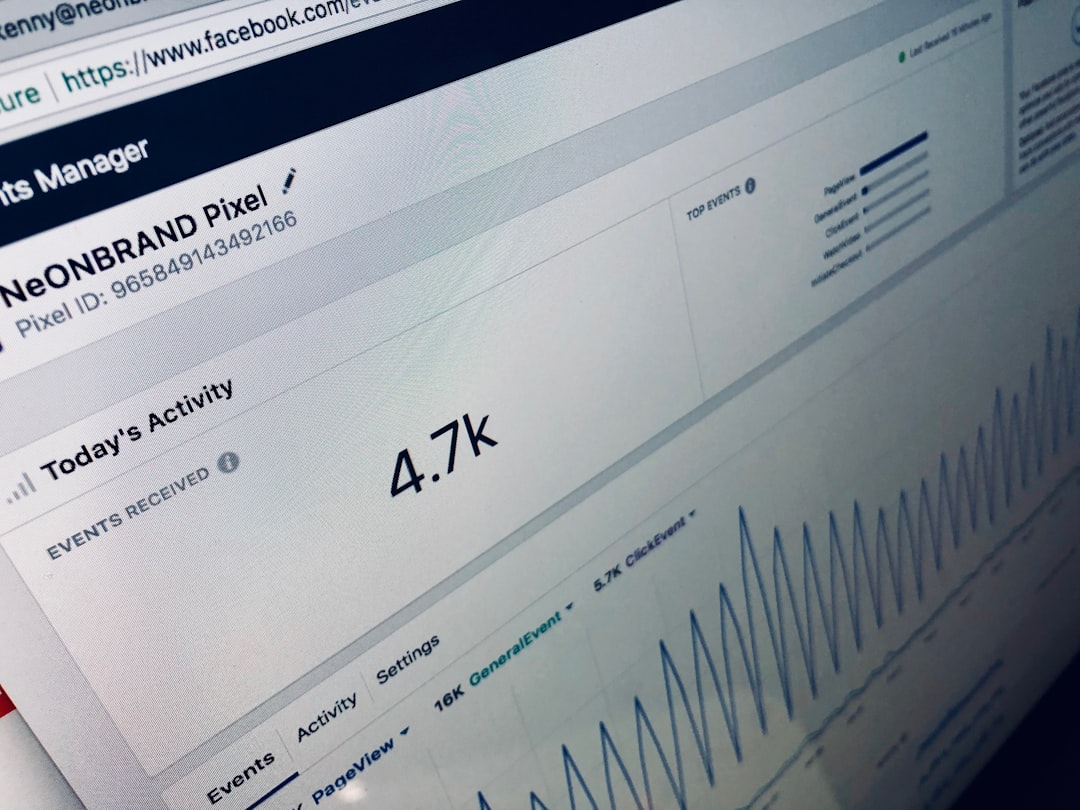
An API is an official way for software to talk to software. It usually returns clean data in JSON or XML. That sounds dreamy because it often is.
If a good API exists, use it. Really. Your future self will thank you.
APIs are great because they are structured. You ask for customer data. You get customer data. No need to guess whether the third number in a PDF is a tax amount or a fax number from 1998.
But APIs are not always perfect.
- Some products have no API.
- Some APIs cost extra.
- Some have strict rate limits.
- Some miss fields you need.
- Some require approval, tokens, scopes, and other tiny chores.
The catch is that “just use the API” can turn into a week of permission emails. Then one endpoint gives you 70% of the data, and the rest is trapped in PDFs. Fun times.
In many real systems, you use both. API for clean data. Parser for messy leftovers.
Where parsers shine
Parsers are best when data is present but not ready.
Common use cases include:
- Invoice processing: Pull vendor names, invoice numbers, totals, due dates, and tax amounts.
- Lead capture: Extract names, emails, phone numbers, and company names from messages.
- Resume screening: Pull skills, job titles, locations, and years of experience.
- Bank statement cleanup: Sort dates, merchants, amounts, and categories.
- Log analysis: Find errors, IP addresses, request times, and status codes.
- Order emails: Send product names, quantities, and addresses into a shipping tool.
A small business might receive 300 order emails each week. If each email takes 90 seconds to copy by hand, that is 7.5 hours gone. A parser can shrink that to minutes. That is not fancy. That is just less pain.
How parsers work
Parsers can use different methods. Some are simple. Some are smart.
- Rules: “Find the text after Total:.” Fast and clear.
- Regular expressions: Pattern matching for emails, dates, codes, and prices.
- Templates: Useful for forms and documents with the same layout.
- Machine learning: Better for messy documents that vary a lot.
- OCR plus parsing: OCR reads scanned images. The parser extracts fields after that.
Rules are easy to inspect. They are also brittle. Machine learning is more flexible. It can also be harder to explain. Pick the tool based on the mess level.
Which option should you choose?
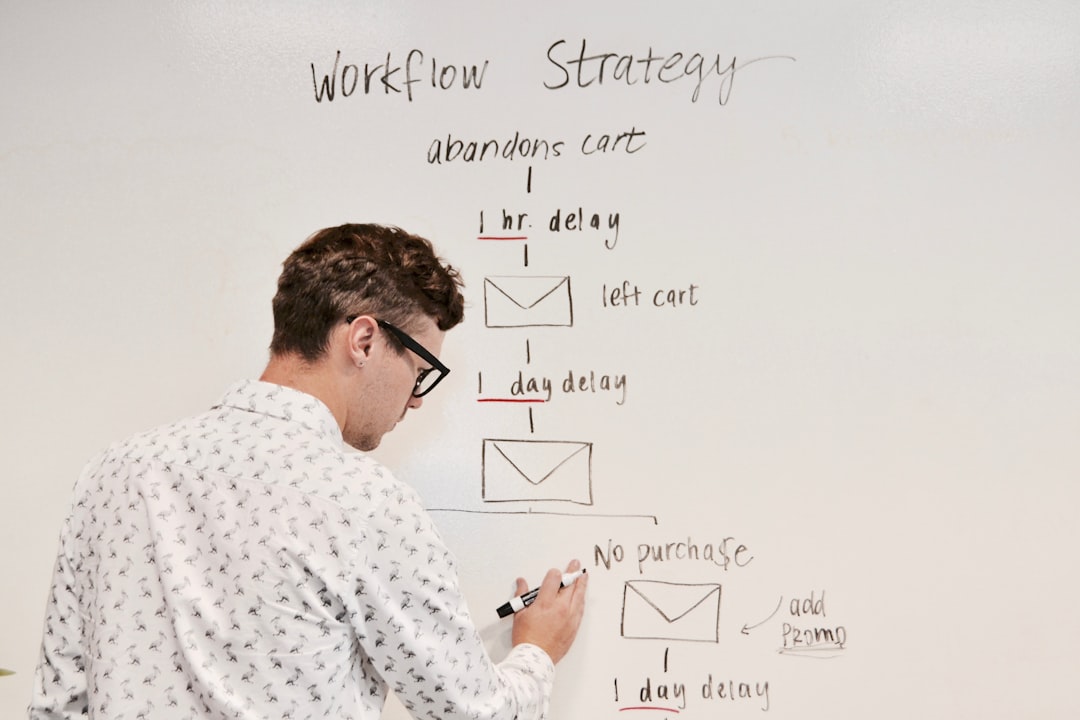
Here is the simple cheat sheet.
- Use a parser when data is trapped in documents, emails, logs, or text.
- Use ETL when you need to move and transform large data sets across systems.
- Use scraping when the data lives on web pages and no better source exists.
- Use an API when the provider offers clean, reliable access to the data.
The best setup is often a mix. An ecommerce team might use an API for orders, a parser for supplier PDFs, scraping for competitor prices, and ETL to send everything into reports. Each tool has a job. Do not make one tool do all the chores.
Final thought
Parsers are not mysterious. They are data translators. They take messy stuff and turn it into tidy fields. That helps teams save time, reduce errors, and stop copying values like it is 2003.
If your data is already clean, use an API or ETL. If it is hiding inside emails, PDFs, pages, or logs, bring in a parser. Tiny goblin optional.