
Making a website used to feel like building a spaceship with a spoon. Now it is much easier. You can pick a platform, choose a template, add your words, and look very fancy by lunchtime. The trick is knowing which tools are actually worth your time.
TLDR: If you want a simple website fast, try Wix, Squarespace, or Carrd. If you want to sell products, Shopify is the easy favorite. If you want more control, WordPress or Webflow may be better. Pick the platform that matches your goal, not the one with the loudest ads.
Why the Platform Matters
A website platform is like a kitchen. Some kitchens are made for toast. Some are made for five-course dinners. Some look beautiful, but the drawers are confusing and the oven speaks in riddles.
The best platform depends on what you want to make. A portfolio. A blog. A store. A booking site. A landing page for your new app that may or may not change the world.
Good platforms save time. They help with design, mobile layouts, security, forms, payments, and search engines. Bad platforms make you sigh into your coffee.

1. Wix: Best for Quick Creative Freedom
Wix is great if you want to drag things around and see results fast. It is friendly. It has many templates. It lets you build a site without knowing code.
You can make a business site, blog, portfolio, online store, or booking page. The editor is visual. You click. You move. You change colors. You feel powerful.
Best for:
- Small businesses
- Personal brands
- Restaurants and service providers
- Beginners who want control
Watch out for: Too much freedom can create messy pages. Just because you can use six fonts does not mean you should. Please be kind to eyeballs.
2. Squarespace: Best for Beautiful Sites Without Drama
Squarespace is the stylish friend who always looks calm. Its templates are clean, modern, and polished. If you want a website that feels elegant fast, this is a strong choice.
It works well for portfolios, creative businesses, consultants, photographers, writers, and small shops. The editor is not as wild as Wix. That is a good thing for many people. It keeps your design neat.
Best for:
- Creatives
- Consultants
- Simple business websites
- People who care about visual style
Watch out for: It can feel a little limited if you want very custom features. But for many sites, that limit is helpful. It keeps you from building a digital circus.
3. WordPress: Best for Long-Term Growth
WordPress is the classic giant. It powers a huge part of the web. It can be simple, but it can also become very advanced. That makes it flexible and sometimes a bit scary.
There are two common paths. WordPress.com is hosted and easier to manage. WordPress.org is self-hosted and gives you more control. The self-hosted version is popular with bloggers, publishers, and businesses that want deep customization.
You can add plugins for forms, SEO, shops, memberships, courses, and more. Plugins are like website apps. Some are brilliant. Some are gremlins in tiny hats.
Best for:
- Blogs and content sites
- Growing businesses
- SEO-focused projects
- People who want control
Watch out for: You may need to handle hosting, updates, backups, and security. If that sounds boring, you are correct. But it is important.
4. Shopify: Best for Selling Products
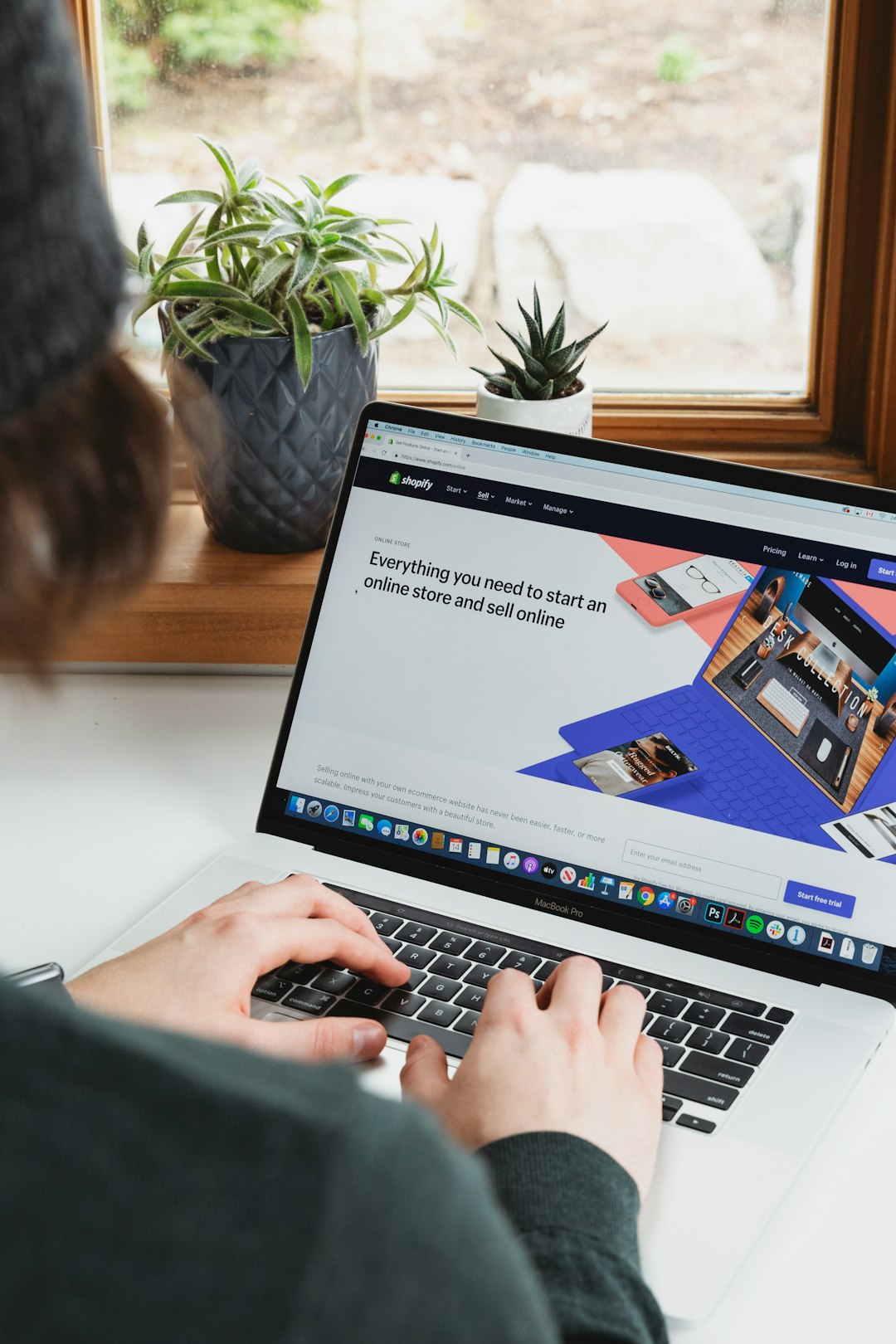
If your main goal is to sell things, Shopify deserves your attention. It is made for ecommerce. That means products, carts, payments, shipping, discounts, inventory, and customer orders are all taken seriously.
You can sell physical products, digital products, subscriptions, and more. It also connects with many marketing tools and sales channels. It is not the cheapest option, but it is reliable.
Best for:
- Online stores
- Product brands
- Dropshipping shops
- Businesses that need smooth checkout
Watch out for: Extra apps can raise costs. Start simple. Add only what you need. Your store does not need 47 popups to sell one candle.
5. Webflow: Best for Designers Who Want Power
Webflow is a serious design tool. It gives you visual control, but it thinks more like code. You can create beautiful, custom websites without writing every line yourself.
It is great for designers, agencies, startups, and teams that want custom layouts. It also has a content management system, so you can build blogs, directories, portfolios, and landing pages.
Best for:
- Designers
- Agencies
- Custom marketing sites
- People who want pixel-level control
Watch out for: The learning curve is real. Webflow may not be the best first step for total beginners. It is more like driving a cool sports car. Fun, but please learn where the brakes are.
6. Carrd: Best for One-Page Wonders
Carrd is tiny, fast, and useful. It is perfect for simple one-page websites. Think personal profiles, landing pages, event pages, link pages, or quick product pages.
It is also affordable. Very affordable. If you only need one page, Carrd can save you money and time. Not every website needs a giant control room.
Best for:
- Personal landing pages
- Link in bio pages
- Simple product pages
- Fast experiments
Watch out for: It is not built for big sites. If you need many pages, a blog, or a large store, look elsewhere.
7. Framer: Best for Modern Landing Pages
Framer has become popular for sleek, modern websites. It feels fresh. It is especially good for startups, product pages, and portfolios with smooth animations.
The editor is visual and design-friendly. It also has strong publishing tools. If you like websites that feel polished and current, Framer is worth a look.
Best for:
- Startup landing pages
- Product launches
- Modern portfolios
- Design-focused teams
Watch out for: Some advanced site structures may require planning. It shines most when the goal is a sharp, attractive marketing site.
How to Choose Without Losing Your Mind
Do not start by asking, “Which platform is best?” That question is too big. Ask, “What do I need this website to do?” Much better.
Use this simple guide:
- Need a fast business website? Try Wix or Squarespace.
- Need a beautiful portfolio? Try Squarespace, Framer, or Webflow.
- Need to sell products? Try Shopify.
- Need a blog or content hub? Try WordPress.
- Need one simple page? Try Carrd.
- Need custom design control? Try Webflow.
Things to Check Before You Commit
Before you choose, look at a few practical things. First, check the pricing. Some platforms look cheap until you add apps, themes, or higher plans.
Second, check mobile design. Most visitors will use phones. If your site looks weird on mobile, people will leave faster than a cat near bathwater.
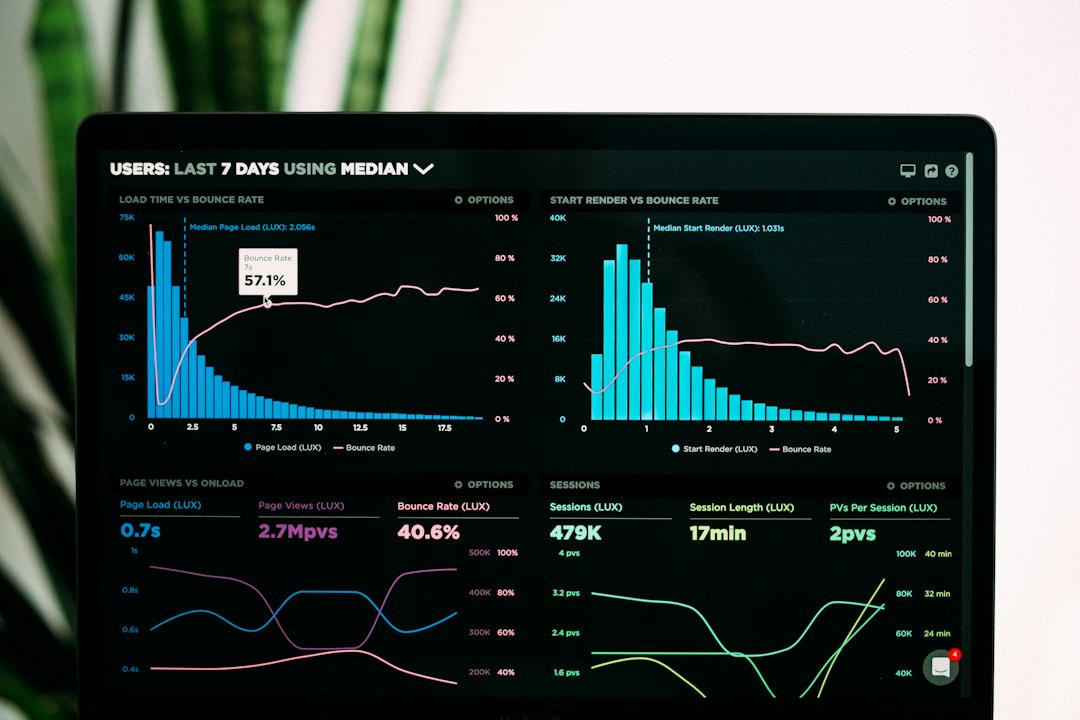
Third, check SEO tools. You want to edit page titles, descriptions, URLs, image text, and redirects. These things help search engines understand your site.
Fourth, check support. When something breaks, you want help. Not a forum post from 2014 written by someone named “CodeDragon77.”
The Final Pick
There is no single winner for everyone. That is good news. You do not need the biggest platform. You need the right fit.
If you are a beginner, keep it simple. Pick a platform with good templates and clear tools. If you are building a serious store, choose ecommerce strength. If content is your game, choose a platform that can grow with it.
The best website platform is the one that helps you publish. Not someday. Not after 19 planning meetings. Soon. A simple live website beats a perfect invisible one every time.
So pick your tool. Choose a template. Add your words. Press publish. The internet is waiting, and it has snacks.