
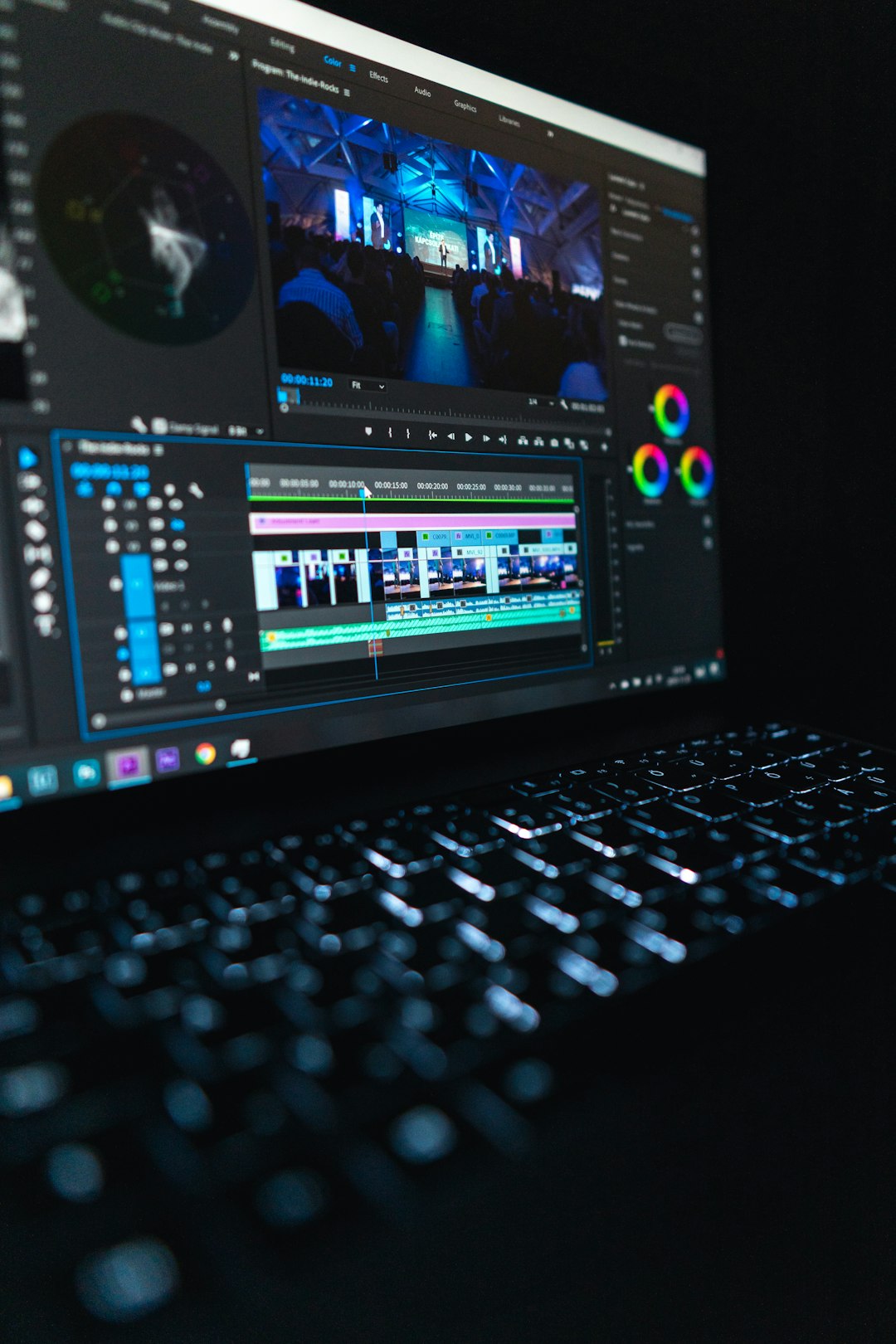
For those who have spent hours hunched over a keyboard, meticulously trimming video clips frame by frame, the world of video editing can often feel repetitive and complicated. Keyboard shortcuts—once the magic key to increased productivity—can only get you so far before you start confusing your J, K, and L with your I, O, and semi-colon. It’s time to revolutionize your workflow. Enter the Video Edit Controller—a tool that turns monotonous editing into an immersive, intuitive experience and, quite literally, puts control back into your hands.
What is a Video Edit Controller?
A video edit controller is a dedicated hardware device designed specifically for precision editing. Unlike your traditional keyboard and mouse setup, these controllers feature an array of buttons, jog wheels, dials, and touchscreens, all engineered to streamline tasks such as scrubbing footage, making cuts, applying transitions, and color grading. Instead of memorizing dozens of shortcuts, your tools are laid out in front of you, ready to be touched, twisted, or pressed.
They come in various forms and levels of complexity—from basic jog shuttle devices that replicate old-school tape-based editing systems to high-end panels with OLED displays and programmable keys. But the unifying goal is simple: optimize your workflow and elevate your creative control.
Why Keyboard Shortcuts Fall Short
There’s no denying that mastering keyboard shortcuts can make your workflow efficient—at first. But here’s why they begin to lose their charm over time:
- Overwhelming quantity: The number of shortcuts for applications like Adobe Premiere Pro, DaVinci Resolve, and Final Cut Pro can easily run into the hundreds. Remembering them all becomes a study in futility.
- Lack of tactile feedback: Keyboards are not designed for subtlety. You can’t “feel your way” around the controls without looking.
- One-size-fits-all layout: Unlike editable controls, keyboards are linear and static by nature. You can’t configure them to match your unique interaction style beyond a limited extent.
- Physical fatigue: Constant repetitive movements between keys can cause strain, especially in long editing sessions.
These inefficiencies become more apparent as your projects grow in complexity and scale. There’s a better way—and it’s built specifically for editors.
The Case for Video Edit Controllers
Video edit controllers offer a multitude of advantages that make them a must-have for serious editors—whether you’re a YouTube creator, a professional filmmaker, or a freelance video editor.
1. Speed Up Your Edits
One of the most vital benefits of using a video edit controller is the dramatic boost in speed. With physical controls like jog wheels and shuttle dials, you can scrub through footage more fluidly than you ever could with a keyboard. Need to jump 5 frames forward? Twist the dial. Want to mark an in-point? Just tap a dedicated button—no need to hold down modifier keys.
2. Enhance Precision
A finely tuned jog wheel can frame-skip with pinpoint accuracy, allowing you to isolate exact moments without repeatedly clicking your mouse or squinting at tiny thumbnails. This kind of control makes a huge difference in tasks like syncing audio, applying jump cuts, or doing frame-blending effects.
3. Fully Customizable
Most modern video edit controllers come with software customization options. That means you can map frequently-used functions—like ripple delete, render preview, or blade tool—to physical buttons. Some models even include LED-backlit keys labeled for your specific software environment.
4. Multi-Application Integration
Top-tier controllers support multiple NLEs (non-linear editing software) right out of the box. Whether you’re working in Adobe Premiere Pro in the morning and switching to DaVinci Resolve by late afternoon, your controller adapts with a simple profile switch.
5. Reduce Physical Strain
Ergonomics matter in post-production. Long sessions can destroy wrists and hands over time. Video edit controllers distribute the workload more evenly across your fingers, wrists, and arms, preventing repetitive stress injuries often associated with keyboards and mice.
Popular Video Edit Controllers You Should Know
Let’s take a look at some of the most popular and effective controllers currently in the market:
- Loupedeck CT: A compact, touchscreen-based console with deep integration into Premiere, Final Cut, Lightroom, and more. Highly customizable and stylish.
- Blackmagic Design DaVinci Resolve Speed Editor: Designed specifically for DaVinci Resolve users, this compact controller offers dedicated controls for playback, trimming, and multicam editing.
- Contour ShuttlePRO v2: Ideal for beginners, this affordable option is compatible with more than 100 programs and includes programmable buttons and a jog/shuttle wheel.
- Tangent Ripple: Tailored more for color grading, this sleek three-ball panel is perfect for Resolve users looking to improve their grading workflow.
Who Should Consider Buying One?
You might think these tools are only for big-league professionals in post-production houses. While that was true a decade ago, today’s video edit controllers are increasingly accessible to a wide range of users.
You should consider one if:
- You edit videos more than 10 hours a week
- You continually find yourself reaching for the same shortcuts
- You want a more intuitive, immersive editing experience
- You suffer from wrist or hand fatigue during long editing sessions
- You desire faster turnaround times with your edits
In short, if video editing is more than just a casual hobby for you, a video edit controller can revolutionize your process.
The Future of Editing Interfaces
As user interfaces continue to evolve, we’re seeing more development toward hybrid experiences that blend touch, voice, AI-assistants, and physical controls. Video edit controllers are at the forefront of this shift, closing the gap between software capability and human creativity.
With smart controllers incorporating adaptive screens and AI-based personalization, the future may involve systems that “learn” your habits and suggest layout changes and shortcuts based on your editing behavior.
Final Thoughts
While keyboard shortcuts have long been the backbone of fast editing, their reign might be coming to a close. Video edit controllers offer a tailored, ergonomic, and deeply immersive experience that respects both your time and your craft. Whether you’re scrubbing through 8K footage or fine-tuning your vlog, these tools allow you to focus less on the interface and more on what truly matters—the story.
So the next time you find yourself fumbling for that elusive shortcut or aching after a long editing session, consider giving a video edit controller a whirl. Your hands—and your creative flow—will thank you.