
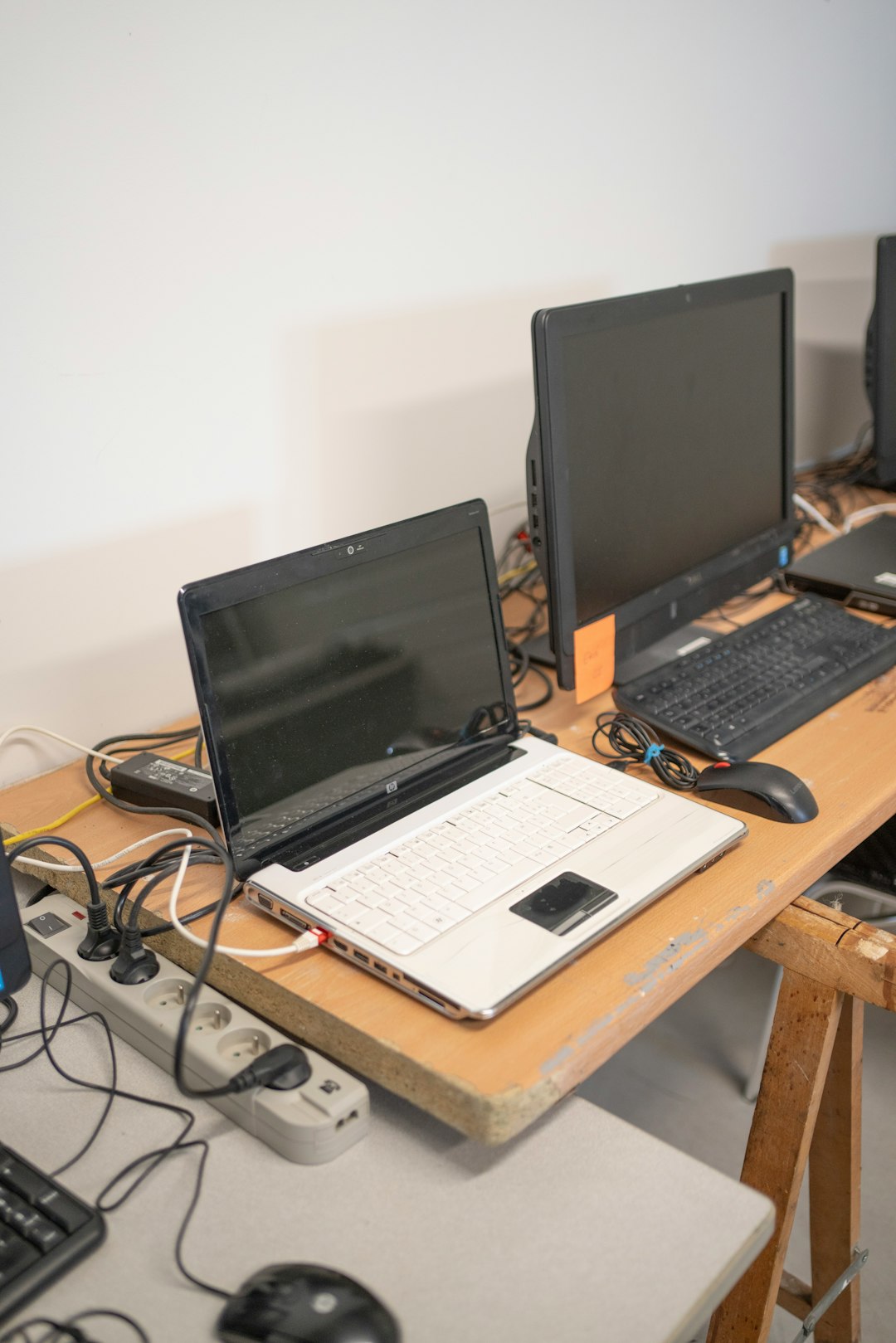
A cluttered workspace can hinder productivity, pose safety risks, and create unnecessary stress. One of the biggest contributors to desk clutter is loose, tangled cables — whether from monitors, laptops, chargers, or other peripherals. An effective and elegant solution lies in using an under-desk cable tray, a simple yet highly effective tool for managing cable chaos. This guide will walk you through the quick installation of under-desk cable trays, ensuring your workspace remains organized, safe, and professional-looking.
Why You Need an Under-Desk Cable Tray
Before diving into installation, it’s important to understand the value of cable management. Investing in an under-desk cable tray can provide tangible benefits such as:
- Reduced clutter: Keeps cables out of sight, promoting a cleaner and more aesthetic work area.
- Improved safety: Prevents tripping hazards and reduces the chance of damage to wires.
- Increased desk space: Frees up surface area by routing cables below the desk.
- Enhanced equipment lifespan: Proper cable organization helps avoid unnecessary tugging and bending.
Whether you’re updating a home office or fitting out an entire workspace, installing a cable tray is a fast and efficient solution that pays off immediately.
Choosing the Right Cable Tray
Under-desk cable trays come in various materials, shapes, and sizes. Selecting the right one for your setup requires consideration of the following factors:
- Length of the tray: Measure the underside of your desk to ensure the tray will fit properly without impeding legroom or mounting points for other accessories.
- Weight capacity: Ensure it can support the combined weight of your cables, power bricks, and potentially surge protectors.
- Mounting options: Some trays screw into the desk, while others use clamps or adhesive. Your desk type will largely influence this choice.
- Ventilation: If you’re routing power adapters and surge protectors, opt for ventilated trays to prevent overheating.
A sturdy metal tray is usually the most durable option, while plastic trays may be lighter and easier to install for DIY users. Choose based on the balance you need between strength and ease of installation.
Tools and Materials Required
Before you begin installation, gather the necessary tools and materials. Most installations will require:
- Cable tray and supplied mounting hardware (screws, brackets, etc.)
- Electric drill or screwdriver
- Measuring tape or ruler
- Pencil or marker
- Level (optional, but recommended for neatness)
Always refer to the manufacturer’s instructions as kits may vary slightly in the tools and process required.
Step-by-Step Installation Guide
Follow this process to ensure a smooth and secure setup of your under-desk cable tray:
1. Plan Your Layout
Start by determining where you want the tray to go. Consider placing it in a central location under the desk where most cables can reach. Ensure you leave enough clearance for your legs and other mounted accessories. Use a pencil to mark where the ends of the tray will be aligned.

2. Prepare the Desk Surface
Wipe down the underside of your desk to remove dust or debris that could interfere with mounting. If installing into a solid wood or composite wood desk, proceed with caution when determining screw length and placement.
3. Position and Mark Drill Holes
Hold the tray in place or have someone assist you, and mark the drill or screw locations using the mounting brackets as templates. Many trays have slotted mounting holes, offering some leeway during alignment.
4. Drill Pilot Holes
Especially in hardwood desks, drilling small pilot holes before inserting screws will prevent splitting and ensure more accurate placement. Use a drill bit slightly smaller than your screws.
5. Attach the Tray
Using the provided hardware, fasten the tray securely to the underside of the desk. If your tray uses clamps or adhesive, apply them according to the instructions and double-check their tightness and alignment.
6. Organize and Route Cables
Once the tray is mounted, begin routing your cables through it. Use Velcro straps or cable ties to group and secure wires for an even cleaner look. Avoid sharp bends and keep power cables separate from data lines to minimize interference.

Tips for Clean Cable Management
Even with a tray, some finesse is needed to achieve a polished, professional finish:
- Label your cables: This helps you identify each wire easily for troubleshooting or future moves.
- Avoid cable strain: Leave slack where devices may move frequently, especially for sit-stand desks.
- Secure excess lengths: Wrap and bind unused portions of cable with ties or storage sleeves.
- Hide power strips: If size permits, mount your power strip on or inside the tray for maximum concealment.
Taking the extra time to manage cables neatly will reduce the risk of damage and further elevate your workspace aesthetics.
Maintenance and Adjustments
Once installed, under-desk cable trays require minimal maintenance, but periodic checks can help maintain performance:
- Ensure mounting screws stay tight over time, especially in desks with frequent movement.
- Rearrange or add cables as your setup changes; a flexible tray setup makes this easier.
- Check for heat buildup if the tray holds several power adapters or a large surge bar.
Keeping your tray clean and updated ensures that your cable management system continues to serve its purpose efficiently.
Common Mistakes to Avoid
Installing a cable tray might seem simple, but some common pitfalls can reduce its effectiveness:
- Overloading the tray: Exceeding capacity can damage mounting, drop cables, and create hazards.
- Ignoring device movement: Not allowing slack for monitors or sit-stand desks can lead to pulled cables.
- Poor layout planning: Placing trays too far from outlets or devices can create even more cable clutter.
Approaching your installation with attention to detail will ensure a successful, long-term solution to cable management needs.
When to Consider a Professional Installation
If you’re managing a complex environment, such as an office with multiple desks, or if your desk surface is high-end wood or glass, professional installation might be warranted. Technicians can ensure the trays are properly mounted, aligned, and reinforced.
Additionally, professionals can help integrate cable trays with other infrastructure—such as grommets, desk-mounted hubs, and floor cable raceways—for a comprehensive setup.
Conclusion
Under-desk cable trays are more than just an aesthetic upgrade — they deliver practical benefits in performance, safety, and usability. With the right planning and installation, even a basic model can transform your workspace and make daily operations smoother and more enjoyable.
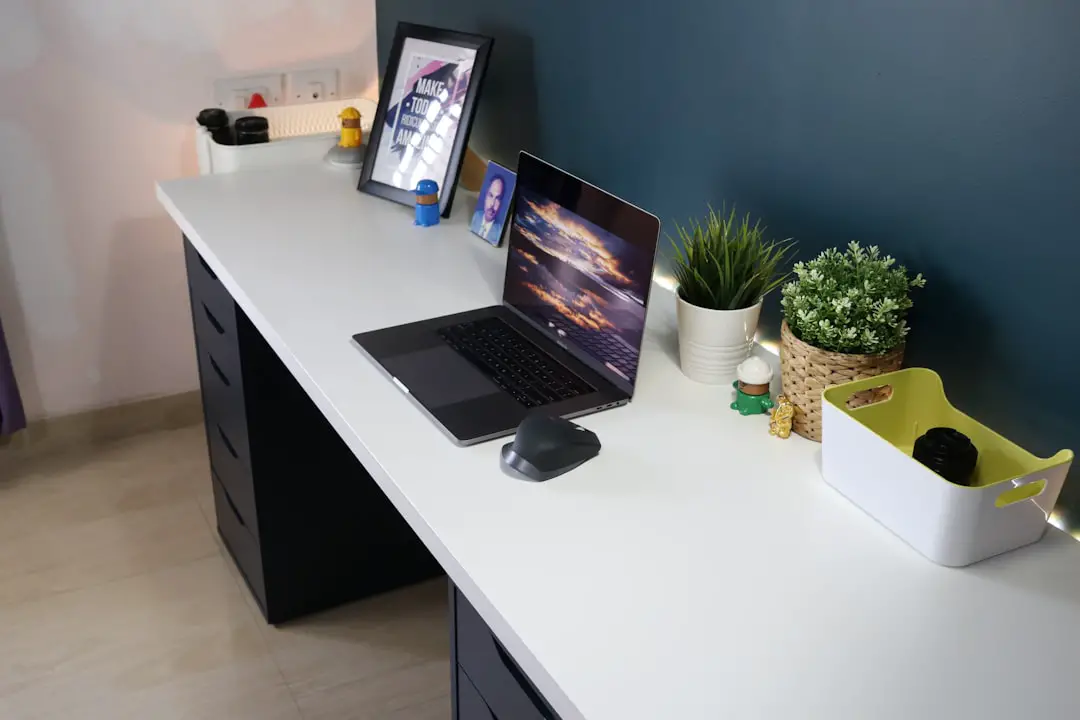
By investing just a small amount of time into installing a cable tray, you set the foundation for a tidy, efficient, and professional environment. Use this guide as your trusted roadmap, and reclaim your workspace — cable by cable.