
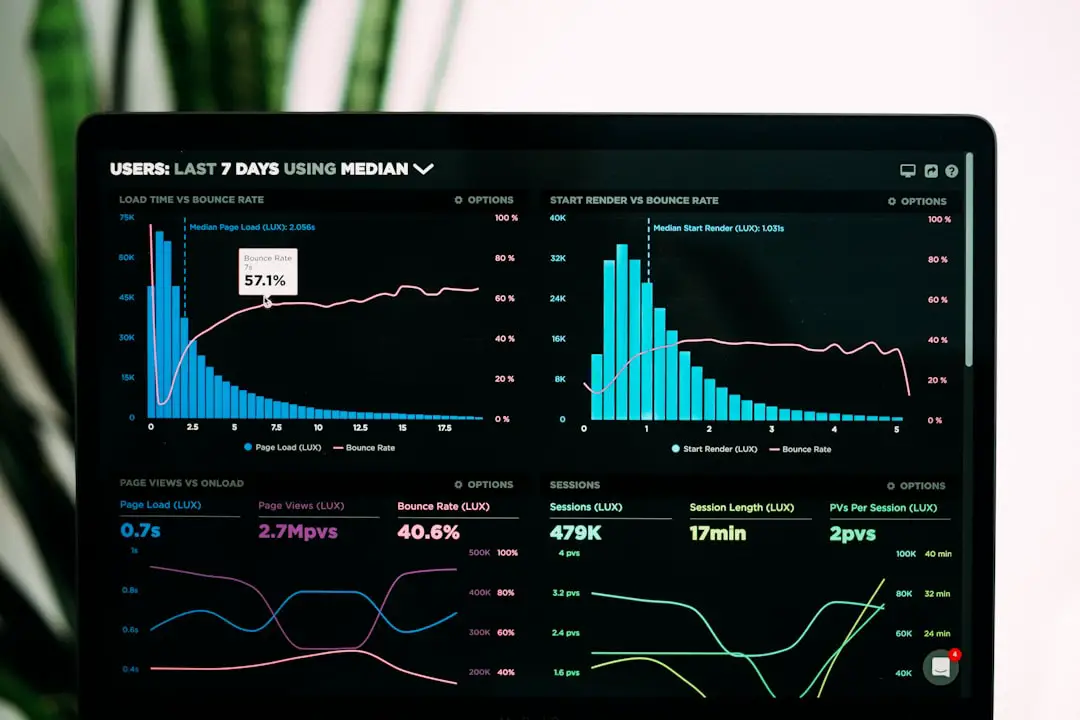
QR codes are everywhere. On coffee cups. On billboards. Even on business cards. But not all QR codes are created equal. Some simply send people to a link. Others give you powerful data about who scanned, when they scanned, and what they did next. If you care about marketing, tracking, or growing your brand, advanced analytics matters. A lot.
TLDR: If you want more than basic QR codes, choose a generator with strong analytics. The best platforms offer real-time scan tracking, location data, device insights, and integration with tools like Google Analytics and CRMs. Features like dynamic QR codes and A/B testing can seriously boost your campaigns. Below are top QR code generators worth your time if data is your best friend.
Let’s break it all down in a simple way. No tech jargon overload. Just clear info you can actually use.
Why Advanced Analytics in QR Codes Matters
A basic QR code is like a light switch. It either works or it does not. That’s it.
An advanced QR code platform is more like a smart home system.
You can see:
- How many people scanned
- Where they scanned from
- What device they used
- What time and day was most active
- How they behaved after scanning
This data helps you improve campaigns. You learn what works. You fix what doesn’t.
That is how smart marketers win.
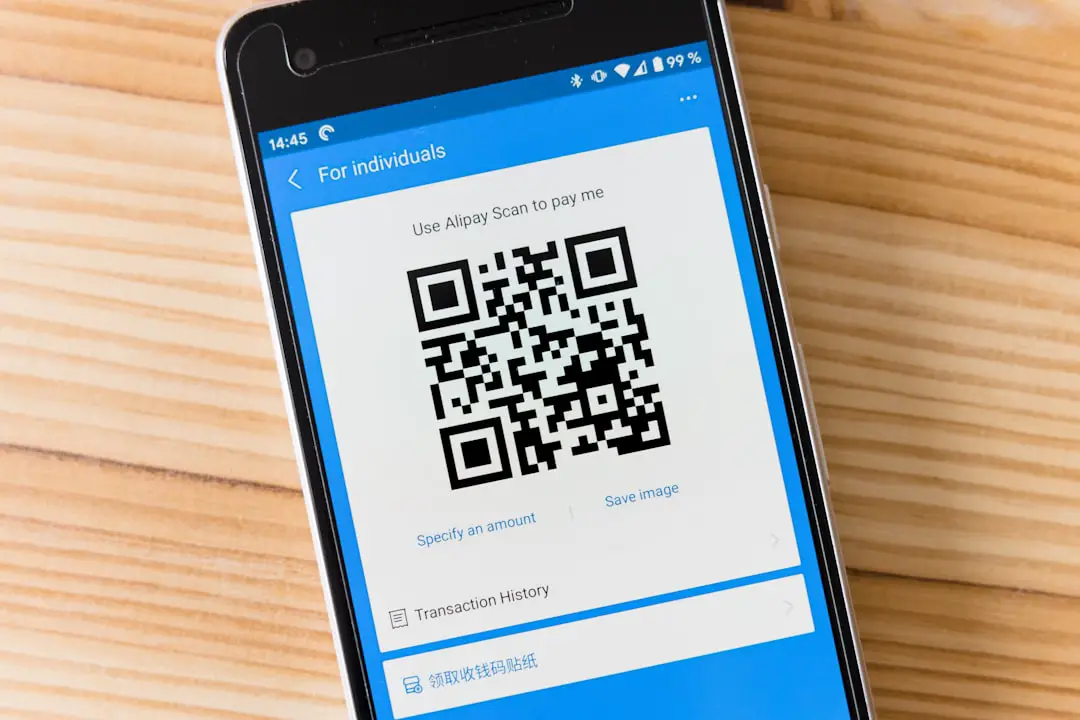
What Features Should You Look For?
Before we jump into the tools, let’s talk about what “advanced” actually means.
Look for these features:
- Dynamic QR Codes – Edit the destination link after printing.
- Real-Time Tracking – See scans instantly.
- Geolocation Data – Know where users scan.
- Device Tracking – iPhone or Android? Mobile or tablet?
- Time-Based Analytics – Discover peak engagement hours.
- A/B Testing – Compare different QR campaigns.
- CRM Integration – Send leads directly to your sales pipeline.
- Google Analytics Integration – Combine QR data with website data.
Now, let’s explore the tools that do this well.
Top QR Code Generators With Advanced Analytics
1. QR Code Generator Pro
This platform is focused on business users. And it shows.
Why people like it:
- Detailed real-time tracking dashboard
- Customizable reports
- Campaign folders for organization
- Strong security features
You can filter scans by:
- Country
- City
- Device type
- Operating system
It also supports dynamic QR codes. That means you can change the link without reprinting anything.
This is huge for printed ads.
Best for: Mid-sized and large businesses running campaigns at scale.
2. Beaconstac
Beaconstac is like the data scientist of QR platforms.
It goes deep.
Advanced features include:
- Real-time analytics dashboard
- Location heat maps
- Custom retargeting pixels
- Integration with HubSpot and Zapier
- Campaign comparison tools
The heat maps are especially cool. You can visually see where engagement is strongest.
Image not found in postmetaIt also lets you add tracking pixels. That means you can retarget users who scanned your code. Yes. Just like website visitors.
Best for: Data-driven marketers who love insights and retargeting.
3. Scanova
Scanova balances ease of use with powerful analytics.
You do not need to be a tech wizard.
Key features:
- Time-of-day scan reports
- Geographic analytics
- Device breakdown
- Password-protected QR codes
- Editable dynamic codes
One great feature is scheduled reports. You can get analytics summaries sent automatically.
Set it. Forget it. Stay informed.
Best for: Businesses that want strong data without complexity.
4. QR TIGER
QR TIGER focuses heavily on marketing functionality.
And it shows in the analytics panel.
You get:
- Scan timeline graphs
- Device tracking
- Location tracking
- Google Analytics integration
- UTM parameter support
This makes it easy to track QR performance alongside other digital campaigns.
If you already use Google Analytics, this feels natural.
Best for: Marketing teams already working inside GA dashboards.
5. Flowcode
Flowcode keeps things sleek and simple.
But the analytics are still strong.
Highlights:
- Real-time scan tracking
- Location insights
- Unique vs repeat scans
- A/B testing for QR campaigns
The repeat scan metric is very useful. It tells you if users come back.
That is a strong engagement signal.

Best for: Creators and brands who want clean design plus smart insights.
Quick Comparison Chart
| Platform | Dynamic Codes | Real-Time Analytics | Heat Maps | CRM Integration | A/B Testing | Best For |
|---|---|---|---|---|---|---|
| QR Code Generator Pro | Yes | Yes | No | Limited | No | Enterprise campaigns |
| Beaconstac | Yes | Yes | Yes | Yes | Yes | Data-heavy marketing teams |
| Scanova | Yes | Yes | No | Limited | No | Easy advanced tracking |
| QR TIGER | Yes | Yes | No | Via integrations | Limited | Google Analytics users |
| Flowcode | Yes | Yes | No | No | Yes | Creative brands |
How to Choose the Right One
The best tool depends on your goals.
Ask yourself:
- Do I just need scan counts?
- Do I want location and device data?
- Am I running paid ads tied to QR codes?
- Do I need CRM integration?
- Will multiple team members access analytics?
If you run simple offline ads, basic real-time tracking may be enough.
If you run multi-channel campaigns, go for deeper integrations.
Common Mistakes to Avoid
Even with the best tool, mistakes happen.
Avoid these:
- Using static QR codes when you need flexibility
- Not checking analytics regularly
- Ignoring peak scan times
- Printing before testing the code
- Failing to tag campaigns properly
A QR strategy without tracking is guesswork.
Data is your friend. Use it.
Final Thoughts
QR codes are no longer just little black squares.
They are smart marketing tools.
With advanced analytics, you can:
- Track offline conversions
- Improve campaign ROI
- Understand audience behavior
- Retarget engaged users
- Make smarter decisions
The difference between a regular QR campaign and a high-performing one often comes down to data.
More insights. Better timing. Smarter adjustments.
Choose a platform that grows with you. Start simple if needed. Scale when ready.
And the next time someone scans your code, you will not just hope it worked.
You will know.