
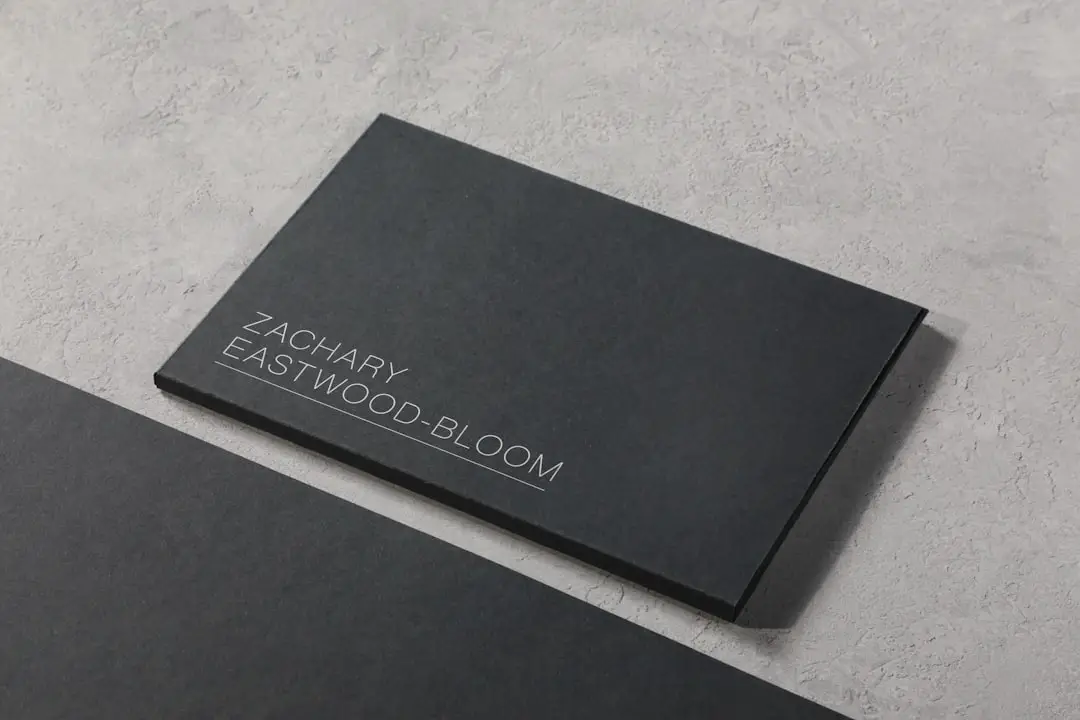
In an age when first impressions are made in seconds, your business card isn’t just a formality—it’s a direct reflection of your brand. Whether you’re a freelance designer, a real estate agent, or run a law firm, the design and content of your business card need to convey professionalism, relevance, and character. For those who don’t have the time or design chops to build from scratch, business card makers with industry-specific editable templates offer an efficient, polished solution. The key lies in selecting a trusted provider that offers robust customization and template variety tailored to your field.
TL;DR
Looking for a reliable way to create a professional business card quickly? Explore the top three business card makers that stand out for offering editable templates tailored to specific industries. Whether you’re in healthcare, tech, real estate, or creative services, these platforms help you find a ready-made design that suits your sector. Each platform is user-friendly, affordable, and offers advanced customization to reflect your brand identity accurately.
1. Canva – Best for Versatility Across All Industries
Canva has long established itself as a leader in visual design accessibility, and its business card maker is no exception. With thousands of editable templates, Canva supports users across a wide range of fields—from startups and tech firms to fitness coaches and travel consultants.
- Industry Coverage: Healthcare, Real Estate, Finance, Beauty, Creative Arts, and more.
- Ease of Use: Drag-and-drop editing with intuitive interface; requires no design background.
- Price: Free tier available; Pro version adds premium templates and tools starting at $12.99/month.
What sets Canva apart is its broad industry coverage. Users can enter keywords specific to their profession—like “lawyer,” “architect,” or “yoga instructor”—and receive curated template options that have appropriate color schemes, iconography, and layout structures.
Integrated tools such as logo generators, font libraries, and brand kits make it easier to maintain visual consistency. You can also collaborate live if you’re working within a team to finalize the card design.
Pros:
- Extensive library of industry-specific templates
- Highly customizable and user-friendly interface
- Print and delivery options available directly through Canva
Cons:
- Template quality may vary as many are community-submitted
- Offline editing not supported
2. Vistaprint – Best for Professionals Looking for Print + Design
Vistaprint offers a perfect blend of professional templates and exceptional printing services, making it ideal for users who want high-quality physical business cards with minimal hassle.
- Industry Coverage: Real Estate, Law, Medical, Retail, Hospitality, among others.
- Ease of Use: Step-by-step wizard simplifies the customization process.
- Price: Customizable cards start around $17 for 100 cards; premium design services are extra.
Vistaprint stands out with its library of professionally designed templates categorized by industry, theme, and service type. Users can filter the template gallery to find designs tailored to their specific business sector and then personalize color, background, text, and icons without much effort.
Where Vistaprint shines is in its materials and finishes—you can choose from matte, glossy, textured, or eco-friendly recycled paper. This makes it especially appealing for businesses where the tangible quality of the card matters, such as legal advisors, consultants, or high-end service providers.
Pros:
- High-quality print services with global delivery
- Industry-specific templates and paper finish options
- Simple yet effective online design tool
Cons:
- Design tool is not as flexible or advanced as Canva
- Fewer creative templates for unconventional industries
3. Adobe Express – Best for High-End Design Customization
For users seeking a design-forward approach with professional-grade tools, Adobe Express combines the power of Adobe’s ecosystem with simple usability. It’s geared toward users who want more customization than simple drag-and-drop tools allow but without diving into full professional software like Photoshop.
- Industry Coverage: Marketing, Photography, Tech, Freelancing, Design, and more creative industries.
- Ease of Use: More advanced than typical tools but still beginner-accessible.
- Price: Free version available; Full access with Adobe Express Premium starts at $9.99/month.
Adobe Express offers an impressive array of professionally designed templates that you can tweak at a granular level. It includes support for uploading brand kits, adding animations (for digital cards), and integrating Adobe Fonts—a perk for those in design-sensitive fields.
This tool is particularly useful for freelancers, creatives, and tech professionals who need visually compelling cards that break from templated norms while still retaining polish and professionalism.
Pros:
- Advanced customization with Adobe ecosystem integration
- Ideal for creative and design-focused sectors
- Supports both print and digital business cards
Cons:
- May have a learning curve for non-designers
- Better suited for creative fields rather than traditional industries
Choosing the Right Business Card Maker for Your Industry
Selecting the right business card maker depends on several factors:
- Your industry: A tech startup might look for innovation in design, whereas a legal practice may prioritize formality and trustworthiness.
- Customization needs: If you need detailed control over design elements, Adobe Express is a better fit.
- Print quality and delivery: If tangible cards are a priority, Vistaprint offers the most robust printing options.
- Budget: Canva offers significant value with its free tier and wide range of editable industry templates.
For most general business needs, Canva provides the best starting point given its adaptability. For premium services that demand tangible presence and elegance, Vistaprint is the top contender. And for design-centric users seeking elevated aesthetics, Adobe Express delivers.

Conclusion
Your business card is often the first direct impression a client or customer has of your brand. Using a business card maker that offers editable templates by industry saves time and ensures your card communicates the right message visually and contextually. Canva, Vistaprint, and Adobe Express stand out as the top platforms for creating business cards that are not only well-designed but also tailored to your sector’s needs.
By leveraging these tools, businesses of all sizes and types can put their best foot forward—right from the first handshake to the closing deal.