What Are Proxy Settings? A Simple Guide
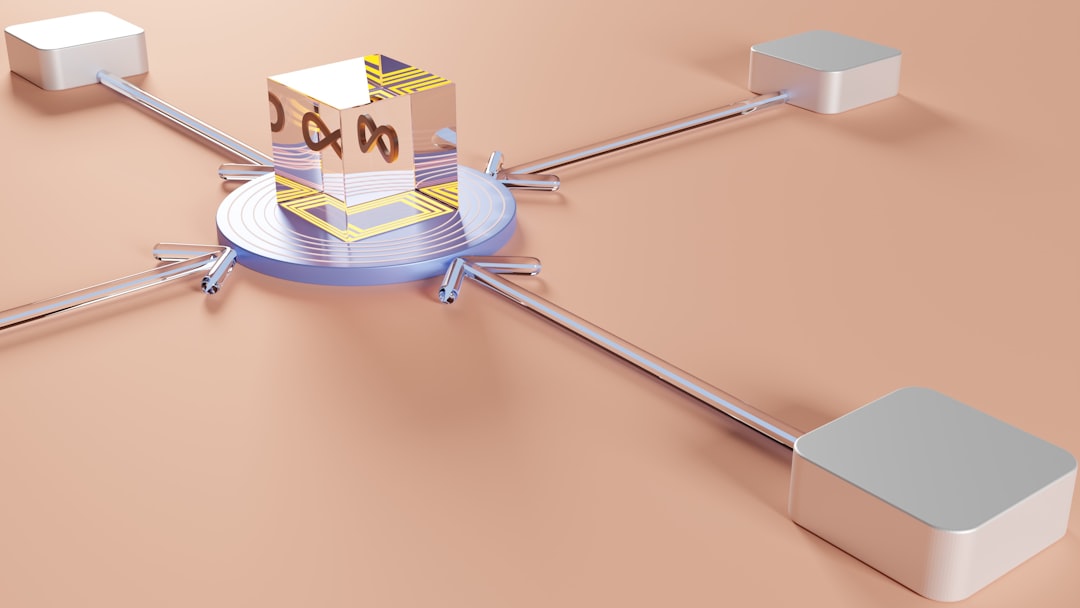
Proxy settings tell a device or app where to send internet traffic before it reaches the final website or service. Instead of connecting straight to a site, the connection passes through a proxy server first. That server can hide the device’s IP address, apply access rules, cache content, or help a company inspect traffic. Microsoft notes that Windows can use either an automatic setup script or a manual proxy server address and port [source: Microsoft]. Read more