
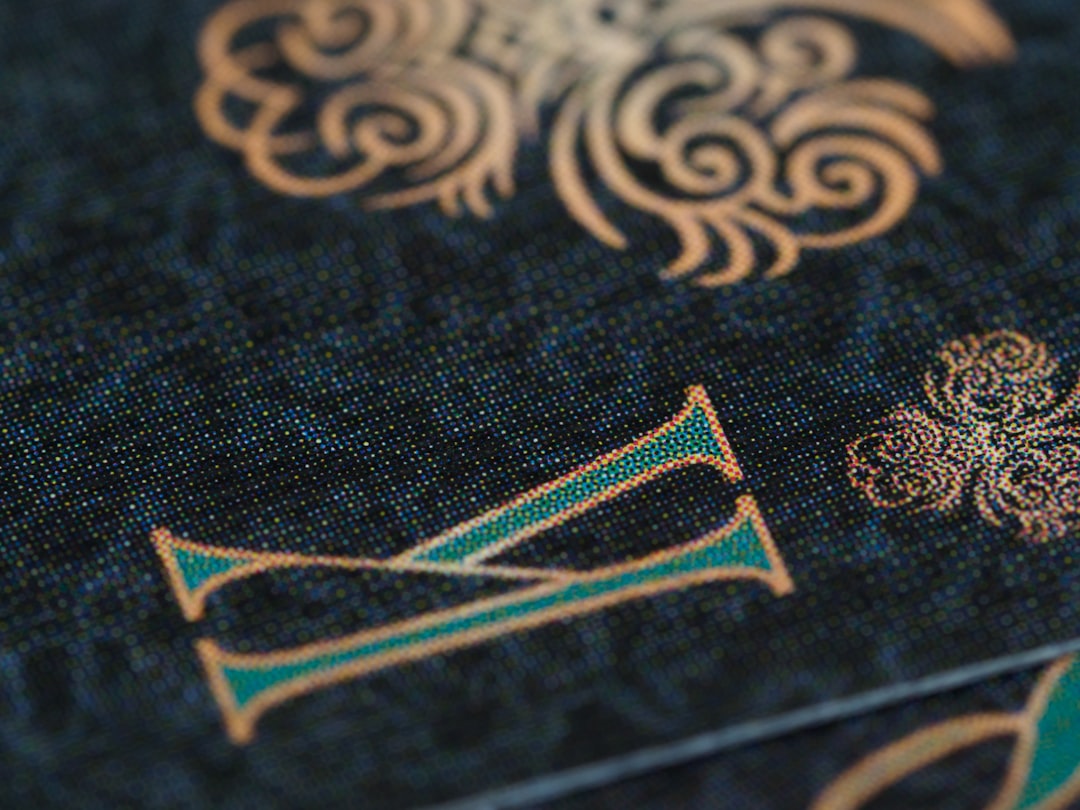
In a market where first impressions often happen in seconds, a well-designed business card still carries value. Online business card makers help professionals, freelancers, startups, and small companies create polished cards quickly without relying on lengthy design processes. These platforms combine templates, customization tools, branding options, and print-ready exports to make professional card design accessible to almost anyone.
TLDR: Online business card makers provide a fast and flexible way to create custom cards for networking, events, and client meetings. They offer ready-made templates, easy editing tools, and options for printing or digital sharing. The best platforms balance speed with brand consistency, allowing users to adjust fonts, colors, layouts, and logos. For businesses that need professional results without hiring a designer, these tools can be practical and cost-effective.
Why Online Business Card Makers Are Popular
Traditional business card design often required hiring a graphic designer, exchanging multiple drafts, and waiting for final print files. While that process can still be valuable for complex branding projects, many modern businesses need something faster. Online business card makers solve this problem by offering simple tools that guide users from concept to finished design in minutes.
These platforms are especially useful for entrepreneurs who are launching quickly, sales teams preparing for trade shows, consultants updating contact details, and creatives who want cards that match their personal style. Instead of starting with a blank canvas, users can choose from professionally arranged templates and then customize the details.
Key Features That Make Card Creation Faster
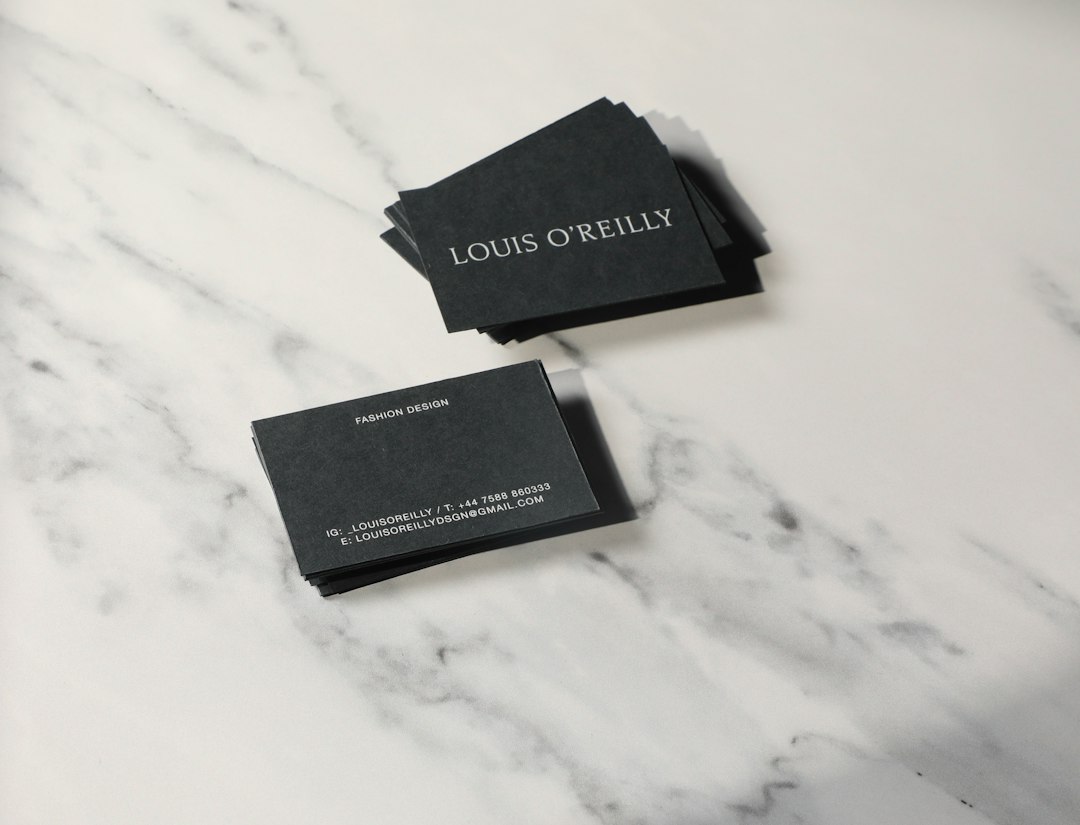
The strongest online card makers are designed around speed and clarity. They usually include a collection of templates organized by industry, style, or purpose. A real estate agent may prefer a clean and trustworthy layout, while a photographer may choose a more visual design with space for a portfolio image. This template-first approach reduces decision fatigue and helps users begin with a layout that already works.
Most tools also include drag-and-drop editing, which allows elements such as logos, icons, text blocks, and shapes to be moved without technical design skills. Font menus, color palettes, alignment guides, and preview modes make it easier to build a balanced card. Some platforms also include automatic spacing or smart layout features, helping the design avoid overcrowding.
- Template libraries: Provide ready-made layouts for different professions and styles.
- Brand customization: Allows colors, logos, and fonts to match an existing identity.
- Print-ready downloads: Creates files suitable for professional printing.
- Digital card options: Supports sharing through email, QR codes, or mobile devices.
- Fast editing: Makes it simple to update job titles, phone numbers, or social handles.
Customization Without Complexity
A good business card should communicate identity, not just contact information. Online makers allow users to customize both the look and message of the card. A minimalist brand might use generous white space, subtle typography, and one accent color. A bold startup might use bright colors, large lettering, and a striking logo placement. The flexibility of these tools allows different brands to express themselves without requiring advanced software knowledge.
Customization is most effective when it supports recognition. A card should not be overloaded with every possible detail. Instead, it should highlight the essentials: name, role, company, phone number, email, website, and perhaps one or two social media profiles. When a card includes too much information, the design becomes harder to read and less memorable.
Design Quality and Professional Results
One concern with fast design tools is whether the final result will look professional. The answer depends on the quality of the platform and the choices made during editing. Many modern business card makers offer strong template foundations, but users still need to make thoughtful decisions. Consistent spacing, readable font sizes, proper contrast, and balanced alignment all affect the final impression.
Professional-looking cards usually share a few common traits. They use no more than two or three fonts, maintain a clear hierarchy, and leave enough empty space around important elements. They also use colors that match the brand and remain legible when printed. A pale gray phone number on a white background may look elegant on screen but become difficult to read in real life.
Print, Download, and Digital Sharing Options
Online business card makers often provide several output choices. Some allow users to download a design as a PDF, PNG, or JPG file. Others connect directly with printing services, allowing cards to be ordered immediately after design approval. This can be convenient because the platform may automatically handle bleed areas, trim marks, and resolution settings.
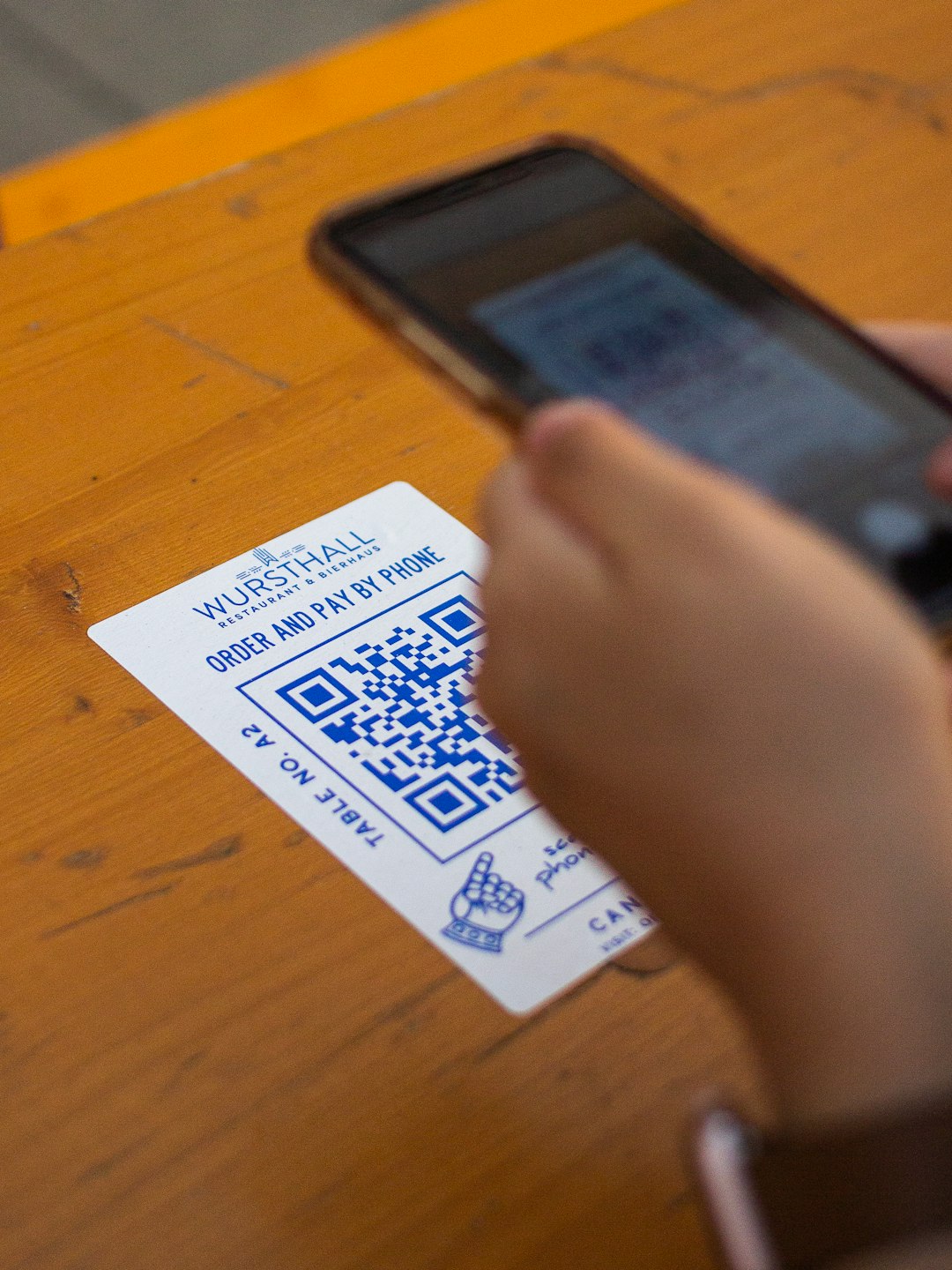
Digital business cards are also becoming more common. These can include clickable links, QR codes, and mobile-friendly profiles. While printed cards remain useful for in-person networking, digital cards are practical for remote communication, online events, and quick follow-ups. Many businesses now use both formats: a printed card for physical meetings and a digital version for email signatures or messaging apps.
How Businesses Can Choose the Right Tool
Choosing an online business card maker should depend on the business’s goals, budget, and branding needs. A solo freelancer may only need a simple, affordable editor with attractive templates. A growing company may need shared brand assets, team access, and consistent layouts for multiple employees. A business that attends many events may value quick reordering and reliable print quality.
Before selecting a platform, it is useful to review the template selection, export formats, customization limits, and printing options. Users should also check whether the tool allows full control over logo placement, background colors, and typography. If a business already has brand guidelines, the chosen tool should make it easy to follow them.
- For startups: Speed, affordability, and flexible templates are often most important.
- For corporate teams: Consistency, shared assets, and repeat ordering may matter more.
- For creatives: Visual freedom, unique layouts, and image-heavy designs can be essential.
- For local businesses: Clear contact details, maps, service lists, and QR codes may add value.
Common Mistakes to Avoid
Even with helpful templates, mistakes can reduce the impact of a business card. One common issue is using text that is too small. Another is choosing decorative fonts that look interesting but are difficult to read. Poor image quality can also make a card look unprofessional, especially when logos or photos appear blurry after printing.
Another mistake is ignoring the back of the card. The reverse side can be used for a tagline, appointment reminder, QR code, or simple brand pattern. However, it should not become cluttered. A clean back design can make the card feel more premium while giving the recipient one clear action to take.
The Role of Business Cards in Modern Branding
Although many interactions now happen online, business cards remain a physical reminder of a conversation. A strong card can reinforce a brand’s personality and make follow-up easier. It can also create a sense of credibility, especially for new businesses that are still building recognition.
Online business card makers make this branding tool more accessible. They allow companies to experiment with different styles, update information quickly, and produce cards for specific campaigns or events. Instead of treating cards as a one-time design task, businesses can adapt them as their messaging evolves.
Final Thoughts
Online business card makers are valuable because they combine speed, affordability, and creative control. They help users move from an idea to a finished card without needing advanced design skills or a long production timeline. When used thoughtfully, these tools can produce custom cards that look polished, communicate clearly, and support a consistent brand image.
For professionals who need quick yet memorable designs, an online card maker can be a practical solution. The best results come from choosing a strong template, keeping information clear, using brand elements consistently, and reviewing the final design carefully before printing or sharing.
FAQ
- What is an online business card maker?
- An online business card maker is a web-based tool that allows users to create custom business cards using templates, editing features, images, logos, and text options.
- Are online business card makers suitable for professional use?
- Yes. Many platforms offer high-quality templates and print-ready exports that can be suitable for freelancers, small businesses, corporate teams, and event marketing.
- What information should a business card include?
- A business card usually includes a name, job title, company name, logo, phone number, email address, website, and selected social media or QR code details.
- Can business cards be designed without graphic design experience?
- Yes. Most online makers are built for non-designers and include drag-and-drop tools, preset layouts, font pairings, and color suggestions.
- Should a business use printed or digital business cards?
- Both can be useful. Printed cards are effective for in-person meetings, while digital cards are convenient for online networking, email communication, and quick mobile sharing.