

NCR Silver is a cloud-based point-of-sale platform designed for small and mid-sized retailers, quick-service restaurants, cafes, and service businesses that need sales, inventory, customer, and reporting tools in one system. Its pricing can vary depending on the software package, hardware setup, payment processing arrangement, and support needs, so businesses typically evaluate it as a full POS investment rather than a simple monthly app subscription.
TLDR: NCR Silver pricing is usually built around a monthly software subscription, optional hardware, payment processing fees, and possible add-ons. Historically, basic NCR Silver plans have been associated with entry-level monthly pricing, while restaurant-focused or more advanced packages cost more. The total cost depends heavily on terminals, card readers, receipt printers, cash drawers, barcode scanners, and processing terms. Businesses should request a current quote before committing, because published prices and package names may change.
Overview of NCR Silver Pricing
NCR Silver is often positioned as an accessible POS solution for businesses that want the credibility of a large payments and retail technology provider without adopting a large enterprise system. Its pricing model is generally subscription-based, meaning the business pays a recurring fee for access to the software. That fee may cover core POS functions such as sales tracking, item management, basic reporting, employee permissions, and customer data tools.
However, the software subscription is only one part of the total cost. A typical NCR Silver setup may also include hardware purchases, payment processing charges, installation or onboarding costs, and optional services. For a business opening a new location, the upfront hardware cost may be more noticeable than the monthly software fee. For an established business switching from another POS, migration and training may also matter.
Common NCR Silver Plan Types
NCR Silver packages have changed over time, and exact plan names may differ depending on region, reseller, or current NCR offerings. Still, the system is commonly discussed in terms of a standard POS plan and a more advanced restaurant or business package.
| Plan Type | Best For | Typical Features | Cost Consideration |
|---|---|---|---|
| Basic POS Plan | Retail shops, boutiques, small service businesses | Sales, inventory, customer tracking, reports | Usually the lowest monthly software cost |
| Advanced or Pro Plan | Restaurants, cafes, multi-station setups | More advanced order management, time tracking, deeper reporting | Higher monthly cost than the basic package |
| Custom or Quote-Based Setup | Growing businesses, multi-location operators | Hardware bundles, integrations, support, implementation | Requires direct pricing from NCR or a reseller |
Historically, entry-level NCR Silver pricing has often been referenced around the lower end of paid POS subscriptions, while restaurant-focused plans have been significantly higher. Since POS providers frequently update pricing, businesses should treat any publicly listed figure as a starting estimate rather than a final contract price.
Software Features Included in NCR Silver
The main value of NCR Silver is not only the checkout screen. It combines front-of-house selling tools with back-office management features that help a business understand performance. While features may vary by plan, many NCR Silver configurations include the following:
- Cloud-based POS access: Sales data can be stored online, allowing managers to review performance without being physically at the register.
- Inventory management: Businesses can track product quantities, set item details, and monitor stock movement.
- Sales reporting: The system can provide reports on revenue, top-selling products, transaction volume, and employee activity.
- Customer management: Customer profiles may help businesses track purchase history and support repeat marketing.
- Employee permissions: Owners can assign roles, limit access, and monitor staff activity.
- Discounts and promotions: Stores can apply special pricing, coupons, or limited-time offers.
- Mobile and tablet-based selling: NCR Silver has commonly been associated with iPad or mobile POS environments.
For many small businesses, these features reduce the need for multiple separate systems. A retailer, for example, may use NCR Silver to ring up purchases, update inventory, identify best-selling products, and review daily sales from a dashboard.
Restaurant and Hospitality Features
NCR Silver has also served restaurants and food-service businesses. In those environments, POS requirements are more specific than standard retail checkout. Restaurants may need order modifiers, kitchen communication, table tracking, and staff time management.
Depending on the package, restaurant-oriented NCR Silver features may include:
- Menu management for items, categories, modifiers, and pricing.
- Order customization for substitutions, add-ons, and special instructions.
- Employee time tracking for managing shifts and labor activity.
- Tip management for service-based transactions.
- Kitchen workflow support through compatible printers or order routing tools.
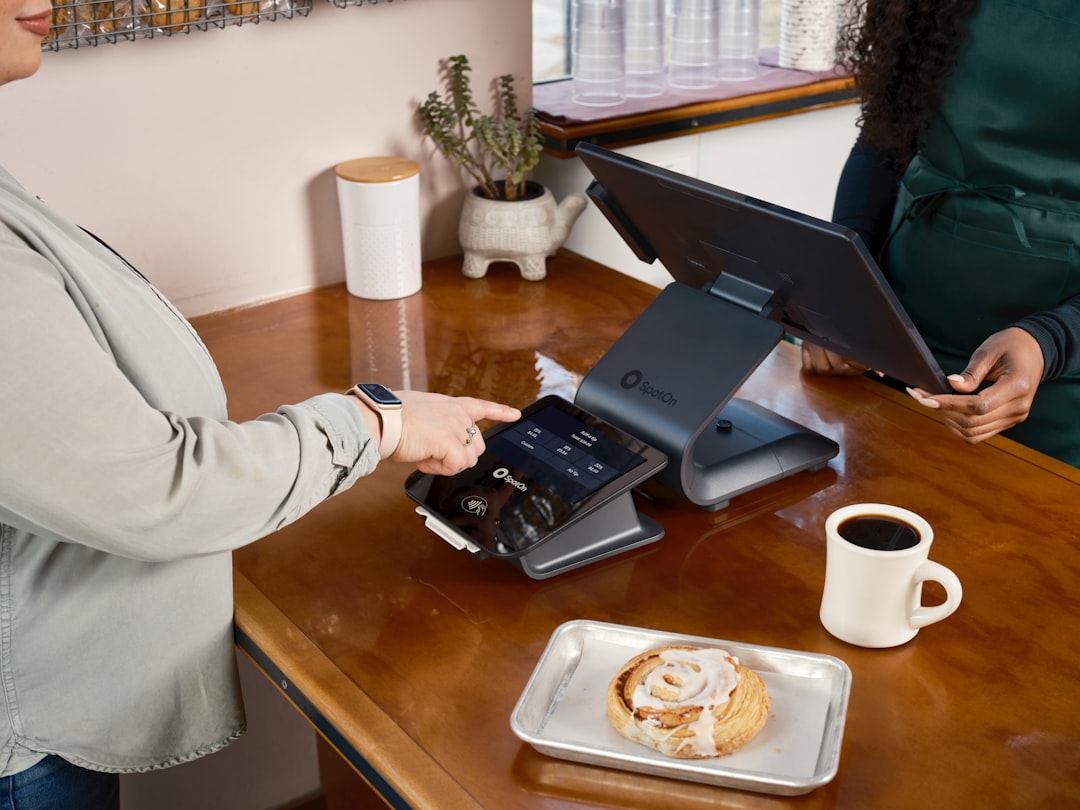
Restaurant users may pay more because the software must support a more complex workflow. A cafe with one counter terminal has different needs from a full-service restaurant with multiple servers, kitchen printers, and several payment stations.
Hardware Costs
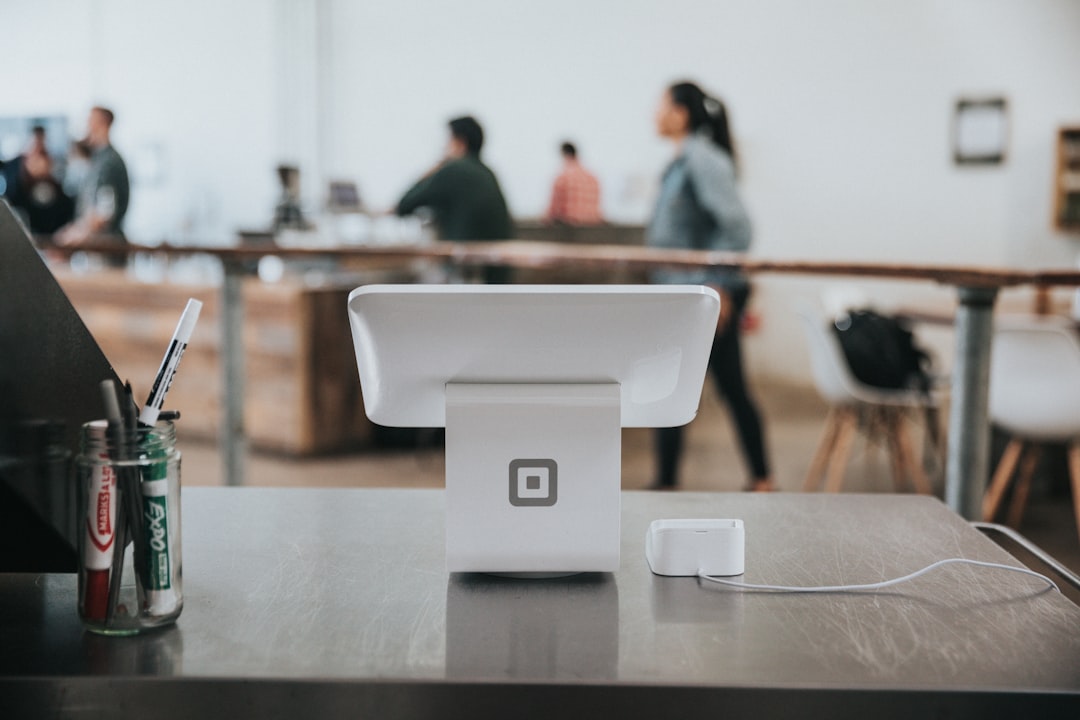
Hardware is one of the biggest variables in NCR Silver pricing. Some businesses already own compatible devices, while others need a complete bundle. A basic POS station may include a tablet or touchscreen device, stand, receipt printer, cash drawer, and card reader. Retail stores may also need a barcode scanner and label printer.
Common hardware expenses may include:
- Tablet or touchscreen terminal: Used as the main register interface.
- Card reader: Required for chip, swipe, and contactless payments.
- Receipt printer: Useful for retail receipts and restaurant orders.
- Cash drawer: Needed for cash transactions.
- Barcode scanner: Important for inventory-heavy retailers.
- Kitchen printer: Common in restaurants and cafes.
Hardware costs can range from a few hundred dollars for a simple setup to well over a thousand dollars for a full register station. Multi-location businesses or restaurants with several terminals should expect higher upfront costs.
Payment Processing Fees
Payment processing is another important cost. Like most POS systems, NCR Silver must connect to a merchant services provider so the business can accept credit cards, debit cards, and contactless payments. Processing fees are usually charged per transaction and may include a percentage of the sale plus a small fixed fee.
The exact rate depends on the processor, business type, card mix, transaction volume, and contract terms. A business with high monthly sales volume may be able to negotiate better terms than a low-volume startup. Processing fees should be reviewed carefully because even a small percentage difference can become significant over time.
Additional Costs to Consider
Beyond the visible monthly subscription and hardware purchase, businesses should look for possible additional costs. These may include:
- Installation or setup fees: Some businesses may need assistance configuring the POS, inventory, taxes, users, and hardware.
- Training: Staff training may be included, limited, or billed separately depending on the provider.
- Premium support: Higher support levels may cost more, especially for businesses that need extended hours.
- Software add-ons: Loyalty, marketing, advanced analytics, or integrations may carry additional fees.
- Integration costs: Connecting accounting, ecommerce, payroll, or third-party tools may require extra setup.
- Replacement hardware: Printers, card readers, and tablets may eventually need repair or replacement.

Who Gets the Best Value from NCR Silver?
NCR Silver can be a strong fit for businesses that want a recognizable POS brand, solid checkout tools, and a system that can support both sales and management tasks. It is especially relevant for retailers, cafes, bakeries, quick-service restaurants, specialty shops, and small chains that need more than a basic card reader but less than a complex enterprise POS.
The best value usually comes when the business actively uses the reporting, inventory, and customer features. If a company only needs to take occasional payments, NCR Silver may be more system than necessary. If it needs advanced multi-location controls, deep ecommerce integration, or highly specialized restaurant tools, it should compare NCR Silver with other POS platforms before deciding.
How to Evaluate an NCR Silver Quote
When reviewing NCR Silver pricing, decision-makers should compare the full first-year cost rather than focusing only on the monthly subscription. A quote should clearly show software fees, hardware costs, support charges, payment processing rates, contract length, cancellation terms, and any one-time setup expenses.
A practical evaluation should include these questions:
- How much is the monthly software fee?
- Is hardware purchased upfront, financed, or leased?
- Which features are included in the base plan?
- Are reporting, inventory, loyalty, or marketing tools extra?
- What are the card processing rates and monthly merchant fees?
- Is there a long-term contract or early termination fee?
- What support is included, and when is it available?
Businesses should also ask for a demonstration using their own products, menu structure, or checkout process. A system that looks affordable on paper may become expensive if it slows down transactions or requires workarounds.
Final Thoughts on NCR Silver Costs
NCR Silver pricing is best understood as a combination of software subscription, hardware investment, payment processing, and service costs. A small retailer with one register may pay a manageable monthly fee plus modest hardware expenses, while a restaurant with multiple stations, printers, and staff accounts may face a higher total cost.
For the right business, NCR Silver can provide a professional POS foundation with useful tools for sales, inventory, employees, and reporting. The key is to request current pricing, compare total ownership costs, and confirm that the selected package includes the features the business actually needs.
FAQ: NCR Silver Pricing, Plans, Features, and Costs
How much does NCR Silver cost?
NCR Silver pricing depends on the plan, hardware, payment processing, and support package. Businesses should request a current quote because pricing and plan names may change.
Does NCR Silver charge a monthly fee?
Yes, NCR Silver is generally sold as a subscription-based POS system, meaning businesses typically pay a recurring monthly software fee.
Is hardware included with NCR Silver?
Hardware may be sold separately or bundled into a quote. A complete setup may include a tablet, stand, cash drawer, receipt printer, card reader, and optional accessories.
Does NCR Silver include payment processing?
NCR Silver works with payment processing services, but transaction fees are usually separate from the software subscription. Rates depend on the merchant agreement.
Is NCR Silver good for restaurants?
NCR Silver can work for cafes, quick-service restaurants, and some hospitality businesses, especially when restaurant-focused features are included in the selected package.
Are there hidden costs with NCR Silver?
Potential extra costs may include setup, training, premium support, integrations, add-ons, and replacement hardware. Businesses should review the full quote carefully.
Is NCR Silver better for retail or restaurants?
NCR Silver can serve both, but the best fit depends on the required workflow. Retailers may value inventory and barcode tools, while restaurants may need menu modifiers, tip handling, and kitchen printing.
Should a business choose NCR Silver?
A business should consider NCR Silver if it wants a cloud-based POS from an established provider and needs sales, inventory, reporting, and customer tools. It should compare total costs and features against other POS systems before making a final decision.