
In today’s digital age, staying connected has become a vital part of our everyday lives. Whether it’s for work, study, entertainment, or smart home management, a reliable Wi-Fi connection is no longer a luxury—it’s a necessity. More households are now turning to multi-Wi-Fi access point (AP) setups to maintain strong and consistent coverage across every room. But what exactly does that entail, and how do these setups improve Wi-Fi performance in the home?
TL;DR: Multi-Wi-Fi APs distribute your home’s internet connection across several access points, improving speed and coverage—especially in large or multi-story houses. They reduce dead zones and provide seamless roaming for connected devices. These setups can be achieved with routers, mesh systems, or wired access points. Choosing the right system depends on your home size, budget, and technical needs.
The Basics of Multi-Wi-Fi Access Points
Wi-Fi is typically provided by a single router located in a central place in the home. However, this arrangement can lead to weak signals in far-off rooms, especially in large houses or homes with multiple floors or thick walls. This is where multi-Wi-Fi access point systems come into play.
Multi-Wi-Fi setups use more than one access point to extend and distribute your internet connection throughout the house. These APs can be wireless or wired and provide consistent signal strength in areas where a single router would fail. They can be installed using traditional routers, mesh Wi-Fi systems, or dedicated APs.
Why You Might Need Multiple Wi-Fi APs
If you’ve experienced any of the following issues, then it’s likely time to consider adding more access points to your home:
- Frequent buffering or disconnections in certain rooms
- Poor performance for video calls and online gaming
- Dead zones in basements, garages, or upper floors
- Numerous smart devices that congest the network
Schools, remote jobs, and streaming services demand a lot from home networks. As more devices connect to your Wi-Fi, the strain increases—decreasing performance for everyone. Multi-AP systems alleviate this strain by intelligently managing bandwidth and user distribution across different points.
Types of Multi-Wi-Fi Systems
There are several ways to implement a multi-Wi-Fi AP setup:
- Traditional Routers with Extenders: This is the most basic method. A primary router connects to the internet, and Wi-Fi extenders or repeaters boost the signal into distant areas.
- Mesh Wi-Fi Systems: These are purpose-built systems like Google Nest Wi-Fi, Netgear Orbi, or Eero. They automatically manage your devices and provide seamless connectivity as you move throughout your home.
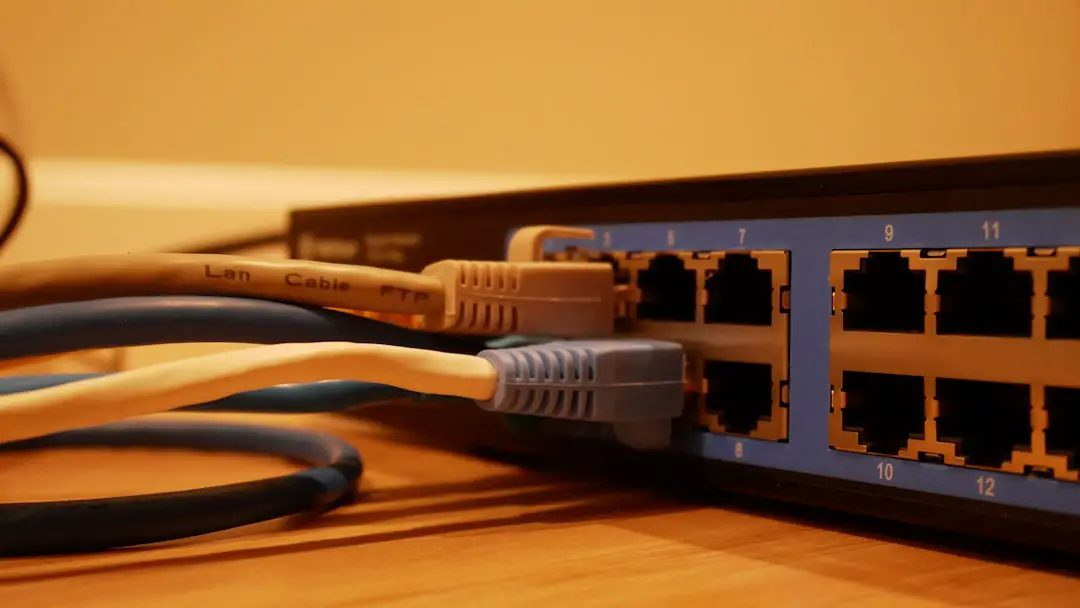
- Individual Wired Access Points: This method uses Ethernet-connected APs to ensure the strongest possible connection. It’s ideal for users looking for maximum speed and stability.
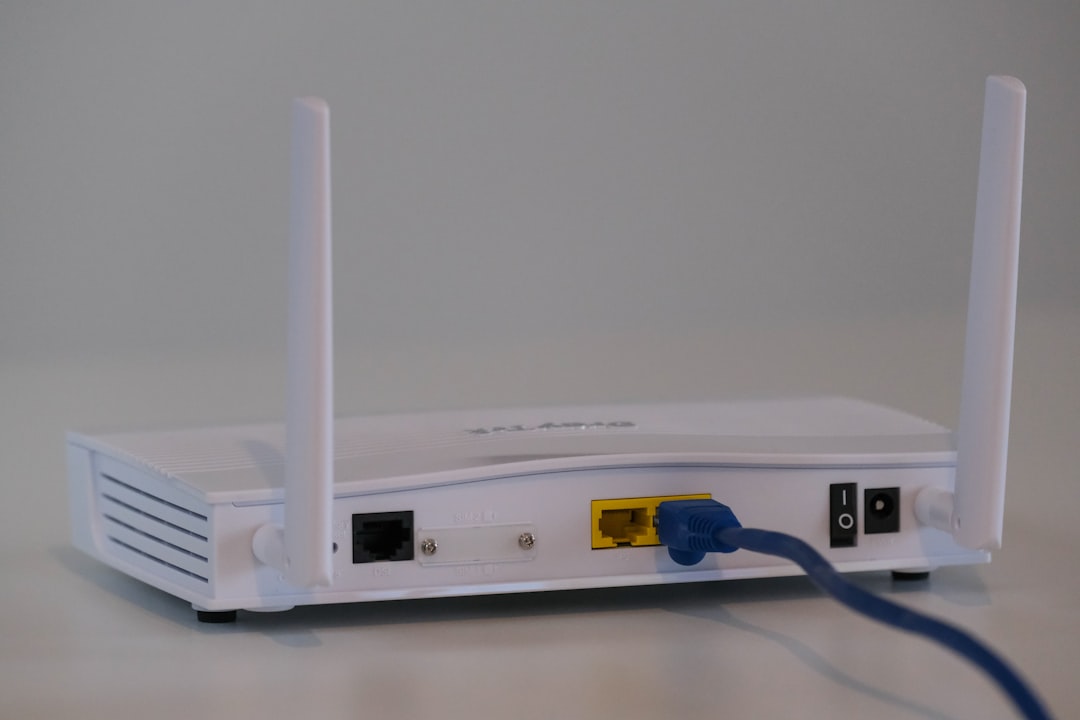
Mesh systems are typically the easiest to set up and maintain. They often include mobile apps for guided installation, firmware updates, and parental control features. For power users and those comfortable with networking, configuring individual APs through wired connections can offer better speeds and lower latency.
Seamless Roaming with Multi-AP
One of the key benefits of using multiple APs is the ability to roam seamlessly within your network. In earlier Wi-Fi generations and simplistic setups, a device would cling to the nearest router, even if the signal deteriorated. Modern systems support 802.11k, 802.11v, and 802.11r standards that enable devices to automatically and quickly switch to the best access point available.
This means you could be in a video meeting in your office, walk to the kitchen to grab a coffee, and return without losing connection. Your device intelligently changes access points without disrupting your internet experience.
Installation and Planning Tips
Setting up a multi-AP network requires some planning. Here are practical tips for homeowners:
- Map your home: Identify areas with poor signal or frequent dropouts.
- Use Ethernet where possible: Wired backhaul between APs offers the most stable platform, especially for bandwidth-intensive applications.
- Avoid signal interference: Place access points away from microwaves, cordless phones, and thick walls when possible.
- Name your SSIDs properly: Use the same SSID if your APs support seamless roaming, and different SSIDs if you’d like manual control.
For users dealing with particularly challenging layouts, such as long corridors or multi-story buildings, professional installation or consultation may offer the best results. Network planning tools like Ekahau or NetSpot can help visualize signal coverage and pinpoint the best locations for access points.
Security and Device Management
Each additional AP becomes a part of your home’s wireless footprint. This makes security more important than ever. Be sure to follow best practices:
- Always use WPA3 (or WPA2 if WPA3 isn’t available)
- Set a strong, unique password
- Disable WPS to prevent unauthorized access
- Keep firmware updated for all access points
Managing devices is also easier in multi-AP systems, especially mesh-based ones. Many systems offer dashboards that show which devices are connected to each point, allowing users to balance traffic and troubleshoot issues.

Pros and Cons of Multi-Wi-Fi APs at Home
Advantages:
- Improved signal strength throughout the home
- Reduced dead zones and connectivity issues
- Better support for smart home devices
- Seamless roaming for uninterrupted usage
Disadvantages:
- Higher initial setup costs
- Technical complexity for non-mesh setups
- Potential for network overlap and interference if not configured properly
For larger families or advanced users, the benefits easily outweigh the costs. Over time, the convenience and reliability offered by a smart multi-AP setup can transform daily internet use into a smooth experience.
FAQ: Multi-Wi-Fi APs At Home
-
Q: Can I use different brands of routers and access points together?
A: While possible, it’s generally not recommended for seamless roaming. Mesh systems and APs from the same manufacturer tend to work better together. -
Q: Is a mesh system better than using extenders?
A: Yes. Mesh systems are more efficient, provide better speed, and allow for smarter device management. -
Q: How many access points do I need?
A: It depends on your home’s size and layout. Typically, one AP per 1,000–1,500 square feet is a good starting point. -
Q: Do I need to configure each AP separately?
A: In mesh systems, configuration is centralized. In traditional setups, each AP might require manual setup unless they are centrally managed via a controller. -
Q: Will more access points increase network speed?
A: Not necessarily in terms of top speed, but they will improve stability and maintain strong speed throughout the home.
In conclusion, installing multiple Wi-Fi access points is one of the most effective ways to boost household internet performance. Whether you use a mesh system, extenders, or individual APs, the investment results in more stable connections, happier users, and smarter homes.