

If you’re a content creator or avid streamer, you know that reliable, high-speed internet is your lifeline. Whether you’re broadcasting live on Twitch, streaming on YouTube, or uploading gigabytes of content, a strong and stable Wi-Fi connection is non-negotiable. Traditional routers often fall short in delivering seamless connectivity throughout the house—this is where mesh Wi-Fi systems come into play. For streamers, understanding mesh network placement and backhaul options can make all the difference between pixelated chaos and crisp, uninterrupted streams.
What Is Mesh Wi-Fi and Why Streamers Need It
Unlike single-router systems, mesh Wi-Fi uses multiple nodes (or points) placed throughout your home to create one seamless network. All devices connect to the same SSID (network name), and the system intelligently routes traffic through the most efficient path. Streamers, especially those dealing with high-resolution video, real-time interactions, and upload-heavy tasks, benefit immensely from the zone-based coverage that mesh systems offer.
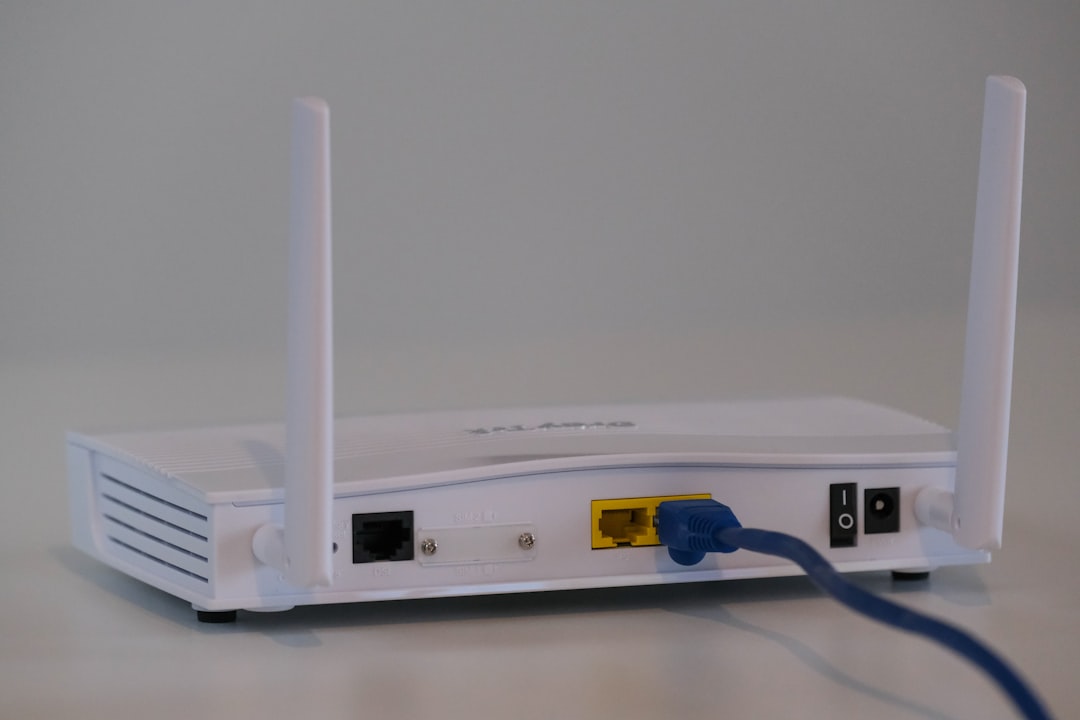
Imagine this: you’re streaming from a converted garage studio at the far end of your home. A typical router might send a weak and unstable signal that leads to buffers and connectivity drops. But with a mesh system, a nearby node strengthens your signal, vastly improving your upload stability and latency.
How Placement Impacts Performance
Just deploying a mesh network isn’t enough. Strategic placement of nodes is critical to optimizing performance. Mesh systems operate on the principle of overlapping coverage, ensuring there’s a seamless handoff as you move throughout your home. Bad placement can bottleneck speeds or result in unreliable backhaul connectivity.
Key Tips for Optimal Node Placement:
- Place the main router centrally. Ideally, this connects directly to your modem. A central location minimizes the average distance to all satellite nodes.
- Avoid obstructions. Keep nodes away from thick walls, metal objects, and household electronics like microwaves that can interfere with the signal.
- Maintain line-of-sight where possible. Open spaces improve signal strength and reduce latency.
- Nodes should be equidistant. Don’t cluster nodes or place satellites too close or far apart. A good rule of thumb is to place them 30–50 feet apart, or as recommended by the manufacturer.
Some households have unusual layouts that make strategic placement trickier. In such cases, consider ceiling-mounted nodes or placing nodes on open hallway shelves to maximize signal propagation.
The Role of Backhaul: Wireless vs. Wired
The term backhaul refers to how nodes communicate with each other and the main router. Backhaul plays a vital role in determining the efficiency and speed of your mesh system. For streamers, particularly those working with HD or 4K video, understanding your backhaul setup is key.
Wireless Backhaul
Most consumer mesh systems use wireless backhaul by default. Nodes exchange data using the same band as user devices, which can sometimes congest and reduce performance. Some advanced mesh systems offer a dedicated wireless backhaul channel, usually in the 5 GHz or even 6 GHz band for tri-band or Wi-Fi 6E setups. If a system has this feature, it can significantly enhance the quality and performance for streamers who rely heavily on upload speeds and real-time data transfer.
Wired or Ethernet Backhaul
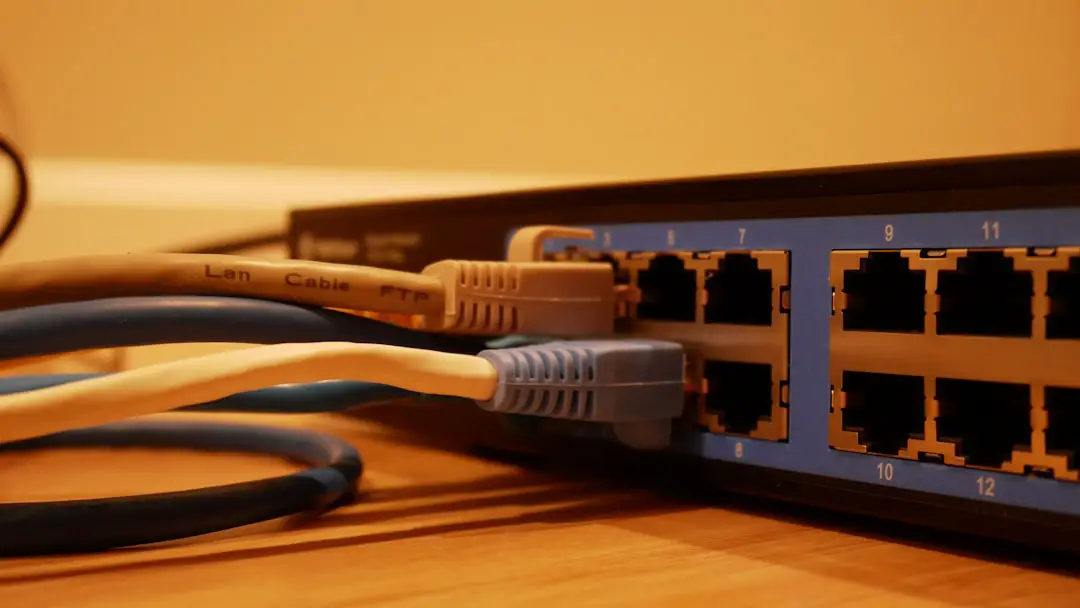
For serious streamers, wired backhaul is the gold standard. Nodes connect to each other via Ethernet cables, creating a stable, interference-free path for communication. This setup keeps the wireless spectrum clear for devices and dramatically reduces latency. Here’s where content creators, especially gamers who stream, get a huge advantage—no dropped frames and no lag spikes.
Benefits of Wired Backhaul:
- Consistent high speeds across all nodes
- Minimal latency—ideal for live game streaming
- Frees up wireless spectrum for connected devices
- More scalable in large homes or studios
Practical Setup for Streamers
Let’s walk through a typical mesh Wi-Fi setup for an apartment or mid-sized house where content creation is a major activity:
Placement Plan:
- Main node: Living room near the modem and central area
- Second node: Home studio or gaming room with direct Ethernet backhaul
- Third node: Bedroom or other area for additional device coverage
Device Prioritization:
Ensure your mesh system supports device prioritization or Quality of Service (QoS). Prioritize bandwidth for:
- Your streaming PC or console
- Camera feeds or capture cards
- Voice/chat tools like Discord or Zoom
This ensures that non-essential devices like smart bulbs or IoT gadgets don’t eat up bandwidth during crucial streaming hours.
Mesh Systems That Stand Out for Streamers
Not all mesh routers are built equal. Here are a few standout models that are favorites among the streamer and gamer community:
- Netgear Orbi RBK852: A tri-band powerhouse with dedicated backhaul, ideal for high-speed 4K streaming
- ASUS ZenWiFi XT8: Mesh Wi-Fi 6 with solid configuration options, parental controls, and gamer-friendly QoS
- TP-Link Deco XE75: Wi-Fi 6E system with access to the 6GHz band—great if your equipment supports it
- Google Nest Wi-Fi Pro: User-friendly, aesthetically pleasing, and stable performance in general use
Make sure to check that any system you choose supports Ethernet backhaul if you plan on a wired setup. Not all mesh systems support this function across all nodes, so read the fine print!
Testing and Optimization
Once set up, it’s worth spending time fine-tuning your mesh system for optimal performance. Free tools like Wi-Fi Analyzer (Android) or apps built into your hardware, such as Ubiquiti’s UniFi Console or ASUS Router App, can help you locate signal weak spots and verify signal strength and latency.
Run speed tests in different parts of your studio or home at different times of the day. If you’re hosting collaborative streams or using cloud-based production tools, pay special attention to upload speeds and stability.
Final Thoughts
Mesh Wi-Fi is a game changer for streamers serious about their craft. It’s more than just eliminating dead zones—it’s about creating a reliable infrastructure that supports a high-bandwidth, low-latency lifestyle. By mastering mesh node placement and choosing the right backhaul strategy, you’ll not only keep your audience engaged with smooth, high-quality streams, but also reduce the technical headaches that come from a wobbly Wi-Fi setup.
In a world where every frame matters and every second of delay can ruin engagement, securing a robust mesh Wi-Fi system might just be the best tech investment you make this year.