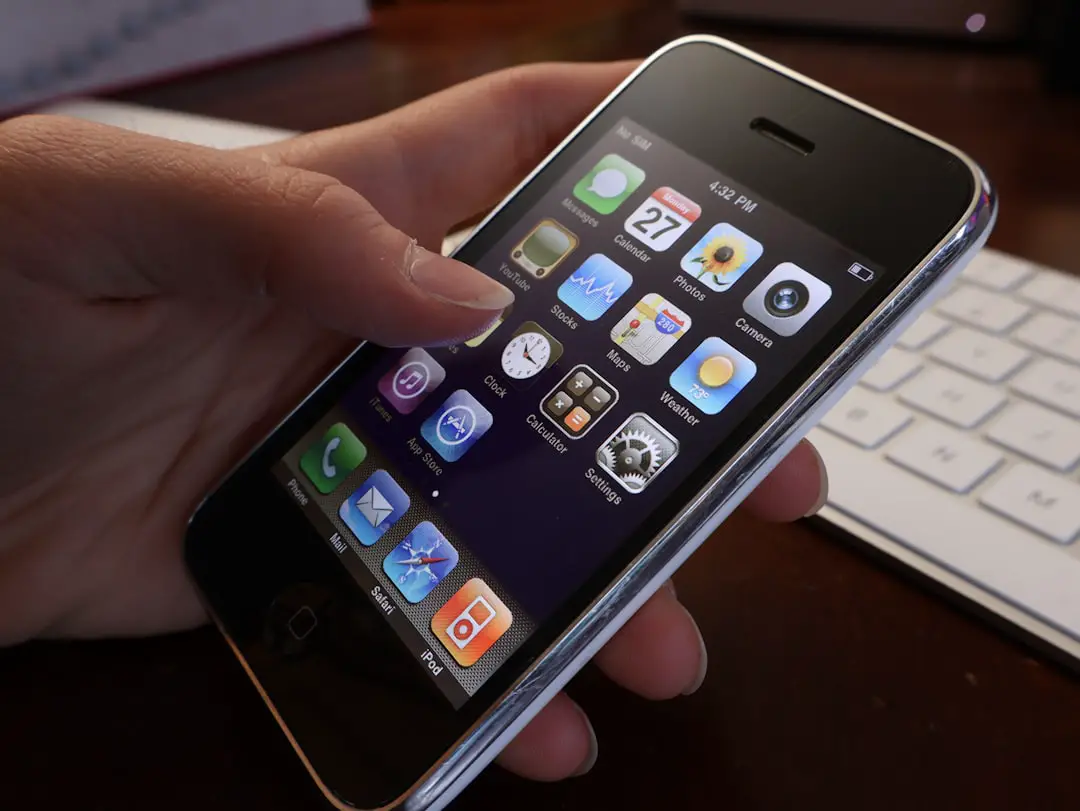
You’re dancing to your favorite tune, and bam—iTunes Error 42110 pops up on your screen. Uh oh! If you’re like most people, you have no idea what that even means. But don’t worry, we’ve got your back. In this guide, we’ll break it down, fix it fast, and get you back to your groove in no time.
What Exactly Is iTunes Error 42110?
Let’s keep it simple. This error usually appears when iTunes can’t verify or play your downloaded movies, songs, or other purchases. It happens because something is off with the “digital license” associated with your media.
Imagine your favorite song trying to shout, “Hey, I’m legit!” but iTunes just doesn’t hear it.
It’s frustrating. You paid for those songs and movies. You want them to work. And they should.
Why Does This Happen?
This error can be caused by a few different things:
- Corrupt or missing security files
- Broken authorization with iTunes
- Apple’s servers having a bad day
- Outdated or damaged iTunes install
Sometimes, your system is just saying, “Hey! I can’t find the stuff I need to open this file!”
The Fix That Will Save Your Music Library
Good news. There’s a fix—and it’s easier than you think!
1. Delete the SC Info Folder
This one’s the magic trick for many. The SC Info folder is where iTunes keeps license info. If it’s corrupted, bam—Error 42110 appears.
- Close iTunes completely.
- Go to this location:
For Windows: C:\ProgramData\Apple Computer\iTunes\
For Mac: /Users/Shared/SC Info - Find the folder called “SC Info” and delete it.
- Now, restart your computer → Open iTunes → Sign in again.
That’s it. You’ve now forced iTunes to create a fresh license folder. Boom. Error gone!
2. Re-Authorize Your Computer
Sometimes your computer simply forgot you own the music. Let’s remind it:
- Open iTunes.
- Go to Account > Authorizations > Deauthorize This Computer.
- Then go back and choose Authorize This Computer.
This refreshes your file’s permissions. Think of it like renewing your backstage pass.
3. Update or Reinstall iTunes
iTunes might just be out of sync. Technology ages fast. Here’s what to do:
- Head to Apple’s official site.
- Download the latest version of iTunes.
- Install it fresh, like it’s brand new.
This fixes old bugs, missing files, and all sorts of weird behavior.

More Tips to Keep Things Smooth
To avoid running into this mess again, keep these tips in your digital toolbox:
- Always keep iTunes updated.
- Don’t delete system files unless you know what they are.
- Back up your music and media often.
- Restart your computer regularly to keep things fresh.
Final Thoughts
Error 42110 might sound scary. But it’s not the villain of your story. It’s just a tech hiccup—even the best apps have them. With the steps above, you’ll be back jamming to your favorite tunes in no time.
So, grab your headphones. Turn up the volume. And smile—you just saved your music library!