
A business card is still one of the most cost-effective marketing tools available today. In a single hand-off, it communicates your brand, contact information, and professionalism. A poorly designed card gets forgotten in a drawer, while a well-designed one generates callbacks.
This guide walks you through how to design a business card that actually converts, and why Adobe Express is the tool built for exactly that job.
What Is Adobe Express — and Why Use It for Business Cards?
Adobe Express is Adobe’s free-to-use online design platform built for quick, professional content creation. It is part of the broader Adobe ecosystem—the same company behind Photoshop, Illustrator, and InDesign—but designed specifically for users who need polished results without a steep learning curve.
Adobe Express includes a dedicated business card maker. Its business card creator lets anyone design a print-ready, professionally styled card in minutes using customizable templates, brand fonts, and drag-and-drop tools, with no design experience required.
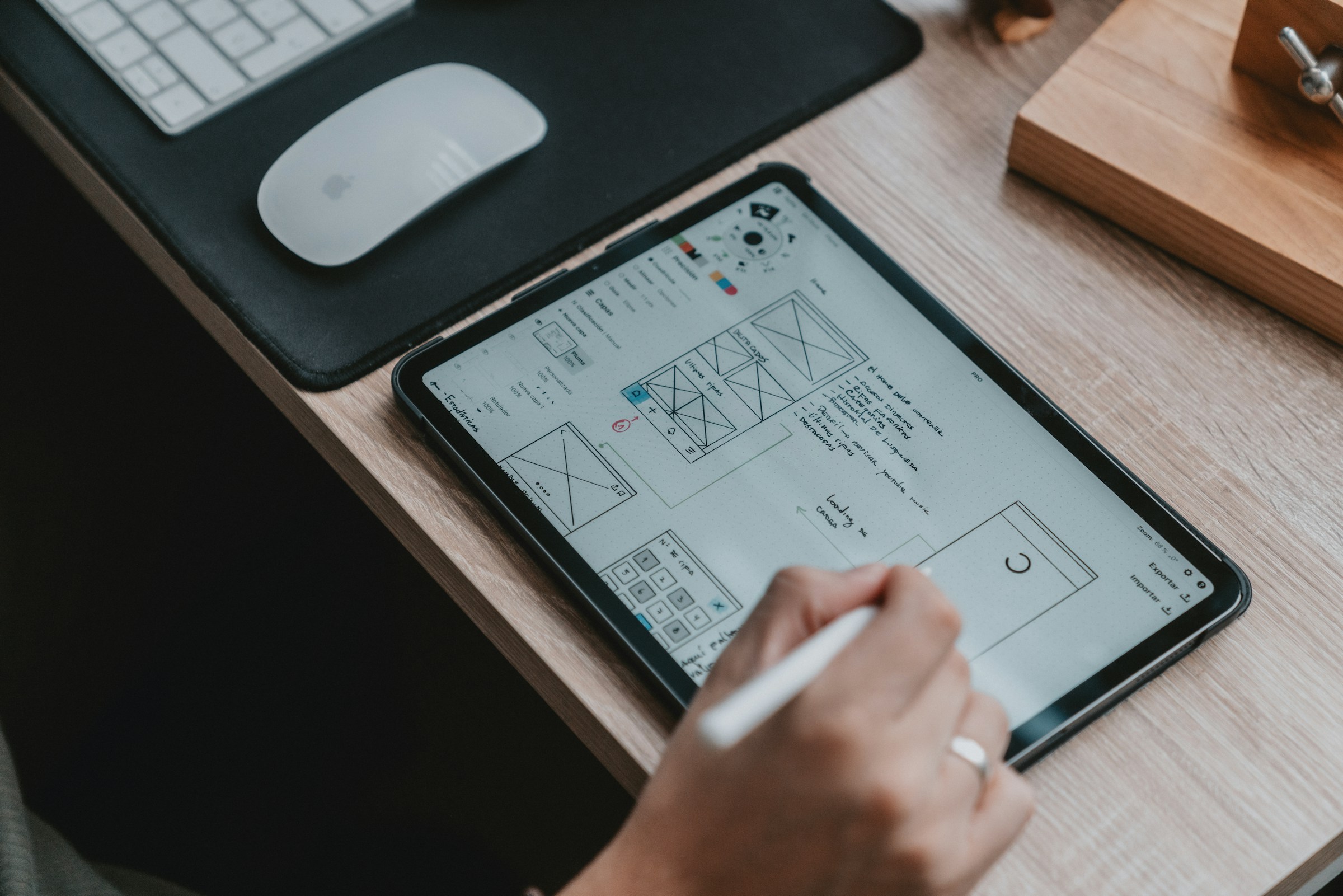
The free tier gives you access to hundreds of templates, Adobe’s core asset library, a built-in QR code generator, and high-resolution exports. That is everything you need to create a business card that converts. Adobe Express Premium, at $9.99 per month, adds the Brand Kit feature, which lets you save your logo, brand colors, and fonts for consistent use across all your designs, along with an expanded asset library and additional premium templates.
For most users starting out, the free tier is the right place to begin.
The 5 Elements of a Business Card That Converts
Before opening any design tool, understand what makes a card work. Conversion in this context means someone picks up your card, remembers you, and takes action: a call, a visit, a follow.
1. A Clear Visual Hierarchy
Your name should be the largest element. Your title or role comes second. Contact details are supporting information. If everything is the same size, nothing stands out.
2. One Primary Call to Action
Don’t list five ways to reach you. Pick the one action you most want recipients to take, like visit your website, scan a QR code, send an email, and make it prominent.
3. A QR Code That Goes Somewhere Useful
A QR code on a business card is only valuable if it leads to something specific: a booking page, a portfolio, a product demo. A QR code pointing to a generic homepage is a missed opportunity. Adobe Express’s built-in QR code generator is available on the free tier.
4. Consistent Branding
Your card should look like it belongs to the same family as your website, social profiles, and packaging. On the free tier, you can achieve this manually by selecting colors and fonts that match your existing brand. Adobe Express Premium’s Brand Kit feature automates this by storing your logo, colors, and fonts so they apply consistently across every design you create.
5. Readable Typography at Small Scale
Business cards are small. A font that looks elegant on a screen can become illegible at 3.5 x 2 inches. Stick to clean, high-contrast type, and always preview at actual print size before finalizing.
How to Design Your Business Card Step by Step
Step 1: Open the Business Card Maker
Open the Adobe Express business card maker. You can start with a blank canvas or browse hundreds of pre-built templates filtered by industry, style, and color scheme. No account is required to browse, but you will need a free account to save and export your design.
Step 2: Choose a Template That Fits Your Industry
Adobe Express organizes templates by use case, such as freelancer, real estate, restaurant, medical, and more. Starting from a relevant template saves time and ensures your layout is already sized correctly for standard print dimensions (3.5 x 2 inches).
Step 3: Customize Your Design
Swap in your brand colors, adjust the font, and replace placeholder text with your actual contact information. On the free tier, you have access to a solid range of fonts and color options. If you are on Premium, apply your Brand Kit here to pull in your saved logo, colors, and fonts automatically.
Step 4: Add a QR Code
Use Adobe Express’s built-in QR code generator to link directly to your booking page, portfolio, or contact form. Position it on the back of the card so the front stays clean.
Step 5: Preview at Print Scale and Export
Before downloading, zoom your design to 100% and view it at actual card size. Check that all text is legible and no elements are too close to the edge. Export as a high-resolution PDF for print or PNG for digital use. Both export options are available on the free tier.
Adobe Express vs. Other Business Card Tools
Canva is the most common alternative and covers the basics well, but its Brand Kit and QR code generator are locked behind Canva Pro, which runs $15/month or $120/year. Vistaprint’s online editor is functional, but print-ready exports are tied to placing a print order rather than being available as a standalone download.
Adobe Express gives you QR code generation and high-resolution exports on the free tier, with no print order required. For users who want professional output without committing to a paid plan, that is a meaningful advantage over both alternatives.

Common Business Card Mistakes to Avoid
- Cluttering both sides: Use the back strategically, not as overflow for the front
- Low-contrast color combinations: Dark text on dark backgrounds fails at small scale
- Missing a call to action: “Here’s my email” is passive; “Book a free consult at [link]” is not
- Outdated contact information: If your phone number or URL has changed, reprint
- Skipping the bleed area: Always design with a bleed margin so edges don’t cut into your content
Final Thoughts
A business card that converts isn’t about being the most elaborate design in the room. It’s about clarity, consistency, and giving the recipient one obvious next step. Adobe Express gives you the templates, brand tools, and export quality to execute that—for free, in under an hour.