
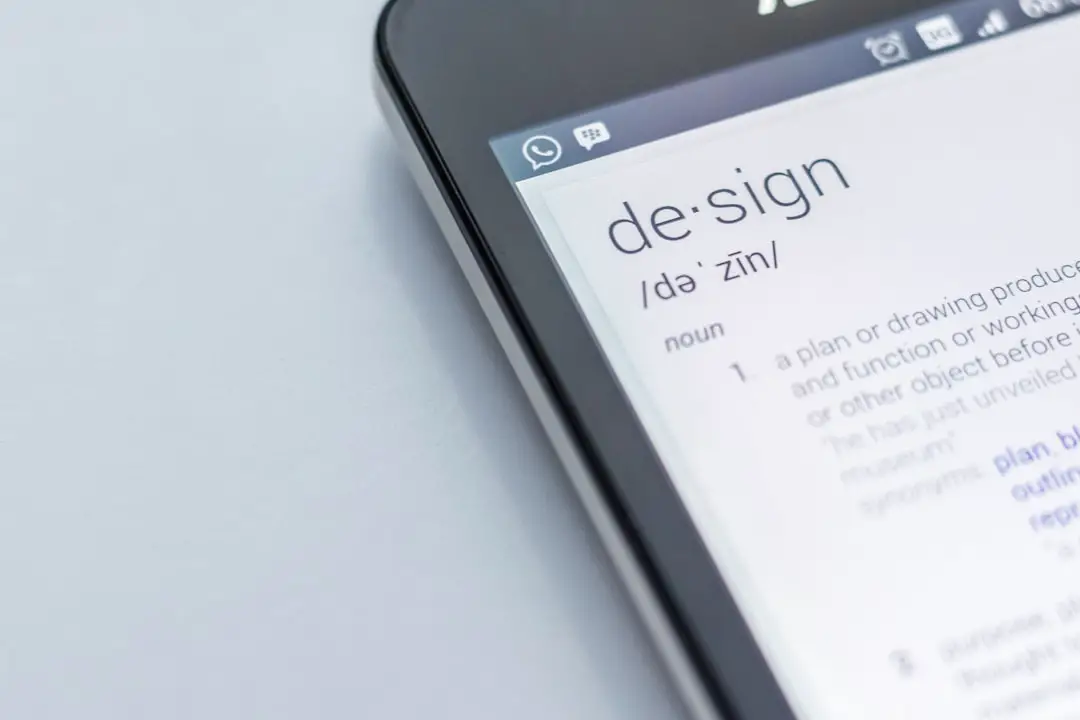
Creating a professional pamphlet that instantly grabs attention and holds it is both a design challenge and a marketing opportunity. With today’s digital tools, Canva stands out as one of the most user-friendly platforms for designing eye-catching and polished pamphlets. Whether you’re promoting an event, launching a product, or building brand awareness, Canva offers the tools and templates needed to produce a creative yet professional result.
But not every pamphlet lives up to its potential. To truly captivate your audience and ensure that your pamphlet leaves a lasting impression, it’s essential to combine creativity, psychology, and smart design principles. In this guide, we’ll walk you through the key steps for creating professional Canva pamphlet designs that not only look good but also drive action.
1. Understand Your Audience and Purpose
Before heading into Canva’s dashboard, pause and reflect on your audience. Consider:
- Who is going to read this pamphlet?
- What action do you want them to take?
- Where will they encounter this pamphlet—online, in-store, at an event?
Defining these details helps to guide layout, tone, graphics, and content. For instance, designing for a corporate seminar versus an art exhibition requires dramatically different approaches in terms of style and messaging.
2. Choose the Right Pamphlet Template
Canva offers hundreds of templates specifically geared toward pamphlets. The right one depends on your aesthetic and information requirements. Some templates are image-heavy, while others lean on infographic-style layouts. Choose a layout that balances text and visuals according to your content needs.
When browsing templates, filter by category and match the tone to your brand. If your brand is sleek and modern, look for clean lines, minimal design, and sans-serif fonts. If it’s more playful or artistic, go for bold colors, overlapping elements, or hand-written fonts.
3. Customize With Your Brand Essentials
Consistency builds recognition. Make sure every pamphlet reflects your brand’s identity. In Canva, you can upload and integrate:
- Logos — Always place your logo in a prominent but non-intrusive spot.
- Brand Colors — Use the same tones across all pages to create cohesion.
- Fonts — Stick to 1-2 typefaces that resonate with your branding.
You can even use Canva’s Brand Kit (available in Pro accounts) to store your logos, colors, and fonts for easy access in any design. This ensures that every piece of design you create is seamlessly on-brand.
4. Craft a Clear and Engaging Headline
Your headline is the first thing readers absorb. It needs to intrigue them instantly. Make it:
- Short and impactful — Ideally under 10 words.
- Brimming with benefit — What does the reader gain?
- Relevant and specific — Avoid vague headlines; tailor to your offer.
Pair your headline with subheadings to elaborate on your message. Use a visual hierarchy to highlight the most important information, guiding the reader naturally from one point to the next.
5. Use High-Quality Images and Graphics
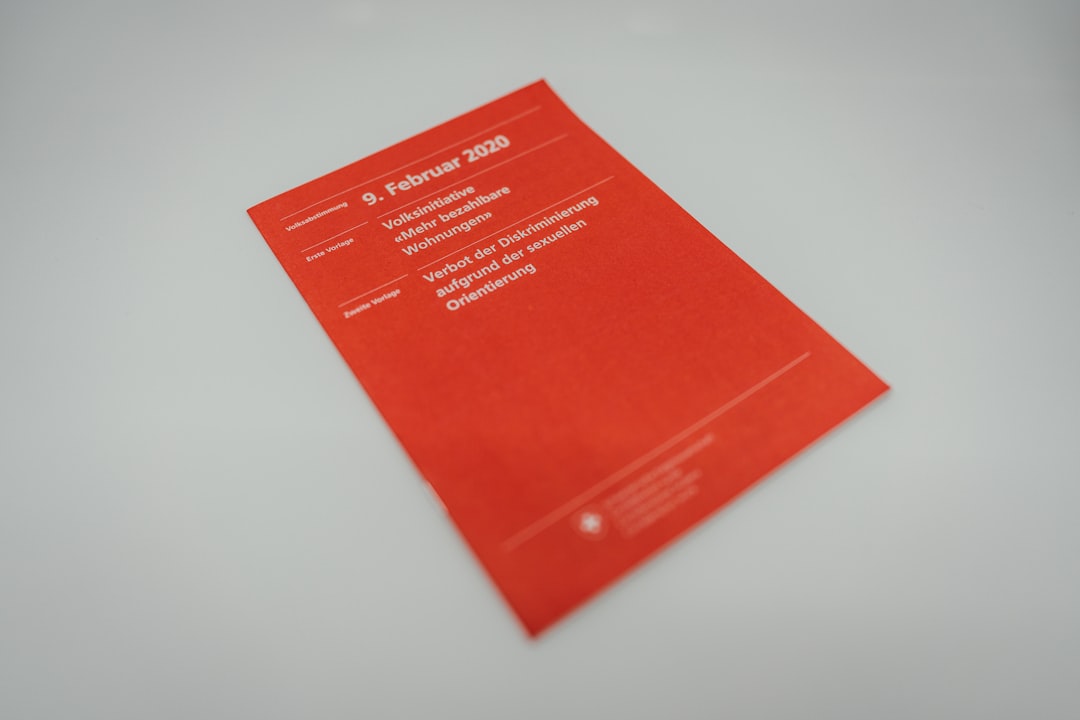
Good visuals can amplify your message many times over. Canva gives you access to a vast library of stock images, illustrations, icons, and graphics. Choose visuals that support your content and resonate emotionally with your audience.
Be sure to:
- Choose high-resolution images that look crisp in both digital and print formats.
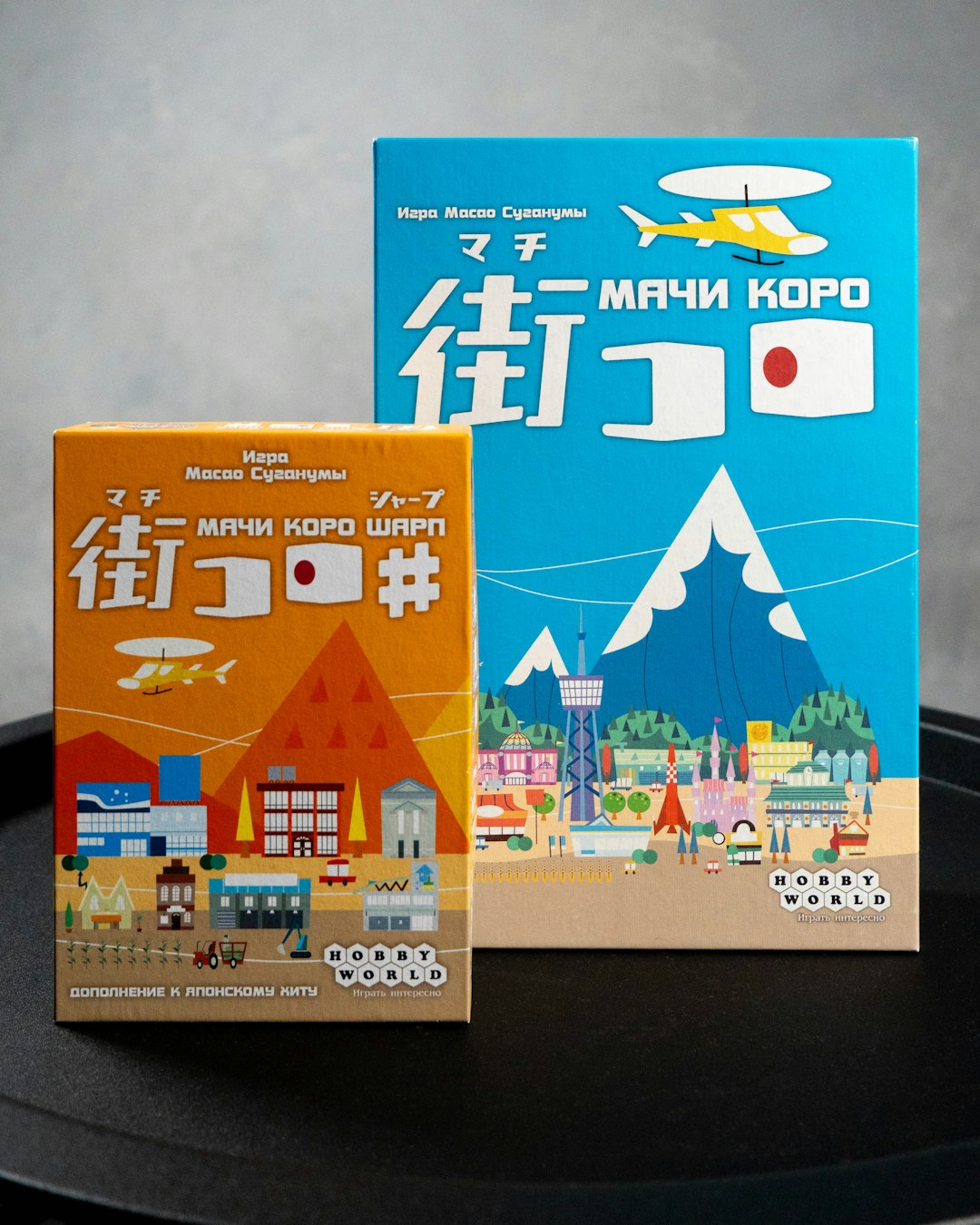
- Use consistent imagery styles — don’t mix cartoonish graphics with realistic photography unless you’re intentionally going for contrast.
- Avoid cluttering. Leave negative space so your pamphlet doesn’t feel overwhelming.
If you’re using photos of people, aim for images that reflect your target demographic to build a natural connection.
6. Organize Content in Digestible Sections
Even the best design won’t work if the content is poorly presented. Here’s how to make your text more digestible and engaging:
- Break up long sentences into bullet points when possible.
- Use bold or italic formatting to emphasize key phrases or actions.
- Incorporate headings and subheadings to structure your message flow.
Think of each section as a standalone piece—if someone skims your pamphlet, they should still be able to get the main message by reading just the headings and bolded points.
7. Add a Powerful Call-to-Action (CTA)
No matter how pretty your pamphlet looks, it needs to drive the reader to act. Whether it’s visiting a website, attending an event, or calling for a consultation, the CTA must be front-and-center.
Use action verbs and make it urgent or enticing. Some examples:
- Register today for a free demo
- Claim your discount before June 30th
- Visit us online to learn more
In Canva, you can use buttons, colored text boxes, or even icons like arrows and checkmarks to draw attention to your CTA.
8. Design With Print and Digital in Mind
One major benefit of using Canva is that your designs can be used both online and offline. However, you must design with the final format in mind:
- For print: Use CMYK color codes, ensure 300 DPI resolution, and add bleed settings for clean edges.
- For digital: Optimize your pamphlet size for online readability and use RGB colors.
Canva allows you to export your pamphlet in PDF (for printing) or PNG/JPG (for online sharing). Always double-check spelling and layout alignment before downloading—especially if you’re sending files to a professional printer.
9. Take Feedback and Iterate
Even experienced designers refine their work through feedback. Share your design with coworkers, friends, or clients and ask:
- Is the message clear and compelling?
- Does the visual hierarchy make sense?
- Would they take the intended action after viewing it?
Canva makes it easy to collaborate by allowing you to share your design links or invite teammates to edit. Use this feature and adapt based on input.
10. Save Templates for Future Campaigns
Once you’ve created a successful pamphlet design, save it as a template. By reusing design elements with new content, you’ll ensure consistency across your marketing while saving valuable time.
This strategy is especially helpful for regular events, promotions, or seasonal campaigns where you can tweak a winning layout rather than starting from scratch each time.
Final Thoughts
Creating captivating and professional pamphlets using Canva is a blend of art and science. With a thoughtful approach—focusing on audience needs, smart layout choices, impactful content, and vivid design—you can produce materials that not only look great but also drive engagement and action.
So next time you have an event to promote, a product to showcase, or a message to spread, remember: a well-designed pamphlet just might be your most powerful marketing tool.
Start designing with strategy, creativity, and Canva—and watch your message take flight.