
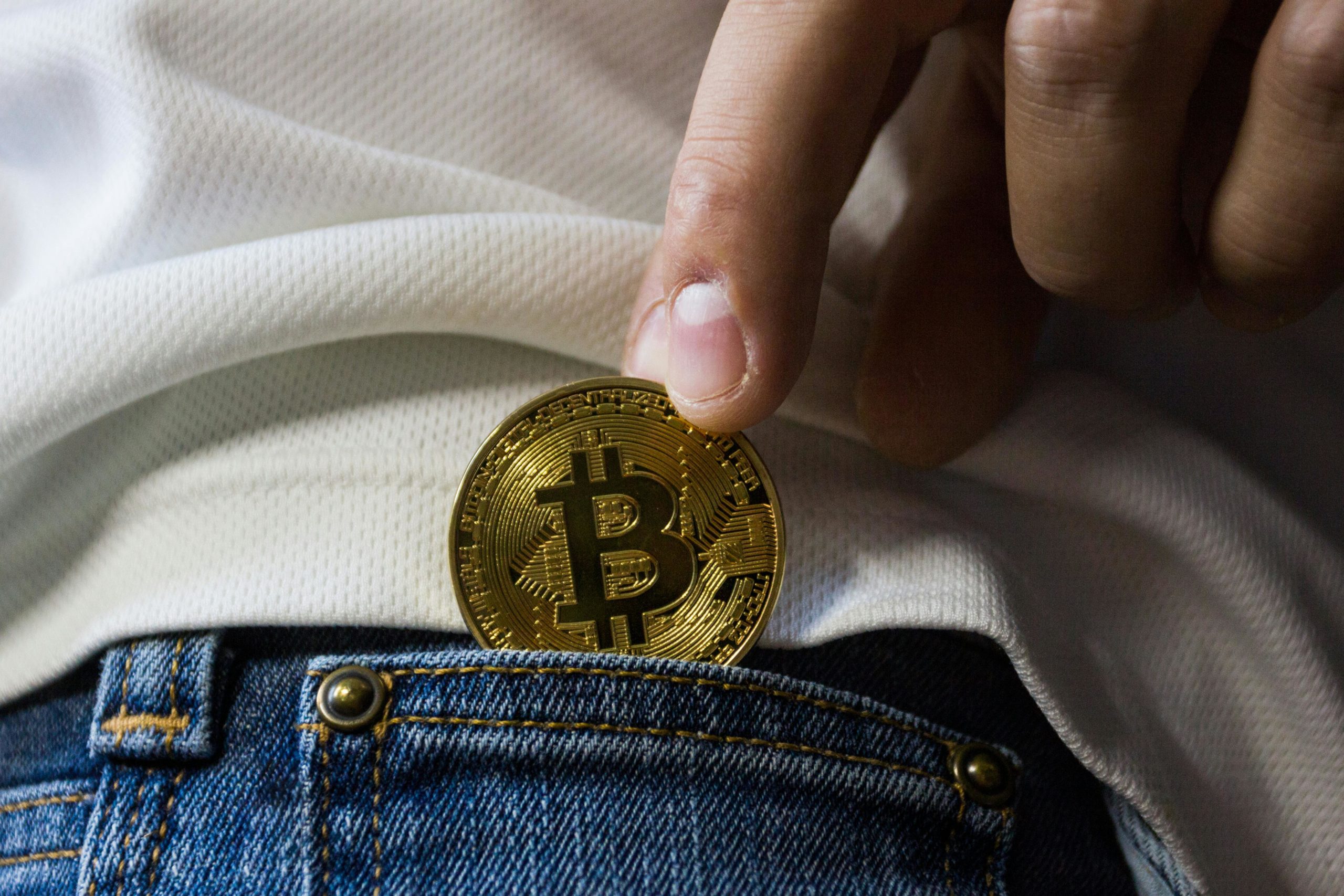
There’s a quiet shift happening in the way we pay online. Bitcoin, once the preserve of tech enthusiasts and speculative investors, is now a practical payment option for businesses of all sizes. If you run a WordPress site, you might be wondering whether it’s time to offer your customers the choice to pay with Bitcoin. Let’s take a realistic look at what’s involved, the tools at your disposal, and what you can expect if you decide to take the plunge.
First, it’s worth acknowledging why Bitcoin is on so many merchants’ minds. Fees for traditional card payments can easily eat into your margins, and international transfers are often slow and unpredictable. Bitcoin, on the other hand, offers near-instant settlement, typically around 10 minutes for network confirmation. Furthermore, transaction fees are often lower than those charged by credit card processors. With the Bitcoin price fluctuating daily, some businesses even see potential in holding a portion of their takings as an asset, though that’s a decision that requires a clear-eyed view of risk.
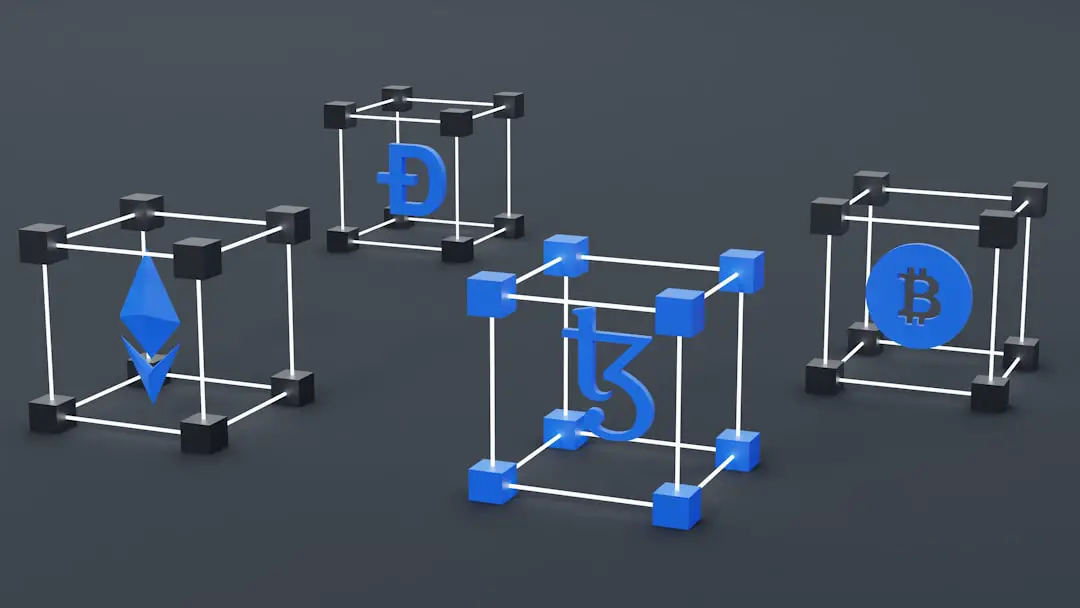
Plug In and Power Up
WordPress’s flexibility is one of its main strengths, and that extends to accepting Bitcoin. There are several well-established plugins designed to make the process straightforward, each with its own strengths.
Blockonomics is unique in that it offers direct-to-wallet payments for low fees (thanks to SegWit), which is something other wallet applications can’t do. They allow your first 20 transactions for free, and after that, it is 1% per payment. NOWPayments is another great choice, offering over 150 currencies and integrating well with WooCommerce. It is also non-custodial, meaning it will send everything directly to your wallet and charge a fee per transaction versus a monthly subscription. MyCryptoCheckout will appeal to you if you’re looking for a flat fee that is easy to digest, with unlimited transactions for $49 and over 100 coins supported. CryptoWoo has real-time price feeds for exchanges, which is nice, and offers premium options to integrate more things with it. BTCPay is the self-hosted, complete open-source solution for you if you want to run your own payment solution without an intermediary.
Ultimately, the choice of what plugin to use really just depends on what you find most valuable. If simplicity with little set-up is important, Blockonomics or NOWPayments are great options. If you want to avoid continued payments, MyCryptoCheckout’s flat pricing may be what you are looking for. Otherwise, if you are a developer and want to dive into a self-hosted open-source payment application, it is worth exploring BTCPay.
Why Bitcoin? Practical Real Benefits
It’s easy to get caught up in the novelty of accepting Bitcoin, but there are tangible benefits that go beyond headlines. The most immediate is cost: Bitcoin transactions typically have lower fees than credit cards, and in many cases, the sender covers the network cost. That means more of each sale stays in your pocket.
There’s also the question of reach. Bitcoin is borderless. If you’ve ever lost a sale because a customer couldn’t use their preferred payment method, you’ll appreciate the appeal of a system that works anywhere there’s an internet connection. And unlike card payments, Bitcoin transactions are irreversible—chargebacks simply don’t happen. For many merchants, that peace of mind is worth considering.
Settlement speed is another factor. While traditional bank transfers can take days, Bitcoin payments usually confirm within minutes. That’s especially valuable if you’re dealing with international clients or time-sensitive transactions.
Of course, volatility and security remain a concern. Some plugins, like NOWPayments, offer instant conversion to fiat currency, letting you accept Bitcoin without worrying about sudden price swings. It’s a practical way to offer more choice without taking on unnecessary risk.
Plug, Play and Get Paid
Integrating Bitcoin payments into your WordPress site isn’t as daunting as it might sound. Here’s a streamlined approach:
- Set up a Bitcoin wallet. Decide whether you want a non-custodial wallet (like Ledger or Trezor) for full control or a custodial service for ease of use. SegWit support is worth seeking out, as it reduces transaction costs.
- Install your chosen plugin. For WooCommerce users, Blockonomics and NOWPayments both offer straightforward integration. If you’re collecting donations, GoUrl is a lightweight alternative.
- Test the process. Before going live, run a few test transactions to make sure payments are reaching your wallet as expected.
- Optimise the user experience. Add QR codes for mobile payments and clear instructions for those new to Bitcoin.
Challenges and How to Overcome Them
No payment system is perfect, and Bitcoin does have its hurdles. Volatility is the most obvious; while the price can rise, it can just as easily fall. That’s why plugins offering instant fiat conversion are increasingly popular—they let you accept Bitcoin without exposure to its price swings.
Regulatory compliance is another area to watch. Rules vary widely between countries, so it’s wise to check the latest guidance for your region. Some payment providers, such as CoinGate, offer compliance support for merchants navigating this landscape.
Technical complexity can be a barrier, especially if you’re new to cryptocurrencies. Fortunately, the latest plugins are designed with usability in mind. Blockonomics, for example, requires minimal setup and no coding knowledge.
A Practical Step Toward Tomorrow
Accepting Bitcoin on your WordPress site isn’t about chasing a trend. It’s about offering your customers more choice, reducing your costs, and positioning your business for a future where digital currencies are part of the mainstream. The tools are there, the process is manageable, and the benefits, while not without their challenges, are real.
As the payment landscape continues to evolve, taking a measured, informed approach to Bitcoin could make your site a bit more adaptable and resilient. If you’re ready to explore what’s possible, the resources and plugins are already at your fingertips.