
An IP address works like a return address for internet traffic: it tells computers, routers, and servers where data should go and where replies should come back.
TLDR: An IP address identifies a device or network so data packets can travel across the internet and return to the right place. IPv4 uses shorter addresses such as 192.168.1.24, while IPv6 uses much longer ones such as 2001:db8::8a2e:370:7334. For example, a home with 18 connected devices may share one public IPv4 address through a router, but with IPv6, each device can have its own globally usable address. Google has reported IPv6 adoption above 40% worldwide in recent years, which shows how real this shift has become.
What an IP Address Actually Does
Every time you open a website, stream a video, send a message, or join a game, your device sends data across networks. That data is split into small pieces called packets. Each packet carries a source IP address and a destination IP address.
Think of it like mailing a postcard. The destination address says where it should go. The return address says where the reply should be sent. Without those two pieces, the internet would be a mess of lost data and confused machines.
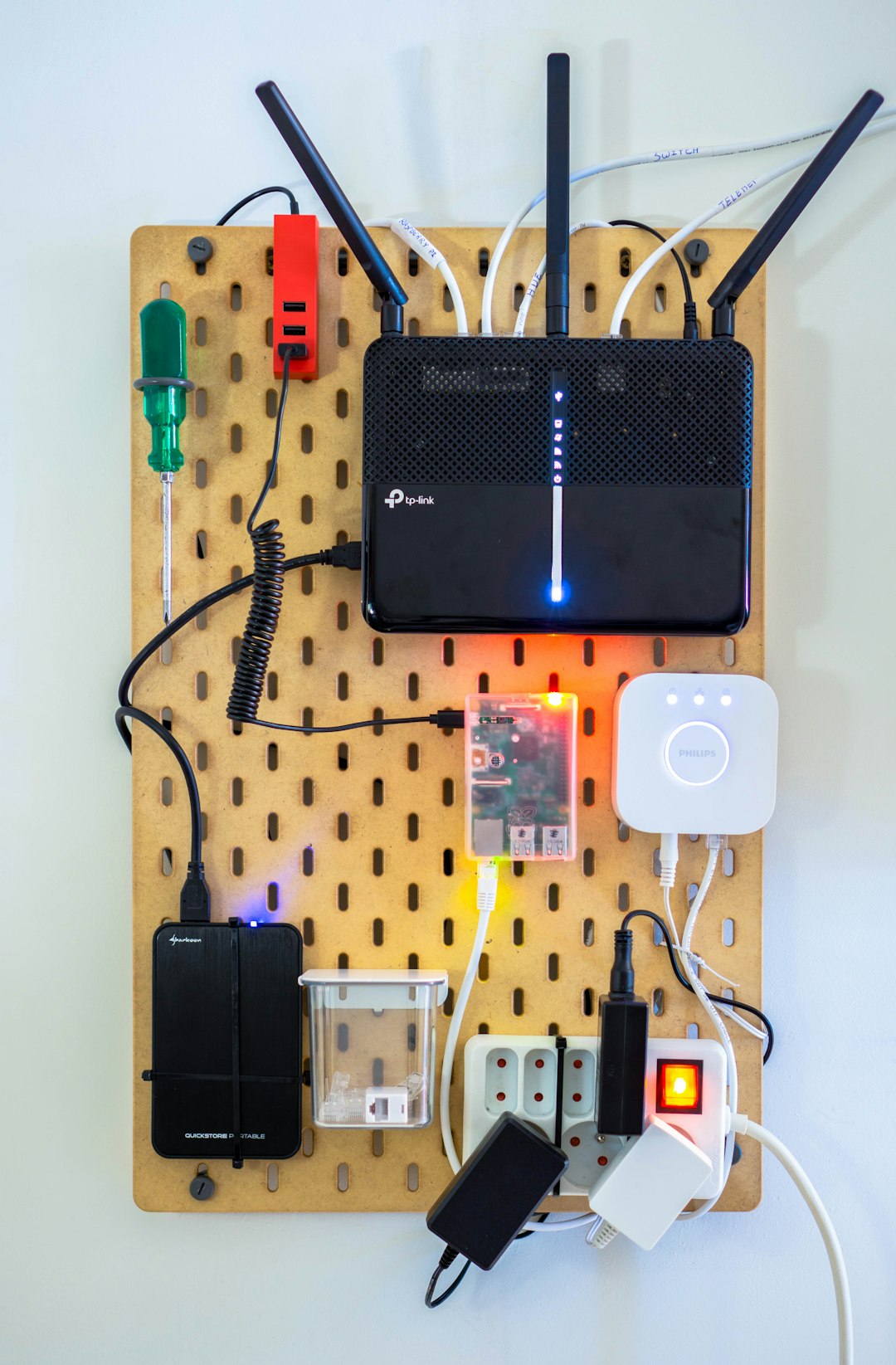
An IP address does not usually identify you as a person. It identifies a device, a router, or a network endpoint. Your laptop may have one address inside your home network, while your router has another address on the public internet. This split is one reason internet connectivity can feel invisible when it works and deeply irritating when it breaks.
Public and Private IP Addresses
Most homes and offices use two kinds of IP addresses:
- Private IP addresses: Used inside a local network. Examples include 192.168.1.10, 10.0.0.5, and 172.16.4.20.
- Public IP addresses: Used on the wider internet. Your internet service provider assigns this to your router or modem.
Your phone, laptop, smart TV, and printer may all have private IP addresses. Your router then shares one public IP address for internet access. This sharing is handled by NAT, or Network Address Translation.
The annoying bit is that NAT hides complexity until something needs a direct connection. Online games, video calls, smart cameras, and home servers can all stumble if ports or firewall rules are wrong. Expect to waste a few extra minutes checking router settings when a device works locally but fails from outside your home.
How Data Finds Its Way
When you type a domain such as example.com, your device first asks a DNS server for the matching IP address. DNS is like a phonebook for the internet. It turns names that humans like into numbers that machines can route.
After DNS returns an address, your device creates packets. Those packets move from your device to your router, then to your ISP, then through several networks, until they reach the destination server. Each router along the way reads the destination IP address and forwards the packet closer to its target.
This process happens fast. A web page may require dozens or hundreds of separate requests. Images, scripts, ads, login checks, fonts, and tracking scripts may all come from different servers. Each one depends on IP addressing to work.
IPv4: The Older System That Still Runs Most Things
IPv4 stands for Internet Protocol version 4. It uses 32-bit addresses, usually written as four numbers separated by dots. A typical IPv4 address looks like this:
203.0.113.42
Each number can range from 0 to 255. That gives IPv4 about 4.3 billion possible addresses. That sounded enormous decades ago. Then smartphones, cloud servers, smart TVs, tablets, cameras, cars, and sensors arrived. Suddenly, 4.3 billion was not enough.
IPv4 survived because of workarounds. NAT is the biggest one. Instead of giving every device a unique public address, a router lets many devices share one. This saved IPv4, but it also added friction.
Common IPv4 traits
- Address length: 32 bits
- Format: Dotted decimal, such as 192.0.2.15
- Total space: About 4.3 billion addresses
- Typical home setup: Many private devices share one public address
- Main issue: Not enough public addresses for global demand
IPv6: The Bigger, Cleaner Replacement
IPv6 stands for Internet Protocol version 6. It uses 128-bit addresses. That creates an almost absurd number of possible addresses: about 340 undecillion. Written out, that is 340 followed by 36 zeros.
An IPv6 address looks different from IPv4. It uses hexadecimal characters and colons:
2001:0db8:85a3:0000:0000:8a2e:0370:7334
It can also be shortened:
2001:db8:85a3::8a2e:370:7334
IPv6 was designed to fix the address shortage. It also changes how networks can be configured. Devices can often create their own addresses through SLAAC, short for Stateless Address Autoconfiguration. IPv6 also avoids traditional broadcast traffic and supports cleaner routing at large scale.
Common IPv6 traits
- Address length: 128 bits
- Format: Hexadecimal with colons
- Total space: Vast enough for long-term global growth
- Typical use: Direct addressing for many devices
- Main benefit: Far more available addresses
IPv4 vs IPv6: The Practical Difference
For most users, IPv4 and IPv6 feel the same when everything is working. You click a link. The page loads. Done. Behind the scenes, though, the systems differ in key ways.
- Address supply: IPv4 is crowded. IPv6 has room to spare.
- Address style: IPv4 is short and familiar. IPv6 is longer but more scalable.
- NAT usage: IPv4 often depends on NAT. IPv6 usually needs it less.
- Configuration: IPv6 supports automatic address setup well.
- Compatibility: IPv4 and IPv6 are not directly interchangeable.
That last point matters. An IPv4-only device cannot talk directly to an IPv6-only server without translation or a dual-stack setup. Dual stack means a device or network runs both IPv4 and IPv6 at the same time. This is common because the internet cannot switch overnight.
Why Your Device May Have Several IP Addresses
Your phone or laptop can have more than one IP address. It may have a private IPv4 address, a public-facing IPv6 address, a temporary IPv6 privacy address, and a loopback address for internal testing. That sounds excessive, but each has a role.
Temporary IPv6 addresses help reduce long-term tracking. Without them, a device could keep the same visible address for too long. Modern operating systems often rotate IPv6 privacy addresses automatically.

What Happens When IP Addressing Fails
If your IP setup breaks, symptoms appear fast. Websites do not load. Apps hang. Video calls freeze. Your device may show “connected, no internet,” which is one of the most annoying messages in networking.
Common causes include:
- DHCP failure: Your device did not receive a valid local IP address.
- DNS problems: Names are not being converted into IP addresses.
- Router issues: NAT, firewall rules, or routing tables may be wrong.
- ISP outage: Your public connection may be down.
- IPv6 mismatch: A site, network, or device may not support the same protocol path.
A quick test helps. If you can reach 8.8.8.8 but not a website name, DNS is probably the issue. If nothing works, your device may not have a valid address or gateway.
Why IPv6 Matters More Each Year
IPv6 is not just about more addresses. It supports the continued growth of connected devices. Homes now include security cameras, speakers, thermostats, watches, consoles, and appliances. Businesses run fleets of cloud systems and remote tools. Carriers need huge address pools for mobile networks.
IPv4 will not vanish soon. Too many systems still rely on it. But IPv6 is becoming normal, especially on mobile networks and large platforms. The internet is now a mix of both, and that will likely remain true for years.
The simple way to remember it is this: IPv4 kept the internet running when addresses ran short, while IPv6 gives the internet room to keep growing. Both move packets. Both connect people and machines. IPv6 just does it with far more breathing room.