You’re all set for a wild session in Fall Guys. You’ve picked your favorite jellybean look, queued up… and BAM! Out of nowhere, you’re hit with Error Code 200_19002. It’s the digital equivalent of slipping on a banana peel right at the finish line. But don’t worry! We’ve got your back with simple steps to squash this bug and get back to bouncing and tumbling.
What Is Error Code 200_19002?
This error usually happens when the game has trouble connecting to the servers. It might pop up when you log in or are stuck waiting on the home screen. Think of it as your jellybean getting lost in a crowd and not finding the party.
Why Does This Error Happen?
There are a few common reasons this bug shows up:
- Problems with your internet connection
- Server outages or maintenance on Fall Guys’ side
- Corrupted game files
- Outdated game version
Let’s dive into how you can squash this bug and dive back into delightful mayhem.
1. Check Internet Connection
This might sound basic, but a shaky connection can trip up even the best jellybeans. Make sure:
- Your Wi-Fi is working properly
- No heavy downloads are slowing your speeds
- You can access other online services or websites
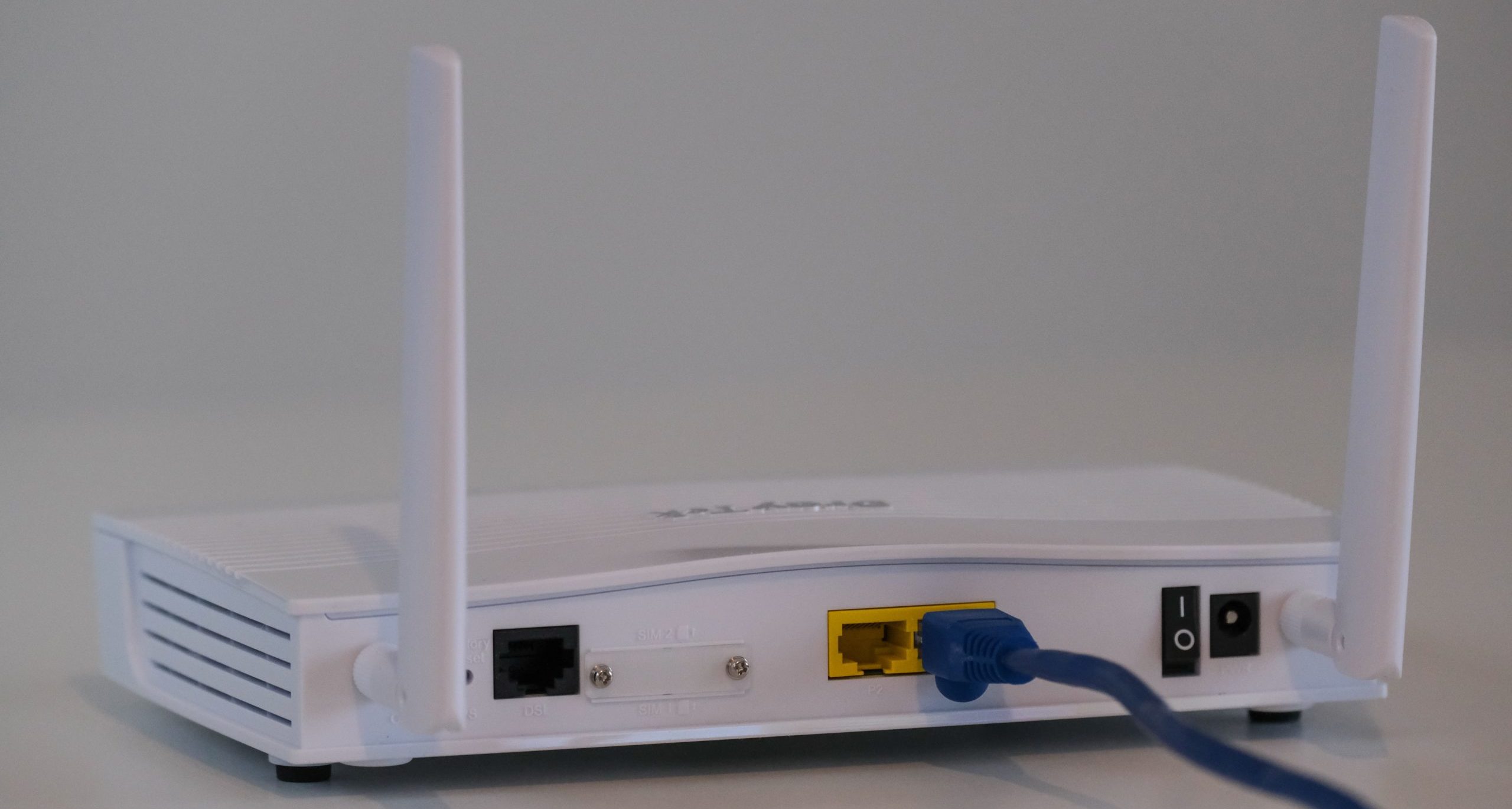
If you’re unsure, try restarting your router. Yup — the classic “turn it off and on again” does wonders.

2. Restart the Game and Your Device
Close out of Fall Guys and restart your console or PC. Sometimes all your game needs is a quick nap and a fresh start. Jellybeans get tired too, you know.
3. Check the Servers
If the game’s servers are down, there’s not much you can do except wait. Check the official Fall Guys Twitter or website for any announcements.
You can also visit websites like:
If lots of players are dealing with the same issue, it’s probably on their end.
4. Update the Game
Games are always getting new updates and patches. If your version isn’t up-to-date, you might see errors like 200_19002.
Make sure to:
- Check for updates in your game library
- Install any pending updates
- Restart the game once updated
5. Verify Game Files
If you’re on PC and playing through Epic Games, you can verify your game files. Here’s how:
- Open the Epic Games Launcher
- Go to your library
- Click the three dots next to Fall Guys
- Select “Verify”
This fixes any broken or missing files that might be causing trouble.

6. Reinstall the Game
If all else fails, uninstall the game and reinstall it. Yes, it’s a bit of a hassle, but it often clears up nagging errors that refuse to budge.
Before you reinstall:
- Make sure your game progress is saved
- Back up any account info if needed
7. Contact Support
Still stuck? You can reach out to Fall Guys’ support team for help. Visit the Support Center and submit a ticket.
Quick Summary (TL;DR)
- Check your internet connection
- Restart your game and device
- Look for server status updates
- Update your game
- Verify your game files (PC)
- Reinstall if needed
- Reach out to support
Fall Guys is all about fun, laughs, and chaos. Don’t let error code 200_19002 rain on your jellybean parade. Follow these steps, and you’ll be back flipping, diving, and racing in no time!