
Business cards are not dead. Not even close. In 2026, they are smarter, sleeker, and more creative than ever. Whether you are a freelancer, startup founder, or corporate pro, the right business card still opens doors. But choosing the right maker? That can feel overwhelming.
TLDR: The best business card makers in 2026 are easy to use, affordable, and packed with smart features. Top picks include Canva, Vistaprint, Moo, Adobe Express, and Shopify’s Hatchful. Each tool shines in different ways. Pick the one that fits your budget, style, and business goals.
Let’s break it down in a simple and fun way. No jargon. No fluff. Just the good stuff.
What Makes a Great Business Card Maker in 2026?
Before jumping into the editor’s picks, let’s look at what matters today.
- Easy drag-and-drop editor
- Modern templates
- AI design help
- Print and digital card options
- Affordable pricing
- Custom finishes like foil or embossing
Some platforms focus on design freedom. Others focus on premium printing. The best ones do both.
1. Canva – Best for Beginners
Canva keeps winning hearts. And for good reason.
It is simple. Very simple.
You open it. Pick a template. Change text. Adjust colors. Done.
Why people love it:
- Thousands of templates
- AI design suggestions
- Free plan available
- Easy brand kit integration
- Print delivery in many countries
Canva also lets you download print-ready PDFs. So you can print locally if you want.
It may not have ultra-luxury paper options like some premium printers. But for most small businesses, it is more than enough.
Perfect for: Freelancers, startups, side hustlers.
2. Vistaprint – Best All-in-One Printing Service
Vistaprint has been around forever. But in 2026, it feels fresh again.
They upgraded their templates. The editor is smoother now. And print quality? Solid.
Standout features:
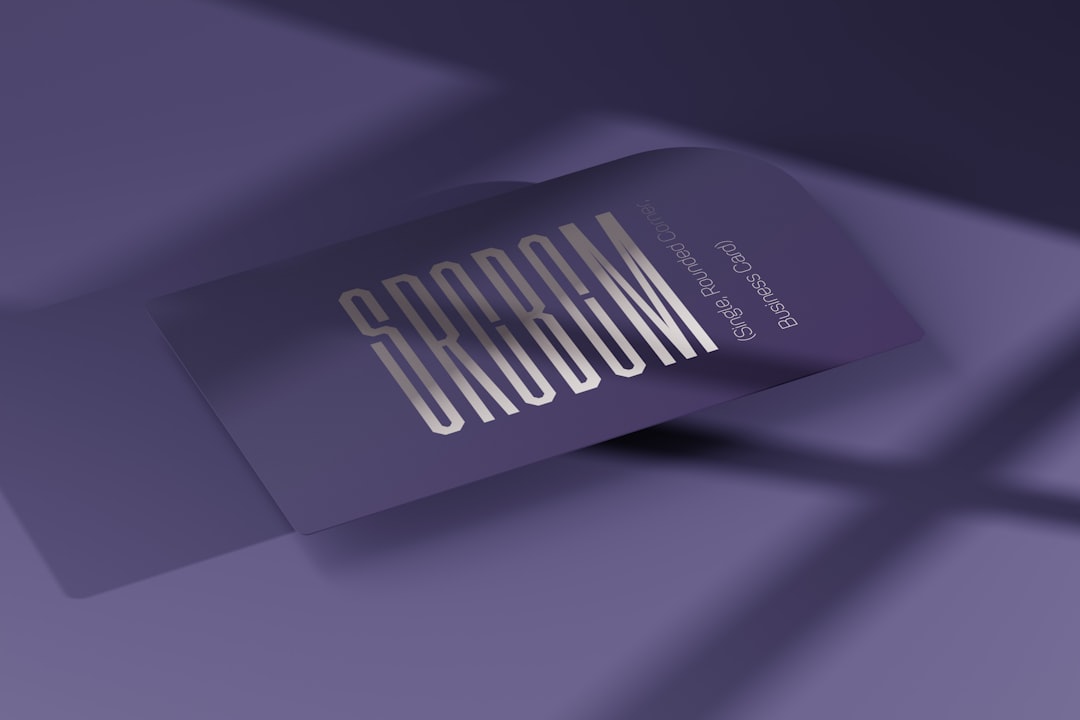
- Matte, glossy, and soft touch finishes
- Rounded corners
- QR code support
- Frequent discounts
- Bulk ordering options
Vistaprint is ideal if you want design and printing in one place. No extra steps.
Perfect for: Small businesses ordering in bulk.
3. Moo – Best for Premium Cards
If you want your card to feel expensive, Moo is your best friend.
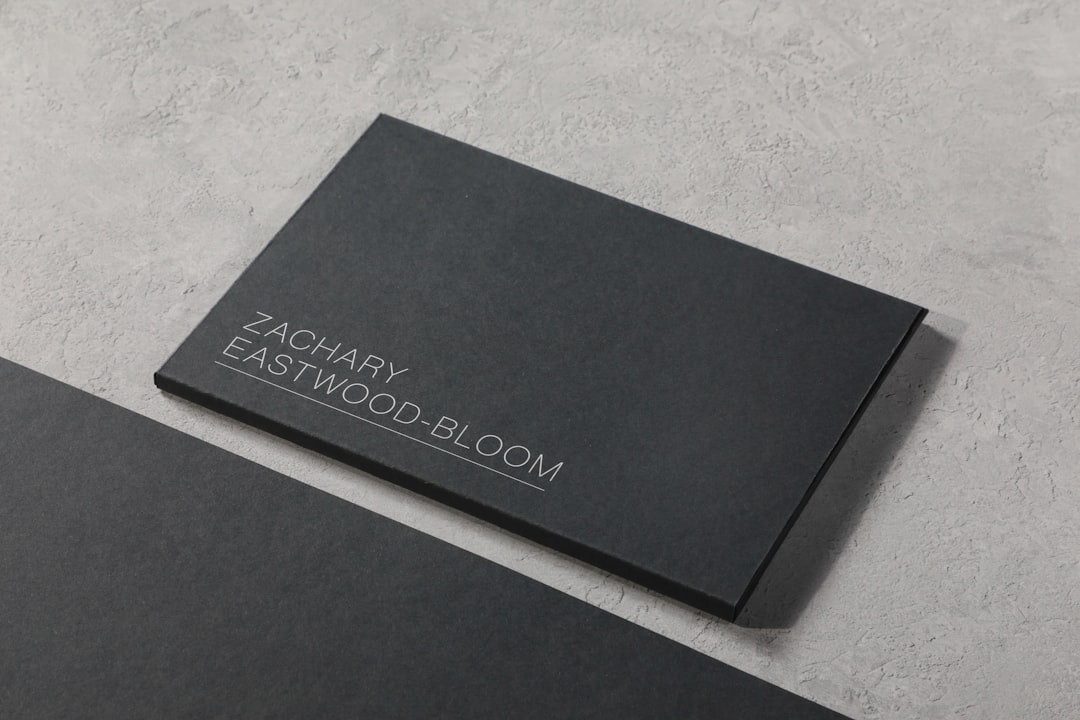
Moo focuses on quality. Thick paper. Rich colors. Special finishes.
What makes Moo special:
- Luxury paper stock
- Gold foil and spot gloss
- Printfinity (different design on every card)
- Strong color accuracy
Moo cards feel different in your hand. Heavier. More serious.
They cost more. But sometimes that is worth it.
Perfect for: Creatives, consultants, and high-end brands.
4. Adobe Express – Best for Creative Control
Adobe Express is like Canva’s artsy cousin.
You get lots of design freedom. More font control. More layout flexibility.
Top perks:
- Access to Adobe Fonts
- Strong branding tools
- AI image generation
- Background removal tools
If you care deeply about fonts and spacing, you will love this tool.
It may take a bit longer to learn compared to Canva. But it rewards you with control.
Perfect for: Designers and brand-focused founders.
5. Shopify Hatchful – Best Free Option
Hatchful keeps things super simple.
It is technically a logo maker. But you can also generate simple business card layouts using your brand assets.
The best part? It is free.
Why choose it:
- No cost
- Fast setup
- Beginner friendly
- Basic design exports
It is not fancy. But if you just started a small online store, this works.
Perfect for: New ecommerce sellers on a tight budget.
Quick Comparison Chart
| Tool | Best For | Free Plan | Premium Printing | Ease of Use |
|---|---|---|---|---|
| Canva | Beginners | Yes | Good | Very Easy |
| Vistaprint | Bulk Orders | No | Very Good | Easy |
| Moo | Luxury Cards | No | Excellent | Easy |
| Adobe Express | Creative Control | Yes | Good | Medium |
| Hatchful | Free Simple Cards | Yes | Basic | Very Easy |
Business Card Trends in 2026
Design trends keep changing. Here is what is hot right now.
1. QR Codes Everywhere
Almost every modern card has a QR code. It links to:
- Your website
- Your LinkedIn
- Your portfolio
- Digital contact cards
2. Minimalist Layouts
Less clutter. More white space. Clean typography.
3. Bold Typography
Big names. Strong fonts. Simple layout.
4. Textured Finishes
People love tactile experiences. Soft touch and embossed letters are trending.
How to Choose the Right Tool for You
Still unsure? Let’s simplify it.
Ask yourself:
- Do I need premium print quality?
- Am I ordering 50 cards or 5,000?
- Do I want full creative control?
- Is budget my top concern?
If budget matters most, start with Canva or Hatchful.
If quality matters most, choose Moo.
If you need bulk business materials beyond cards, Vistaprint is efficient.
If branding precision matters, go with Adobe Express.
Pro Tips for Designing a Card That Stands Out
The tool is important. But design matters more.
- Keep it readable. Do not use tiny fonts.
- Stick to one or two fonts.
- Use high contrast colors.
- Add a QR code.
- Leave breathing room.
- Print a sample first.
And please. Double-check spelling.
Nothing hurts more than finding a typo after printing 1,000 cards.
Print vs Digital Business Cards
This debate is getting louder in 2026.
Digital cards are eco-friendly. Easy to share. Good for conferences.
But physical cards still create a stronger impression. They feel real. Personal.
The smart move? Use both.
Most modern business card makers now let you create print-ready designs plus digital versions.
Final Thoughts
Business cards are evolving. They are smarter now. More connected. More stylish.
But the goal is still the same. Make a strong first impression.
The tools listed above are all solid choices. Some are budget friendly. Some are premium. None are bad.
Pick the one that matches your needs.
Then design something you are proud to hand out.
Because in 2026, networking still matters. And a great business card? It still speaks before you do.