
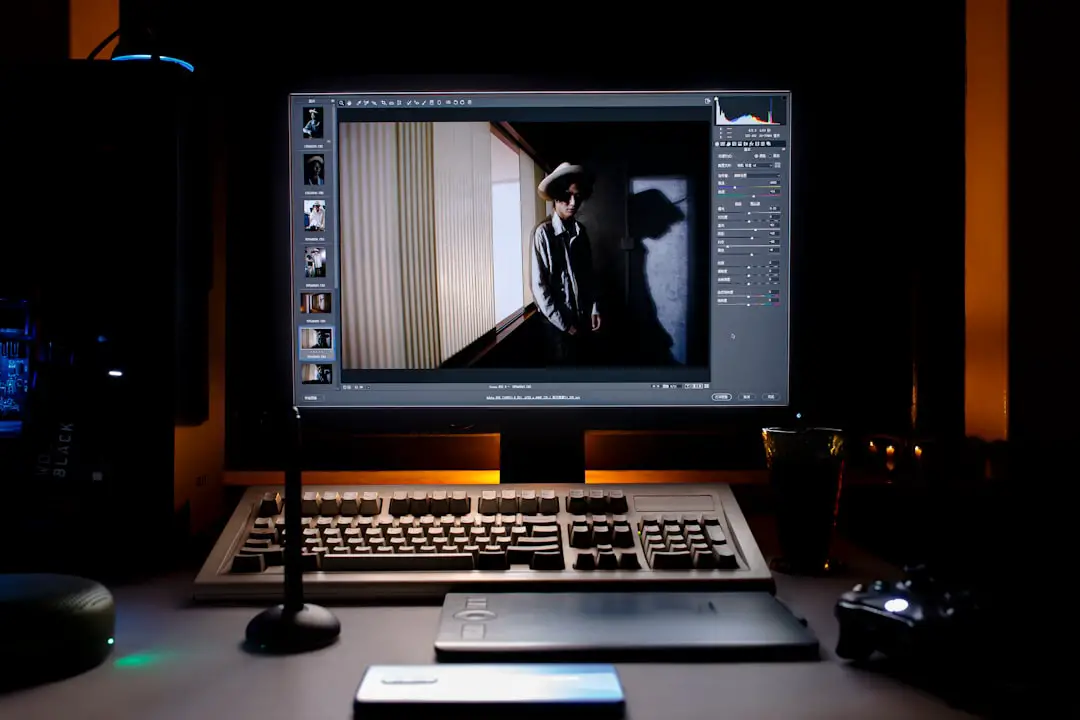
If you’re delving into the world of video content creation, chances are you’ve come across InVideo AI, a revolutionary platform designed to simplify and accelerate video production using the power of artificial intelligence. Many users ask the question: Can I edit my videos in InVideo AI? The answer is a resounding yes — but with some nuances that make this platform unique compared to traditional video editing tools.
What is InVideo AI?
InVideo AI is an intelligent video creation tool that allows users to generate high-quality videos simply by typing out a text prompt or pasting in a document, article, or script. It streamlines the video production process by automatically generating scenes, voiceovers, transitions, and visuals based on your input.
But where does editing come in? In traditional video editing software like Adobe Premiere Pro or Final Cut Pro, users manually cut, arrange, and adjust video clips frame by frame. In contrast, InVideo AI offers a different approach—making video editing intuitive, faster, and more accessible, especially for those without professional editing skills.
How Editing Works in InVideo AI
Editing videos in InVideo AI doesn’t follow the conventional timeline-based interface. Instead, editing is integrated into the prompting and revision workflow. Here’s how you can edit your AI-generated videos:
- Prompt-Based Adjustments: After generating your initial video using a text-based prompt, you can type additional instructions to make changes. For example, you can say “Replace the background with a cityscape” or “Make the music more upbeat.” The AI interprets your commands and applies them automatically.
- Scene-by-Scene Customization: If you want more control, InVideo AI enables you to go scene by scene to edit text on screen, adjust media assets, change music tracks, or even add your own voiceovers.
- Media Replacement Tools: You can easily replace any image, video, or audio asset included by the AI by clicking on it and selecting a new asset from InVideo’s built-in media library—or upload your own.
What Makes InVideo AI Editing Unique?
The magic of InVideo AI lies in how much it minimizes the effort typically required to edit a professional-looking video. Here are a few distinct benefits:
- No Technical Skills Required: You don’t need a background in editing. If you can write text and give simple commands, the AI takes care of the rest.
- Speed: Traditional editing can take hours or even days. With InVideo AI, your first draft is done in minutes, and revisions are just a few clicks or typed prompts away.
- Smart Scene Selection: The AI chooses appropriate visuals, transitions, and background music tailored to your content, reducing the need for manual selection.
Limitations to Keep in Mind
While InVideo AI offers powerful editing features, it’s important to understand its limitations:
- Not Ideal for Advanced Effects: If you need advanced visual effects, layered editing, or frame-by-frame control, InVideo AI may not meet your needs. It’s more geared toward quick content creation than detailed post-production work.
- Dependent on Prompt Clarity: The quality of your edits depends on how precise your prompts are. The more specific you are, the better the results — vague instructions might lead to unexpected outcomes.
Best Use Cases
InVideo AI is best suited for:
- Social Media Videos: Perfect for quick, engaging content for platforms like Instagram, TikTok, and YouTube Shorts.
- Marketing Materials: Easily create product explainers, promos, or advertisements without needing a creative team.
- Tutorials and Explainers: Convert blogs or educational content into visually appealing video guides.
Conclusion
So, can you edit your videos in InVideo AI? Absolutely — and it’s easier and more efficient than you might expect. While it may not replace high-end video editing suites for blockbuster productions, it is a game-changer for content creators, marketers, educators, and entrepreneurs looking to put out professional-looking videos quickly and with minimal effort.
By blending intuitive AI-based controls with customizable options, InVideo AI is more than just a video generator—it’s an editing assistant that brings your stories to life with incredible speed and style.