
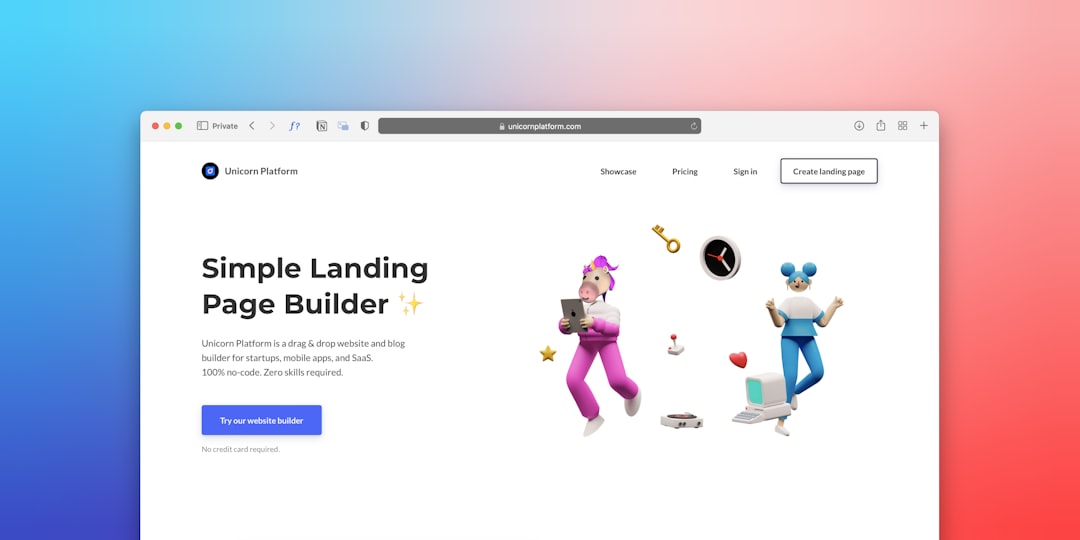
In today’s fast-paced business environment, a well-designed business card remains one of the most powerful offline marketing tools. While digital connections are common, the tactile experience of handing over a professional card still leaves a lasting impression. Modern business card tools have transformed the design process, enabling entrepreneurs, freelancers, and corporations to turn creative ideas into polished, print-ready designs without needing advanced graphic design skills.
TLDR: Business card design tools make it easy to transform ideas into professional, print-ready designs without specialized software skills. From drag-and-drop editors to advanced vector platforms, these tools streamline typography, layout, branding, and export settings. Choosing the right tool depends on skill level, customization needs, and print requirements. When used strategically, these platforms help create impactful cards that reflect brand identity and professionalism.
The Evolution of Business Card Design
Traditionally, designing a business card required hiring a graphic designer or mastering complex software. Today, cloud-based platforms and intuitive editors have democratized design. With pre-made templates, smart alignment guides, and automated print settings, users can focus more on creativity and less on technical formatting.
These tools typically offer:
- Drag-and-drop functionality
- Customizable templates
- Extensive font and color libraries
- Logo upload options
- High-resolution export settings
- Bleed and trim guides for print accuracy
The result is a streamlined process that bridges imagination and production-ready files.
Key Features That Turn Ideas into Print-Ready Designs
Not all design tools are created equal. The best business card platforms share several critical features that ensure professional outcomes.
1. Smart Templates
Templates provide a starting point that users can adapt to match their brand voice. Instead of starting from scratch, designers can modify layouts, swap fonts, and adjust color palettes to reflect their visual identity.
2. Built-In Brand Kits
Many tools allow users to upload logos, define brand colors, and select preferred typography. This ensures consistency across all marketing materials.
3. Print-Optimized Export Options
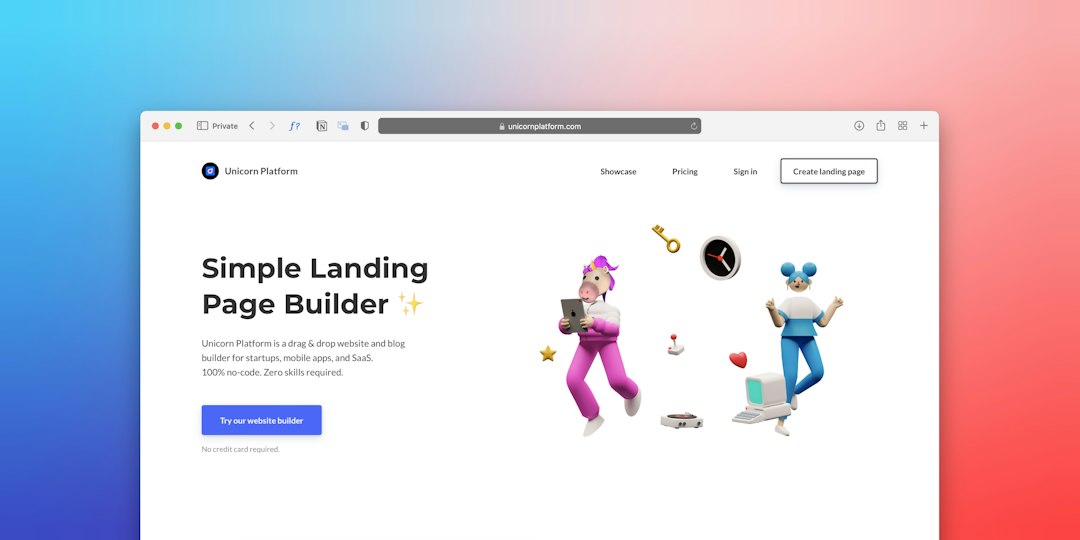
A visually appealing design must also meet technical print standards. Quality tools include:
- CMYK color mode support
- 300 DPI resolution exports
- Bleed settings (typically 0.125 inches)
- Crop marks for professional trimming
4. Typography Control
Typography communicates professionalism. Advanced tools provide kerning adjustments, line spacing control, and font pairing suggestions to maintain readability.
5. Mockup Previews
Viewing a card in a realistic mockup—textured paper, embossed foil, or glossy finish—helps users visualize the final product before printing.
Popular Business Card Design Tools
Several platforms have emerged as leaders in making design accessible and print-ready. Below is a breakdown of some widely used tools.
1. Canva
A user-friendly platform known for its intuitive drag-and-drop interface. Canva offers thousands of business card templates and easy export settings.
2. Adobe Express
Designed for quick yet polished creations, Adobe Express integrates creative flexibility with ease of use.
3. VistaCreate
Offering animated and static design options, VistaCreate caters to modern branding needs with strong layout tools.
4. Adobe Illustrator
For professionals seeking full creative control, Illustrator offers vector precision, custom die-cut design options, and advanced typography tools.
Comparison Chart of Leading Tools
| Tool | Ease of Use | Customization Level | Print-Ready Export | Best For |
|---|---|---|---|---|
| Canva | Very High | Moderate | Yes (Pro features enhanced) | Beginners & Small Businesses |
| Adobe Express | High | Moderate to High | Yes | Quick Professional Designs |
| VistaCreate | High | Moderate | Yes | Creative Branding |
| Adobe Illustrator | Moderate to Low | Very High | Yes (Full Control) | Professional Designers |
How These Tools Streamline the Design Process
Turning an idea into a tangible card involves several stages. Business card tools simplify each one.
Idea Development
Users can start with a mood board or template and experiment with color schemes and typefaces. Many platforms suggest complementary fonts and colors.
Layout and Hierarchy
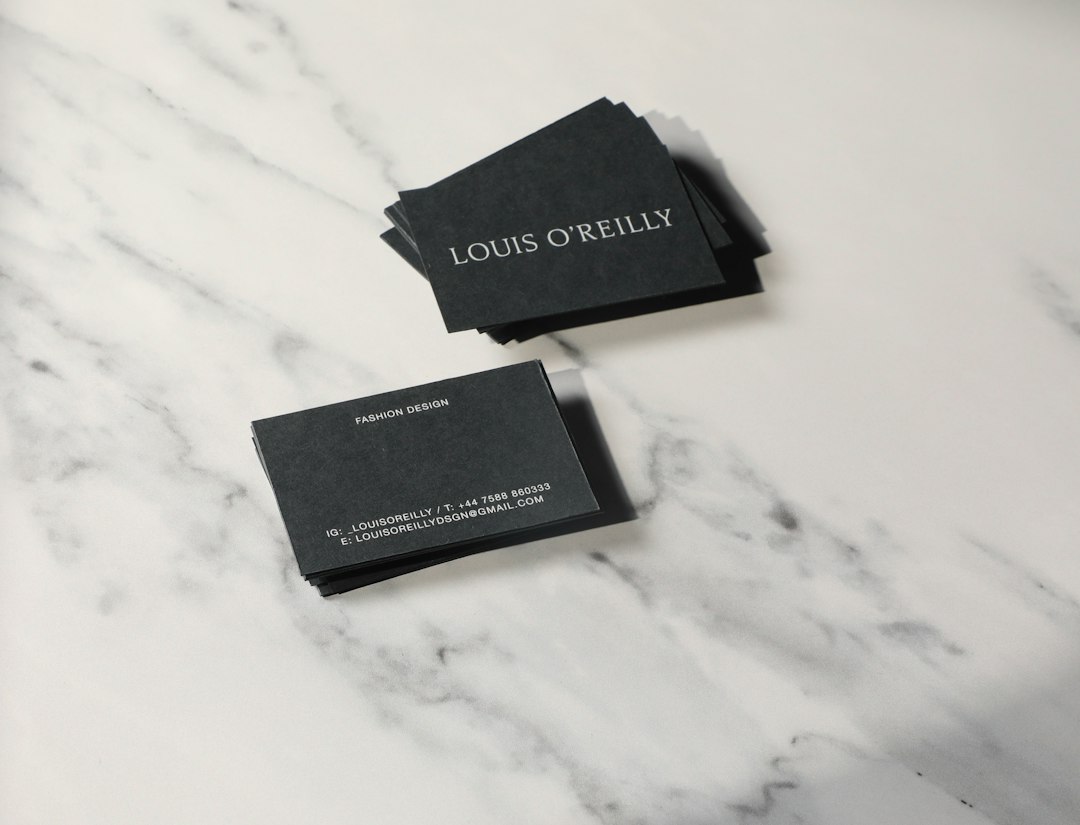
A business card needs a clear visual hierarchy:
- Name – The most prominent element.
- Title – Secondary emphasis.
- Contact Information – Clear and legible.
- Brand Elements – Logo or icon placement.
Alignment guides and spacing tools ensure precision without manual calculations.
Brand Integration
Brand kits eliminate guesswork by maintaining consistent visual standards. Businesses can save color codes and typography styles for future use.
Final File Preparation
Once the design is complete, export settings convert creative work into printer-friendly files. High-quality PDFs with embedded fonts reduce printing errors.
Design Tips for Print-Ready Perfection
Even with powerful tools, thoughtful design choices make the biggest difference.
- Keep it uncluttered: White space enhances readability.
- Use no more than two fonts: Simplicity improves professionalism.
- Stick to brand colors: Consistency builds recognition.
- Test readability: Ensure text remains clear at actual size.
- Double-check contact information: Accuracy is critical.
Digital-to-Physical Integration
Modern tools also bridge the gap between print and digital presence. Many platforms allow integration of:
- QR codes linking to portfolios or LinkedIn profiles
- NFC chip compatibility guidance
- Social media icons aligned with brand style
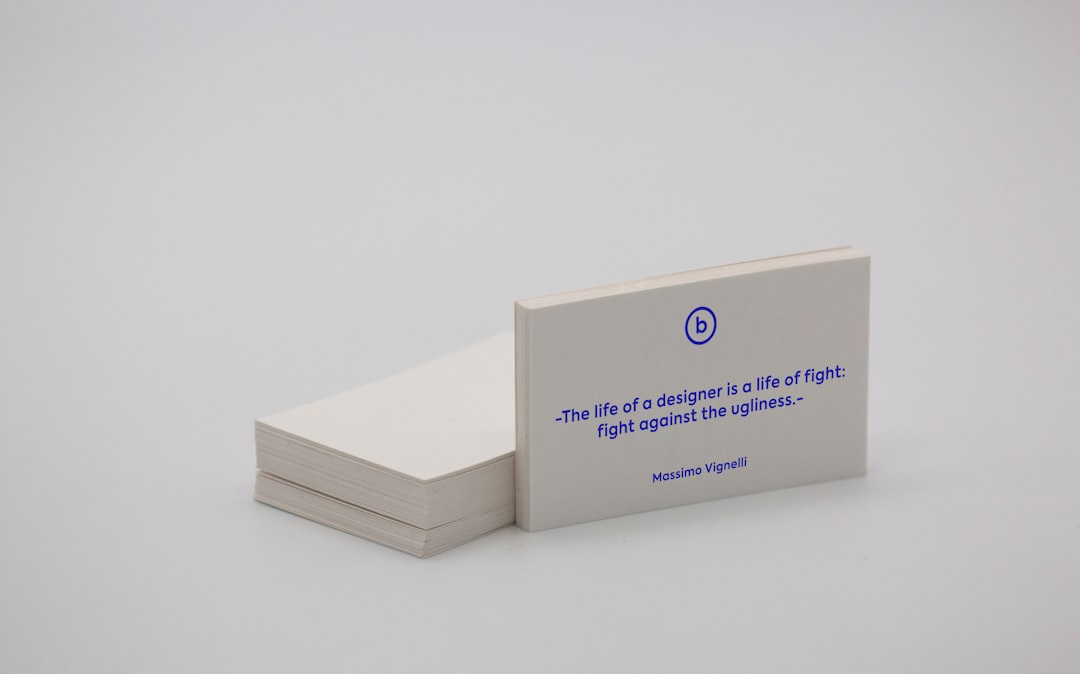
This hybrid approach ensures the business card acts not just as contact information, but as a gateway to a broader digital ecosystem.
Choosing the Right Tool
The ideal platform depends on individual needs:
- For beginners: A template-driven tool with automatic bleed settings is ideal.
- For startups: Look for brand kits and collaboration features.
- For agencies: Advanced vector tools offer maximum customization.
- For rapid turnaround: Tools with built-in print services can reduce time.
Budget, skill level, and design complexity all influence the decision.
The Business Impact of Professional Cards
A professionally designed card reflects attention to detail and credibility. It communicates:
- Trustworthiness
- Brand consistency
- Professional competence
- Preparedness
While digital networking continues to grow, business cards remain powerful because they create tactile memory. High-quality print paired with thoughtful design increases retention and follow-ups.
Conclusion
Business card tools have transformed a once complex design process into an accessible, creative journey. Whether using intuitive drag-and-drop platforms or advanced vector software, users can easily translate ideas into professionally formatted, print-ready designs. By combining smart templates, brand kits, typography controls, and export precision, these tools empower individuals and organizations to produce impactful marketing assets. In a world overflowing with digital noise, a well-crafted business card continues to stand out—making the right design tool an essential part of modern branding.
Frequently Asked Questions (FAQ)
1. What file format is best for printing business cards?
A high-resolution PDF in CMYK color mode at 300 DPI with bleed and crop marks is typically recommended for professional printing.
2. Do I need graphic design experience to create a professional business card?
No. Many modern tools offer templates, alignment guides, and automatic formatting features that make professional design accessible to beginners.
3. What is bleed, and why is it important?
Bleed refers to an extra margin beyond the card’s edges that ensures color or images extend fully to the border after trimming.
4. How can I make my business card stand out?
Using high-quality materials, minimalist design, bold typography, and unique finishes like embossing or foil stamping can enhance impact.
5. Should I include a QR code on my business card?
If it leads to meaningful digital content such as a portfolio or booking page, a QR code can enhance engagement and modernize the card.
6. Can business card tools handle custom sizes?
Advanced platforms like vector-based software allow full customization of dimensions, while many template tools also offer multiple standard size options.