
In today’s fast-paced gig economy, freelancers are becoming a vital part of countless industries. With flexibility, diverse skill sets, and mobility on their side, independent professionals are reshaping how business is done. One essential ingredient for freelance success, especially at conferences, expos, and networking events, is a well-designed business card. And thanks to digital innovation, freelancers no longer need to rely on graphic designers or printing agencies to create them. Enter business card generators — tools designed to give creatives the power to craft, customize, and print standout cards on demand.
TL;DR
Business card generators are essential tools for freelancers who regularly attend industry events. These platforms allow users to design professional, customizable cards without the need for technical skills or hiring a designer. With many free and affordable options available, freelancers can produce dynamic cards quickly and conveniently. A thoughtfully designed business card can open doors, spark conversations, and make a lasting impression in competitive networking environments.
Why Business Cards Still Matter in a Digital Age
It’s easy to assume that online profiles and digital portfolios have replaced traditional business cards. However, in-person events like trade shows, networking meetups, and industry-specific conferences continue to rely heavily on tangible exchanges of information. Here’s why:
- Instant Accessibility: Unlike digital contacts, a business card doesn’t require Wi-Fi or phone access.
- Tangible Reminder: Physical cards can act as memorable tokens of your encounter and skillset.
- Professionalism: Handing over a well-designed business card can make a freelancer appear established and credible.
- Speed: Sharing your contact details is as simple as a hand gesture—no fumbling with phones or spellings.
What Are Business Card Generators?
Business card generators are online platforms or mobile apps that allow users to create, design, and often print business cards without professional design software or services. These tools typically offer templates, drag-and-drop editors, and customization options that make the process both quick and user-friendly for non-designers.
Many of these platforms offer:
- Editable templates tailored to various industries
- Drag-and-drop design features
- Print and digital download options
- Branding tools such as logo placement, color palette selection, and typography choice
Top Features Freelancers Should Look For
Not all business card generators are built equal. When choosing the right one, freelancers should pay attention to these critical features:
- Ease of Use: A user-intuitive interface is crucial for saving time and reducing frustration.
- Customization Options: Look for platforms that allow variations in font, layout, color, and logos.
- Digital Integration: Easy downloads in high-resolution formats or QR code options for quick linking to digital portfolios.
- Professional Templates: Templates designed for freelancers in different fields, such as graphic design, writing, tech, or consulting.
- Print Services: Some platforms also offer high-quality printing and direct shipping to your location.
Best Business Card Generators for Freelancers
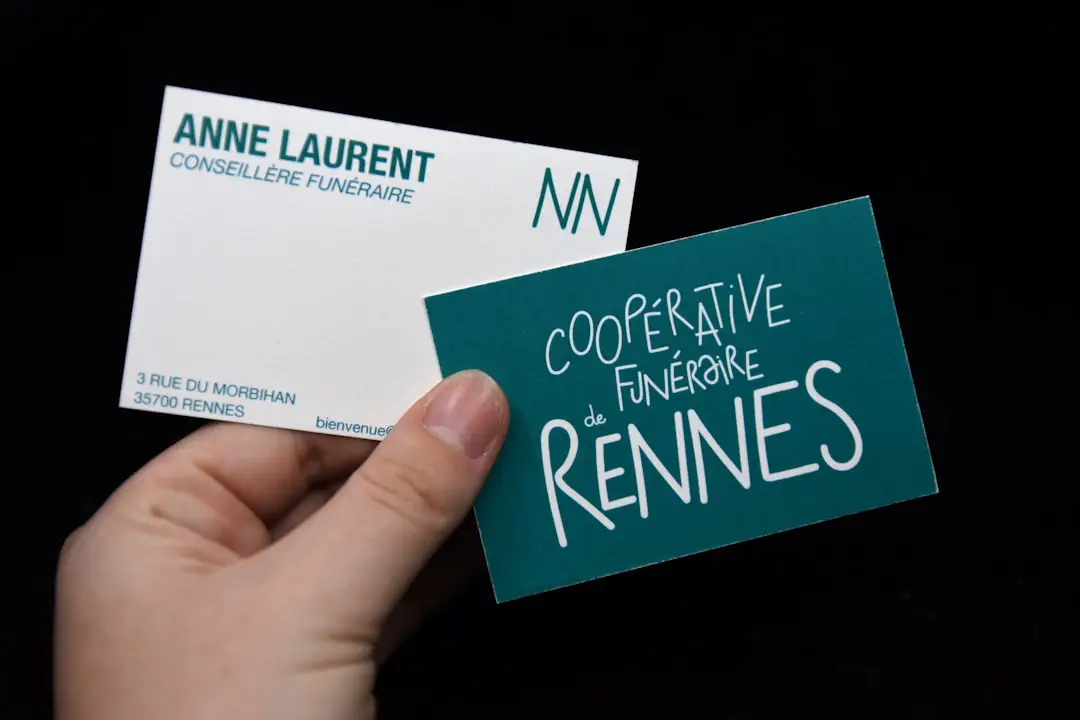
Here are some of the most popular and reliable business card generators used by freelancers around the world:
1. Canva
Best for: Creative freedom and advanced templates
Canva is a user-favorite for good reason. Its sleek and intuitive design tools allow for drag-and-drop customization and even include animations for digital cards. You can choose from thousands of templates or design from scratch. Plus, Canva allows for easy printing and delivery services worldwide.
2. Vistaprint
Best for: Print-and-design all-in-one solution
For freelancers attending a big event, Vistaprint allows the complete package: design, printing, and shipping. With various finishes such as matte, gloss, and linen, the cards can be tailored to your personal brand.
3. Adobe Express
Best for: Adobe users needing professional control
While it offers fewer templates, Adobe Express facilitates high-quality exports and is ideal for freelancers familiar with Adobe’s interface. Integrated cloud storage and the ability to sync designs across devices are great bonuses.
4. Zazzle
Best for: Unique custom materials
Zazzle stands out for offering custom materials like eco-friendly paper, metallic inks, and shaped cards. This is perfect if you want to make a bold statement and stand out in a sea of rectangles.
5. HiHello
Best for: Digital business cards
If you’re going paperless, HiHello allows you to create and share digital business cards that include social profiles and embedded multimedia links.
Design Tips to Make Your Card Stand Out
Creating a unique business card is about more than just layout. Consider the following design tips:
- Less is more: Keep it clean. A cluttered card looks unprofessional.
- Use professional fonts: Choose readable fonts that align with your brand identity.
- Add a personal touch: Try including a tagline or a QR code that links to your digital portfolio.
- Print in high quality: A pixelated or poorly printed card can leave a negative impression.
How to Maximize Networking Using Your Business Card
Having a stunning business card is just the start. Here’s how to use it effectively when networking at industry events:
- Do your research: Know who’ll be at the event and what kinds of services or collaborations they might be looking for.
- Always carry extras: You never know when an opportunity will arise—bring more cards than you think you need.
- Link it to your elevator pitch: Hand over the card at a natural point that follows your brief introduction.
- Follow-up: Use the contact information you’ve gathered to connect on LinkedIn or schedule a call post-event.
Digital vs Physical: Why Not Both?
Many freelancers now use a hybrid approach. While physical cards remain impactful during meetings and expos, digital business cards make sharing information across platforms incredibly easy. Tools like HiHello and Canvy allow you to save and send business cards instantly and even track engagement. Incorporating a QR code linked to your digital portfolio on your physical card is another way to bridge the gap between tactile and tech.
Final Thoughts
Networking is more than just handing out business cards—it’s about sparking conversations, creating connections, and leaving impressions that last beyond the event. A polished, thoughtfully crafted business card—whether digital, physical, or hybrid—can serve as an extension of your freelance brand identity. With business card generators, every freelancer, regardless of their design background, gets a chance to create impactful touchpoints that help build opportunities and elevate their professional presence.
Whether you’re a freelance designer heading to your next creative expo or a copywriter attending a marketing summit, arm yourself with a card that speaks before you do. With the right tool, your next client could be just one handshake away.