
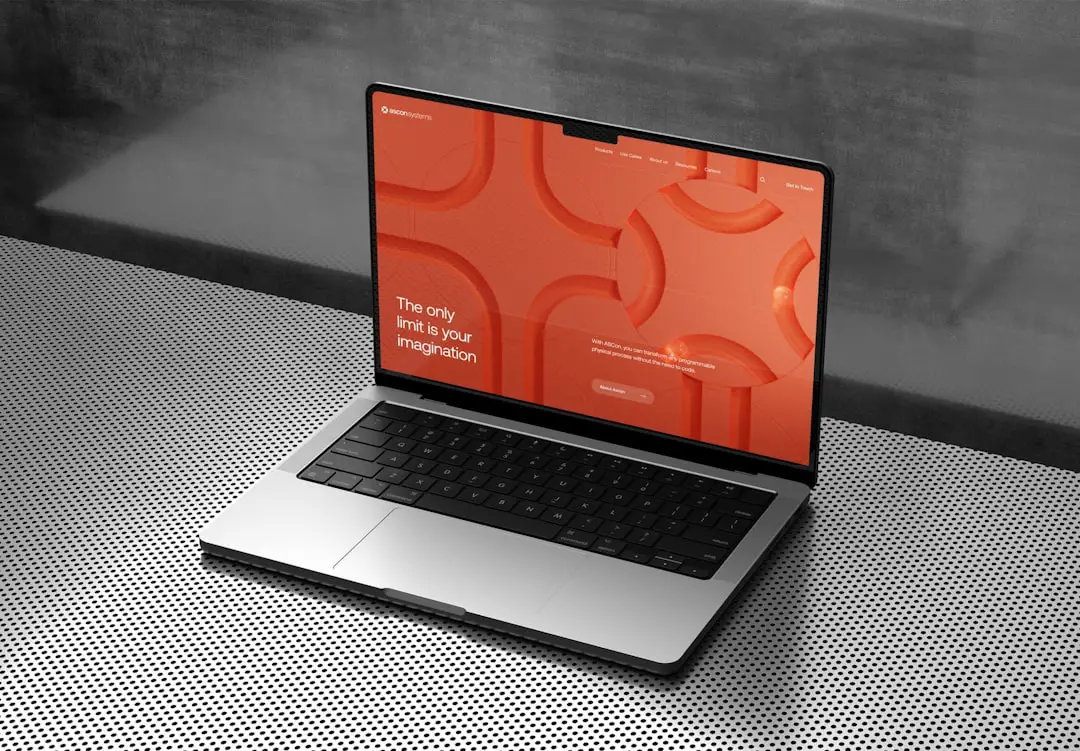
Are you an artist dreaming about launching your very first online gallery? That’s exciting! Sharing your work with the world is a big step — and thankfully, you don’t need to know how to code to do it. With the right website builder, you can create a stunning portfolio in no time.
TLDR: Best Website Builders for Artists
You don’t need to be a tech wizard to create a beautiful art site. Website builders like Squarespace, Wix, and Format make it fun and easy. They come with drag-and-drop tools and gorgeous templates. The right one depends on your priorities — style, price, or features.
What Makes a Good Website Builder for Artists?
Your needs as an artist are different from an online store or a foodie blog. You want your art to speak for itself! A good website builder for artists should have:
- Beautiful templates that showcase images well
- Easy-to-use interface (drag and drop is a must!)
- Image galleries that feel smooth and professional
- Mobile-responsive design (your site needs to look good on phones, too!)
- Affordable pricing, especially if you’re just starting out
- Optional eCommerce tools if you want to sell prints or originals
Top Website Builders for Your First Online Gallery
Ready to pick one? Let’s dive into the best of the best.
1. Squarespace – The Stylish Favorite
Squarespace is known for its sleek, modern templates. Artists love it because it’s design-focused. Your paintings, drawings, or photos will look clean and professional.
Best for: Artists who want a polished, minimalist portfolio with little effort.
Pros:
- Gorgeous image-centric templates
- Drag-and-drop builder
- Easy to add galleries and ecommerce
- Free custom domain for 1 year
Cons:
- More expensive than others
- Limited flexibility for totally unique designs
Squarespace plans start at around $16/month. It’s not the cheapest, but it delivers on quality.
2. Wix – The Creative Playground
Wix gives you enormous freedom to play. Like to move elements exactly where you want them? Want animations? Wix is your playground.
Best for: Artists who want total creative control and lots of template choice.
Pros:
- Hundreds of templates
- Drag-and-drop + custom placement
- Tons of gallery styles
- Free plan to start (includes ads)
- App market with extra features
Cons:
- Too many options might overwhelm beginners
- Free plan shows Wix ads
Wix premium plans start at around $14/month. It’s a solid deal, and the creative freedom is unmatched.
3. Format – Built Just for Artists
Format is THE website builder made just for creatives. That means you’ll find features geared toward portfolios, client proofing, and art commerce.
Best for: Artists, designers, and photographers who want a simple, art-focused site fast.
Pros:
- Tailored for portfolios
- Clean, image-first templates
- Built-in store and client galleries
- Mobile-ready layouts
Cons:
- Fewer templates than Wix or Squarespace
- Not ideal for non-visual creatives (like writers or musicians)
Format starts at about $8/month — great for artists on a budget.

4. Weebly – Great for Simplicity
Weebly is extremely beginner-friendly. It’s easy, clean, and fast to build a site. If you don’t want to stress about how websites work, this is a great option.
Best for: Artists who want something super simple and budget-friendly.
Pros:
- Drag-and-drop builder
- Some nice gallery elements
- Good support and tutorials
- Built-in eCommerce
Cons:
- Templates feel a bit “basic”
- Not as stylish as competitors
Weebly starts with a free plan (that includes ads), and premium plans begin at around $6/month. Not too shabby!
5. WordPress.com – The Customizer’s Friend
WordPress.com (the hosted version) offers serious customization. Newer themes make it easier to build art sites, but it’s better for those willing to learn a bit more.
Best for: Artists who want to grow their site long-term and don’t mind a learning curve.
Pros:
- Thousands of themes, plugins, and tools
- Great SEO and blogging features
- Lots of community support
- Free plan available
Cons:
- Not as beginner-friendly as others
- Premium features cost more
WordPress.com paid plans start at around $4/month, but creative freedom increases fast with higher tiers.
Things to Keep in Mind Before You Choose
Each artist has a unique style — your website should reflect that! Before you commit, ask yourself:
- Do I just want to display work, or also sell it?
- How tech-savvy am I?
- How important is the visual design to me?
- Am I planning to blog or write content?
- What’s my monthly budget?
And always try the free trials before deciding. Most builders let you test everything for 7–14 days. That’s plenty of time to see if it fits your artistic vibe.
Bonus Tips for Launching Your Gallery
- Pick a simple domain name — like yournameart.com
- Use high-resolution images only
- Write short descriptions under each artwork
- Add an about page with a photo of yourself
- Make it easy for people to contact you
Want to make sales? Be sure to include:
- A shop page with payment options
- Clear prices and sizes
- Shipping info and return policy
Final Thoughts
Your art deserves to be seen. With today’s tools, building a gallery site is easier than ever. Whether you want an elegant portfolio, a funky digital wall, or a place to sell your work — there’s a builder out there waiting for you.

So take a deep breath, pick a platform, and start creating your online gallery today. The world’s ready for your art!