
Build the site as a searchable card database first, then add reviews, prices, deck notes, and collection tools around it. That structure gives visitors a clear reason to return, whether they want the best One Piece card for play, collecting, grading, or resale.
TLDR: A strong WordPress One Piece card website needs four core parts: a card database, collection tracking, honest reviews, and clear buying guidance. For example, a collector with 420 cards should be able to filter by leader, color, rarity, set, price, and condition in under 10 seconds. If your top 50 card pages get 70% of your search traffic, keep those pages updated weekly with price changes, playability notes, and reprint alerts.
Start With a Serious Site Structure
A good card website cannot feel like a loose blog with random posts. Users need order. They want to search fast, compare cards, and trust the scoring system. WordPress can handle this well, but only if you set the structure before adding content.
Create these main sections:
- Card Database: Each card gets its own page with set, number, rarity, color, type, cost, power, counter value, effect text, and image.
- Reviews: Separate your opinion from raw data. Rate cards for play, collecting, art, and value.
- Collection Tracker: Let users mark owned cards, wishlist cards, and duplicates.
- Buying Guides: Cover sealed products, singles, starter decks, and grading basics.
- Meta and Deck Notes: Explain which cards matter in real matches and why.
The phrase best One Piece card can mean different things. A competitive player may pick a leader or staple event card. A collector may pick a manga rare. A seller may care about liquidity. Your site should make those differences clear.
Choose the Right WordPress Setup
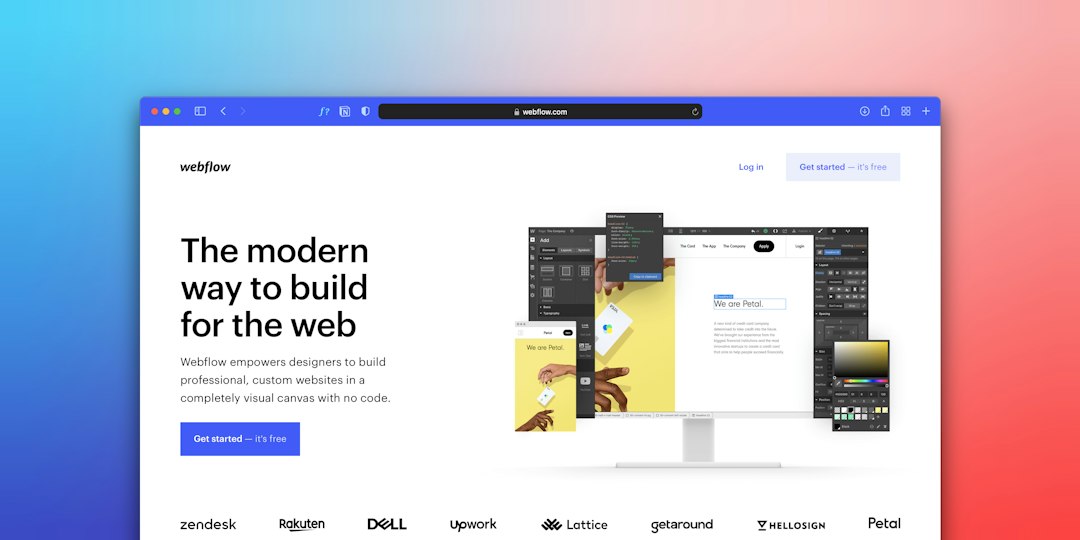
Use WordPress because it gives you control over content, search visibility, and monetization. Hosted builders can look clean, but they often become painful when you need custom fields, filters, or thousands of card entries.
For hosting, choose a plan with strong caching, daily backups, and staging. A simple shared host may work for the first few months. Once you pass 5,000 card pages or heavy image use, move to managed WordPress hosting.
Your theme should be light. Avoid bloated themes that add sliders, animations, and scripts you do not need. Honestly, it feels like some themes take 4 extra seconds to load just to show a header effect nobody asked for. Speed matters because collectors often check prices on mobile while shopping.
Use Custom Post Types and Fields
Do not publish every card as a normal blog post. That gets messy fast. Use a custom post type called Cards. Then add custom fields for card data.
Useful fields include:
- Card Name
- Set Code
- Card Number
- Rarity
- Color
- Type: Leader, Character, Event, or Stage
- Cost and Power
- Effect Text
- Average Market Price
- Review Score
- Collection Status
Plugins such as Advanced Custom Fields, Toolset, Pods, or Meta Box can support this. Pick one and stick with it. Constantly changing field systems will waste hours and may break filters.
Create a Review System People Can Trust
A serious review website needs visible rules. If every rare card gets a 9 out of 10, your scores mean nothing. Build a clear scoring method and publish it.
Use separate ratings instead of one vague score:
- Competitive Score: How useful the card is in real decks.
- Collector Score: Art, rarity, character popularity, and set history.
- Value Score: Price stability, demand, and reprint risk.
- Beginner Score: How easy the card is to understand and use.
For example, a manga rare may score 10/10 for collecting but only 5/10 for competitive play. A common event card may be cheap but score high in deck utility. This makes your reviews more honest.
Add an editorial note at the top of each review. Say when the page was last updated. If prices change often, add a short warning: Prices are estimates and may change by region, condition, and seller.
Build Filters That Actually Help
Filters are not decoration. They are the main tool users will touch. A visitor should be able to find red leaders, secret rares, cards under $20, or cards from a specific set without fighting the site.
The catch is that many filter plugins slow down when the database grows. Test with fake data before launch. Add at least 1,000 sample records and check mobile speed. If each filter click takes 6 seconds, users will leave.
Core filters should include:
- Color
- Rarity
- Set
- Card type
- Price range
- Review score
- Owned, wanted, or duplicate status

Add Collection Tracking
A collection tracker turns a review site into a tool. Tools get repeat visits. Blogs get one-time readers.
Registered users should be able to mark cards as owned, wanted, for trade, or sold. Add condition fields such as near mint, lightly played, and damaged. If possible, let users enter purchase price and current estimated value.
This gives collectors useful numbers. A user may see that their collection has 312 owned cards, 44 duplicates, and an estimated value of $1,860. That kind of data keeps people coming back.
Keep privacy simple. Many collectors do not want public value totals. Let users hide their collection, share selected binders, or publish trade lists only.
Write Content That Supports the Database
Your blog should answer real questions. Avoid thin posts stuffed with popular card names. Instead, write helpful pages tied to search intent.
Good article ideas include:
- Best One Piece Cards for Beginners
- Most Valuable One Piece Cards by Set
- Best Leader Cards for New Players
- How to Store and Protect Rare Cards
- Should You Buy Singles or Sealed Boxes?
Link each article to card pages. Link card pages back to relevant guides. This helps users move through the site with purpose. It also helps search engines understand your content.
Handle Images and Copyright Carefully
Card images are central to the experience, but do not treat them casually. Use official product images only when allowed, and follow publisher rules. Add disclaimers that your site is unofficial and not affiliated with the rights holder.
Compress every image. Use WebP where possible. Add alt text that describes the card name, set, and rarity. This helps accessibility and image search.

Monetize Without Losing Trust
Money is fine. Hidden motives are not. If you use affiliate links, say so clearly near the first buying link. Keep reviews separate from sponsorships.
Good monetization options include:
- Affiliate links to singles and sealed products
- Display ads on guide pages
- Premium collection tracking
- Price alerts for rare cards
- Sponsored articles with clear labels
Do not recommend a poor card just because it pays more. Serious collectors notice. Competitive players notice faster.
Track the Right Metrics
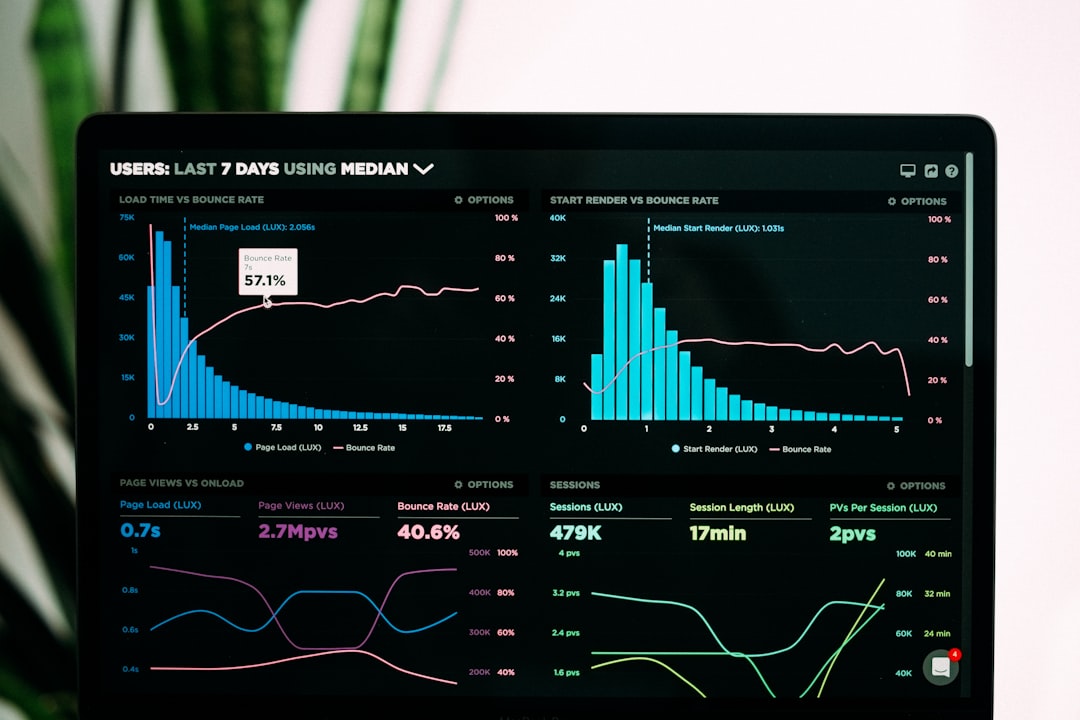
Analytics should guide updates. Watch which card pages receive traffic, which filters get used, and which buying guides lead to clicks. If users search for “best red leader” 300 times a month on your site, create a strong guide for that query.
Track these numbers:
- Top card pages by visits
- Search terms used on site
- Average time on card pages
- Collection tracker signups
- Affiliate clicks by article
- Pages with outdated prices
Update your highest traffic pages first. A small site can compete if its data is cleaner, faster, and more honest than larger sites.
Final Practical Checklist
- Use WordPress with custom post types for cards.
- Create structured fields before importing data.
- Publish a clear review scoring policy.
- Add fast filters for set, rarity, color, type, and price.
- Offer private collection tracking.
- Compress images and respect usage rules.
- Disclose affiliate links.
- Update top card pages every week during active set cycles.
The best One Piece card website is not just a list of expensive cards. It is a reliable reference tool. Build it with clean data, honest reviews, and useful tracking. That is how you earn repeat visitors instead of quick clicks.