
In today’s fast-evolving world of filmmaking, artificial intelligence (AI) is not just a buzzword—it’s a game changer. For indie filmmakers and content creators with more vision than budget, AI technology provides a golden opportunity to enhance visuals, streamline production, and give your film that high-end polish without draining your bank account.
TL;DR: AI tools are revolutionizing indie filmmaking, enabling creators to produce Hollywood-level effects, cinematography, and sound on a shoestring budget. From enhancing visuals to creating realistic CGI, AI can make your film look far more expensive than it actually is. You don’t need a huge production team—just the right tools and a bit of imagination. This article walks you through the best AI tricks and tools to elevate your movie magic effortlessly.
1. AI-Powered Color Grading That Mimics Blockbusters
Color grading can define a film’s mood and emotional tone. Traditionally, it’s one of the more expensive post-production processes. However, platforms like DaVinci Resolve now integrate AI features that automatically grade your footage to replicate cinematic color palettes. These tools use machine learning to analyze footage frames and apply preset “looks” similar to what you might see in big productions like Blade Runner 2049 or The Revenant.
Best AI Tools:
- DaVinci Resolve Studio: Features neural engine-based auto color correction and smart filters.
- Runway ML: Offers AI-powered visual look-matching from reference stills.
Pro Tip: Want that teal-and-orange Hollywood look? Use AI to analyze a scene from your favorite movie, extract its LUT (Look-Up Table), and apply it to your footage for instant transformation.
2. AI VFX and CGI—Blockbuster Effects on a Budget
Once the domain of big-budget studios and elite animators, CGI is now achievable with the help of AI. Tools like Wonder Dynamics allow filmmakers to drop-in CGI characters into live-action scenes without the need for motion capture suits or complex rigging.
Popular AI Tools for CGI:
- Wonder Studio: Replaces human actors with CGI characters using motion detection and AI tracking.
- EbSynth: Allows you to paint over a single frame of video and propagate the art style using AI.
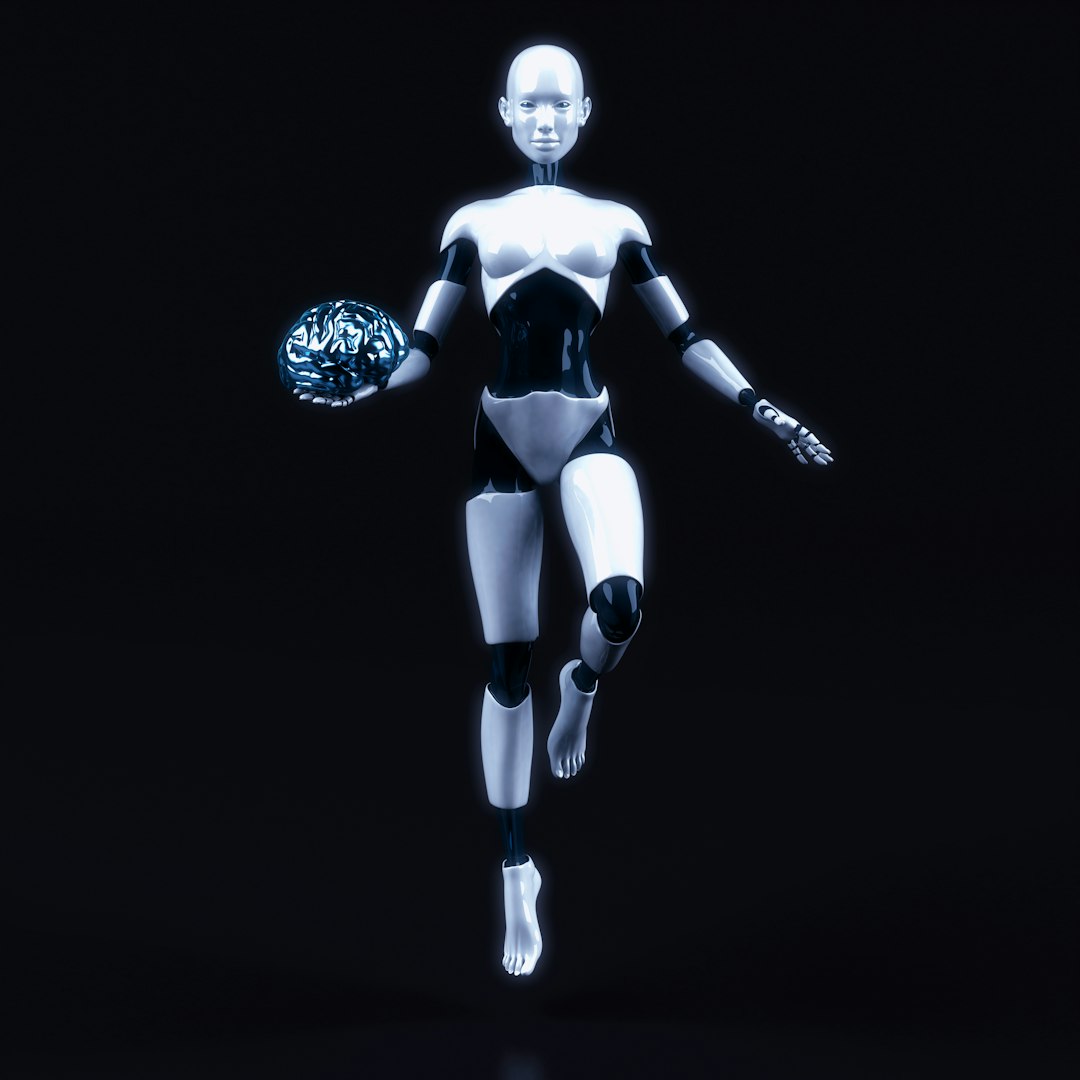
This is especially useful for sci-fi or fantasy scenes where creature effects or futuristic environments are essential. You can create elaborate set pieces or alien creatures that rival studio-level visuals—all from your laptop.
3. Enhance Cinematography with AI Framing and Stabilization
Good cinematography hinges on excellent framing, composition, and camera movement. AI can help automate and perfect these critical elements even if you’re working solo.
Tools to Try:
- Adobe Premiere Pro’s Auto Reframe: Uses AI to adapt your shots to different aspect ratios while maintaining subject focus.
- Topaz Video AI: Stabilizes shaky footage, upscales resolution, and creates slow-mo effects using frame interpolation.
Imagine transforming your shaky handheld footage into buttery-smooth Steadicam-level shots—without renting a gimbal!
4. AI Scene Generators for Instant Backgrounds and Environments
Want a rain-soaked cyberpunk city or a post-apocalyptic desert? Don’t have the budget to shoot on location or build sets? Let AI do it.
AI Background Tools:
- Runway ML’s Gen-2: Generate full video scenes from text prompts.
- Kaiber: Creates stylized environments and animated footage based on your descriptions.
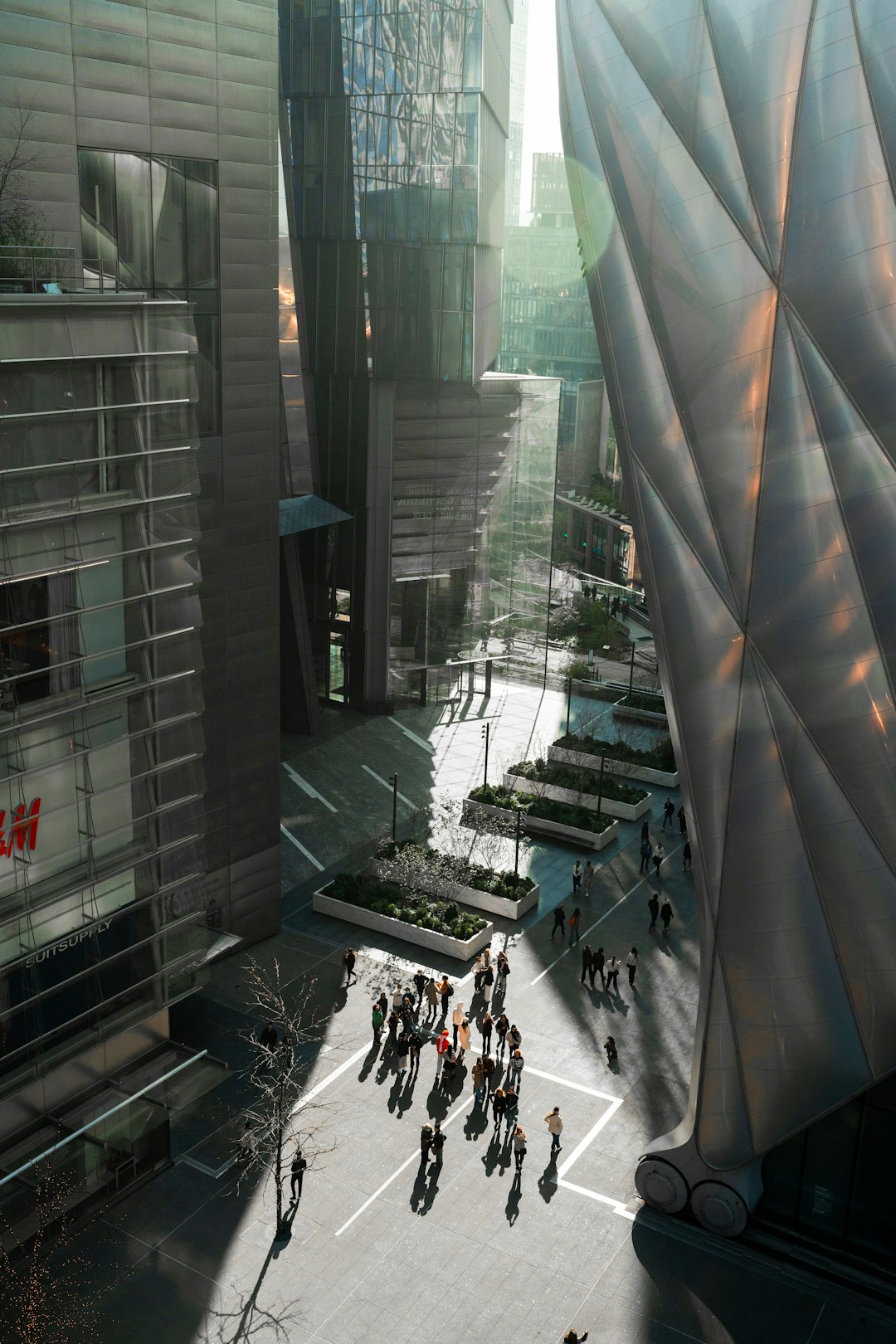
You can composite your actors onto these AI-generated backgrounds using green screen techniques or rotoscoping. It’s cheaper and often more flexible than renting a filming location.
5. AI Voice and Dialogue Replacement
Whether it’s poor audio capture or missing lines, reshooting isn’t always an option. AI-powered voice tools can overdub voices, generate missing dialogue, and even translate your film into multiple languages using synthesized voice replicas.
Top Pick Tools:
- ElevenLabs: Use AI to mimic natural-sounding voice overs and character voices.
- Descript: Includes Overdub, which mimics a speaker’s voice to correct errors or add new lines.
This trick is especially useful during post for correcting flubbed lines without booking studio sessions.
6. Use AI to Write and Edit Your Script
Good screenwriting is the backbone of any great film, and AI can assist in both writing and editing scripts. AI tools like ChatGPT and SudoWrite can help punch up dialogues, clean up pacing, or even generate entire story arcs based on a treatment.
Why it Works: AI models have read thousands of scripts and understand the structure of good storytelling. You can generate multiple versions of the same scene to test emotional impact, comedic timing, or plot twists.
Bonus: Some tools offer real-time collaborative features, allowing your entire writing team to work more efficiently.
7. AI-Powered Sound Design and Music Scoring
Sound is one of the most overlooked yet impactful parts of a film. AI makes it easy to craft thematic music scores or even replicate the musical style of specific artists.
Noteworthy Platforms:
- Soundraw: Creates custom music tracks tailored to your scene’s emotion and tempo.
- Boomy: Compose music using AI-generated themes and moods.
Forget royalty restrictions and stock music that sounds “meh”—AI scoring gives you customized original tracks in minutes.
8. Facial De-aging, Beauty Filters, and Style Transfer
Want to make your actor look younger for a flashback sequence? AI can do that. You can also stylize entire scenes to mimic classic films or celebrated directors like Wes Anderson or Quentin Tarantino.
AI Face Tools:
- FaceApp Pro: For detailed face editing including age effects.
- Photoshop AI Neural Filters: For retouching and style transfers.
This enhances production value in subtle but powerful ways that audience members might not notice—but they’ll feel the polish.
9. AI for Automatic Editing and B-Roll Insertion
AI can now analyze raw footage and create professional-grade cuts based on pacing, action, and dialogue emphasis. Tools like Magisto and Wisecut use AI to understand your story and make rapid edits that align with emotional beats.
You can also use AI to insert thematic or scenic B-roll that visually supports dialogue or monologues. It’s a small touch that adds a big production vibe.
10. Set Your Marketing on Fire with AI
Even after your film is ready, getting it in front of the right audience is essential. AI-powered marketing tools can help you generate trailers, social media campaigns, and even personalized posts optimized for different platforms.
Smart Marketing Tools:
- Lumen5: Converts scripts or articles into engaging videos.
- Copy.ai: Crafts catchy taglines, social posts, and summaries tailored to your genre and tone.
Make your film feel mainstream by having a strong presence from the start. AI marketing ensures you mimic studio-level promotion techniques even on a micro-budget.
Final Thoughts
AI brings a new dimension to guerrilla filmmaking by allowing artists to amplify their creative output without depending on large crews or big financial backing. By strategically using these AI-powered tools, you’re not just cutting costs—you’re breaking creative boundaries. The magic of contemporary filmmaking no longer lives only in a Hollywood backlot. With AI, your bedroom studio can be just as powerful.
Ready to elevate your next film? Try integrating just a few of these AI-based tricks into your workflow, and watch your production value soar—without your wallet weeping in the background.