

In an age where digital presence dominates, a well-designed business card still makes a powerful impression. It’s tangible, personal, and often the first physical representation of your brand. But creating a card that looks polished and print-ready can feel overwhelming—especially if you’re not a designer. Fortunately, modern business card makers make it easier than ever to turn creative ideas into professional designs ready for the press.
TLDR: Business card makers simplify the process of turning ideas into professional, print-ready designs without needing advanced design skills. From beginner-friendly platforms to advanced customization tools, there’s an option for every budget and business type. Below, we compare nine of the best tools and explain what makes each stand out. A comparison chart is included to help you quickly choose the right solution.
A great business card isn’t just a rectangle with contact information—it’s a pocket-sized brand statement. The best platforms combine intuitive design interfaces, customizable templates, high-resolution export options, and seamless printing services. Whether you’re a startup founder, freelancer, or corporate professional, these tools can help transform rough concepts into tangible marketing assets.
1. Canva
Best for: Beginners and small businesses seeking ease of use
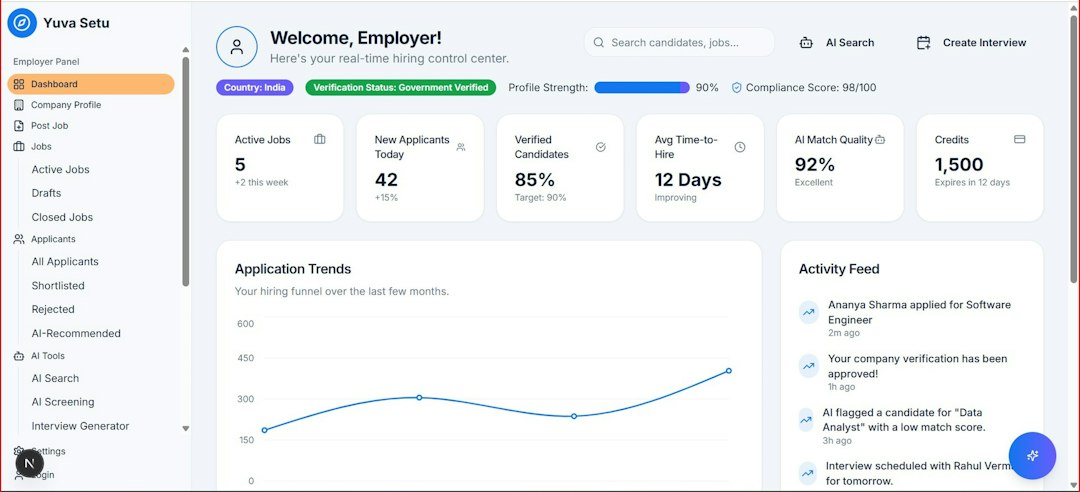
Canva is widely known for its intuitive drag-and-drop interface. Its business card maker includes thousands of ready-made templates covering industries from real estate to tech startups.
- Strengths: User-friendly, extensive template library, integrated printing service
- Standout feature: Simple resizing tools and brand kit integration
- Output: High-resolution PDF print files with bleed and crop marks
Canva’s strength lies in accessibility. You can start from a template or build from scratch, mixing fonts, graphics, and logo uploads without complex design knowledge.
2. Adobe Express
Best for: Users who want more creative control with minimal complexity
Adobe Express offers professional-level templates with simplified editing tools. Powered by Adobe’s design ecosystem, it strikes a balance between accessibility and sophistication.
- Strengths: High-quality design assets, smooth integration with Adobe Creative Cloud
- Standout feature: Advanced typography controls
- Output: Print-ready PDFs and export flexibility
For those who want a step up from entry-level tools but don’t want to dive deep into Photoshop or Illustrator, this platform is an excellent middle ground.
3. Vistaprint Business Card Maker
Best for: End-to-end creation and printing
Vistaprint combines design and print fulfillment in a seamless workflow. You can design directly on the platform and immediately order cards in various finishes.
- Strengths: Premium paper options, specialty finishes like foil and embossed text
- Standout feature: Easy preview of specialty coatings
- Output: Printed delivery (download options limited)
If you want a “design and forget about it” experience where printing logistics are handled for you, Vistaprint stands out.
4. Moo
Best for: Premium and creative professionals
Moo emphasizes quality and distinctive design. Their business card platform allows minimalist editing but focuses on premium papers and unique formats like square or mini cards.
- Strengths: Exceptional paper stock, vibrant color reproduction
- Standout feature: Printfinity option allowing different designs per card
- Output: High-end printed cards shipped directly
Moo is less about heavy customization and more about delivering a high-end, tactile experience.
5. VistaCreate
Best for: Social media savvy entrepreneurs
VistaCreate offers a wide array of stylish templates that align well with modern branding trends. It’s similar to Canva but offers a distinct design aesthetic.
- Strengths: Trend-forward templates, brand kit functionality
- Standout feature: Eye-catching grid-based layout builder
- Output: High-resolution downloads
This platform excels for startups aiming for a bold, visually striking first impression.
6. Shopify Business Card Maker
Best for: Entrepreneurs and ecommerce sellers
Shopify offers a simple, free business card maker ideal for small online businesses. While limited in advanced customization, it covers the essentials.
- Strengths: Free and straightforward
- Standout feature: Quick design generation with minimal steps
- Output: Downloadable print-ready files
It’s a practical starting point for ecommerce founders who want to include cards in shipments.
7. Jukebox Print
Best for: Unique materials and bold finishes
Jukebox Print pushes creative boundaries with unconventional materials, including recycled paper, textured finishes, and layered cards.
- Strengths: Specialty finishes and sustainability options
- Standout feature: Ultra-thick card stocks
- Output: Professional-grade printed products
This tool is ideal if your brand thrives on being memorable and different.
8. PsPrint
Best for: Custom sizes and professional designers
PsPrint caters to users who want highly customized dimensions or have their own designs prepared externally.
- Strengths: Advanced customization and specialty finishes
- Standout feature: Wide selection of die-cut styles
- Output: Commercial-grade printing
If you already have a strong design concept but need a reliable print partner, PsPrint offers flexibility.
9. Zazzle
Best for: Creative personalization
Zazzle blends design flexibility with a marketplace of independent designers. Users can modify existing designs or start from scratch.
- Strengths: Diverse artistic styles
- Standout feature: Community-generated templates
- Output: Printed and shipped cards
Zazzle stands out for users who want artistic flair and unconventional design options.
Comparison Chart
| Tool | Ease of Use | Customization Level | Printing Service | Best For |
|---|---|---|---|---|
| Canva | Very Easy | Medium | Yes | Beginners & Small Businesses |
| Adobe Express | Easy | High | No | Creative Professionals |
| Vistaprint | Very Easy | Low-Medium | Yes | All-in-One Solution |
| Moo | Easy | Medium | Yes | Premium Quality Seekers |
| VistaCreate | Very Easy | Medium | No | Trend-Driven Brands |
| Shopify Maker | Very Easy | Low | No | Ecommerce Sellers |
| Jukebox Print | Moderate | High | Yes | Creative Finishes |
| PsPrint | Moderate | High | Yes | Custom Dimensions |
| Zazzle | Easy | Medium | Yes | Artistic Styles |
What Makes a Business Card Truly Print-Ready?
No matter which platform you choose, ensure the following essentials are covered:
- High Resolution: 300 DPI minimum for crisp printing
- Bleed Settings: Design extended beyond trim lines to avoid white edges
- CMYK Color Mode: Accurate color reproduction in print
- Readable Fonts: Avoid overly thin typefaces
- Balanced Layout: Clear hierarchy of contact information
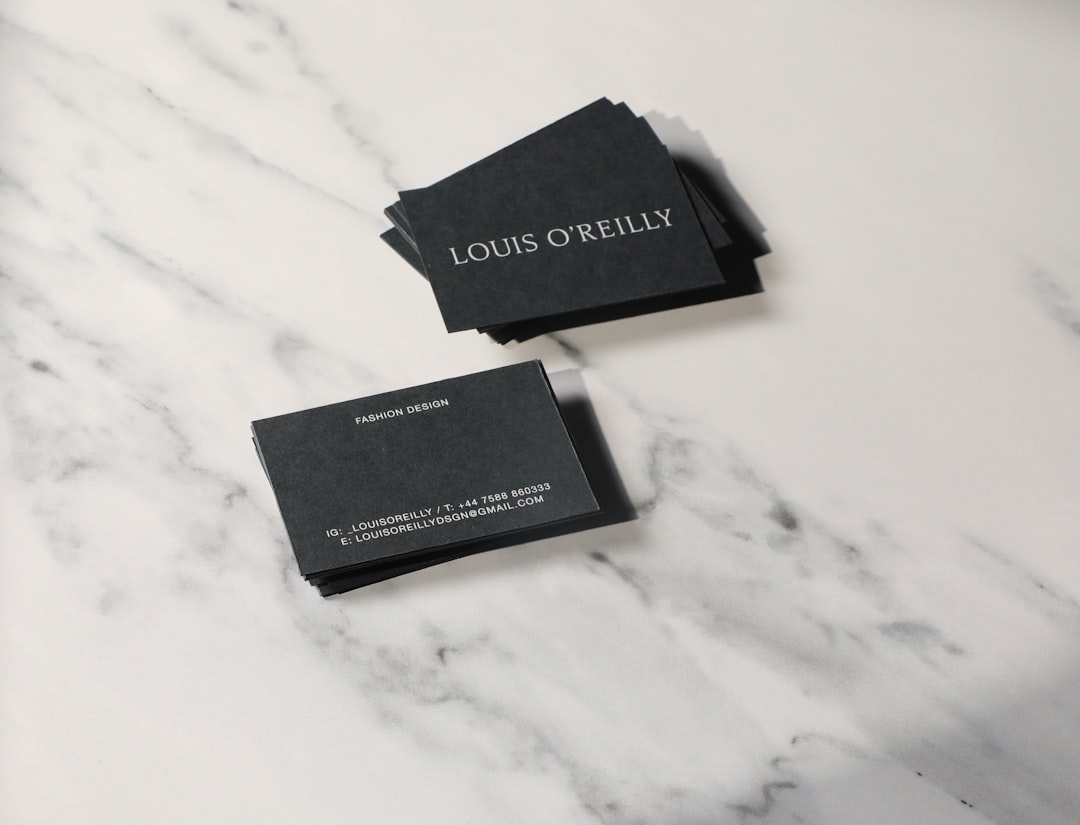
Professional output isn’t only about aesthetics—it’s about preparation and technical precision.
Choosing the Right Tool for Your Needs
If speed and simplicity matter most, tools like Canva and Shopify’s maker provide quick solutions. If premium quality and tactile experience are priorities, Moo and Jukebox Print shine. Meanwhile, Adobe Express and PsPrint cater to those seeking deeper customization.
The key is aligning your brand’s personality with the platform’s strengths. A minimalist consultant may prefer clean templates and high-grade matte finishes, while a creative agency may experiment with foil accents and bold shapes.
Final Thoughts
Business cards may be small, but their impact is significant. The right design captures attention, reinforces your brand identity, and leaves a lasting impression long after a meeting ends. Today’s business card makers eliminate technical barriers, allowing anyone to transform ideas into tangible, professional assets.
Whether you prioritize affordability, customization, sustainability, or premium finishes, there’s a tool built for your needs. By selecting the right platform and ensuring your file is genuinely print-ready, you can confidently hand over your card knowing it represents your business at its very best.