
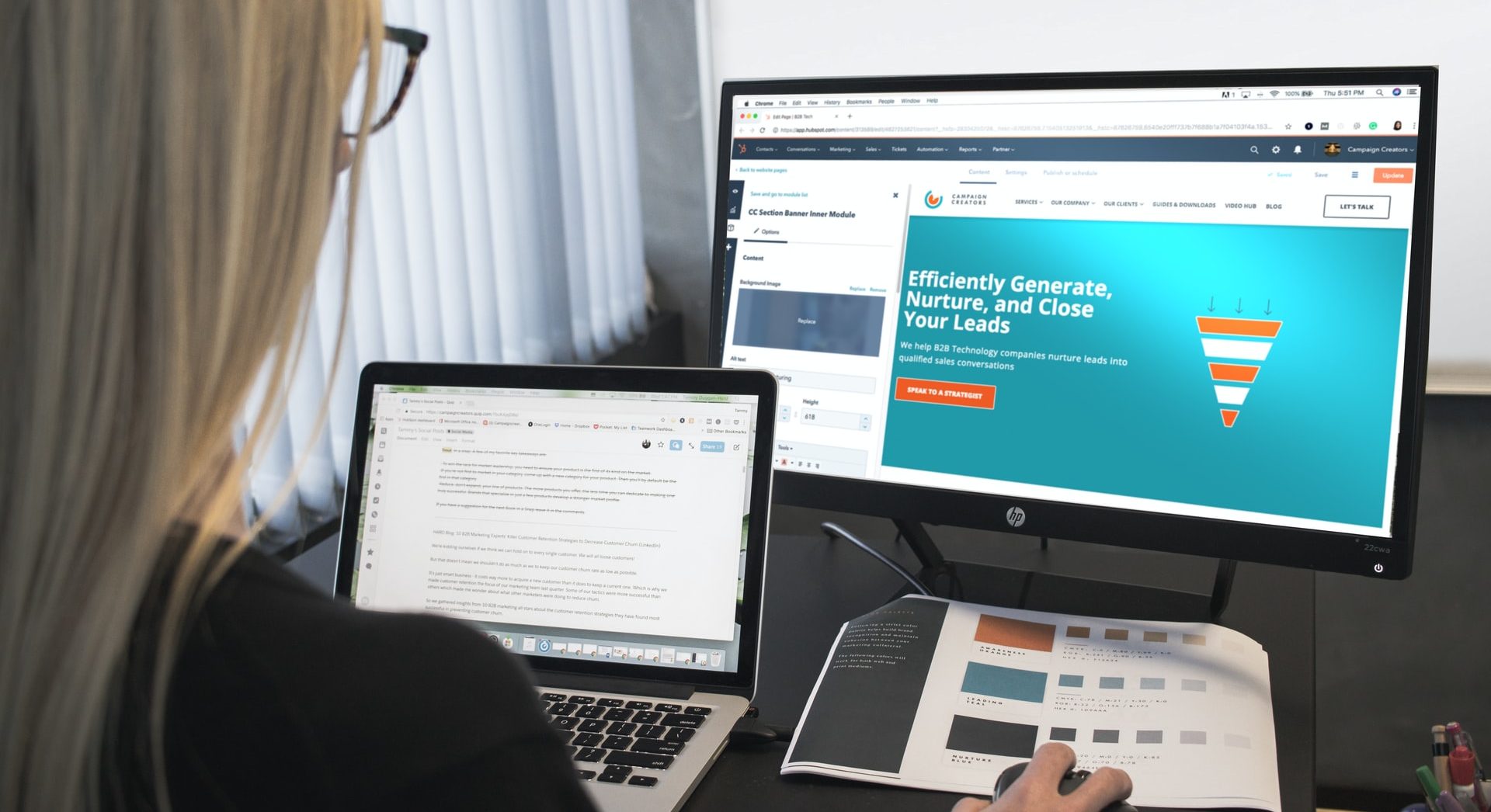
Professional web design is now most accessible through platforms that combine templates, visual editing, hosting, AI help, and built-in business tools. The strongest options give small teams a finished site without forcing them to hire a full design agency or write custom code. They also shorten the painful early steps: layout planning, mobile styling, forms, SEO, and publishing.
TLDR: Platforms such as Wix Studio, Webflow, Squarespace, Shopify, Framer, WordPress.com, and Canva Websites make polished web design easier for non-specialists. A local bakery, for example, could launch a five-page site in two workdays instead of waiting three weeks for a custom build. For many small businesses, template-based design can cut setup time by 50% to 70%, especially when hosting, forms, and mobile layouts are included.
1. Wix Studio
Wix Studio is built for freelancers, small agencies, and business owners who want strong visual control without dealing with code every hour. It offers responsive editing, reusable sections, CMS features, animations, and client handoff tools.
The platform feels practical because it keeps design, hosting, SEO, and collaboration in one place. A restaurant can create menus, booking pages, event sections, and location pages without stitching together five services. The catch is that heavy pages can feel crowded in the editor. Expect a few extra seconds when switching between complex sections on older laptops.
Best for: service businesses, agencies, portfolios, restaurants, and local brands that need a polished site fast.
2. Webflow
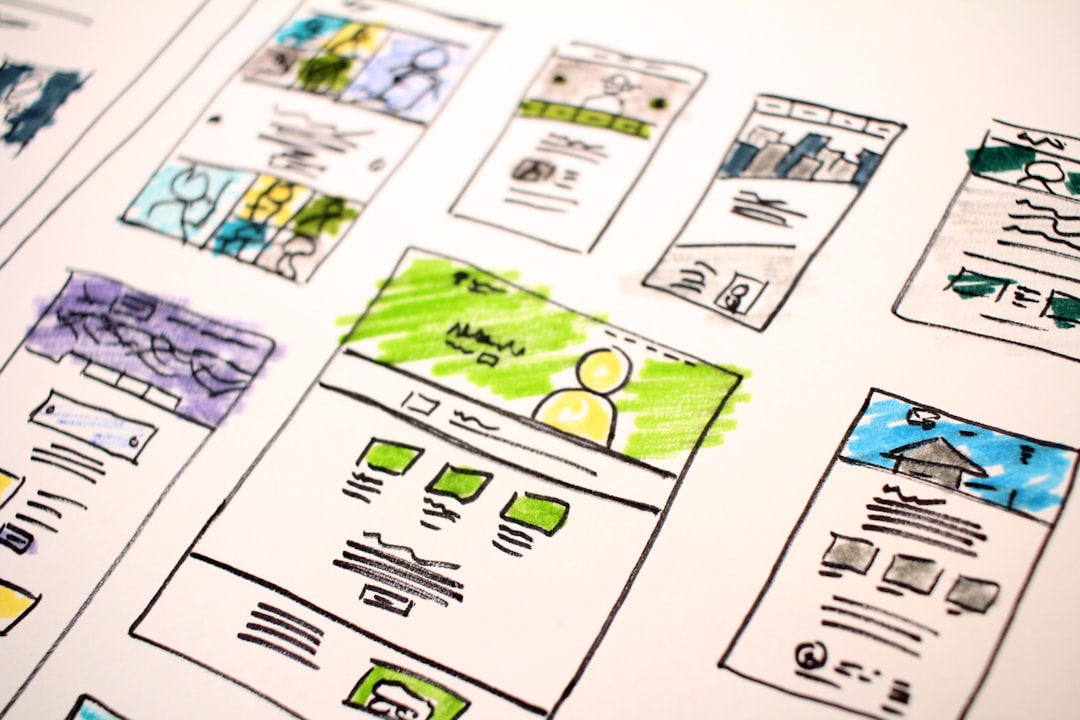
Webflow gives users a design system that feels close to front-end development, but with a visual interface. It suits teams that care about spacing, grids, interactions, CMS collections, and clean structure.
Designers often choose Webflow because it allows detailed control over breakpoints, classes, reusable components, and animations. It can produce professional marketing sites, editorial pages, landing pages, and SaaS homepages. It also includes hosting and CMS tools, which reduces technical setup.
Honestly, it feels like Webflow asks beginners to learn a new language before they can relax. Classes, containers, and positioning can confuse first-time users. Still, once the basics are clear, it becomes one of the most capable no-code design tools available.
Best for: design-led companies, SaaS brands, agencies, consultants, and content-heavy marketing sites.
3. Squarespace
Squarespace remains one of the easiest platforms for clean, elegant websites. Its templates are polished, consistent, and hard to ruin. That matters for users who do not want to debate every pixel.
It works well for photographers, writers, wellness brands, coaches, and small shops. The editor supports pages, galleries, appointment scheduling, email campaigns, basic commerce, and blogging. Most designs look good on mobile with little effort.
The downside is creative control. Users who want unusual layouts may feel boxed in. Still, that restriction helps many projects ship faster. A coach can build a home page, services page, booking page, and contact page in a single afternoon.
Best for: portfolios, personal brands, creative services, event sites, and small business pages.
4. Shopify
Shopify makes professional web design accessible for businesses that sell products. It is not just a site builder. It manages inventory, checkout, taxes, payments, shipping options, discounts, and product pages.
For online stores, design has to support trust and sales. Shopify themes help with that. They include product grids, filtering, reviews, carts, collections, and mobile checkout patterns. A small clothing label can start with 20 products, add payment options, and publish a credible storefront without building checkout from scratch.
The annoying part is app dependency. Some useful features require paid add-ons, and monthly costs can rise quickly. Even so, its sales tools remain hard to beat for commerce-first projects.
Best for: product brands, dropshipping stores, retail shops, digital goods, and growing ecommerce teams.
5. Framer
Framer is popular with startups and designers who want modern landing pages that look sharp. It mixes freeform design, components, CMS features, animations, and AI-assisted site generation.
Framer is especially useful when a team needs to test a message quickly. A startup can publish a landing page for a new app, connect a form, add pricing blocks, and track signups without a long production cycle. Its templates often feel current, with strong typography and smooth motion.
It can be less ideal for large, complex websites with lots of editors and strict publishing rules. For compact marketing sites, though, it offers speed and style in a clean package.
Best for: startups, app launches, waitlist pages, product teasers, and designer portfolios.
6. WordPress.com
WordPress.com brings managed hosting and easier setup to the WordPress ecosystem. It helps users avoid server setup while still offering themes, plugins on eligible plans, blogging tools, SEO options, and content management.
Its biggest strength is flexibility. A nonprofit can publish news, donation pages, event recaps, staff bios, and resource libraries. A publisher can manage hundreds of posts without outgrowing the system quickly.
The interface can feel uneven. Some tasks happen in the block editor, others in site settings, and others inside theme controls. It drives people mad when a simple spacing fix takes longer than expected. Still, for content-heavy sites, WordPress.com is a strong middle path between ease and growth potential.
Best for: blogs, nonprofits, magazines, resource hubs, schools, and organizations with frequent updates.
7. Canva Websites
Canva Websites makes web design accessible to people who already create social posts, flyers, pitch decks, and brand assets in Canva. It turns visual pages into simple published websites with templates, brand kits, stock media, and drag-and-drop editing.
It is not the right choice for complex sites, advanced SEO, large content systems, or serious ecommerce. Its value is speed. A speaker can create a one-page profile with a bio, event photos, testimonials, and a contact button in under an hour.
Canva also helps teams keep visuals consistent. Brand colors, logos, and fonts can carry from social graphics into the website. That saves time for small teams without a dedicated designer.
Best for: one-page sites, event pages, speaker bios, simple promotions, and quick campaign pages.
How to Choose the Right Platform
- Choose Wix Studio when a polished business site needs flexibility and client-friendly editing.
- Choose Webflow when visual precision and custom layouts matter most.
- Choose Squarespace when speed, clean templates, and low maintenance are the priority.
- Choose Shopify when selling products is the main goal.
- Choose Framer for modern landing pages, startup sites, and fast campaign launches.
- Choose WordPress.com for blogging, publishing, and large content libraries.
- Choose Canva Websites for simple one-page sites tied to visual campaigns.
The best platform depends on the job. A site that sells 200 products needs a different tool than a one-page event promo. A consulting firm may need booking forms and case studies. A startup may need a landing page that changes every week. The smartest choice is the platform that removes the most friction for that specific project.
FAQ
Which platform is best for beginners?
Squarespace and Canva Websites are often the easiest starting points. They offer simple editors and attractive templates with less setup.
Which platform is best for professional designers?
Webflow, Framer, and Wix Studio give designers more control over layouts, motion, and reusable design elements.
Which platform is best for ecommerce?
Shopify is the strongest choice for online stores. It includes checkout, inventory, payment tools, shipping options, and product management.
Can these platforms replace a web designer?
They can replace basic production work for many small projects. For branding, strategy, conversion planning, and custom systems, a skilled designer still adds major value.
Are no-code websites good for SEO?
Yes, many no-code platforms include SEO settings, fast hosting, mobile layouts, and structured pages. Results still depend on content quality, site speed, links, and clear page organization.