
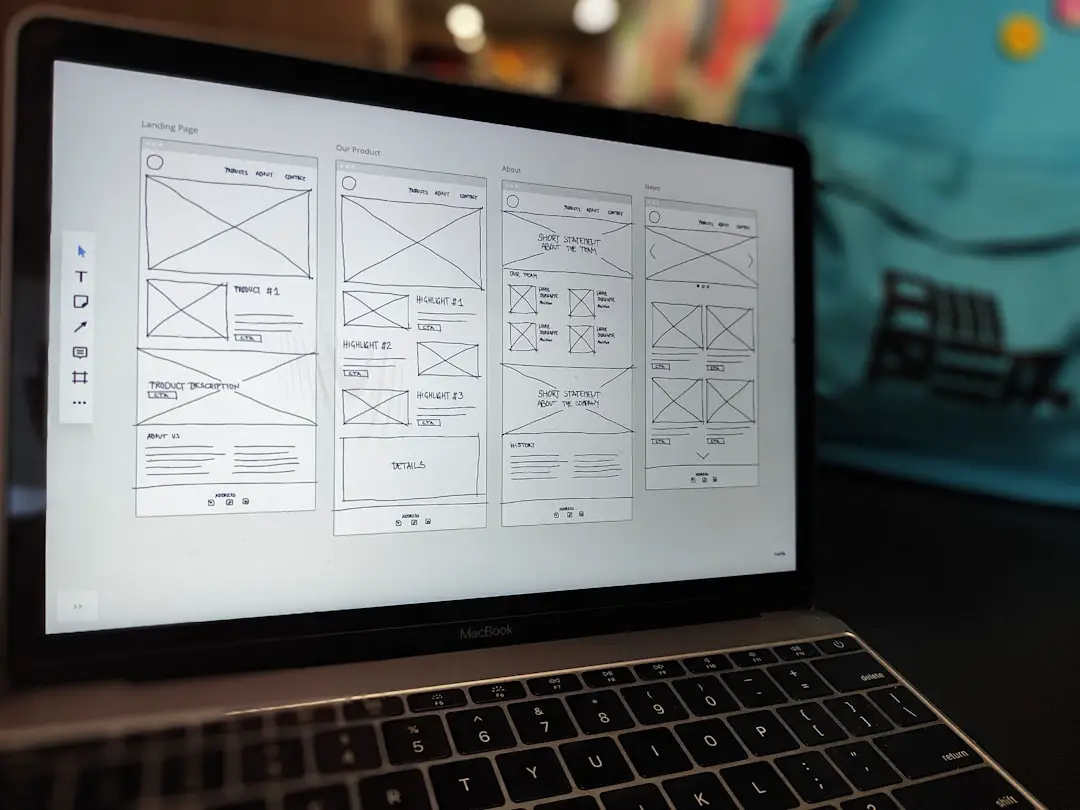
Advanced AI video generation models are rapidly transforming how studios, agencies, and independent creators produce visual content. Tools like ReelMind AI and other multimodal platforms now offer unprecedented control over style, motion, realism, and narrative cohesion. However, unlocking their full potential requires more than simply writing prompts—it demands structured workflows, model awareness, and strategic decision-making. Understanding how to integrate advanced AI models into a professional video pipeline is what separates experimental results from production-grade output.
TLDR: Advanced AI video creation requires structured workflows, precise prompting, and model-specific optimization. Successful teams treat AI models as collaborative production tools rather than one-click solutions. By planning outputs, selecting the right models, and refining prompts iteratively, creators can achieve cinematic quality while saving time and budget. The six strategies below outline a practical framework for integrating advanced AI systems like ReelMind AI into professional pipelines.
1. Design Workflows Before You Generate Anything
The most common mistake in AI video production is jumping directly into generation without defining workflow stages. Advanced AI platforms perform best when integrated into a structured pipeline rather than used ad hoc.
A professional AI video workflow typically includes:
- Pre-visualization and concept framing
- Model selection and parameter planning
- Prompt drafting with style constraints
- Scene batching and generation
- Post-generation refinement and editing
Before opening ReelMind AI or any advanced model, outline your narrative beats, visual style references, runtime constraints, and delivery resolution. Treat AI clips as production assets—similar to live-action footage—rather than end products.
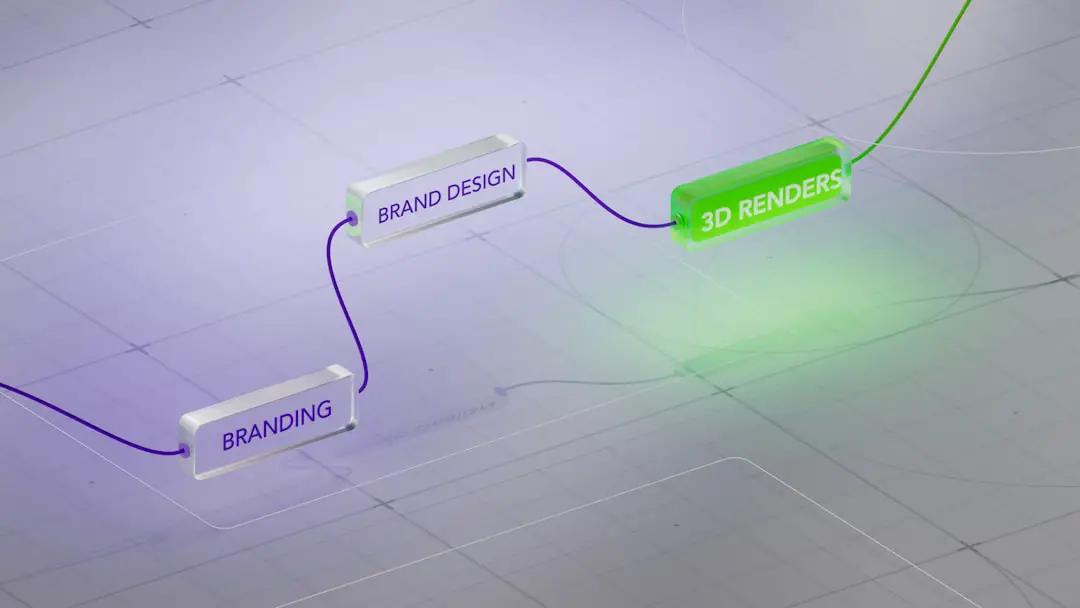
By planning inputs and outputs in advance, teams reduce rework, save computational costs, and maintain stylistic consistency across scenes. This approach is especially important for episodic content or brand campaigns that require visual uniformity.
2. Match the Model to the Creative Objective
Advanced AI platforms often provide multiple models optimized for different tasks: photorealism, cinematic lighting, animation, motion coherence, or stylistic abstraction. Not all models handle motion or scene continuity equally well.
Choosing the right model begins with understanding three variables:
- Temporal stability – How consistently the model handles motion across frames.
- Detail fidelity – Texture sharpness, skin realism, environmental nuance.
- Prompt responsiveness – How precisely it interprets descriptive inputs.
If your project requires character-driven close-ups with emotional subtlety, prioritize models known for facial consistency. If you are generating stylized transitions or conceptual sequences, models with stronger artistic bias may be preferable.
Below is a simplified comparison chart illustrating how different model types are typically positioned in professional workflows:
| Feature | Cinematic Realism Model | Stylized Creative Model | Motion Optimized Model |
|---|---|---|---|
| Best For | Commercials, films, product demos | Music videos, abstract content | Action scenes, dynamic shots |
| Strength | High visual fidelity | Bold artistic rendering | Smoother frame transitions |
| Limitation | Higher compute cost | Less realism | Limited fine detail |
| Prompt Sensitivity | High precision required | More flexible | Moderate |
Experienced teams often combine outputs from multiple models within the same production timeline. For example, use a realism-focused model for hero shots and a motion-optimized model for movement-heavy cutaways.
3. Treat Prompts as Structured Creative Briefs
In advanced AI video generation, prompts are not casual descriptions—they are executable creative specifications. High-quality results correlate directly with prompt clarity and specificity.
A professional prompt typically includes:
- Subject description (who or what)
- Environment and context
- Camera perspective and motion
- Lighting conditions
- Emotional tone or atmosphere
- Technical instructions (duration, aspect ratio)
For example, instead of writing “woman walking in the city,” a structured prompt would specify:
“A mid 30s professional woman walking confidently through a modern financial district at sunset, tracking camera shot, shallow depth of field, warm cinematic lighting, subtle background motion blur, realistic skin textures.”
This level of detail reduces ambiguity and minimizes regeneration cycles. Advanced users also lock stylistic constants—such as focal length simulation or color grading intent—across prompts to maintain coherence between scenes.
4. Use Iterative Generation Rather Than One Pass Output
Advanced models should be used iteratively. Generating a long scene in a single pass often sacrifices precision. Instead, break sequences into modular shots.
A recommended process:
- Generate short sample clips (3–5 seconds).
- Evaluate subject consistency and lighting accuracy.
- Adjust prompts and parameters accordingly.
- Lock the best configuration.
- Batch produce the final sequence.
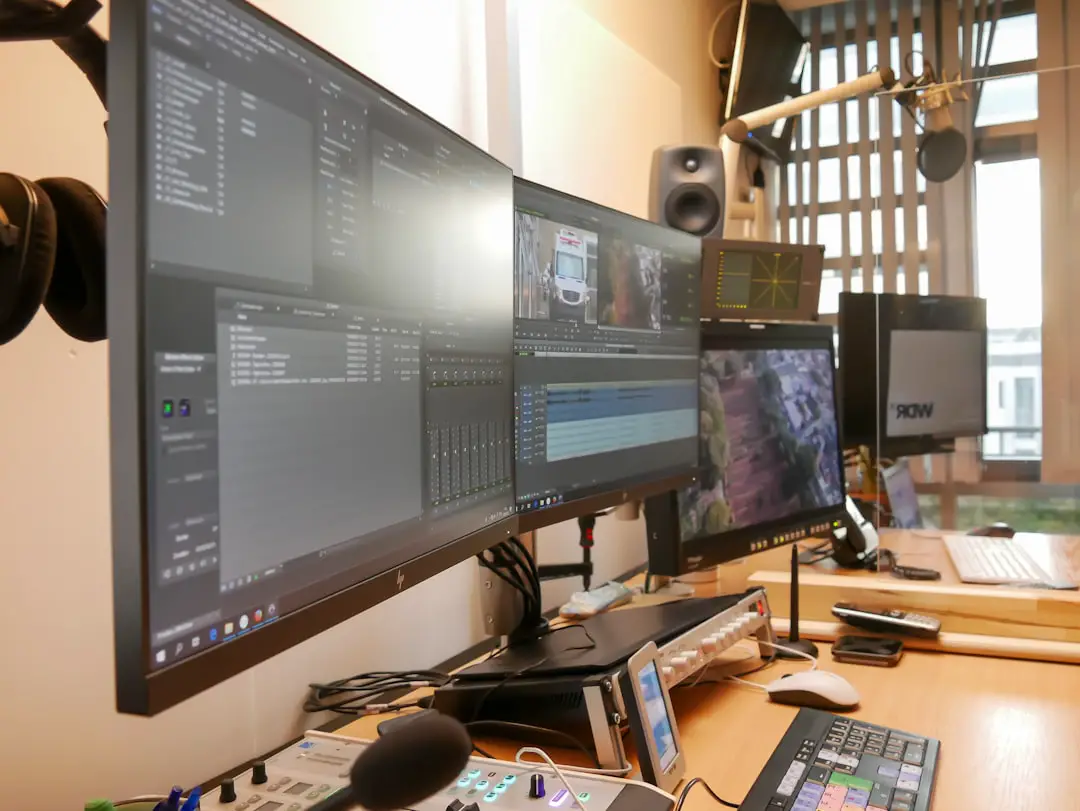
This modular strategy offers three advantages:
- Cost efficiency: Fewer wasted compute cycles.
- Quality control: Early detection of inconsistencies.
- Creative flexibility: Easier scene reordering or re-editing.
ReelMind AI users in particular benefit from testing parameter variations before committing to full-resolution outputs. Think of early runs as “digital rehearsals.”
5. Prioritize Continuity and Visual Coherence
One of the primary challenges in AI video workflows is visual inconsistency between scenes. Changes in character details, lighting angle, or environment geometry can disrupt immersion.
Mitigating inconsistency requires deliberate controls:
- Reuse descriptive anchors across prompts (e.g., wardrobe, setting architecture).
- Maintain consistent lighting descriptors.
- Reference prior outputs when available.
- Avoid unnecessary stylistic drift between shots.
For longer narrative sequences, maintain a “visual bible”—a concise document listing character descriptions, palette preferences, and environmental details. This mirrors traditional film production practices and ensures AI outputs align with established continuity rules.
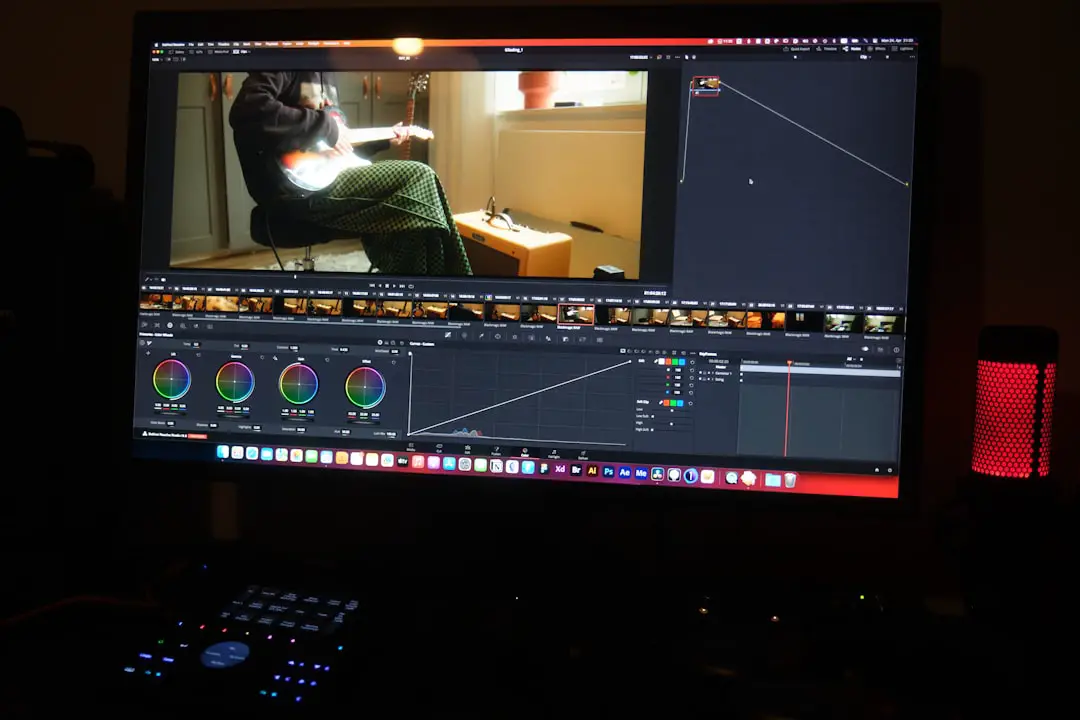
Advanced teams also standardize color tone or apply post-processing LUTs during editing to unify scenes generated from slightly different models.
6. Integrate Post Production as a Core AI Step
AI-generated video should rarely be considered final output. Professional results emerge when generation is followed by careful editing and enhancement.
Post-production may include:
- Color grading adjustments
- Sound design integration
- Video stabilization
- Texture refinement
- Subtle manual VFX corrections
Advanced creators treat AI outputs as high-quality raw footage. Even small improvements in contrast, pacing, or audio layering significantly elevate perceived quality. A minor grading adjustment can transform an “AI-generated” look into something convincingly cinematic.
Additionally, combining AI clips with stock footage, licensed music, or live-action elements often produces superior hybrid results.
Strategic Considerations for Long-Term Success
To fully leverage advanced models in video workflows, professionals should also consider broader operational factors:
- Data management: Archive prompt versions and output iterations for reuse.
- Compute budgeting: Allocate rendering resources strategically.
- Team training: Ensure creative directors understand prompt engineering basics.
- Ethical usage: Maintain transparency and compliance with licensing terms.
Advanced AI video generation is not merely a technical tool; it is a new production paradigm. It compresses ideation, visualization, and rendering into a unified digital environment. Teams that combine creative discipline with structured AI usage gain significant competitive advantage.
Conclusion
Using advanced models like those available in ReelMind AI effectively requires planning, precision, and professional discipline. Workflows must be structured, models carefully selected, and prompts crafted like creative briefs. Iterative generation improves reliability, while continuity management ensures production-grade consistency. Finally, thoughtful post-production transforms strong AI outputs into fully polished visual assets.
Organizations that implement these six strategies treat AI not as a novelty, but as a reliable production partner. As advanced models continue to evolve, those who master workflow integration today will define the next era of digital storytelling.