
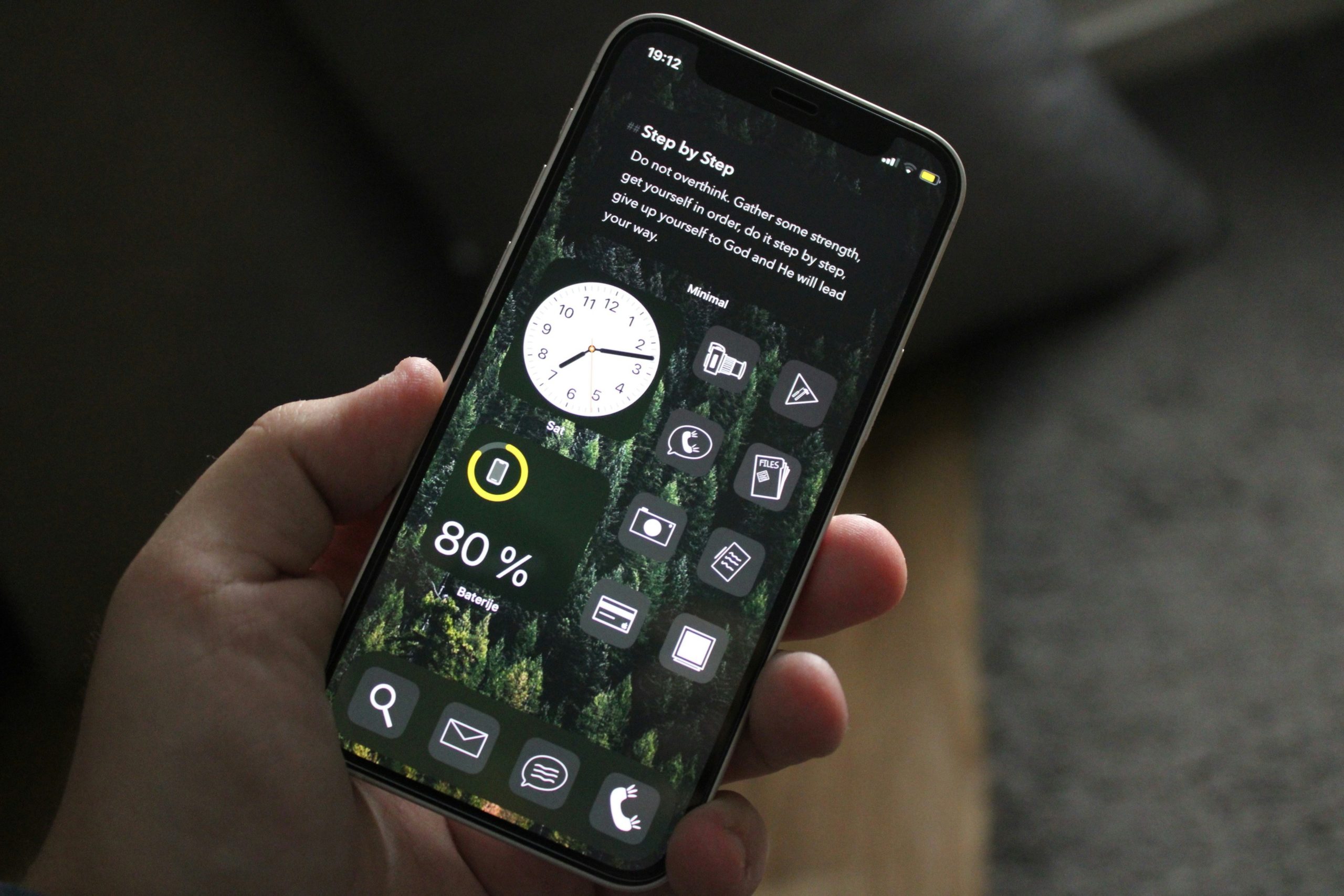
Your phone is your lifeline these days. Between work emails and scrolling through social media, we are glued to these devices. However, some of the biggest headaches come from simple unit conversions.
I am talking about those moments when you are trying to figure out exchange rates while traveling or wondering if you have enough storage space for a new app. Master these five conversions and you will get more out of your phone.
Converting Currency for Travel Apps
Travel apps have changed the game, and the days of carrying around little conversion charts are long gone.
Imagine you are wandering through a night market in Bangkok and someone is trying to sell you a shirt for 800 baht. With quick currency conversion, you will know instantly that the price is about $23, which is not bad for a decent shirt.
The best part is that your phone pulls live rates automatically. There are no more mental gymnastics trying to remember if the euro is stronger than it was last week, so you can enjoy your vacation instead of stressing about money math.
Calculating Data Storage
We have all been there trying to record a video or download something only to see the “Storage full” notification.
1GB equals 1,024MB. This little fact can save you tons of frustration. If that new game you want is 2.5GB and your phone shows 3GB free, you are good to go. There is no guessing or hoping it will fit.
I learned this the hard way when I missed recording a friend’s wedding speech because I did not check my storage first. Know your numbers to avoid missing out.
Maximizing Screen Efficiency with PPI
PPI (pixels per inch) determines how sharp your screen looks. Higher PPI means crisper text and images.
My phone has a 5.5-inch screen with 1920×1080 resolution. That works out to 401 PPI, which is solid for reading and watching videos. Understanding this helps you adjust settings to save battery while keeping things looking good.
Most people just crank brightness to max and wonder why their battery dies, but smart users find that sweet spot.
Enhancing Audio Experience with dB Conversions
Your ears matter more than you think. I know someone who damaged their hearing from constantly blasting music through earbuds.
Anything over 85dB for extended periods can hurt your hearing, which is roughly the level of city traffic. Your phone can monitor this if you let it.
I use apps that warn me when I am pushing volume too high. I want my music loud sometimes, but not at the cost of my hearing. Find that balance between great sound and keeping your ears happy for the long haul.
Battery Life Estimations
Battery life estimation is one of the most useful conversions you will learn. If your phone has a 3,000 mAh battery and you typically use about 400mA during normal use, you have 7.5 hours of active screen time.
You can plan your day better, know when to charge, and avoid panic when your battery hits red. This is especially important if you are using devices like Tracfone Phones, where managing battery life smartly keeps you connected without surprises.
Conclusion
These five conversions are practical tools that will make your phone work better for you. Master these basics and you will wonder how you ever managed without them. Your phone is already smart, and now you can be smarter about using it.
Author: Thaddeus McCall